As at the time when the co-developer of Adobe put up a Portable Document Format known as PDF, the founder plan was to ensure simplicity in sharing of files. Amazingly, it turned the other way round as people now see the process a difficult task. Here’s How to Edit PDF Files on Laptop.
How to Edit PDF Files on Laptop
When it comes to external hyperlinks, the pattern fail to work hand in hand with the external hyperlinks. But later on, certain developmental works are carried out on PDF and later turn out to be friendly in usage.

Despite the developmental works, some people still find it difficult to carry out editing task unlike other format.
The truth is that any PDF gotten from another format are changed to PDF files for sharing purpose. Incase you’re not the real writer, editing the document won’t be an easy task because the document is not open to you.

Incase you’re looking for suitable ways or tips on how to edit PDF files on your laptop, kindly join me and let’s follow these simples steps.
Adobe Acrobat is the most suitable and essential tool for carrying out editing task of PDFs.
As have mentioned earlier, for you to carry out editing task of PDFs, you need Adobe Acrobat. Don’t worry on how you can have one, once you surf the web, do not hesitate to get the premium type that request just a small token.
The good news is that, there is free trial that does not exceed more than one week.
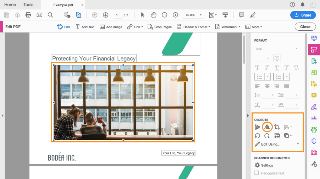
Move straight to File > Open.
Choose the Edit PDF app in the exaxt format.

Tap on the documents or pictures that require editing work. All the options for editing will be shown by Acrobat. The truth is that options for editing PDF document are different.
Incase you’re thinking on how to choose the front to adopt and not on your device, that is, the process of installation is required or essential.
Immediately you are through with the relevant adjustment, don’t forget to click on save option.
Adopt the latest Microsoft Word.
If I may ask, do you have the latest Microsoft versions? It will enhance your step in carrying out editing task without wasting much of your time.
To choose the PDF document, tap on open, to carry out editing task.
A message will come up, revealing that your word will be changed to file that can be easily edited
Don’t forget to do neccesary corrections by tapping on Okay. Also remember to save.
Do you want to use Google Docs?
Do you want a fast and simple editing mode of PDF document? Google Docs can give you such opportunities and advantages.
Infact, there are countless of ways you can edit PDF file on your laptop, I only highlighted the simple methods out of many options.
Also you can go online and download relevant e-books that talk about PDF files and other format, by doing so, you’re gradually expanding your scope of knowledge and skill in the tech world.
The truth is that changing and saving document as PDF is a way of securing files and for easy sharing and sending.
Many research papers, writing projects, e-books are saved in PDF, this is to show you that people now use PDF unlike before.
Do you need a quality laptop that can ease the stress of editing PDF files?
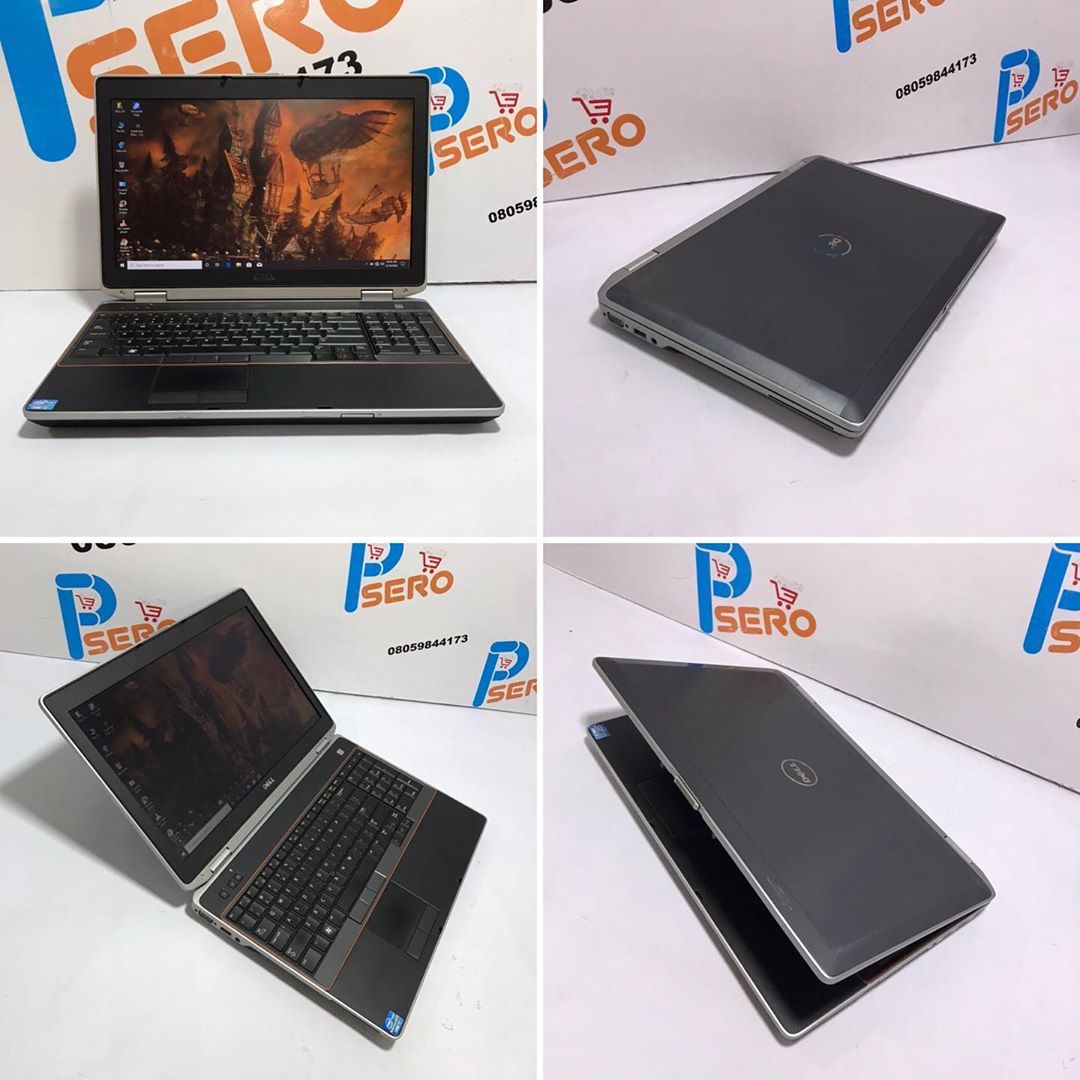
Incase you’re planning to change your laptop so as to be able to carry out PDF editing task on it, then you’re on the right track because I have good news for you.
Psero Tech – No 1 dealer of UK used laptops in Nigeria.
Quality and affordability is their watchword. Check out our available products here www.psero.com.