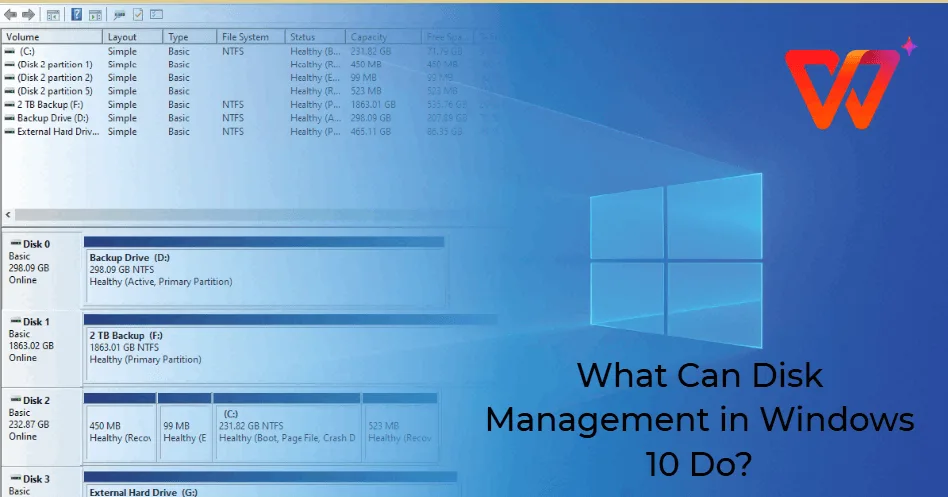
You connect a new SSD to your laptop, but it does not appear in File Explorer. Perhaps your computer shows a C: drive and a D: drive, and you are unsure whether they represent two physical drives. You might even see a message asking you to initialise a disk before…
Category: Blog
Discover the latest and greatest in the world of laptops at Psero Laptop Blog! Stay updated with exciting news, reviews, and tips on the hottest laptop models. Get ready to embark on a thrilling tech journey with us!
Windows Backup vs System Restore Explained: How to Protect Your Laptop Files and Settings
Imagine spending several months working on school assignments, business documents, client projects, or website files. One day, a Windows update causes problems, an application stops working, or your laptop refuses to start properly. Suddenly, you realise you have no recent copy of your important files. This situation is avoidable. Windows…
How Long Should a Good Laptop Last? Buyer’s Guide for Nigerians (2026)
One of the most common questions laptop buyers ask is, “How many years should a good laptop last?” The answer depends on several factors, including the laptop’s build quality, specifications, maintenance, and how you use it. If you choose the right laptop and take proper care of it, your investment…
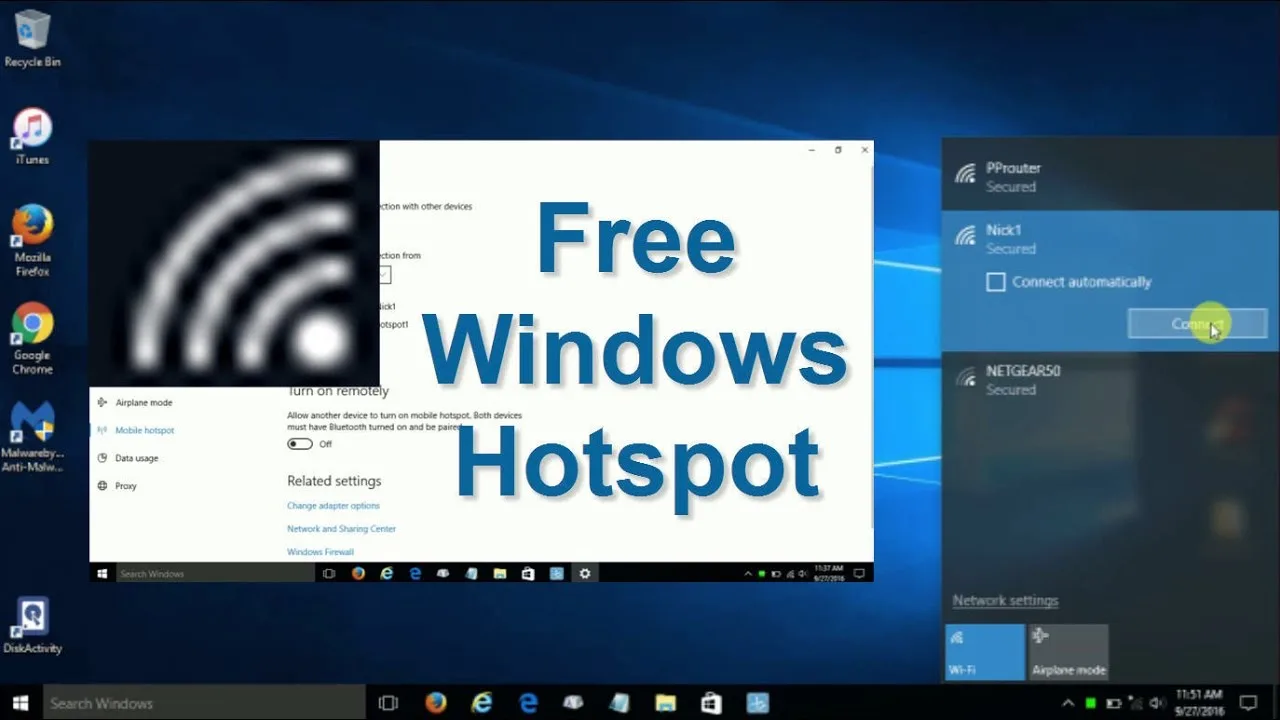
How to Turn Your Windows Laptop into a Wi-Fi Hotspot: Setup, Troubleshooting and Data Tips
Your phone needs an internet connection, but your laptop is already connected to a network. Perhaps you are working from a café, attending an online class, or trying to connect another device while travelling. Instead of setting up a separate wireless router, you may be able to share your laptop’s…
Windows Event Viewer Explained: How to Find Laptop Errors, App Crashes and Shutdown Problems
Your laptop suddenly restarts while you are working. Perhaps an application closes without warning, Windows displays an error, or the computer freezes for several seconds before recovering. You try restarting, but the same problem returns a few days later. Instead of guessing what went wrong, you can use a built-in…
How to Compare Two Laptops Before Buying: A Smart Buyer’s Checklist (2026 Guide)
Choosing between two laptops can be difficult, especially when both appear to offer similar specifications. One model may have a newer processor, while the other provides more RAM or a larger SSD. Instead of buying based on price alone, compare the features that affect performance, durability, and long-term value. This…
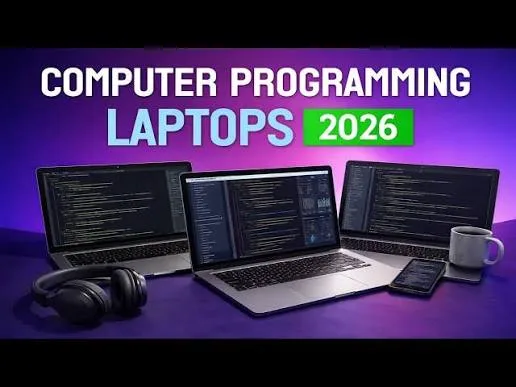
Best Laptops for Programming and Software Development in Nigeria (2026 Guide)
Programming requires a laptop that can handle multiple applications, development environments, virtual machines, databases, and web browsers without slowing down. Whether you’re learning to code or working as a professional software developer, choosing the right laptop will improve your productivity. This guide explains the best laptop specifications for programming and…
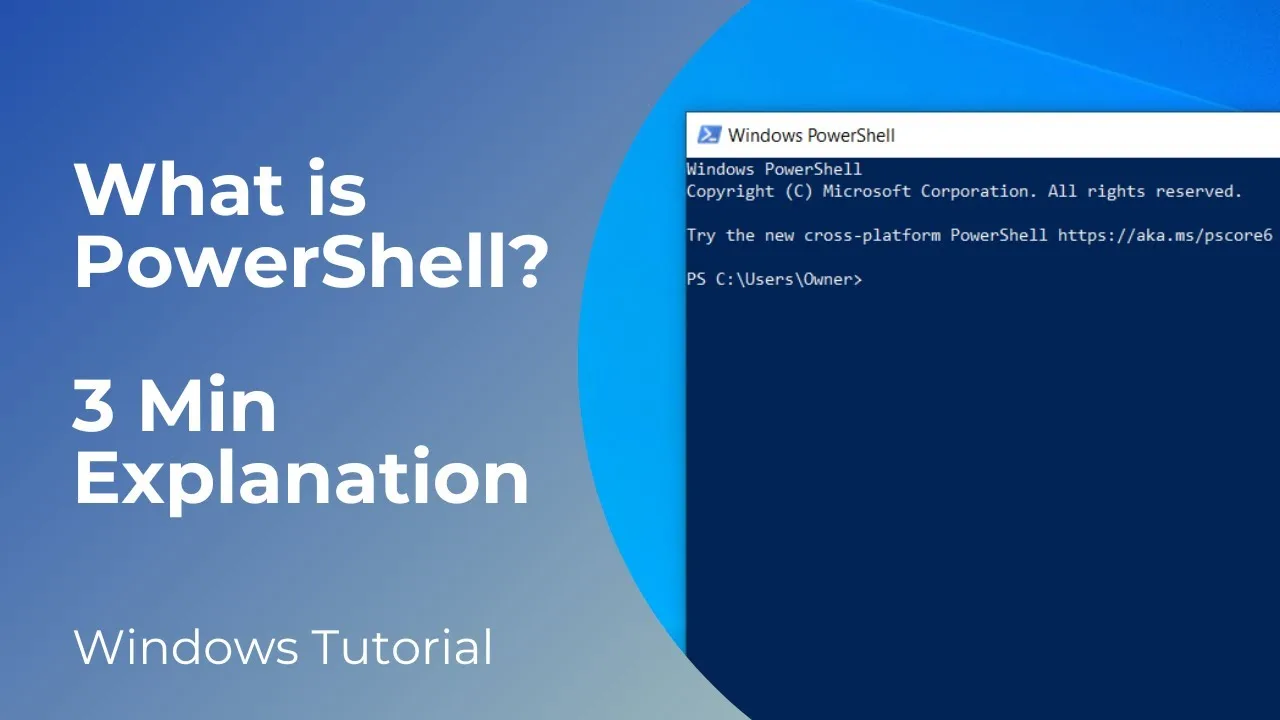
Windows PowerShell and Terminal Explained: Useful Commands Every Laptop User Should Know
Sometimes, fixing a laptop problem takes more than clicking through Windows settings. You may need to check your network connection, find out how much storage remains, identify your Windows version, or troubleshoot a feature that refuses to work. Windows provides built-in command-line tools that can help you investigate these issues…
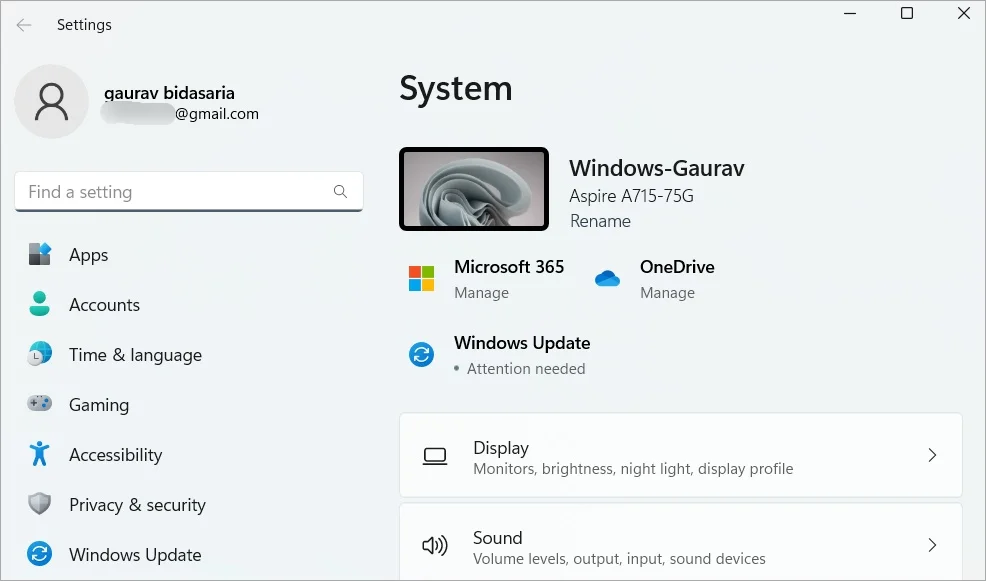
Windows Settings vs Control Panel: Where to Find and Change Laptop Settings
You want to change your laptop’s display resolution, remove an application, adjust a mouse setting or troubleshoot a network connection. You open Windows Settings, but the option you need seems to be missing. Someone then tells you to use Control Panel instead. Windows has two major places for managing system…
How Long Should a Laptop Last? Signs It’s Time to Upgrade in 2026
A laptop is a long-term investment, so it’s natural to wonder how many years it should last. The answer depends on the laptop’s build quality, specifications, maintenance, and how you use it every day. Some laptops remain reliable for over eight years, while others struggle after only three or four…
How to Work with PDF Files on a Laptop: Open, Edit, Sign, Compress and Convert Documents
You receive an application form, download a business proposal or need to submit a school assignment. The document arrives as a PDF, but you need to add information, sign it, reduce its size or convert it into another format. PDF files are common because they help preserve a document’s layout…
Lenovo ThinkPad vs ThinkBook: Which Lenovo Laptop Should Nigerians Buy in 2026?
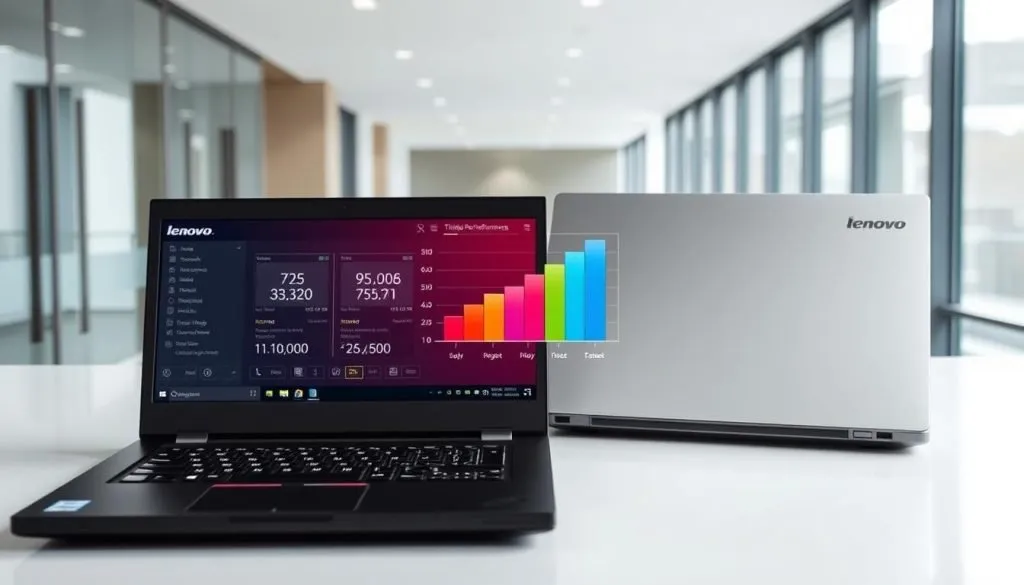
Lenovo produces some of the most reliable laptops in the world. Two of its most popular business-focused product lines are the ThinkPad and ThinkBook. While they share several similarities, Lenovo designed each series for different users and budgets. If you’re planning to buy a Lenovo laptop in Nigeria, this guide…
Laptop Encryption Explained: BitLocker, Device Encryption and How to Protect Your Files
Your laptop can have a strong password and still expose your files if someone removes the SSD and connects it to another computer. That is where encryption becomes important. Windows includes encryption features that can protect data stored on your laptop. BitLocker and Device Encryption are two of the main…
External Laptop Keyboard and Mouse Guide: USB, Bluetooth and Wireless Options Explained
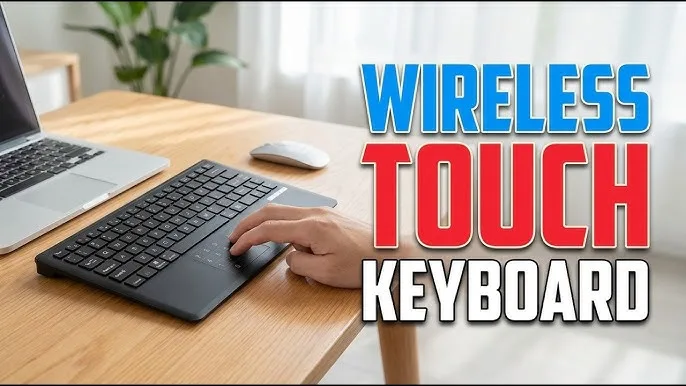
A laptop already has a keyboard and trackpad, so why would you need another keyboard or mouse? For many users, the answer is comfort. Someone who works on a laptop for eight hours a day may prefer a full-size keyboard, a proper mouse or a larger desktop setup. Students, freelancers,…
How to Take Screenshots and Record Your Laptop Screen in Windows
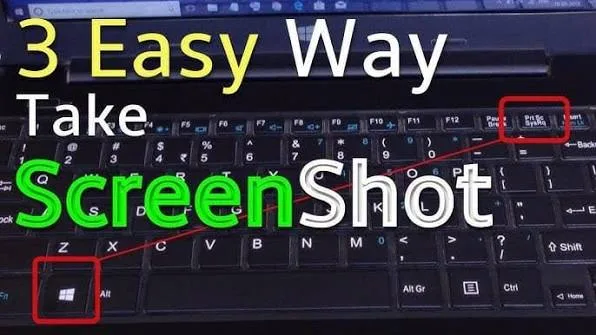
Sometimes the easiest way to explain a laptop problem is to show it. A strange error message, an online receipt, a software screen or a step-by-step tutorial can all be captured directly from your Windows laptop. Windows includes several built-in ways to take screenshots and record your screen. Once you…
Windows File Permissions Explained: Access Denied, Administrator Rights and How to Take Control of Your Files
You open a folder on your own laptop and Windows tells you that you do not have permission to access it. Maybe a file refuses to open, a folder blocks you from deleting it, or Windows asks for administrator approval before allowing a change. These situations can be confusing, especially…
Windows Notifications and Focus Explained: How to Reduce Distractions on Your Laptop
You sit down to finish an important document. Then an email notification appears. A messaging app sends another alert. Windows announces an update, a website asks for permission, and your phone keeps buzzing beside the laptop. None of those interruptions seems serious on its own. Together, they can make focused…
Where to Buy Quality Laptops in Nigeria: A Complete Buyer’s Guide for 2026
Finding the right laptop is important, but choosing the right seller is just as important. Many buyers end up with faulty or overpriced laptops because they purchase from unreliable sources. This guide explains where to buy quality laptops in Nigeria and what to check before paying for any device. 1.…
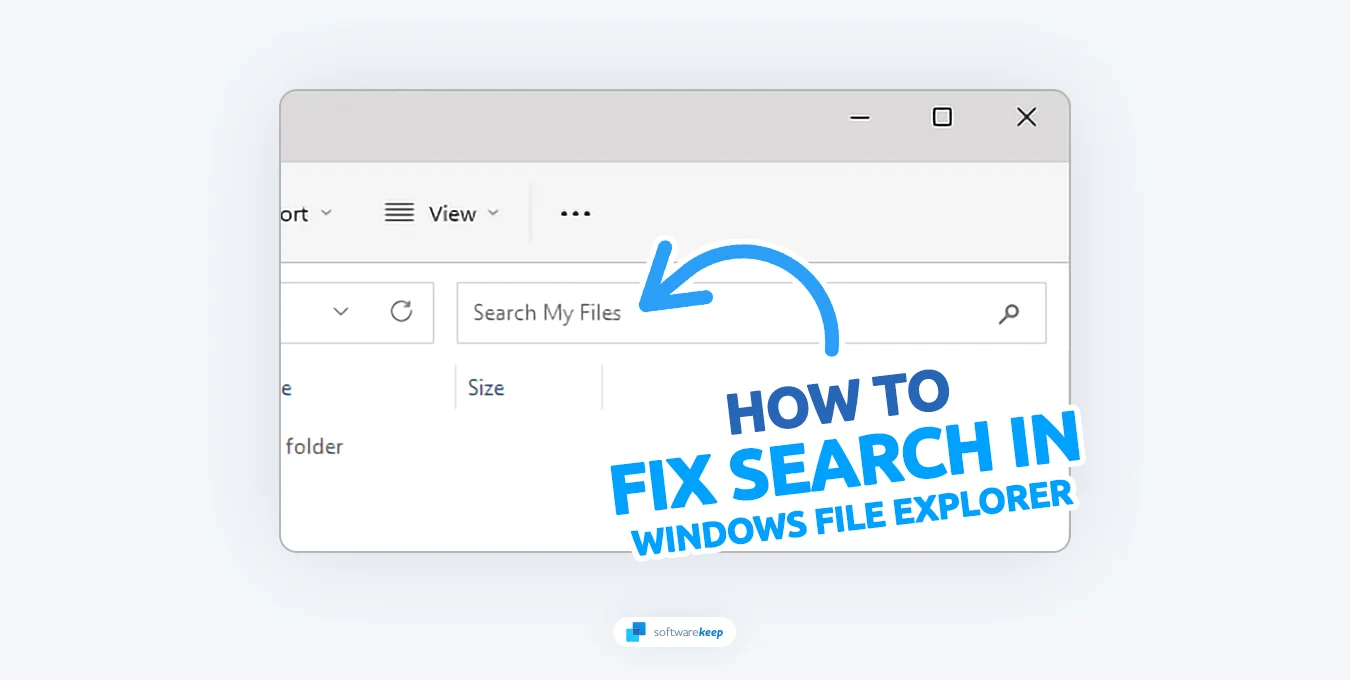
Windows Search and Indexing Explained: How to Find Files Faster and Fix Search Problems on Your Laptop
You know the file exists, but Windows Search refuses to find it. Maybe you remember part of the filename, the folder where you saved it, or even a word inside the document. Yet the search box keeps showing irrelevant results. Windows Search can save a lot of time when it…
Intel Evo Laptops Explained: Are They Worth Buying in Nigeria in 2026?
If you’ve searched for a new laptop recently, you’ve probably seen the Intel Evo badge. Many buyers assume it is a processor, but Intel Evo is actually a certification program that guarantees a laptop meets specific performance, battery life, and responsiveness standards. This guide explains what Intel Evo means, how…
Best Laptops for Digital Marketing Professionals in Nigeria (2026 Guide)
Digital marketing involves managing social media campaigns, creating content, analysing data, designing graphics, editing videos, running online ads, and communicating with clients. A reliable laptop helps marketers work efficiently and manage multiple tasks without interruptions. This guide explains the best laptop specifications for digital marketers and recommends models that offer…
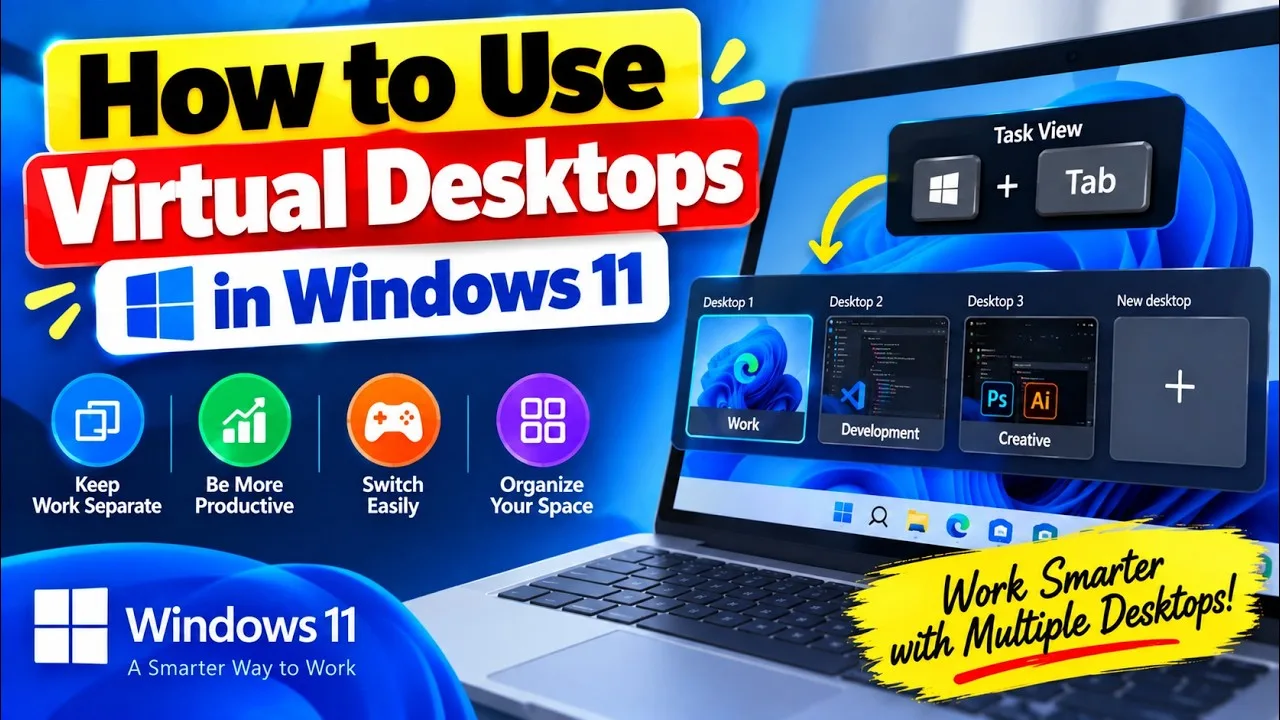
Windows Virtual Desktops Explained: How to Organize Multiple Workspaces on Your Laptop
Imagine working on a laptop with your browser, WhatsApp, Word, Excel, email and several research tabs open at the same time. After a while, finding the window you actually need becomes almost as difficult as doing the work itself. Windows Virtual Desktops offer a simple way to organize that mess.…
We Dropped 10 Laptops Down the Stairs – Here’s What Happened
Ever wondered how tough your laptop really is? Well, we decided to put 10 popular laptops to the test by dropping them down a set of stairs. From rugged business laptops to sleek ultrabooks, we aimed to see which could withstand the impact and which would crumble under the pressure.…
How to Use Your Phone as a Laptop Webcam: USB, Wi-Fi and Wireless Options Explained
Your laptop webcam may technically work, but that does not mean it produces a good image. Older business laptops often come with basic cameras, and some models struggle in rooms with poor lighting. If your phone has a better camera, you may already have a simple upgrade sitting in your…
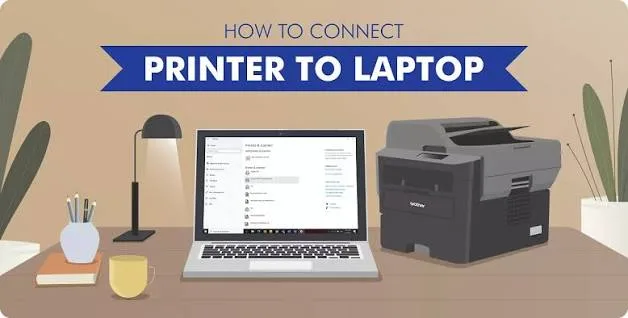
How to Connect a Laptop to a Printer or Scanner
You have an important document ready to print, but the laptop cannot find the printer. Maybe the printer works perfectly with another computer, yet Windows keeps showing “Offline.” A scanner can create the same headache when its software, cable or driver does not cooperate. Connecting a printer or scanner to…
How to Install Laptop Software Safely: Microsoft Store, EXE, MSI and Portable Apps Explained
Installing an application on a Windows laptop looks simple. You find a program online, download it and click the installer. That process can become risky when you download software from the wrong website, install unnecessary extras or give an unfamiliar program more permissions than it needs. Windows applications can also…
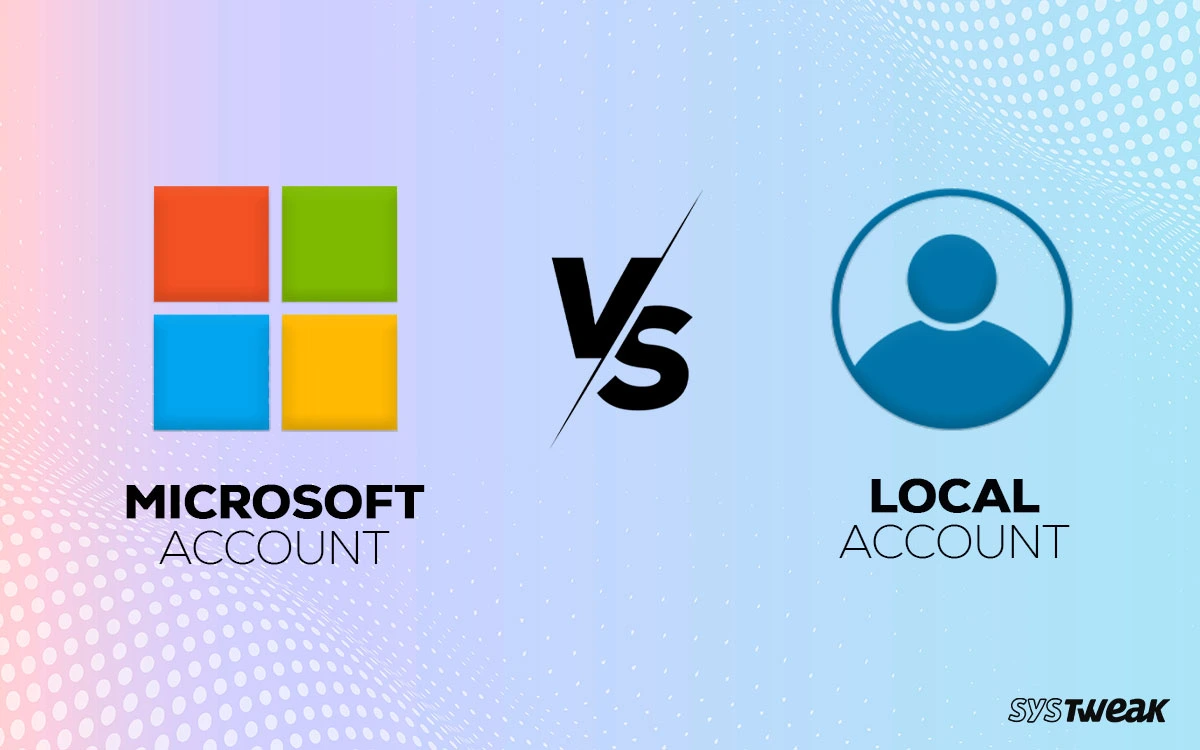
Windows User Accounts Explained: Local Account vs Microsoft Account and Administrator Access
A laptop can have several people using the same Windows installation without everyone needing the same access. One person may need to install software, another may only need to browse the internet, and a child may need a more restricted account. Windows handles these situations through user accounts. The account…
Best Screen Sizes for Nigerians Who Do Heavy Data Entry and Excel Work (2026 Guide)
In Nigeria today, many professionals rely heavily on laptops for data entry, spreadsheet management, and administrative tasks. From accountants and business owners to students and office workers, Excel and similar tools are part of daily productivity. However, one factor that is often ignored when buying a laptop is screen size.…
How to Identify an Original Follow-Come Laptop Charger in Nigeria (2026 Guide)
Buying a laptop in Nigeria is only one part of the equation. The accessories that come with it, especially the charger, are just as important. Unfortunately, many buyers overlook this detail and end up using fake or incompatible chargers. As a result, laptops get damaged, batteries weaken quickly, and performance…
Windows Laptop Keyboard Shortcuts: Useful Keys Every Laptop User Should Know
Many laptop users reach for the mouse or touchpad for almost everything. They open menus, switch between windows, search for files and even take screenshots that way. Windows already provides a faster option for many everyday tasks: keyboard shortcuts. You do not need to memorise dozens of complicated combinations. Learning…
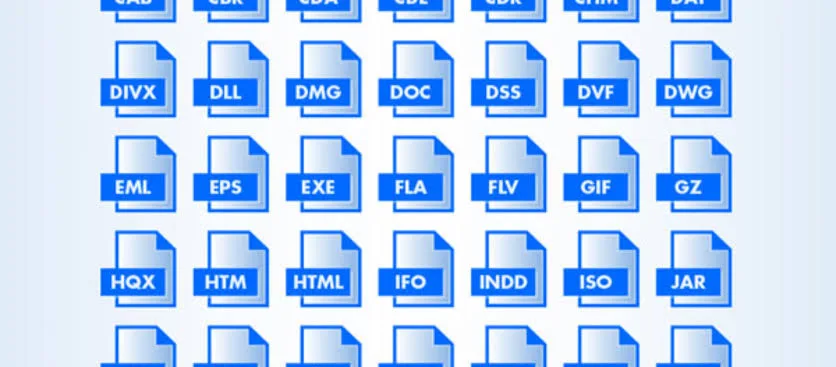
Laptop File Extensions Explained: EXE, MSI, ZIP, ISO, DLL, PDF and What They Mean
You download a program and see a file ending in .exe. Another download ends in .zip. Then you encounter .dll, .iso, .msi or .pdf and wonder what those letters actually mean. These endings are called file extensions. Windows uses them to identify file types and determine which applications can normally…
Windows Safe Mode Explained: How It Works, When to Use It and How to Fix Laptop Problems
Your Windows laptop starts crashing after an update. Maybe an application keeps freezing, a driver causes repeated errors, or Windows refuses to start normally. In situations like these, ordinary Windows startup may make troubleshooting difficult. Safe Mode gives you another way into Windows. Instead of loading everything normally, Windows starts…
How to Get Student Discounts on Software While Living in Nigeria (2026 Guide)
Many students in Nigeria do not realize that they can legally access expensive software at heavily reduced prices—or even for free.Software tools used for design, engineering, writing, and data analysis often cost a lot in the global market.However, most companies offer student discounts to help learners access these tools at…
Laptop Blue Screen (BSOD) Explained: Causes, Fixes and When to Worry
One minute your laptop is working normally. Then the screen suddenly turns blue, Windows stops responding, and the computer restarts without asking you. That situation is commonly known as the Blue Screen of Death, or BSOD. Although the name sounds serious, a single blue screen does not automatically mean your…
Top 3 Websites to Find Legitimate Remote Jobs for Nigerians (2026 Guide)
Remote work has become one of the fastest-growing opportunities for Nigerians today. More companies around the world now hire talent online without requiring physical office presence. As a result, thousands of Nigerians are now earning in foreign currency by working from home using just a laptop and internet connection. However,…
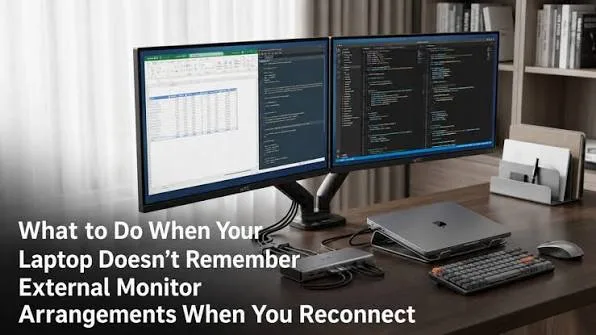
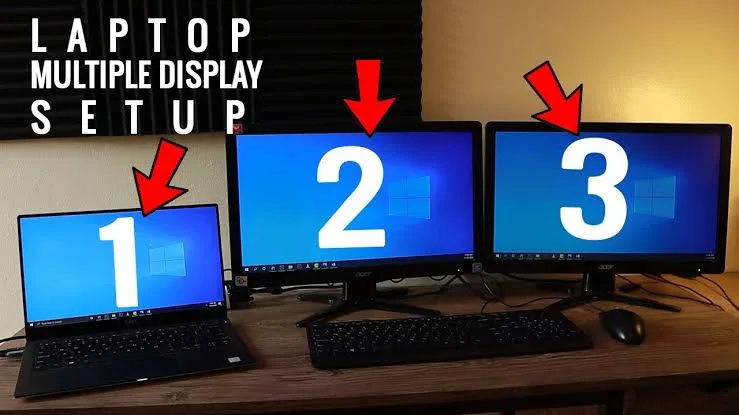
Laptop External Monitor Setup Explained: Resolution, Refresh Rate, Scaling, HDMI, USB-C and Dual Screens
A 14-inch laptop can be perfectly portable but still feel cramped when you are working with several browser tabs, documents and applications at the same time. Adding an external monitor can transform the setup. You can keep your main document on one screen, research on another and move between applications…
Laptop External Monitor Setup Explained: Resolution, Refresh Rate, Scaling, HDMI, USB-C and Dual Screens
A 14-inch laptop can be perfectly portable but still feel cramped when you are working with several browser tabs, documents and applications at the same time. Adding an external monitor can transform the setup. You can keep your main document on one screen, research on another and move between applications…
How to Use Your Laptop to Earn in Dollars as a Virtual Assistant in Nigeria (2026 Guide)
Earning in dollars from Nigeria is no longer limited to tech experts. In fact, many people are now making steady income online as Virtual Assistants (VAs). However, while skills are important, your laptop plays a major role in how far you can go. If your system is slow or unreliable,…
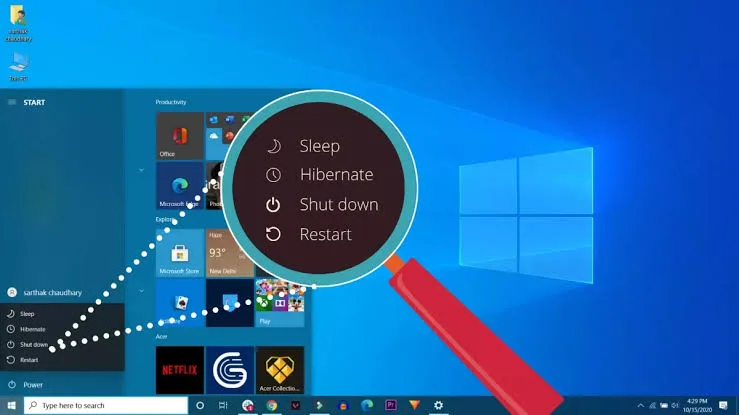
Laptop Sleep vs Hibernate vs Shutdown vs Restart: What Each Option Actually Does
You close your laptop at night, open it the next morning and continue exactly where you stopped. That convenience comes from Windows power states, but many users are not sure whether they should use Sleep, Hibernate, Shutdown or Restart. These options are not interchangeable. Each one handles your open applications…
Laptop Privacy Settings Explained: Camera, Microphone, Location, Clipboard and App Permissions
Your laptop can contain years of private conversations, documents, passwords, photos, business information and browsing history. Yet many users install applications without checking what those applications are allowed to access. An app that needs a camera for video calls may reasonably require camera access. A simple utility that has no…