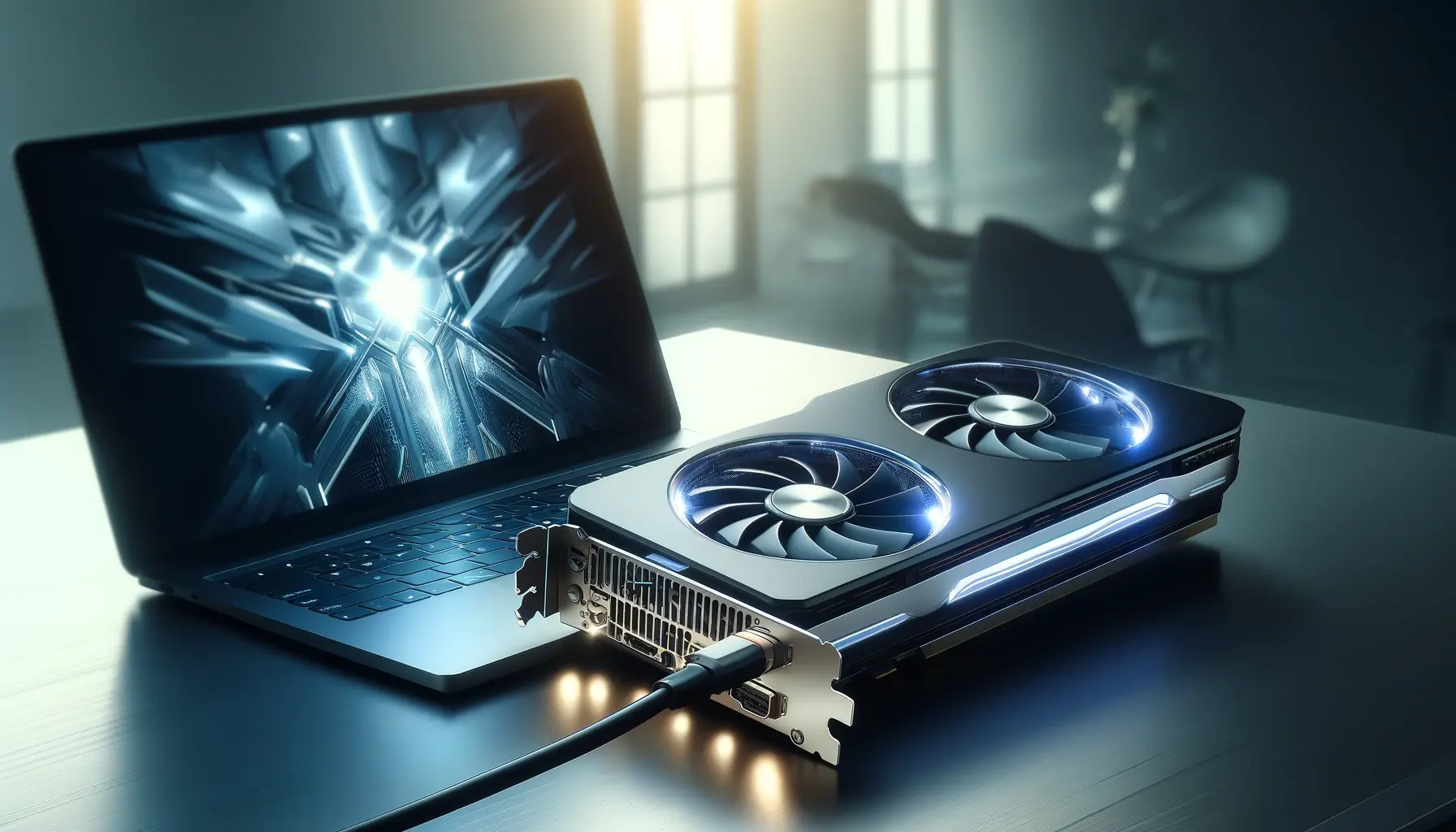
When choosing a laptop for video editing, motion graphics, animation, or any creative work involving heavy media tasks, the presence of a dedicated GPU (Graphics Processing Unit) can make a significant difference. However, not every editor needs a laptop with a GPU, and knowing when one is essential — or when you can do without — helps you make a smarter buying decision.
In this guide, we’ll explain the difference between laptops with GPUs and without GPUs, how each performs for editing workloads, and which option suits your needs best in 2026.
What Is a GPU and Why It Matters for Editors
A GPU (Graphics Processing Unit) is a specialized processor designed to accelerate graphics tasks and parallel computing. Unlike a CPU, which handles general processing, a GPU excels when processing large media files, 3D effects, and video encoding.
In contrast, laptops without a dedicated GPU rely solely on integrated graphics (built into the CPU), which shares memory and computing resources with the processor.
As a result:
Dedicated GPU laptops handle high-resolution video, effects, and previews much better
Integrated GPU laptops are suitable for basic editing and everyday tasks
Therefore, whether you need a GPU depends largely on the kind of editing you do.
Integrated GPU (Without GPU): When It Works
What “Without GPU” Means
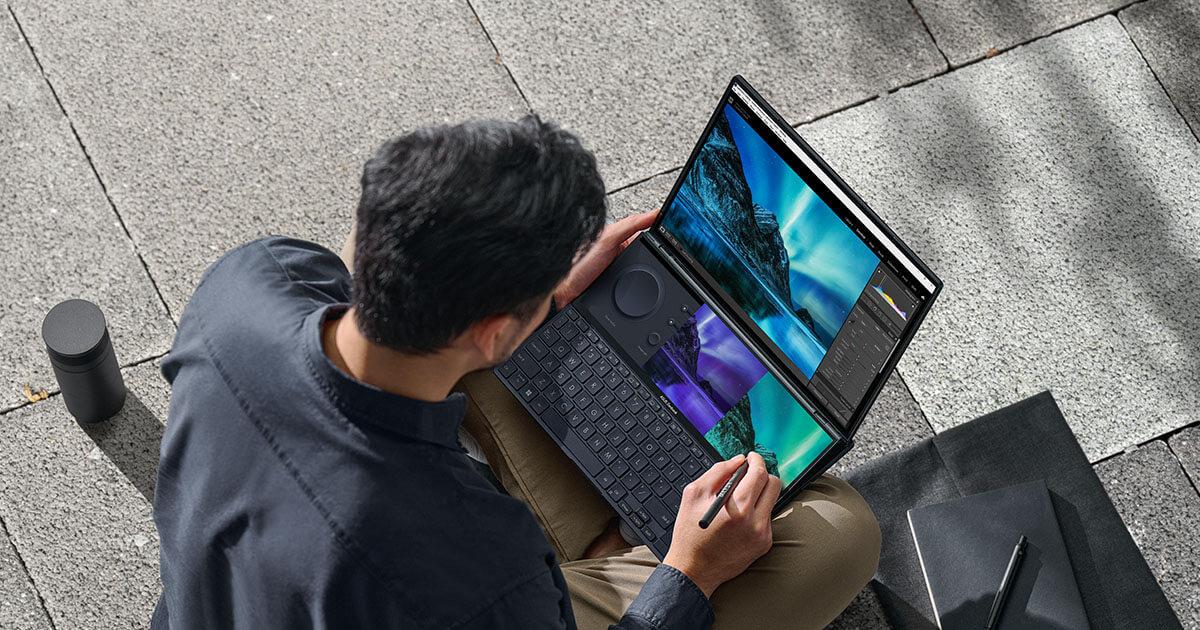
Laptops without a dedicated GPU use integrated graphics such as Intel UHD, Intel Iris Xe, or AMD integrated Radeon graphics. Although not as powerful as dedicated GPUs, they still support many day-to-day creative workflows.
Best For
1080p video editing
Basic trimming, cutting, and transitions
Photo editing in Photoshop or Lightroom
Editing in low-complexity timelines
Students and online content creators on a budget
Performance Expectations
These laptops are usually more affordable and consume less battery, which makes them ideal for:
Students
Journalists
Social media content creators
Office presentations
For example, editing a standard vlog or Instagram video in 1080p rarely requires a dedicated GPU, provided you have a decent CPU, SSD, and at least 8GB RAM.
Dedicated GPU (With GPU): When It’s Necessary
What a Dedicated GPU Does
A laptop with a dedicated GPU has a separate graphics card — such as NVIDIA GTX/RTX or AMD Radeon — that works alongside the CPU to handle heavier media and graphics workloads.
Best For
4K video editing
Motion graphics and compositing
3D animation or rendering
Color grading with GPU acceleration
Software that uses CUDA or GPU-based acceleration
Performance Expectations
With a dedicated GPU, you’ll notice:
Smoother playback in editing timelines
Faster rendering and export times
Better handling of multiple effects
Improved performance in tools like Premiere Pro, DaVinci Resolve, After Effects
In these scenarios, a GPU contributes significantly to overall workflow speed.
How GPU Affects Popular Editing Software
Premiere Pro
With GPU: real-time playback with effects, faster exports with Mercury Engine
Without GPU: slower preview rendering and longer export times
DaVinci Resolve
With GPU: superior performance for color grading and 4K editing
Without GPU: limited performance in heavy timelines
After Effects
With GPU: smoother previews and faster rendering with GPU-accelerated effects
Without GPU: slower performance in complex compositions
Real-World Comparison: With GPU vs Without GPU
| Feature | With Dedicated GPU | Without GPU (Integrated) |
|---|---|---|
| 1080p Editing | Excellent | Good |
| 4K Editing | Strong | Limited |
| Rendering Speed | Fast | Slow to Moderate |
| Effects & Color Grading | Smooth | Limited |
| Battery Life | Lower | Higher |
| Price | Higher | Lower |
How to Choose Based on Your Editing Needs
Choose a Laptop With GPU If:
You edit 4K or higher resolution footage
Your projects involve motion graphics or effects
You use tools like DaVinci Resolve or After Effects regularly
You want future-proof performance
In these cases, a dedicated GPU truly accelerates workflows and reduces frustration.
Choose a Laptop Without GPU If:
You mainly edit 1080p content
You are a student, vlogger, or social media editor
Your timeline is simple and effects-free
You are on a tight budget
Here, a laptop with a strong CPU and SSD can still deliver smooth performance.
Recommended Specs (2026 Editing Guide)
Without GPU (Basic Editing)
CPU: Intel Core i5 / AMD Ryzen 5
RAM: 8GB–16GB
Storage: 256GB SSD or larger
Graphics: Integrated GPU (Intel Iris Xe / AMD Vega)
With GPU (Advanced Editing)
CPU: Intel Core i7 / AMD Ryzen 7
RAM: 16GB or more
Storage: 512GB SSD or larger
GPU: NVIDIA GTX or RTX series (e.g., GTX 1650, RTX 3050+)
Budget Considerations for Nigerian Buyers
In Nigeria, prices vary widely based on specs. Remember:
Laptops with GPU cost more, but offer better editing performance
UK used laptops with GPUs often provide excellent value
Always consider battery life and build quality alongside GPU power
For students and creators on a budget, a UK used laptop with a midrange GPU (e.g., GTX series) is often the best compromise between price and performance.
FAQs (Quick Answers)
Do editors always need a GPU?
No. If you only edit 1080p videos without heavy effects, an integrated GPU can be enough.
Is a GPU more important than RAM?
Both matter. However, for effects and rendering, a dedicated GPU improves performance significantly.
Can I upgrade a laptop GPU later?
Most laptops do not support GPU upgrades. Therefore, buy with future needs in mind.
Is a GPU necessary for YouTube content?
If you edit simple videos, no. If you use effects or 4K content, yes.
Final Thoughts
For editors in Nigeria, the choice between a laptop with a dedicated GPU and one without comes down to the complexity of your workflow and your budget.
Choose without GPU if your project is mainly straightforward 1080p editing and you want a laptop that’s more affordable and efficient.
Choose with GPU if you work with 4K footage, motion graphics, or heavy multitasking, and you want smoother playback and faster render times.