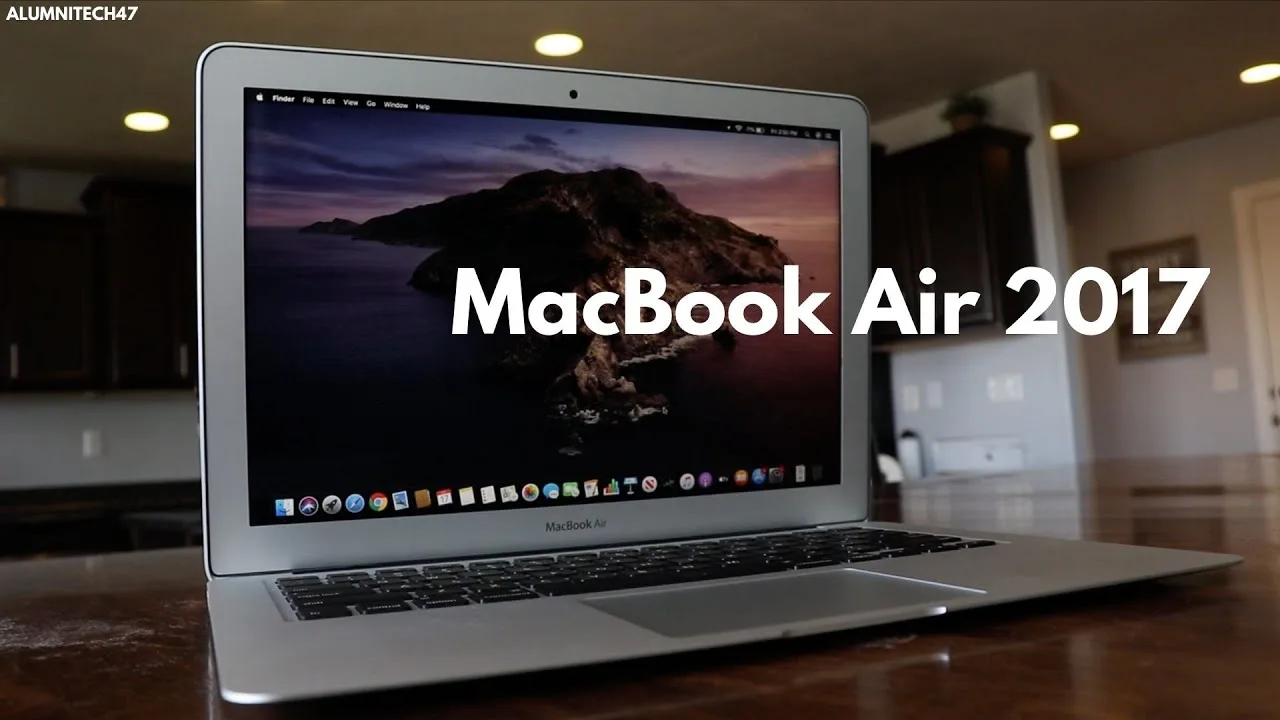
The MacBook Air A1466 (2017) remains one of the most popular laptops among students, creatives, and everyday users in Nigeria — even years after its release. Its design, battery life, and smooth performance for everyday tasks make it a compelling choice, especially when bought as a UK used or affordable pre-owned unit.
This review explains how the 2017 MacBook Air performs in real life, what it does well, its limitations, and whether it’s still worth buying in 2026.
Quick Overview: What the MacBook Air A1466 Is
The MacBook Air A1466 refers to the 13-inch MacBook Air model released by Apple in 2017. It’s known for:
Lightweight and portable design
Long battery life
Reliable macOS performance
Simple, durable build
While it’s not a high-end Pro machine, many students and everyday users still choose it because it strikes a strong balance between portability, performance, and price.
Design and Build Quality
The A1466 has a classic Apple design that hasn’t aged badly. It features:
Slim aluminum body
Lightweight profile (easy to carry)
Spill-resistant keyboard
Minimalist aesthetic
Because of its solid build and portability, it is ideal for:
Campus use
Cafeteria study sessions
Travel between classes
In other words, it feels like a premium device even years after release.
Display – Comfortable for Daily Use
The 2017 MacBook Air A1466 has a 13.3-inch display with reasonable clarity for its age. While it doesn’t have the sharpness or color depth of newer Retina screens, it is still perfectly fine for:
Reading lecture slides and PDFs
Writing essays and emails
Watching online lessons and videos
The screen isn’t the brightest compared with modern laptops, but it handles everyday tasks clearly and comfortably.
Keyboard and Trackpad – Reliable for Typing
Apple’s MacBook keyboards are known for comfort, and the 2017 MacBook Air A1466 delivers a typing experience that’s:
Comfortable for long sessions
Responsive for essays and notes
Stable and consistent
The trackpad is large, accurate, and easy to use — helpful for navigating documents, timelines, and web pages.
Overall, the typing and navigation experience is one of the Air’s strengths.
Performance – Everyday Tasks and Smooth Workflow
The performance of the MacBook Air A1466 depends on configuration, but typical models include:
Dual-core Intel Core i5 or i7 processor
8GB RAM (typical configuration)
128GB or 256GB SSD storage
This setup allows the MacBook Air A1466 to easily handle:
Online classes (Zoom, Google Meet, Teams)
Multiple browser tabs
Word processing and presentations
Email and research work
Light photo editing
In everyday use, macOS feels smooth and responsive thanks to SSD storage and efficient Apple software optimization.
However, for heavy tasks like 4K video editing, advanced graphics work, or gaming, this model is not designed to keep up with modern demand.
Battery Life – One of Its Biggest Assets
One of the biggest reasons students love the MacBook Air is its battery life.
In real-world use, the 2017 Air can deliver:
4 to 6 hours of mixed activity
Longer when used for writing and light browsing
Comfortable endurance for classroom sessions and study blocks
Long battery life helps students who move between classes or study locations without needing to charge frequently.
Storage and Upgrade Options
One thing to note about the A1466 is storage. Base configurations typically offer:
128GB SSD — fast but limited space
256GB SSD — more comfortable for apps, files, and media
Because macOS uses SSD storage, even a smaller drive feels fast. However, plan to use cloud storage or external drives if you store many large files.
Remember: Apple laptops rarely allow storage upgrades after purchase, so choose the right capacity up front.
macOS – Stability and Security
The MacBook Air A1466 runs macOS, which is known for being:
Stable and smooth
Frequent updates (security and system)
Efficient with resources
Good for creativity, writing, and productivity apps
For students who prefer Apple’s ecosystem — or plan to use software like Pages, Keynote, or iCloud services — the Air remains a reliable choice.
Pros and Cons – What to Expect
Pros
Lightweight, portable design
Comfortable keyboard and trackpad
Reliable performance for everyday tasks
Good battery life
Smooth macOS experience
Cons
Older hardware compared with newer devices
Not ideal for heavy creative tasks
Limited storage (depending on configuration)
Display quality not as high as modern Retina screens
Is It Worth Buying in 2026?
Yes — especially as a UK used or refurbished unit — if your needs include:
Online classes and research
Writing essays and presentations
Browsing and communication apps
Light creative workflows
For many students and everyday users, the MacBook Air A1466 still feels responsive, reliable, and comfortable to use — even years after release.
However, if your work involves video editing, 3D rendering, or high-end creative software, you may need a more powerful machine.
Final Thoughts
The MacBook Air A1466 (2017) remains a solid choice for students, remote workers, and everyday users in Nigeria who want:
Portability
Smooth everyday performance
Long battery life
A stable and user-friendly operating system
If you want help finding a tested MacBook Air A1466 with verified battery health and delivery options, you can explore listings here:
https://psero.com