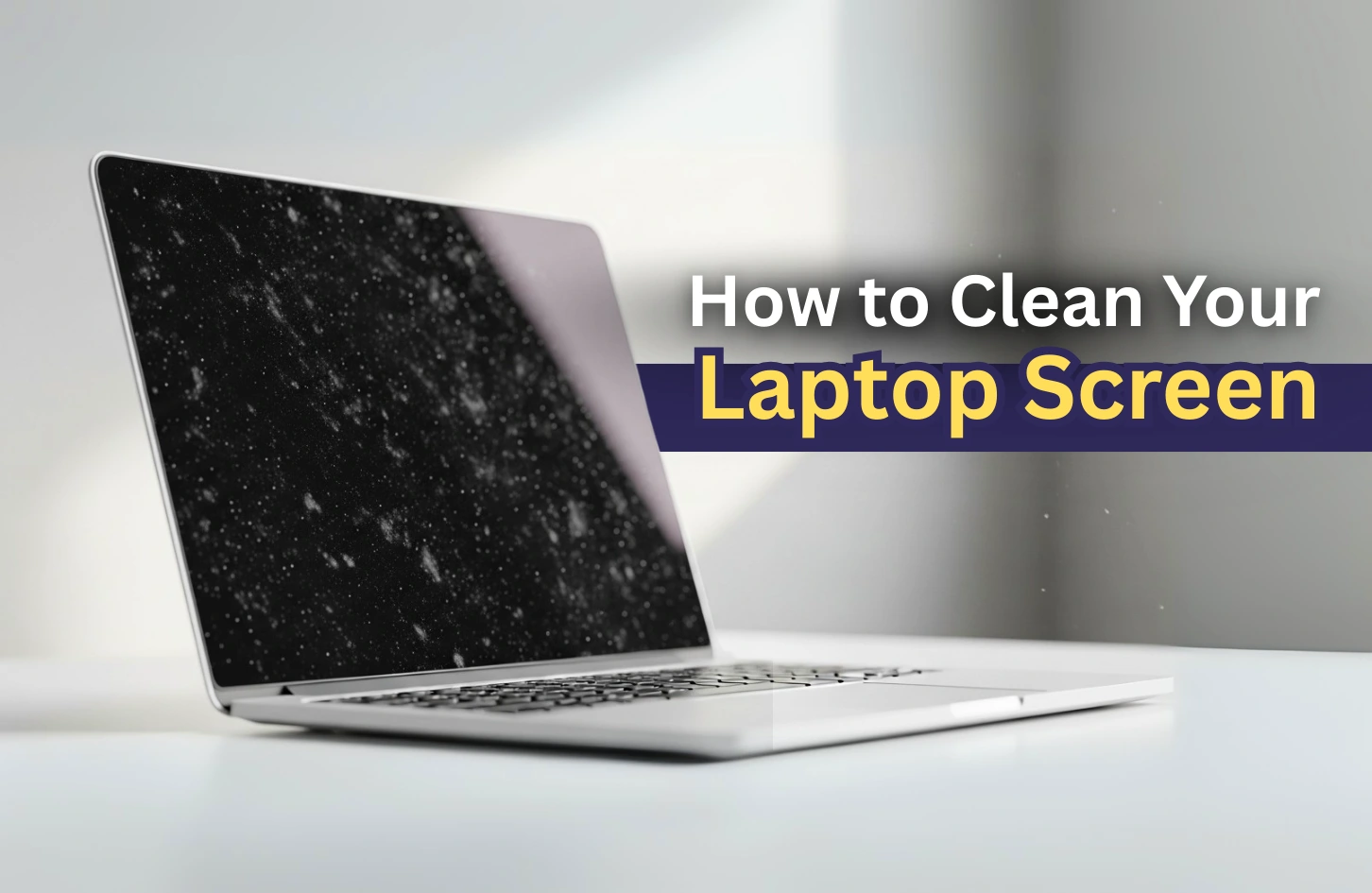
This guide explains how to safely clean and maintain your laptop screen to extend its lifespan and improve display clarity.
Why Laptop Screen Maintenance Is Important
Your laptop screen is one of the most sensitive parts of the device.
In Nigeria, common issues include:
- Dust buildup from dry seasons
- Finger smudges from frequent use
- Oil marks from accidental contact
If ignored, these issues can affect visibility and reduce productivity over time.
What You Should NEVER Use on a Laptop Screen
Many people damage their screens by using the wrong cleaning materials.
Avoid the following:
- Alcohol-based liquids (unless screen-safe)
- Rough cloths or tissues
- Household detergents
- Excess water or spraying directly on the screen
These materials can cause permanent damage or discoloration.
Step 1: Power Off Your Laptop Completely
Before cleaning, always shut down your device.
This helps you clearly see dust and smudges while preventing accidental input or damage.
It also improves safety during cleaning.
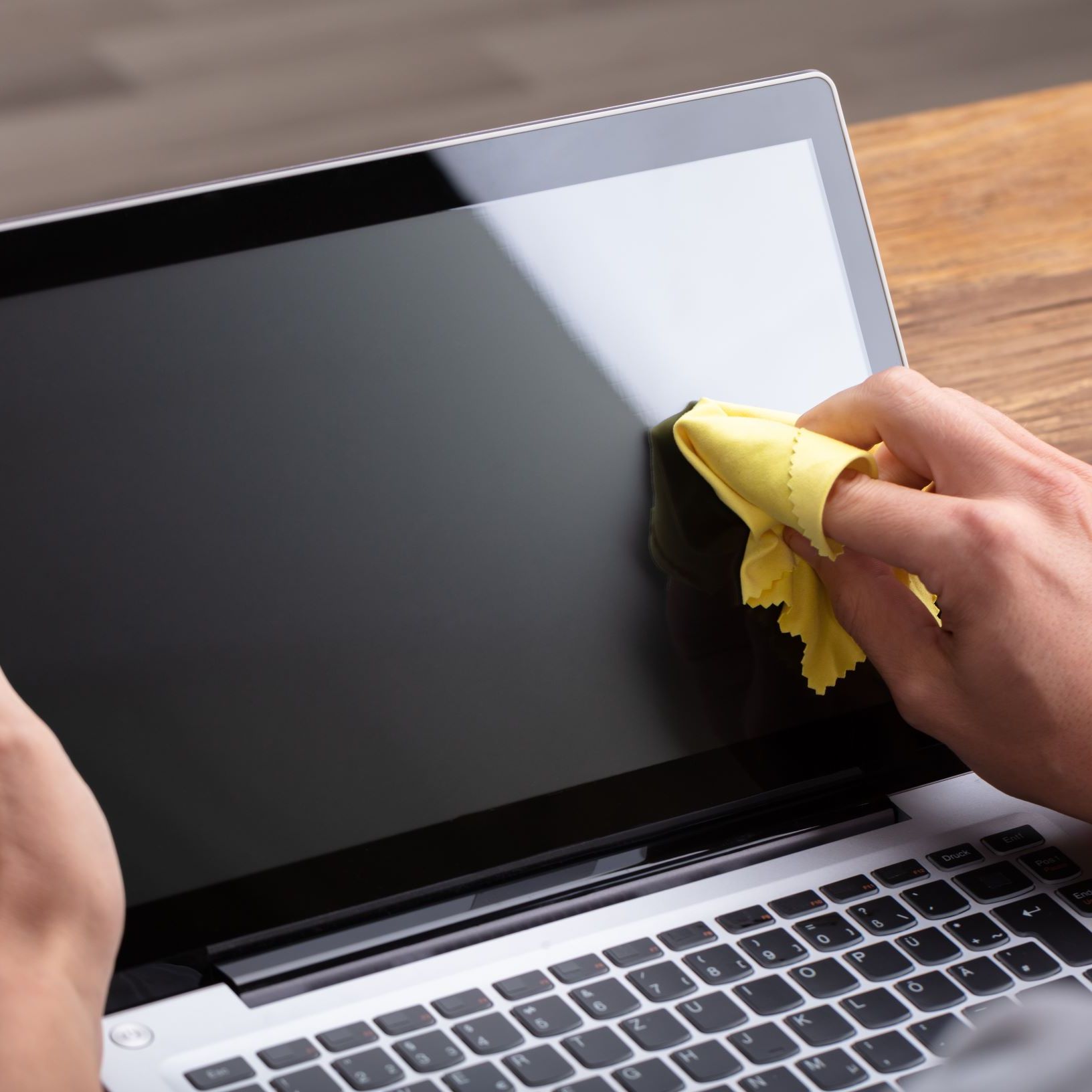
Step 2: Use a Microfiber Cloth
The safest and most effective cleaning tool is a microfiber cloth.
Gently wipe the screen in circular motions.
This removes dust without scratching the surface.
Step 3: Light Cleaning Solution (If Needed)
If the screen has stubborn stains, use a slightly damp microfiber cloth.
You can prepare a simple solution:
- Distilled water
- A very small amount of screen-safe cleaner
Never apply liquid directly to the screen.
Step 4: Clean the Screen Edges and Corners
Dust often collects around the edges of the screen.
Use gentle strokes to clean these areas carefully without pressing too hard.
Step 5: Let It Dry Naturally
After cleaning, allow the screen to air dry for a few minutes before turning the laptop back on.
This ensures no moisture remains inside the device.
How Nigerian Weather Affects Laptop Screens
Environmental conditions play a major role in screen condition.
For example:
- Harmattan increases dust accumulation
- Humidity can cause screen fogging
- Heat can weaken screen brightness over time
Because of this, regular cleaning is essential.
How Often Should You Clean Your Screen?
The frequency depends on usage and environment.
Recommended routine:
- Light cleaning: 2–3 times per week
- Deep cleaning: once every 2 weeks
If you use your laptop outdoors or in dusty environments, clean more often.
Best Habits to Protect Your Laptop Screen
In addition to cleaning, prevention is important.
Good habits include:
- Closing the laptop when not in use
- Avoiding eating near the device
- Using a screen protector
These habits reduce long-term damage.
Choosing a Laptop That Handles Nigerian Conditions Well
Some laptops are better suited for harsh environments than others.
Look for:
- Durable build quality
- Anti-glare screen
- Strong hinge design
Recommended business models include:
Common Screen Cleaning Mistakes
Many users unknowingly damage their screens.
Some common mistakes include:
- Using rough paper towels
- Applying too much pressure
- Cleaning while the laptop is on
Avoiding these mistakes can significantly extend screen life.
Final Thoughts
Your laptop screen is a critical part of your daily workflow.
In Nigeria’s environment, regular maintenance is not optional—it is necessary.
With proper cleaning habits and care, you can maintain clear visibility and extend the lifespan of your device.
Need a Durable Laptop Built for Everyday Use?
Explore trusted options here:
Pay on delivery available in Lagos
Call or WhatsApp: 08032592918