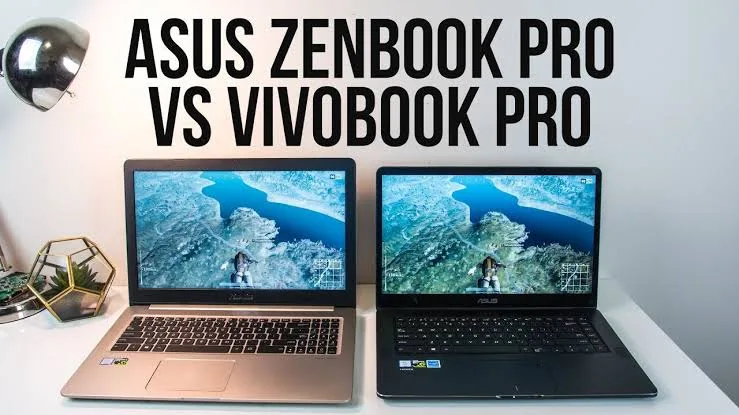
ASUS has built a strong reputation for producing reliable and innovative laptops. Two of its most popular product lines are the ASUS VivoBook and the ASUS Zenbook. Although they may appear similar at first glance, they are designed for different users, budgets, and workloads.
If you’re planning to buy an ASUS laptop in Nigeria, this comparison will help you understand the differences between the VivoBook and Zenbook series so you can make the right investment in 2026.
What Is the ASUS VivoBook?
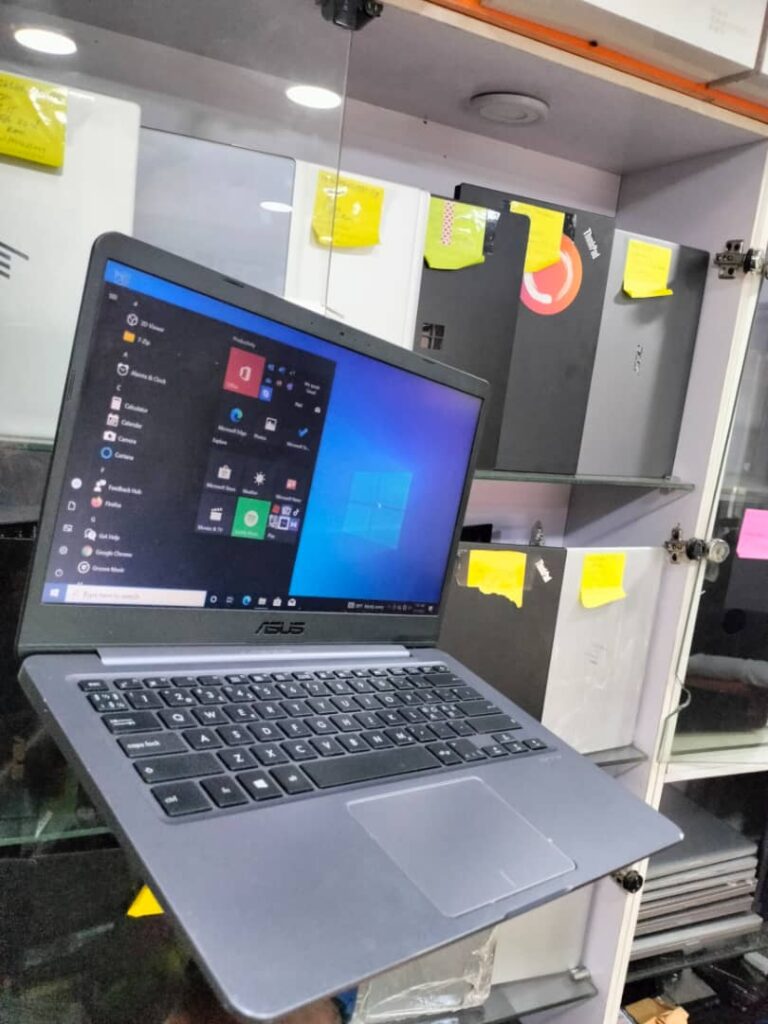
The ASUS VivoBook series is designed for everyday users, students, freelancers, and small business owners. It offers a balance between affordability, performance, and modern design.
Most VivoBook models are suitable for web browsing, Microsoft Office, online learning, video streaming, light photo editing, and everyday productivity tasks.
What Is the ASUS Zenbook?
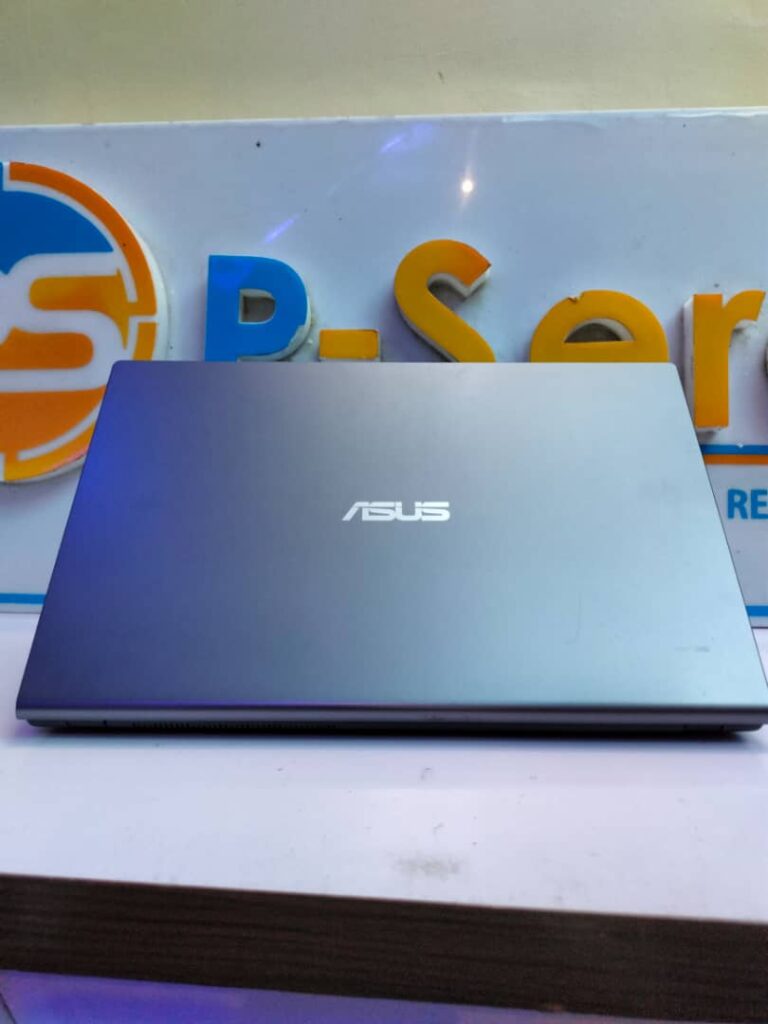
The ASUS Zenbook is ASUS’s premium ultrabook lineup. These laptops feature higher-quality materials, lighter designs, brighter displays, longer battery life, and more powerful hardware than most VivoBook models.
Zenbooks are ideal for professionals, business executives, software developers, graphic designers, content creators, and users who want premium performance in a portable package.
ASUS VivoBook vs Zenbook: Quick Comparison
Feature ASUS VivoBook ASUS Zenbook Target Users Students and everyday users Professionals and creators Build Quality Good Premium Weight Lightweight Ultra-light Display Full HD Premium OLED or high-resolution displays Battery Life Good Excellent Price More affordable Higher
Performance Comparison
Both laptop families are available with Intel Core i5, Core i7, Intel Core Ultra, and AMD Ryzen processors. Higher-end Zenbook models may also include more RAM, faster SSDs, and superior cooling systems, making them better suited for demanding workloads.
Regardless of which model you choose, prioritize SSD storage for faster boot times and application loading. If you’re unsure why this matters, our guide on why SSD laptops are better than HDD laptops explains the benefits in detail.
Which Laptop Is Better for Students?
Students who primarily use Microsoft Office, web browsers, virtual classrooms, and research tools will usually find the VivoBook offers excellent value for money.
Students studying engineering, architecture, software development, graphic design, or video production may benefit from a higher-spec Zenbook because these courses often require more powerful hardware.
Which Laptop Is Better for Professionals?
Business owners, software developers, accountants, consultants, and creative professionals generally benefit more from the Zenbook series because of its premium build quality, improved battery life, and stronger multitasking performance.
If you run a business, you may also find our guide on the best laptops for Nigerian business owners and entrepreneurs useful when comparing different business laptops.
Display Quality
One of the biggest differences between these laptop families is display quality. Many Zenbook models feature ASUS OLED displays that offer richer colours, deeper blacks, and better colour accuracy than the displays found on most VivoBook models.
This makes the Zenbook particularly attractive for photographers, graphic designers, and video editors.
Should You Buy a UK Used ASUS Laptop?
Although UK-used ASUS laptops are less common than brands like HP, Dell, and Lenovo, they can still offer excellent value when purchased from a reputable seller.
Before buying, inspect the battery, SSD, display, keyboard, charging port, hinges, webcam, and overall physical condition. Our guide on how to inspect a UK-used laptop before buying explains the most important checks to perform.
How Much RAM Should You Choose?
- 8GB RAM is suitable for everyday computing.
- 16GB RAM is recommended for professionals and multitasking.
- 32GB RAM is ideal for software development, creative work, and advanced productivity.
If you’re unsure how much memory you need, our article on how much RAM you really need in a laptop explains which configuration is best for different workloads.
Where Can You Download Drivers?
Always download BIOS updates, drivers, and software directly from the official ASUS Support website. ASUS also provides the MyASUS application, which helps users update drivers, monitor system health, and troubleshoot common issues.
Final Verdict
Choose the ASUS VivoBook if you’re looking for an affordable, dependable laptop for school, office work, online learning, or everyday use. It offers excellent value for students, freelancers, and home users.
Choose the ASUS Zenbook if you want a premium ultrabook with superior build quality, longer battery life, better displays, and stronger performance for demanding professional workloads.
Whichever ASUS laptop you buy, focus on getting a model with a modern processor, SSD storage, and sufficient RAM. Those specifications will have a much greater impact on your experience than choosing between the VivoBook and Zenbook names alone.