Lenovo produces some of the most reliable laptops in the world. Two of its most popular business-focused product lines are the ThinkPad and ThinkBook. While they share several similarities, Lenovo designed each series for different users and budgets.
If you’re planning to buy a Lenovo laptop in Nigeria, this guide explains the key differences between the ThinkPad and ThinkBook. It will help you choose the best laptop for work, school, or business.
What Is the Lenovo ThinkPad?
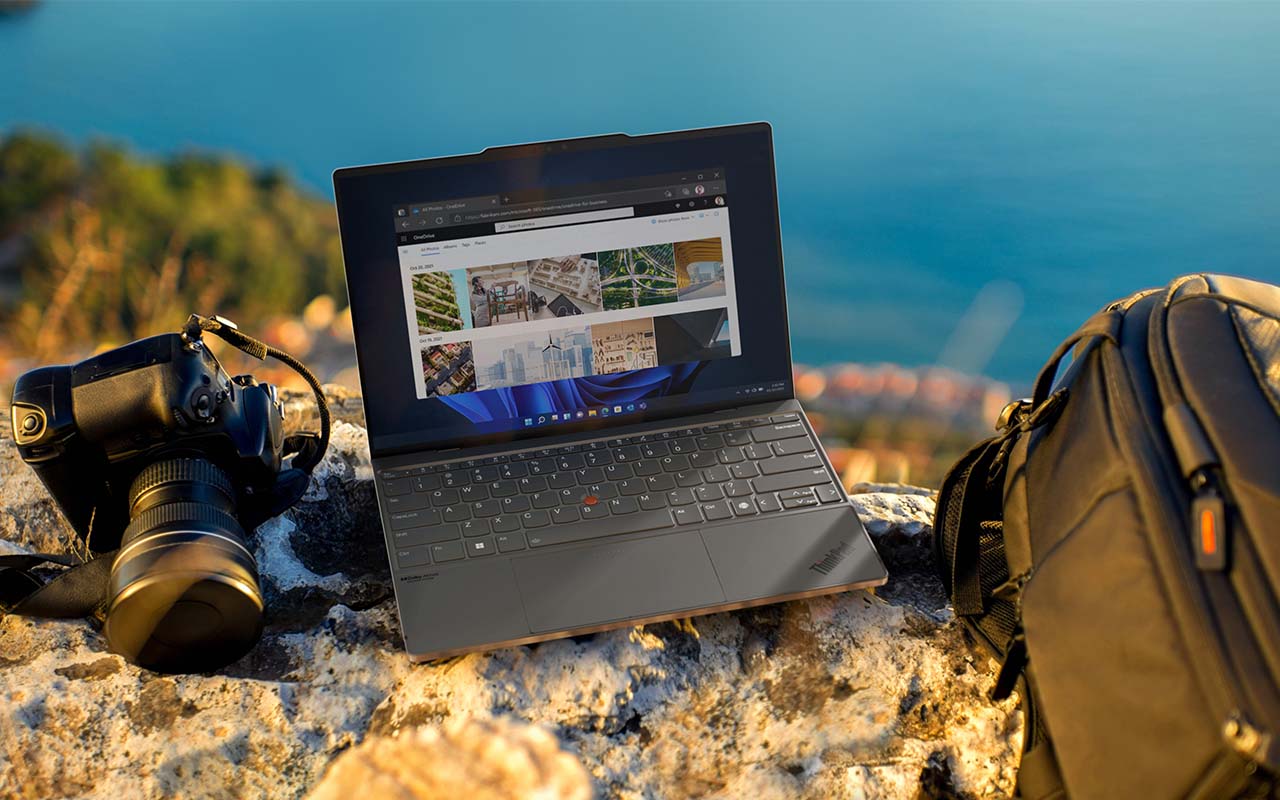
Lenovo designed the ThinkPad for business professionals, corporate organisations, software developers, engineers, and users who need maximum reliability. ThinkPads have earned a reputation for durability, excellent keyboards, and dependable performance.
Many businesses around the world rely on ThinkPads because they deliver consistent performance and include advanced security features.
What Is the Lenovo ThinkBook?
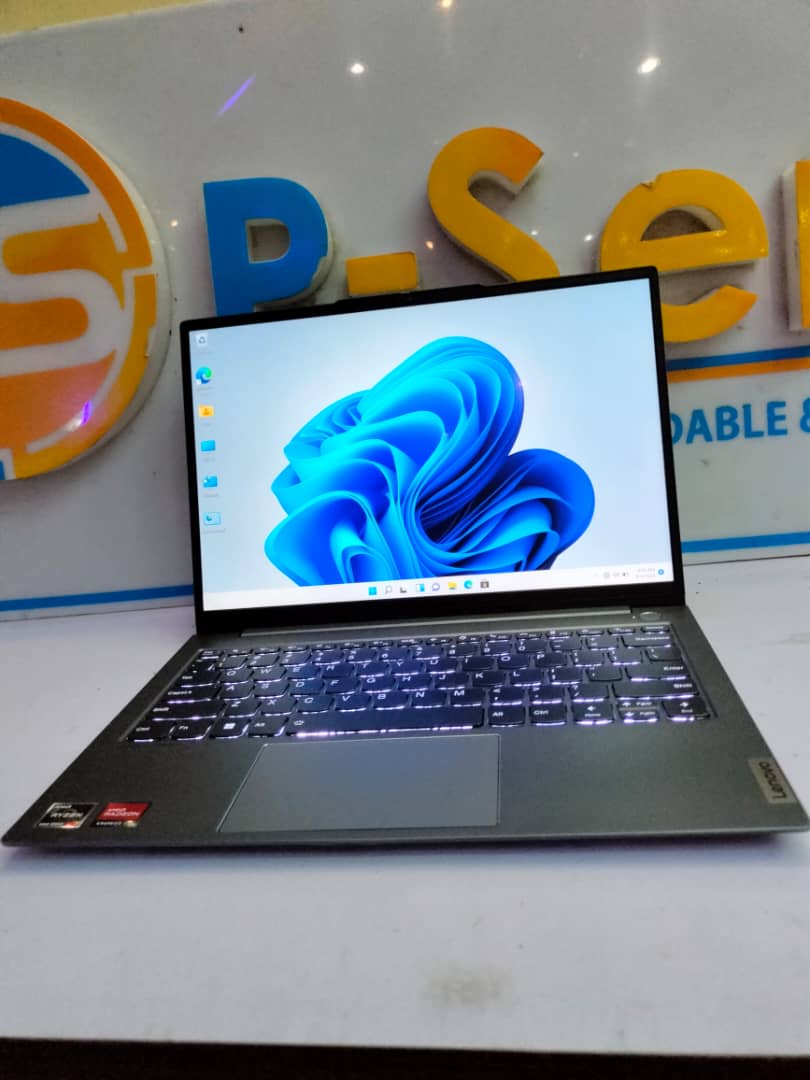
Lenovo created the ThinkBook for small business owners, freelancers, students, and modern professionals. It combines business features with a stylish design and a more affordable price.
ThinkBooks are lighter than many ThinkPad models and often appeal to users who want a professional laptop with a modern appearance.
ThinkPad vs ThinkBook: Comparison Table
| Feature | ThinkPad | ThinkBook |
|---|---|---|
| Target Users | Business professionals | Small businesses and freelancers |
| Build Quality | Military-grade durability | Premium consumer design |
| Performance | Excellent | Excellent |
| Security | Advanced business security | Business security features |
| Keyboard | Industry-leading typing experience | Comfortable keyboard |
| Price | Usually more expensive | More affordable |
Performance Comparison
Both laptop families are available with Intel Core i5, Core i7, Intel Core Ultra, and AMD Ryzen processors. Performance depends more on the processor, RAM, and SSD than on the laptop series itself.
Choose a model with SSD storage if you want faster startup times and smoother multitasking. Our guide on why SSD laptops outperform HDD laptops explains why SSDs have become the standard for modern computers.
Which Laptop Is Better for Students?
Students who need a dependable laptop for assignments, online classes, Microsoft Office, and research should consider the ThinkBook. It delivers excellent performance while remaining more affordable than many ThinkPad models.
Students studying software engineering, cybersecurity, architecture, or engineering may appreciate the durability and reliability of the ThinkPad, especially if they plan to use the laptop for several years.
Which Laptop Is Better for Business?
Corporate organisations, financial institutions, government agencies, and large businesses often choose ThinkPads because of their durability, advanced security, and dependable performance.
Freelancers, consultants, startups, and small business owners may prefer the ThinkBook because it offers strong business features at a lower price. You can also explore our guide on the best laptops for Nigerian business owners and entrepreneurs for more recommendations.
Battery Life and Durability
Lenovo built the ThinkPad to survive demanding work environments. Many models pass military-grade durability tests that measure resistance to heat, vibration, dust, humidity, and accidental bumps.
The ThinkBook also offers good durability, but Lenovo places greater emphasis on portability and modern styling than extreme ruggedness.
Should You Buy a UK Used Lenovo Laptop?
UK-used Lenovo laptops remain among the most popular options in Nigeria because they provide excellent value and long-term reliability.
Before buying any UK-used Lenovo laptop, inspect the battery, display, keyboard, SSD, hinges, webcam, speakers, and charging port. Our guide on how to inspect a UK-used laptop before buying explains what every buyer should check.
How Much RAM Should You Choose?
- 8GB RAM works well for students and office users.
- 16GB RAM suits professionals and business owners.
- 32GB RAM or more supports software development, engineering, virtual machines, and demanding workloads.
If you’re unsure how much memory you need, read our guide on how much RAM you really need in a laptop.
Where Can You Download Lenovo Drivers?
Download BIOS updates, drivers, and software from the official Lenovo Support website. Lenovo also provides the Lenovo Vantage application, which helps you update drivers, monitor battery health, and optimise system performance.
Final Verdict
Choose the ThinkBook if you want an affordable business laptop with modern styling, dependable performance, and excellent value for money. It suits students, freelancers, entrepreneurs, and small business owners.
Choose the ThinkPad if you need maximum reliability, stronger security, superior durability, and one of the best laptop keyboards available. It remains an excellent choice for professionals and corporate users.
Before buying either model, compare the processor, RAM, SSD storage, battery condition, and overall specifications. Those features will have a greater impact on performance than simply choosing between the ThinkPad and ThinkBook names.