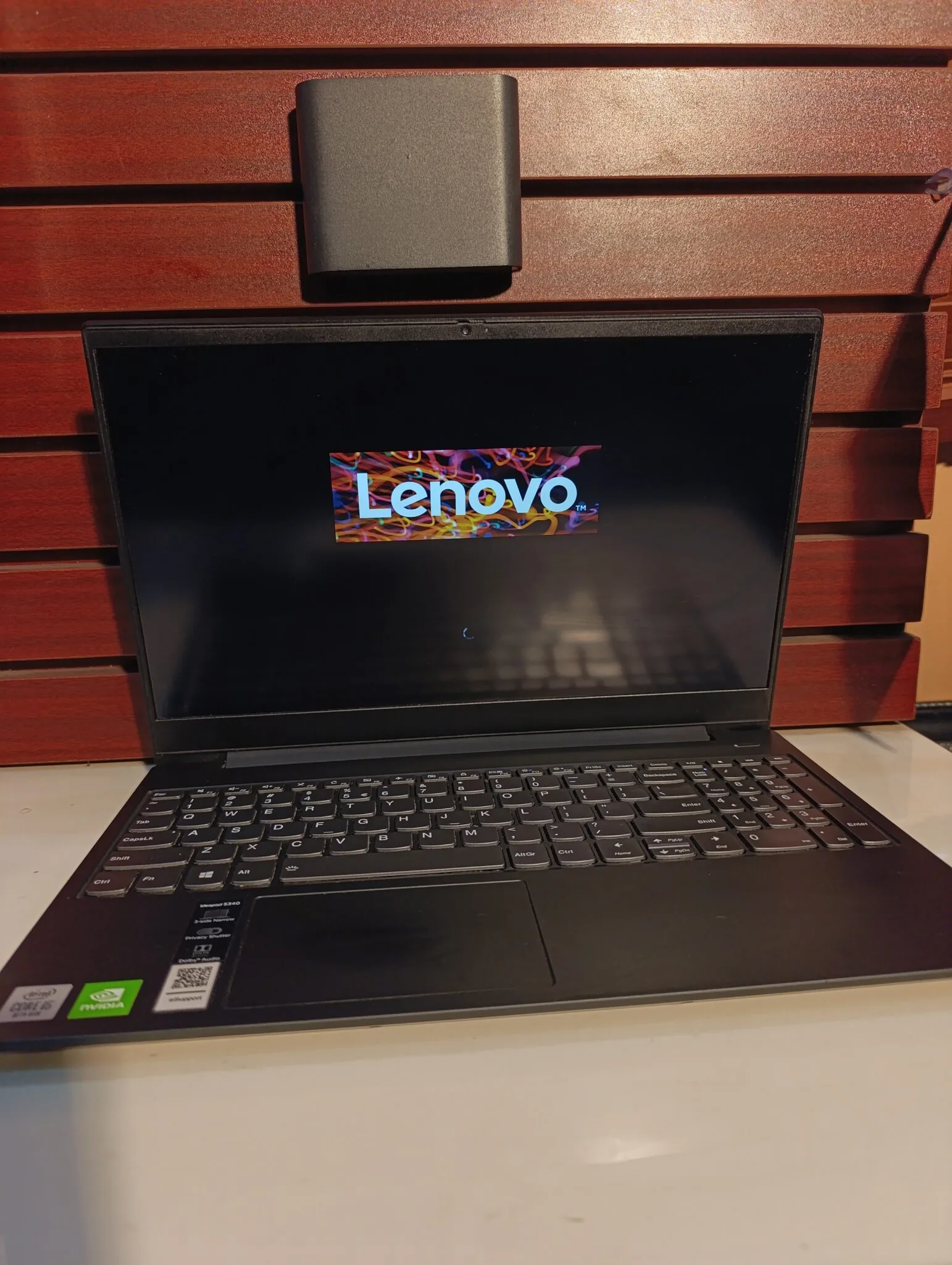
If you are searching for a budget-friendly laptop that offers decent performance for everyday use, then the Lenovo IdeaPad S340 is worth considering. However, before making a decision, it is important to understand what this laptop does well and where it falls short.
Check it here:
Lenovo IdeaPad S340 on Psero
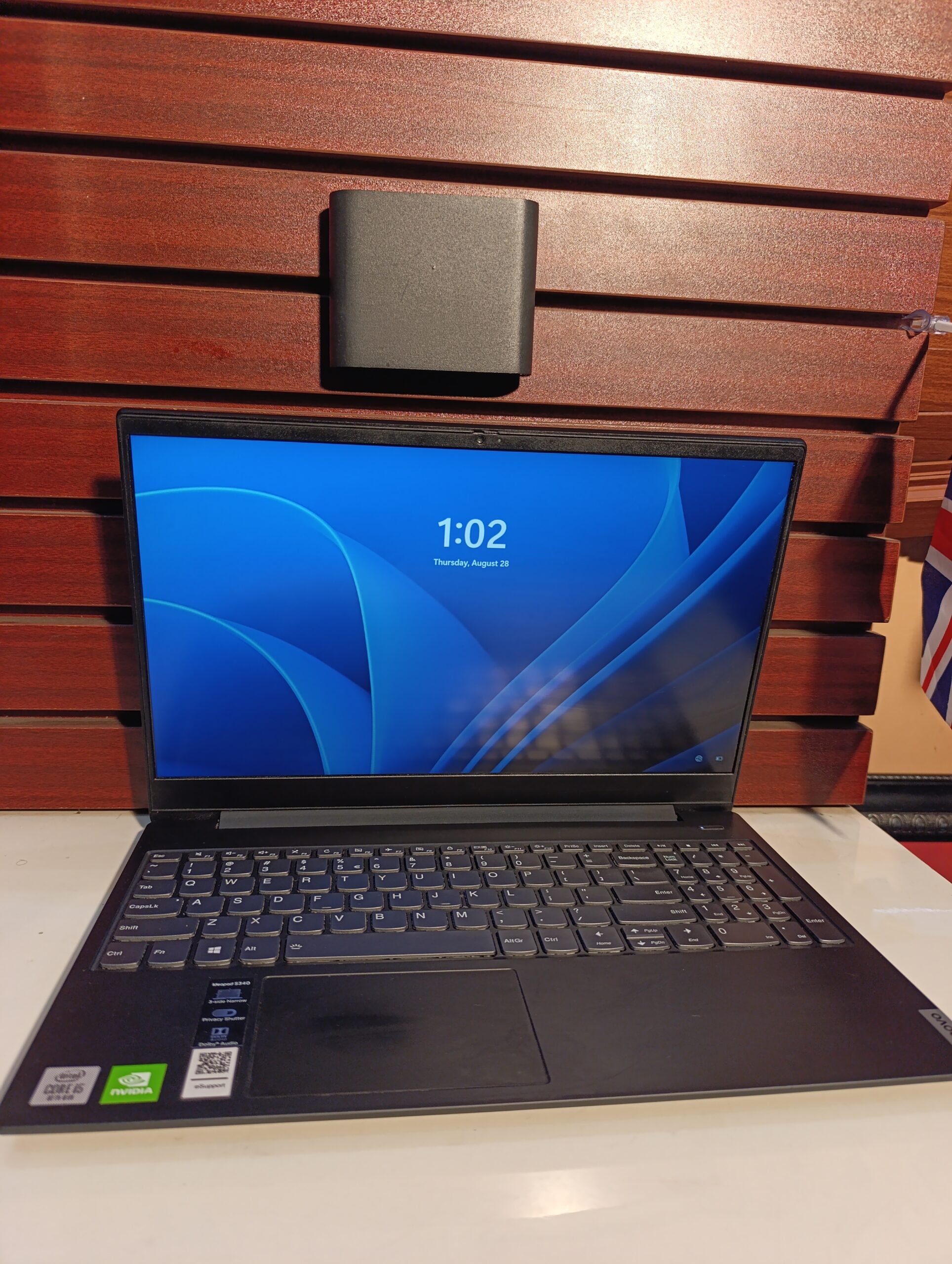
Key Specifications
- Processor: Intel Core i3/i5/i7 (8th–10th Gen) or AMD Ryzen options
- RAM: 4GB / 8GB (up to 12GB)
- Storage: 128GB / 256GB / 512GB SSD (some models HDD)
- Display: 14-inch or 15.6-inch (HD or Full HD)
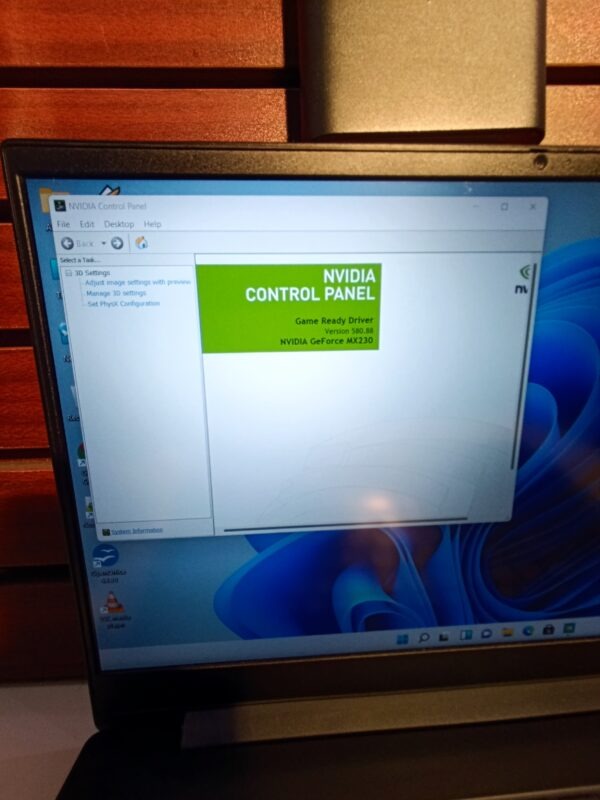
- Graphics: Intel UHD / AMD Vega / optional NVIDIA MX
- Operating System: Windows 10
Overall, the IdeaPad S340 is positioned as a budget-to-midrange laptop, offering different configurations depending on your needs. :
Design and Build Quality
First of all, the Lenovo IdeaPad S340 has a clean and modern design. Although it is mostly made of plastic, some models include an aluminum finish, which gives it a more premium look.
In addition, the laptop is fairly portable, weighing around 1.5kg for the 14-inch version. Therefore, it is suitable for students who move around frequently.
Performance for Students
When it comes to performance, the IdeaPad S340 performs well for everyday tasks. For example, it can handle:
- Assignments and school work
- Browsing with multiple tabs
- Online classes and meetings
- Light programming and basic editing
However, performance depends heavily on the configuration. While Core i5 or Ryzen 5 models perform well, lower versions (like 4GB RAM or HDD storage) can feel slow.
In fact, reviews show that this laptop is best suited for basic tasks rather than heavy workloads.
Storage and Speed
The storage type makes a big difference. If you choose an SSD version, the laptop will feel fast and responsive.
On the other hand, HDD versions are much slower and can affect overall performance significantly. Therefore, SSD is strongly recommended.
Display and User Experience
The display quality varies by model. While some versions come with Full HD IPS screens, others use lower-quality panels.
Unfortunately, many budget versions have poor brightness and weak color quality. As a result, they are not ideal for design or media-heavy work.
Battery Life
The IdeaPad S340 offers decent battery life for daily use. In some cases, it can last several hours depending on usage.
However, heavy tasks or older battery units may reduce performance over time.
Real-World Experience
In real-world usage, the laptop performs well for general student needs. However, user feedback often highlights one key issue:
“Performance is what you would expect… limited to basic tasks.”
This means expectations should match its budget category.
Pros and Cons
Pros
- Affordable price
- Multiple configuration options
- Good keyboard and build design
- Decent battery life
Cons
- Display quality can be poor (budget models)
- Performance depends heavily on specs
- Limited upgrade options (RAM may be soldered)
- Not ideal for heavy tasks
Who Should Buy This Laptop?
This laptop is suitable for students who:
- Have a moderate budget
- Need a laptop for school work and browsing
- Choose SSD + at least 8GB RAM configuration
Who Should Avoid It?
On the other hand, you should avoid this laptop if you:
- Do heavy programming or video editing
- Need a high-quality display
- Want long-term high performance
Better Buying Advice
Before buying, make sure you choose the right version. For example, an 8GB RAM + SSD model is far better than a 4GB + HDD version.
In addition, if your budget allows, you may consider business laptops like Dell Latitude or HP EliteBook for better durability.
Final Verdict
Overall, the Lenovo IdeaPad S340 is a solid budget laptop. While it performs well for basic tasks, it is not built for heavy workloads.
Therefore, it is best suited for students who need an affordable and reliable everyday laptop.
Rating: 7/10
Where to Buy
Buy here:
Lenovo IdeaPad S340 on Psero