Lenovo is one of the most popular laptop brands in Nigeria, offering models for students, professionals, businesses, and home users. Two of its best-known laptop families are the ThinkPad and IdeaPad. While both are reliable, they are built for different types of users and budgets.
If you’re planning to buy a Lenovo laptop in 2026, this guide compares the ThinkPad and IdeaPad series to help you choose the one that best fits your needs.
What Is a Lenovo ThinkPad?
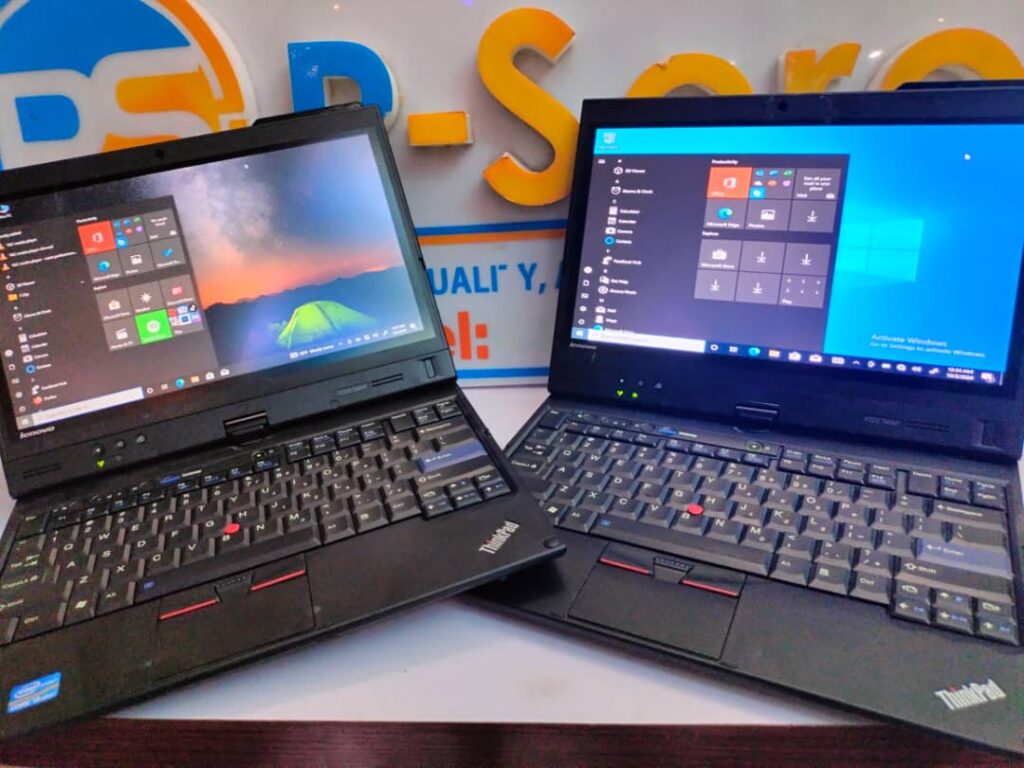
The ThinkPad series was originally developed by IBM before Lenovo acquired the brand. ThinkPads are business-class laptops designed for durability, security, and long-term reliability. They are commonly used by banks, multinational companies, universities, and government organizations.

ThinkPads are known for their sturdy construction, spill-resistant keyboards, excellent typing experience, and business-focused security features. Many UK-used ThinkPads remain in excellent condition, making them popular among Nigerian buyers looking for premium laptops at affordable prices.
What Is a Lenovo IdeaPad?
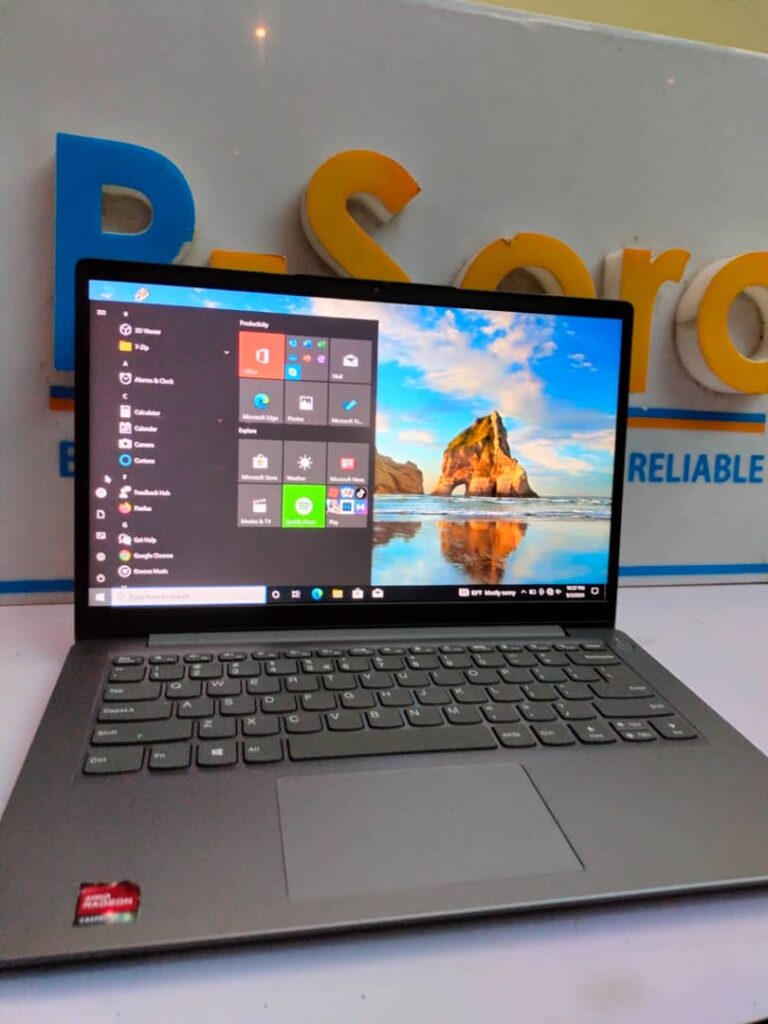
The IdeaPad series is designed primarily for everyday consumers. These laptops are suitable for students, home users, freelancers, and small business owners who need dependable performance for web browsing, Microsoft Office, video streaming, and light creative work.
IdeaPads are generally more affordable than ThinkPads and often feature slimmer designs and modern styling.
ThinkPad vs IdeaPad: Key Differences
Feature ThinkPad IdeaPad Target Users Business professionals Students and home users Build Quality Premium and durable Good but lighter Keyboard Excellent for long typing sessions Comfortable for everyday use Security Features Advanced business security Basic security features Price Usually higher Generally more affordable Battery Life Excellent Good
Performance Comparison
Performance depends more on the processor, RAM, and storage than the product family. Both ThinkPad and IdeaPad laptops are available with Intel Core i5, Core i7, Core Ultra, and AMD Ryzen processors.
Whichever series you choose, prioritize a model with SSD storage instead of a traditional hard drive. Our guide on why SSD laptops are better than HDD models explains how SSDs improve speed, boot times, and overall responsiveness.
Which Is Better for Students?
Students who mainly use Microsoft Office, browse the internet, attend online classes, and complete assignments will usually find an IdeaPad offers excellent value for money.
Students studying software development, engineering, architecture, or data science may benefit from a ThinkPad with more RAM and a faster processor because these courses often require demanding software.
Which Is Better for Business Users?
Business owners, accountants, consultants, and office professionals generally benefit more from a ThinkPad because of its stronger build quality, comfortable keyboard, and advanced security features.
Should You Buy a UK Used ThinkPad or IdeaPad?
Many Nigerian buyers choose UK-used Lenovo laptops because they provide premium quality at lower prices than comparable brand-new models.
Before buying any UK-used laptop, inspect the battery, SSD, keyboard, display, ports, webcam, and overall condition. Our guide on how to inspect a UK-used laptop before buying explains the most important checks to perform.
How Much RAM Do You Need?
- 8GB RAM is suitable for everyday office work and web browsing.
- 16GB RAM is recommended for multitasking and professional use.
- 32GB RAM is ideal for software development, virtualization, video editing, and advanced workloads.
If you’re unsure whether your laptop’s memory is sufficient, our article on how much RAM you really need in a laptop can help you decide.
Where Can You Find Driver Updates?
To keep your Lenovo laptop running smoothly, download BIOS updates, drivers, and firmware directly from the official Lenovo Support website. You can also use Lenovo Vantage to manage updates and system health.
Final Verdict
Choose a Lenovo ThinkPad if you need a durable, business-class laptop for professional work, heavy multitasking, or long-term reliability. Its superior keyboard, security features, and rugged build make it an excellent investment for professionals and power users.
Choose a Lenovo IdeaPad if you’re a student, home user, or entrepreneur looking for a stylish, affordable laptop for everyday tasks. It delivers excellent value while handling office work, online learning, entertainment, and general productivity with ease.
Whichever series you choose, focus on buying a model with a modern processor, at least 8GB or 16GB of RAM, and SSD storage. Matching the laptop’s specifications to your workload is far more important than choosing a particular product family.