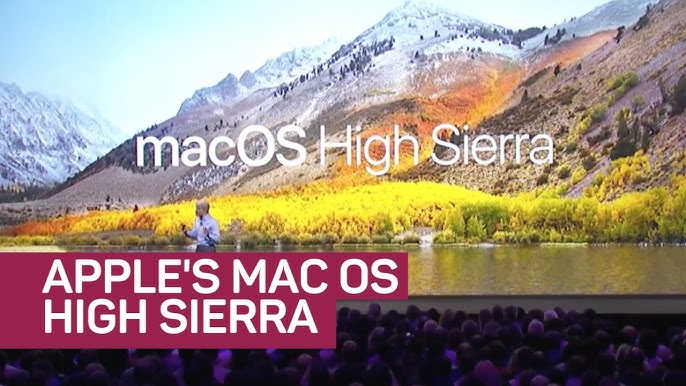
Apple introduced macOS 10.13 High Sierra in 2017 as a follow-up to the successful macOS Sierra. While the update didn’t drastically change the look and feel of the operating system, it brought notable enhancements in performance, security, and functionality. High Sierra focused on delivering a refined macOS experience, addressing user needs with better storage management, improved graphics, and increased support for modern software workflows.

What’s New in macOS 10.13 High Sierra?
1. Apple File System (APFS)
One of the most significant improvements in macOS High Sierra was the introduction of the Apple File System (APFS). Designed to optimize storage and improve data security, APFS replaced the previous HFS+ file system. It provided faster file transfers and ensured greater reliability when handling large files or multiple applications.
2. High-Efficiency Video Coding (HEVC)
Apple added HEVC (H.265) support to High Sierra, improving video compression and playback. With 40% more efficient video streaming compared to H.264, users could experience better video quality at smaller file sizes, ideal for 4K content and video editing.
3. Metal 2 for Graphics
High Sierra introduced Metal 2, a powerful upgrade to Apple’s graphics framework. It provided improved performance and better support for graphics-intensive applications like 3D modeling, gaming, and virtual reality. Metal 2 allowed developers to create more immersive experiences, benefiting both consumers and professionals.
4. Improved Safari Performance
Apple’s browser, Safari, received several performance and security updates. High Sierra enhanced Safari’s speed and added features like Intelligent Tracking Prevention, which reduced cross-site tracking. This improved user privacy, making browsing safer and more efficient.
5. Enhanced Photos App
The Photos app in High Sierra was revamped to include better editing tools and more organizational options. Users could now edit photos with more advanced controls, and third-party apps like Adobe Photoshop were more seamlessly integrated. High Sierra also introduced better photo sorting and facial recognition features.
6. Virtual Reality Support
With the release of macOS High Sierra, Apple showed its dedication to creative professionals by adding VR support. The update allowed users to connect external GPUs (eGPUs) and use their Macs for VR content creation, a feature particularly useful for designers, developers, and filmmakers.
Performance Upgrades and Enhanced Security
macOS High Sierra not only delivered new features but also focused on improving overall performance. The introduction of APFS significantly sped up processes like copying files and booting up the system. Additionally, Safari’s security enhancements and Gatekeeper’s protection against unauthorized apps improved overall system security.
Why Upgrade to macOS High Sierra?
macOS 10.13 High Sierra provided a substantial upgrade for users looking for better performance, enhanced graphics, and improved video handling. With its optimized file system, updated video standards, and Metal 2 support, it became an ideal OS for creative professionals, developers, and everyday Mac users alike.
If you were looking to streamline your macOS experience while gaining access to the latest technologies, High Sierra was a must-have upgrade.
Final Thoughts on macOS 10.13 High Sierra
Although macOS High Sierra was seen as more of a refinement than a reinvention, its focus on performance, graphics, and modern file management left a lasting impact on the Mac ecosystem. It set the stage for future developments and ensured that users could handle demanding workflows with ease.
For more details on the latest macOS updates and other tech trends, visit psero.com.