
Some of us are lovers of UK used laptop. Am not surprised because UK used laptop is one of the most reliable and suitable laptop to use any time, any day, in terms of durability, package, specs, long-lasting battery, excellent features and ability to sustain the test of time. In this blog post, I will show you 6 Things You Should Do First After Buying a Used Laptop.
6 Things You Should Do First After Buying a Used Laptop
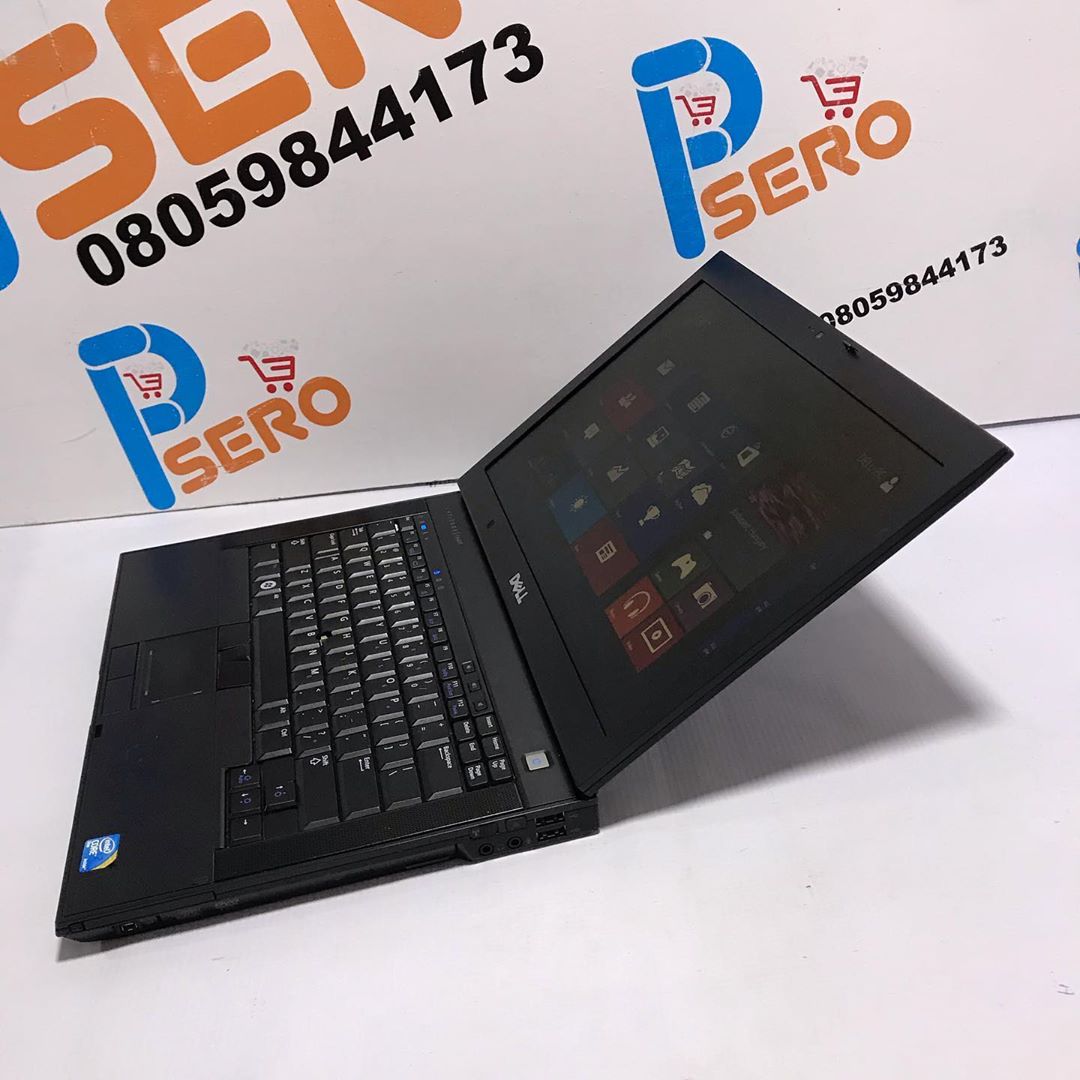
In my few years of using UK used laptop, the experience is worthwhile and overwhelming. I have never recorded any single complain and till today, the laptop still appear strong and healthy. The truth is that there nothing fascinating rather than using UK used laptop.

Identify and selecting a good UK used laptop is not the problem once you’re buying from PSero Tech. What is important are the things you should do first after buying the laptop. I know that you are eager to start using your laptop, I know you want to waste much time. You want to embark on the process of downloading relevant softwares that will be suitable for the system.
The truth is that there are things you should do once you receive the laptop.
1. Try to check your Box
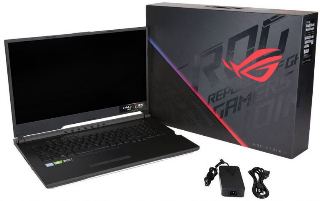
It is good to check your box throughly. I know many people may not support the idea but it is essential. When you check your box, you will be very sure that nothing is exempted or left out. Some of the things that you found in your box are: power cable, warranty information, just to mention a few. The ability to search your box will give you the chance or opportunity to quickly request for the missing parts in little or no time.
2. Try to arrange and keep any relevant materials and warranty info that is relating to your laptop.
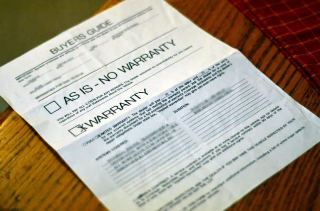
Do not joke or play with any paperwork. Try to arrange and keep those relevant materials and warranty info for record purpose or incase of any likely problem or issues. Your system can only be fixed or repair under warranty, once you are able to provide relevant receipts pertaining to the purchase. Once you lost the receipts or any vital materials, then the company may find it difficult to carry out neccesary repair in your system.
That is why it is advisable and suitable to buy your laptop from dealer that is boast of warranty and Psero Tech is the right dealer.
3. Connect your laptop
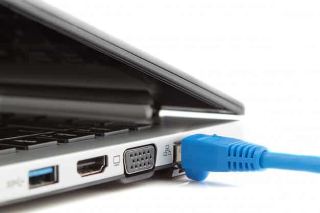
Having arrange and keep relevant materials relating to the purchase, it is high you connect your laptop. Just look for a wall socket and connect your charger, also try to connect to a printer and other relevant devices that you think, will be useful and essential for you.
Also before embarking on the configuration, make sure that every neccesary facilities and tools are in place to perfect the whole process. It will definitely ensure easy and smooth running.
4. Make sure that your account is set

This is the most fascinating part of it as you discover how your system load from the beginning. To enter or log in, I know you don’t want to waste time, your next plan is to quickly set up a user account. Make sure you’re very careful while choose password. Choose a password that you can never forget.
Concerning the wireless network, try and connects to feel the power and fun of network. I know you will have a good story to tell.
5. Try and remove any software already pre-loaded.
This software already pre-loaded is call bloatware. The software may be useful for you and may not be relevant to your purpose. But the truth is that most of those bloatware cannot serve any purpose. I will advice you to uninstall through your programs control panel bscause they can be irritating. The bloatware only consume the storage part of your system.
6. Make sure you test-run all windows updates.

Sometimes I wonder how some people don’t value the essence of Windows updates. We all forget that there is always a reason behind any action. Note that window updates are package to attend to any Windows related issues. It is good to put your updates in automatic mode to carry out standard fixing.
It is essential to run all Windows updates to discover whether your system is up till date or need more updates.
Make sure relevant and necessary antivirus software are installed.
Antivirus is indeed a wonderful software on your system. Antirus protect your system from virus attack. If you have an encounter with virus before, you will discover that virus is not a good omen on your laptop, if care is not taken, you may loose vital vital files and documents on the system. Make sure your antivirus is fully updated in order to discover recent virus that might want to affect your laptop.
Note that you’re making the greatest mistake if you’re browsing online without fully updated antivirus. You need to safeguard your system.
How to place an order for UK Used Laptop
Psero Tech- largest dealer of foreign used laptops in Nigeria.
I know many interested scientists and data analysts will be wondering the expensive nature of the laptop. If you’re thinking in that direction, you’re very wrong because Psero Tech got you covered at very cheap prices that can you never think of.
No wonder, Psero Tech market keep booming every blessed day with hundreds of buyers patronizing our store every day. Psero Tech is noted for three things:
1. Quality
2. Cheap prices
3. Fastest delivery.
The above mentioned key points form a major inclusive part of Psero Tech success stories. Visit our online store today on www.psero.com
Or
C209 Ogba Multipurpose Shopping Complex Along Sunday Market Road Ogba Lagos. 08105975788
We are waiting to welcome you any day any time.