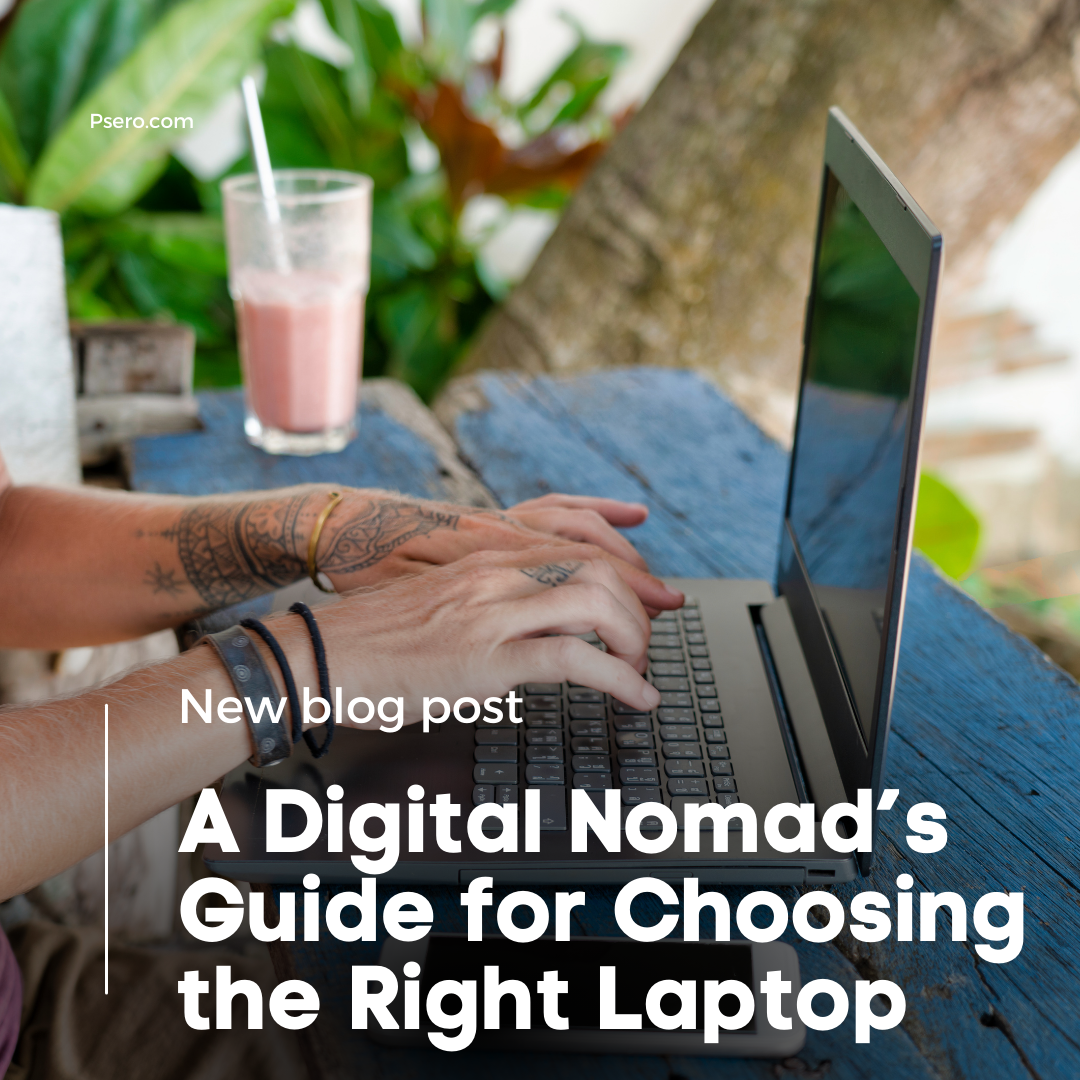
In this post I will show you A Digital Nomad’s Guide for Choosing the Right Laptop.
A Digital Nomad’s Guide for Choosing the Right Laptop
Welcome to the Digital Nomad’s Guide for Choosing the Right Laptop! As the world becomes increasingly connected, the nomadic lifestyle is no longer a dream but a reality for many professionals. Whether you’re chasing sunsets on a tropical beach, exploring bustling city streets, or working from the tranquility of a mountain retreat, your laptop is your indispensable companion. In this guide, we’ll navigate the landscape of laptops designed to cater to the unique needs of digital nomads, ensuring that your work tools align seamlessly with your on-the-go lifestyle.
Chapter 1: Understanding Your Nomadic Needs
1.1 Defining Your Work Style
In the ever-evolving landscape of remote work, the nature of your digital nomadic journey will greatly influence the type of laptop that suits you best. Are you a content creator, a writer, a coder, or perhaps a digital marketer? Identifying the specific demands of your work will guide you in selecting a laptop that complements your tasks on the road. Consider the software and applications crucial to your daily workflow – from graphic design tools to project management software – ensuring that your chosen device is not just a device, but a tailored solution to enhance your productivity.
1.2 Assessing Connectivity Requirements
Staying connected is the lifeline of a digital nomad. Robust and reliable internet connectivity is paramount. When choosing a laptop, prioritize those with advanced Wi-Fi capabilities to ensure seamless online collaboration. Additionally, assess the importance of ports for your work. Whether you need to connect to external displays, transfer files through USB, or make presentations using HDMI, having the right ports is key to adapting to the diverse work environments you’ll encounter on your journey.
Chapter 2: Portability Matters
2.1 Weight and Size Considerations
Digital nomads thrive on flexibility, and the weight and size of your laptop play a crucial role in that equation. Striking the right balance between portability and screen size is essential. Consider your preferences – whether you prefer the compactness of a lightweight laptop for easy mobility or a larger screen for enhanced productivity. The key is to find a device that seamlessly fits into your nomadic lifestyle without sacrificing performance.
2.2 Durability for the Road
As a digital nomad, your laptop will face diverse environments, from the tranquility of a quiet coffee shop to the vibrancy of a co-working space. Choose a laptop with a durable build, capable of withstanding the challenges of constant travel. Look for features like rugged exteriors and resistance to elements such as dust and moisture. Investing in a durable laptop ensures that your digital companion stands the test of time and travel.
Chapter 3: Performance on the Go
3.1 Processing Power
In the nomadic realm, where adaptability is key, the processing power of your laptop becomes a critical factor. Select a CPU that aligns with the demands of your workload. Whether you’re crunching numbers, editing videos, or running complex applications, a balanced and energy-efficient processor, such as Intel Core i5 or AMD Ryzen 5, ensures that your laptop keeps up with your dynamic work environment.
3.2 Memory and Storage
Nomadic tasks often involve multitasking and handling large files. Optimal RAM is crucial for smooth performance, enabling you to seamlessly switch between applications. Consider a laptop with at least 8GB or 16GB of RAM to accommodate your diverse work needs. Additionally, weigh the advantages of SSDs over HDDs; the former provides faster data access, ensuring swift loading times for applications and efficient file management during your on-the-go ventures.
Chapter 4: Display and Ergonomics
4.1 High-Resolution Displays
The quality of your laptop’s display significantly impacts your digital nomad experience. A high-resolution display ensures crisp visuals, making every detail stand out. Consider opting for a laptop with a vibrant and sharp display, especially if your work involves graphic design, photo editing, or content creation. Additionally, touchscreen capabilities can add a layer of versatility, enabling a more interactive and intuitive experience.
4.2 Keyboard Comfort and Trackpad Precision
Given the hours spent typing and navigating, the comfort of the keyboard and precision of the trackpad are paramount. Look for laptops with comfortable, well-spaced keys that facilitate extended typing sessions without causing fatigue. The responsiveness of the trackpad is equally crucial for smooth and accurate navigation. A laptop that provides a comfortable and ergonomic interface enhances your overall productivity and work satisfaction.
5.1 Essential Ports
Digital nomads often find themselves in various work environments, each with its unique set of connectivity requirements. Ensure your laptop is equipped with essential ports, including USB, HDMI, and USB-C. Having a versatile selection of ports enables you to adapt to different situations, whether you’re connecting to external displays, peripherals, or transferring files. This adaptability is key to maintaining a seamless workflow on the go.
5.2 Long-lasting Battery
When your office is where you unfold your laptop, a reliable battery becomes your lifeline. Aim for a laptop with an extended battery life that can support a full day of work without frequent recharging. Look for features such as fast-charging capabilities, allowing you to quickly top up your battery during short breaks. A long-lasting battery ensures that you stay productive, even when power outlets are a rare commodity.
Chapter 6: Security and Additional Features
6.1 Biometric Security Measures
As a digital nomad, securing your work and personal data is of utmost importance. Consider laptops equipped with biometric security measures, such as fingerprint sensors or facial recognition. These features add an extra layer of protection, ensuring that only authorized individuals can access your device. Investing in a laptop with robust security measures provides peace of mind, especially when working in diverse and potentially less secure locations.
6.2 Extras for Convenience
Enhance your nomadic work experience by exploring laptops with additional features designed for convenience. Backlit keyboards facilitate late-night work sessions, while privacy screens protect sensitive information from prying eyes in public spaces. Consider accessories like laptop stands for ergonomic setups, enabling you to create a comfortable and productive workspace wherever you go.
Conclusion
Understanding your work style, prioritizing portability, and assessing performance needs lay the foundation for a laptop that adapts to your ever-changing environment. Whether you find yourself typing away in a bustling co-working space or crafting emails with a view of the horizon, the right laptop can elevate your digital nomad experience.
From high-resolution displays to durable builds, each feature contributes to creating a mobile office that’s as versatile as you are. Connectivity options, battery life, and security measures add layers of practicality, enabling you to work efficiently and securely from any corner of the globe.