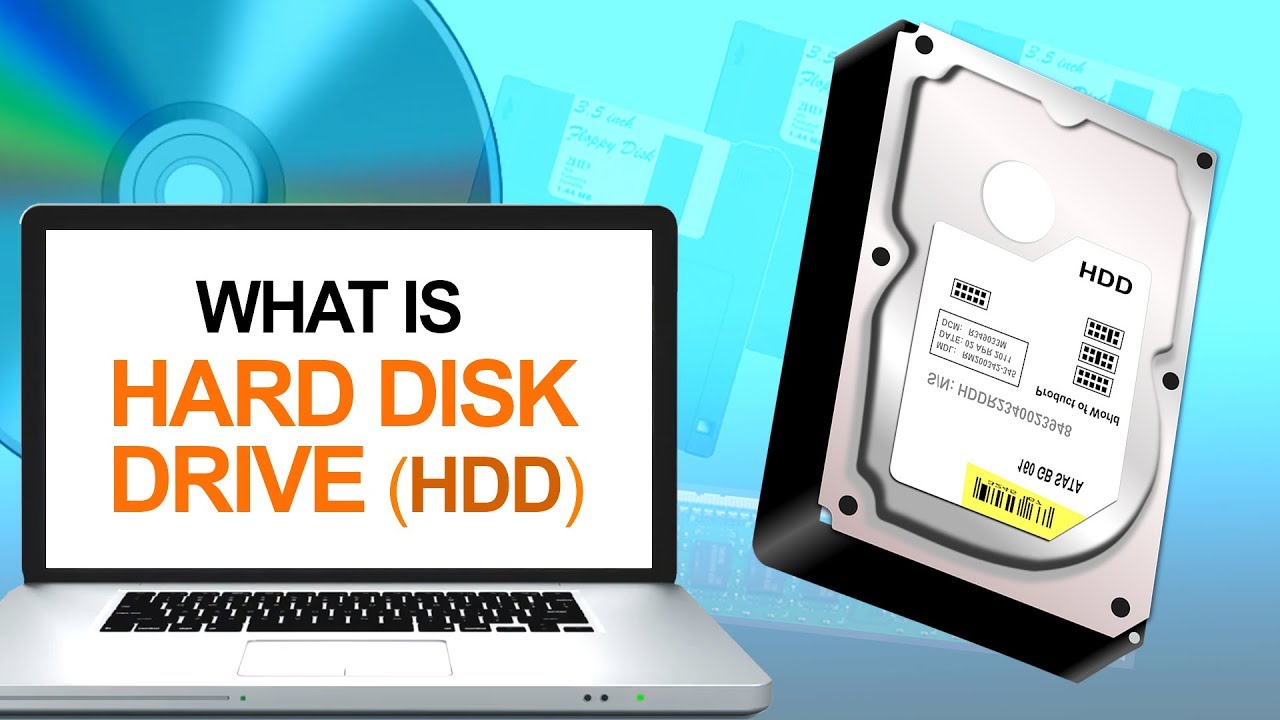
When choosing a laptop or upgrading storage, Hard Disk Drives (HDDs) remain a popular and affordable choice for many users. HDDs have been the standard for data storage for decades, offering a balance between storage capacity and cost. Let’s explore the various types of HDD and how they differ in laptops, so you can make an informed decision for your laptop or desktop needs.
Types of HDD In Laptops
 -=
-=
1. SATA HDD
SATA (Serial Advanced Technology Attachment) HDDs are the most common type of hard drives used in laptops and desktops. They connect to the motherboard via a standard interface and remain widely used due to their affordability and reliability.
- Speed: SATA HDDs typically spin at 5400 RPM or 7200 RPM, with the latter offering faster speeds.
- Capacity: They store large amounts of data, ranging from 500GB to 8TB or more.
- Cost: These HDDs are affordable, making them an excellent option for users seeking large storage without breaking the bank.
Best for: General laptop and desktop users who need large storage space at a low cost, ideal for tasks like document storage, media libraries, and basic computing.
2. IDE HDD
IDE (Integrated Drive Electronics) HDDs represent an older type of hard drive that manufacturers largely replaced with SATA drives. They connect to the motherboard using a ribbon cable, offering slower speeds compared to modern SATA HDDs.
- Speed: IDE HDDs transfer data at speeds ranging from 100MB/s to 133MB/s.
- Capacity: These drives generally top out at 500GB to 1TB.
- Availability: They are becoming obsolete, and most modern laptops and desktops no longer support IDE connections.
Best for: Older computers that still require IDE connectors. For modern systems, SATA HDDs offer better performance.
3. SCSI HDD
SCSI (Small Computer System Interface) HDDs cater to enterprise environments such as servers and data centers. They deliver higher performance than traditional SATA or IDE drives and excel in systems that need fast data access and large-scale storage.
- Speed: SCSI HDDs run at speeds of 10,000 RPM or 15,000 RPM, making them significantly faster than SATA drives.
- Capacity: These drives generally offer capacities of 300GB to 2TB, focusing on speed rather than bulk storage.
- Cost: SCSI HDDs come with a higher price tag due to their performance and specialized use cases.
Best for: Businesses and data centers that require fast, reliable storage to handle large volumes of data.
4. SSHD (Hybrid HDD)
SSHDs (Solid State Hybrid Drives) blend the storage capacity of an HDD with the speed of an SSD. They use a small amount of solid-state memory to cache frequently accessed data, resulting in faster performance.
- Speed: SSHDs offer better performance than traditional SATA HDDs, though they fall short of SSD speeds.
- Capacity: SSHDs provide large storage capacities, ranging from 500GB to 4TB, with SSD caches of 8GB to 32GB.
- Performance: For commonly accessed data, such as booting the operating system, SSHDs significantly reduce load times.
Best for: Users seeking a balance between large storage capacity and improved performance without the cost of a full SSD.
5. External HDD
External HDDs provide portable storage that connects via USB, Thunderbolt, or eSATA ports. They are convenient for users who need additional storage but don’t want to modify their laptops or desktops.
- Speed: External HDDs typically operate at 5400 RPM or 7200 RPM.
- Capacity: These drives offer vast storage options, from 500GB to 10TB or more.
- Portability: Their portability makes them perfect for backing up data, storing large media libraries, or transferring files between different devices.
Best for: Users who need extra storage they can easily move between devices or who want a backup solution without altering their systems.
6. Enterprise HDD
Enterprise HDDs are built for reliability, durability, and uptime in server and data center environments. These drives handle constant read/write cycles and large-scale storage requirements.
- Speed: Many enterprise HDDs run at 10,000 RPM or 15,000 RPM, offering faster data access than standard desktop HDDs.
- Capacity: Enterprise drives offer large capacities, often starting at 1TB and extending up to 16TB or more.
- Durability: Designed to withstand constant operation, these drives handle heavy data workloads without sacrificing performance.
Best for: Businesses and organizations needing reliable, durable storage for servers, cloud storage, and data centers.
Conclusion: HDD In Laptops and Choosing the Right HDD
Your HDD choice should depend on your storage needs and budget:
- Everyday users: A SATA HDD offers the best balance between cost and storage capacity.
- Performance seekers: Consider an SSHD if you want faster speeds without the high cost of an SSD.
- Enterprise users: SCSI HDDs and Enterprise HDDs provide the performance and reliability needed for business environments.
For the best laptops and HDD storage solutions, visit Psero.com to find options tailored to your needs!