
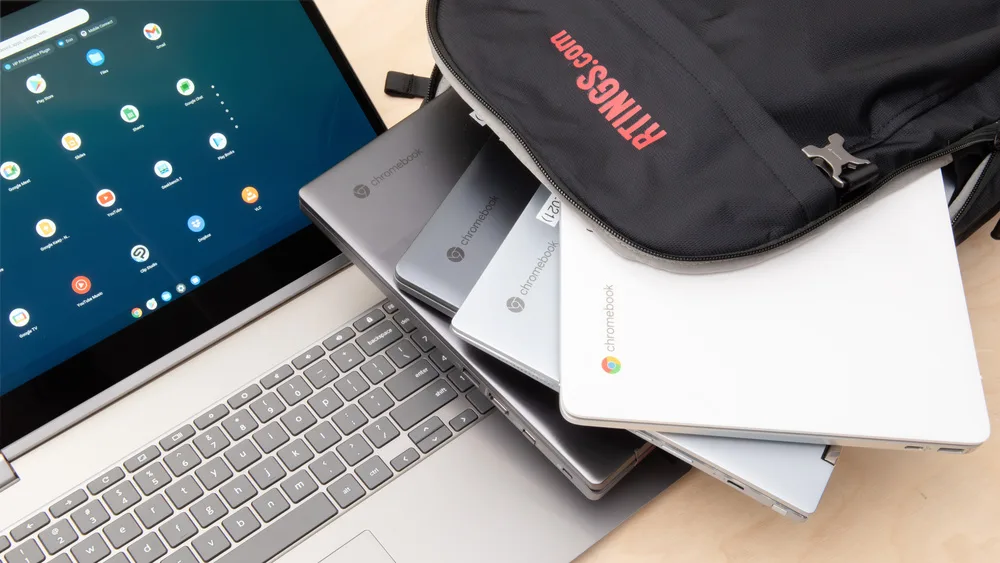
Chromebooks are lightweight laptops that run on Google’s ChromeOS. They are designed for web‑focused tasks like browsing, online classes, productivity apps, and cloud storage. In Nigeria, many students choose Chromebooks because they are affordable, easy to use, and very portable.
However, Chromebooks are not ideal for every student. This guide explains what Chromebooks are, how they compare to regular laptops, and whether they are a good choice for Nigerian students in 2026.
What Is a Chromebook?
A Chromebook is a laptop that primarily runs web‑based applications through the Chrome browser. Instead of traditional desktop software, most apps run online via the internet or Android apps from the Google Play Store. Chromebooks are known for simplicity, quick startup, and long battery life.
How Chromebooks Are Different from Regular Laptops
| Feature | Chromebook | Windows/Mac Laptop |
|---|---|---|
| Operating System | ChromeOS | Windows / macOS |
| Performance | Best for web and light use | Better for multitasking and heavy software |
| Price | Usually cheaper | Often more expensive |
| Software Support | Web and Android apps | Full desktop applications |
| Battery Life | Very long | Varies by model |
| Best For | Online classes, browsing, documents | Programming, design, heavy multitasking |
Why Chromebooks Can Be a Good Choice for Students
- Affordability: Chromebooks are often cheaper than Windows or Mac laptops, which makes them easier for students to afford.
- Long Battery Life: Most Chromebooks last all day without frequent charging.
- Fast Startup: ChromeOS boots quickly, so students spend less time waiting.
- Simple and Easy to Use: The interface is straightforward and designed for everyday tasks.
- Cloud Storage: Chromebooks rely on cloud storage like Google Drive, which helps students keep files backed up safely.
Limitations of Chromebooks for Nigerian Students
- Offline Limitations: Some apps and files require internet access to work.
- Not Ideal for Heavy Software: Chromebooks cannot run desktop applications like AutoCAD, full versions of Photoshop, or advanced video editing tools.
- App Compatibility: They rely on web apps or Android apps, which may not be suitable for all courses.
Best Uses for Chromebooks
Chromebooks work well for students who mainly need to:
- Attend online classes (Zoom, Google Meet)
- Write essays and reports (Google Docs)
- Research and browse the internet
- Store files in the cloud
- Watch educational videos
When Chromebooks Are Not Recommended
Chromebooks are not the best choice for:
- Coding or software development involving IDEs
- Engineering or design programs (e.g., AutoCAD, SolidWorks)
- Large data analysis with desktop software
- Professional video editing
Chromebook Price Range in Nigeria
Prices vary depending on brand and configuration, but typical ranges include:
- ₦80,000 – ₦120,000: Entry‑level Chromebooks
- ₦120,000 – ₦180,000: Mid‑range Chromebooks
- ₦180,000 – ₦250,000: Premium Chromebooks
Within Nigeria, Chromebooks are often imported or sold through official distributors and online marketplaces. They remain more affordable compared to many traditional laptops with similar battery life.
Recommended Chromebook Features for Students
If you decide to buy a Chromebook, aim for:
- At least 4GB RAM – smoother multitasking
- 32GB – 64GB storage – enough for offline files
- Long battery life – 8+ hours
- Lightweight and portable design
- Good display for reading and video lectures
Chromebook Brands Commonly Available in Nigeria
- HP Chromebook
- Acer Chromebook
- Lenovo Chromebook
- Asus Chromebook
Where to Buy Chromebooks in Nigeria
You can explore available Chromebooks from trusted sellers and marketplaces. If you are also selling laptops on Psero.com, consider adding Chromebook listings with clear specs, battery life, and student‑friendly prices to attract traffic and buyers.
Quick Pros and Cons – Chromebook Summary
| Aspect | Chromebook |
|---|---|
| Best for | Web apps, online classes, daily tasks |
| Battery life | Very long |
| Performance | Good for light tasks, limited offline use |
| Software | Web & Android apps |
| Offline use | Limited |
| Price range | More affordable |
Final Recommendation
Chromebooks are a good choice for students in Nigeria who need an affordable, lightweight laptop for everyday tasks, online classes, and document work. They offer excellent battery life and easy use, but they are not suitable for heavy software or advanced development work.
If you plan to use desktop programs or course‑specific apps, a traditional Windows or Mac laptop might be a better choice. However, Chromebooks remain a strong value for web‑centric student work.