
Engineering software requires far more computing power than everyday office applications. Whether you’re a mechanical engineer designing machine parts, a civil engineer analyzing structures, an electrical engineer running simulations, or an engineering student working on final-year projects, your laptop plays a critical role in your productivity.
Choosing the right laptop helps you run demanding software smoothly, complete projects faster, and avoid frustrating system crashes. This guide explains the specifications engineers should look for and recommends some of the best laptop options available in 2026.

Why Engineers Need High-Performance Laptops
Applications such as AutoCAD, SolidWorks, MATLAB, ANSYS, and ETABS require significant processing power, memory, and graphics performance. Using an underpowered laptop can lead to slow rendering, delayed simulations, and reduced productivity.
Storage speed is equally important. If you’re still using an older hard drive, our guide on why SSD laptops outperform HDD models explains how upgrading to SSD storage improves software performance and reduces loading times.
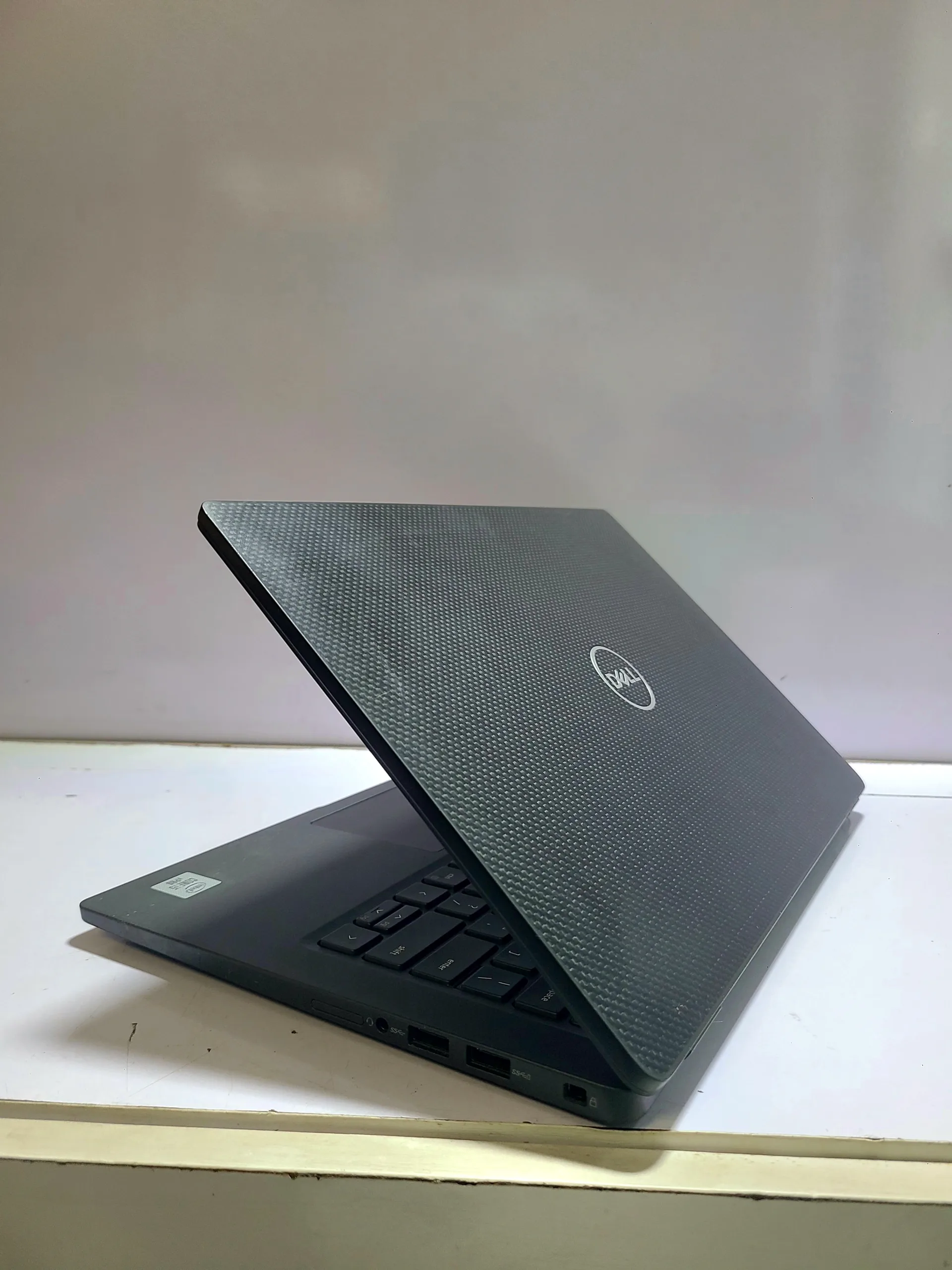
Recommended Laptop Specifications
For most engineering applications, these specifications provide a good balance between performance and value:
- Intel Core i7 (12th Generation or newer) or AMD Ryzen 7 processor.
- 16GB RAM (32GB recommended for advanced simulations).
- 512GB or 1TB SSD storage.
- Dedicated NVIDIA RTX or AMD Radeon graphics card.
- 15.6-inch or 16-inch Full HD or higher-resolution display.
- Efficient cooling system.
If you’re buying a laptop for engineering school or professional work, our guide on common laptop buying mistakes Nigerians should avoid can help you choose the right hardware without overspending.

1. Dell Precision 3591
Dell’s Precision series is designed for engineering professionals and offers workstation-grade performance for demanding software.
- Professional NVIDIA graphics.
- Reliable cooling.
- Excellent build quality.
- Powerful Intel processors.
2. Lenovo ThinkPad P16
The ThinkPad P16 is well known for its reliability and ability to handle complex engineering workloads.
- Excellent keyboard.
- High-performance workstation graphics.
- Durable construction.
- Large memory capacity.
3. HP ZBook Power G11
HP’s ZBook series is built specifically for engineers, architects, and technical professionals.
- Professional workstation design.
- Powerful CPU options.
- Dedicated graphics.
- Fast SSD storage.
4. ASUS ProArt P16
The ASUS ProArt combines strong graphics performance with excellent displays, making it suitable for engineering visualization and design.
- High-quality display.
- RTX graphics.
- Powerful processors.
- Reliable cooling.
5. Apple MacBook Pro 16-inch (M4 Pro)
Although some engineering applications are Windows-only, the MacBook Pro performs exceptionally well with compatible engineering, programming, and scientific software.
- Outstanding battery life.
- Excellent Retina display.
- Powerful Apple Silicon processor.
- Premium build quality.
Engineering Software You May Need
Depending on your specialization, you may use one or more of the following applications:
- AutoCAD.
- SolidWorks.
- MATLAB.
- ANSYS.
- ETABS.
- Autodesk Revit.
- Microsoft Excel.
You can verify official system requirements through the Autodesk website for AutoCAD products and the MathWorks website for MATLAB before purchasing a laptop.
Many engineers also rely on spreadsheets for calculations, estimates, and project management. Our guide on using Microsoft Excel effectively covers useful techniques for organizing technical and financial data.
Back Up Your Engineering Projects
Engineering drawings, simulations, and reports often require weeks of work. Losing those files because of hardware failure can delay projects and increase costs.
Our tutorial on automatically backing up laptop files explains how to keep your work safe using cloud storage and external drives.
Microsoft’s official OneDrive Help Center also provides guidance on syncing files securely across multiple devices.
Should You Buy a UK Used Engineering Laptop?
UK-used mobile workstations are popular among Nigerian engineers because they often provide high-end specifications at a more affordable price than brand-new models.
Before purchasing one, inspect the graphics card, battery health, cooling system, SSD, display, and overall condition. Our guide on how to inspect a UK-used laptop before buying explains what to look for before making your decision.
Final Thoughts
Engineering software demands reliable hardware. Investing in a laptop with a modern Intel Core i7 or AMD Ryzen 7 processor, dedicated graphics, sufficient RAM, and SSD storage will improve your ability to complete projects efficiently and handle increasingly complex workloads.
Whether you choose a Dell Precision, Lenovo ThinkPad P16, HP ZBook, ASUS ProArt, or MacBook Pro, selecting the right laptop today will support your studies and professional engineering work well into the future.