Video content has become one of the most powerful ways to reach audiences online. Whether you’re editing YouTube videos, wedding highlights, documentaries, social media content, or commercial advertisements, a powerful laptop can dramatically improve your editing speed and workflow.
Professional video editing software demands more from a laptop than basic office applications. In this guide, you’ll learn the ideal specifications for video editing and discover some of the best laptops available for Nigerian creators in 2026.
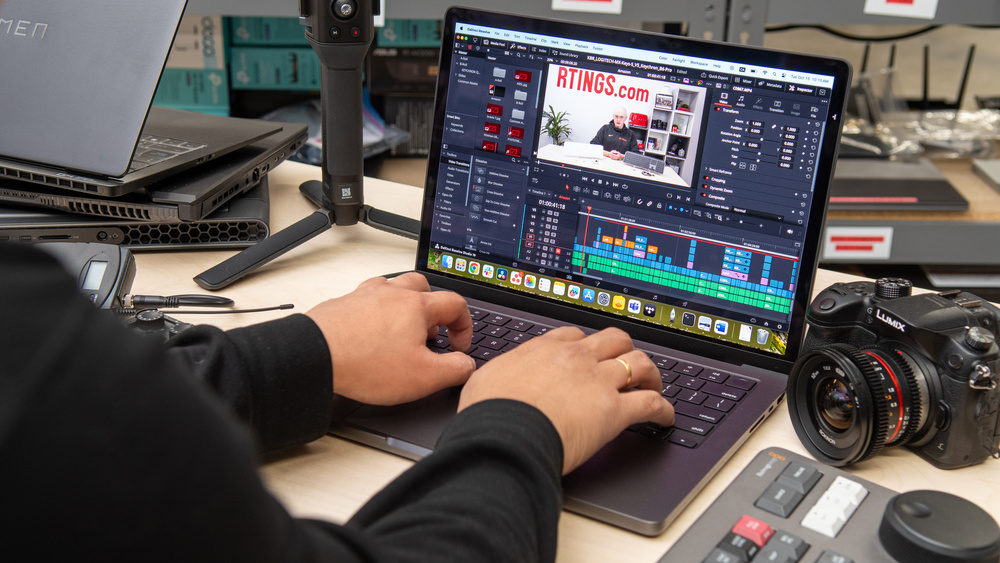
Why Video Editors Need High-Performance Laptops
Editing high-resolution videos involves processing large files, rendering effects, colour grading, and exporting finished projects. These tasks require a fast processor, dedicated graphics card, plenty of RAM, and high-speed SSD storage.
If you’re still using a traditional hard drive, our guide on why SSD laptops are much faster than HDD models explains why upgrading to SSD storage is one of the biggest performance improvements you can make.
Recommended Laptop Specifications
For smooth video editing in 2026, look for these specifications:
- Intel Core i7 or Intel Core Ultra 7, or AMD Ryzen 7 processor.
- 16GB RAM (32GB recommended for 4K editing).
- 1TB SSD storage.
- Dedicated NVIDIA GeForce RTX or AMD Radeon graphics card.
- 15-inch or 16-inch Full HD, QHD, or 4K display with accurate colours.
- Good cooling system for long rendering sessions.
Before purchasing, you may also find our guide on common laptop buying mistakes Nigerians should avoid useful when comparing different models.
1. Apple MacBook Pro 16-inch (M4 Pro)
The MacBook Pro remains one of the best laptops for professional video editing thanks to its outstanding display, battery life, and optimized performance.
- Excellent Liquid Retina XDR display.
- Outstanding battery life.
- Fast video rendering.
- Excellent colour accuracy.
2. ASUS ProArt P16
Designed for creative professionals, the ASUS ProArt series combines workstation-level performance with a colour-accurate display.
- NVIDIA RTX graphics.
- High-performance processor.
- Excellent OLED display.
- Efficient cooling system.
3. Dell XPS 16
Dell’s XPS lineup delivers premium performance for creators who edit videos regularly.
- Powerful Intel processors.
- Dedicated graphics.
- Bright high-resolution display.
- Premium build quality.
4. Lenovo Legion Pro 7i
Although designed as a gaming laptop, the Legion Pro is also an excellent choice for demanding video editing projects.
- High-end RTX graphics.
- Powerful cooling system.
- Large memory capacity.
- Excellent multitasking performance.
5. HP Omen Transcend 16
The HP Omen Transcend provides the processing power required for editing high-resolution videos while remaining relatively portable.
- Strong graphics performance.
- High-refresh display.
- Fast SSD storage.
- Reliable overall performance.
Best Software for Video Editing
Professional video editors commonly use the following applications:
- Adobe Premiere Pro.
- DaVinci Resolve.
- Adobe After Effects.
- CapCut Desktop.
- Final Cut Pro (macOS only).
- Adobe Audition.
Before installing editing software, check the official system requirements on the Adobe website. DaVinci Resolve users can also review compatibility information on the official Blackmagic Design website.
If you’re creating content for social media or YouTube, our guide on using Canva to design thumbnails and promotional graphics can help you improve your video’s presentation.
Protect Your Video Projects
Video files consume significant storage space and often represent many hours of editing work. Losing them because of hardware failure can be extremely frustrating.
Our guide on automatically backing up laptop files explains how to keep your projects safe using cloud storage and external drives.
Microsoft’s official OneDrive Help Center provides additional guidance on securely synchronizing large project files across multiple devices.
Should You Buy a UK Used Laptop for Video Editing?
Many professional editors in Nigeria buy UK-used premium laptops because they offer better performance than many brand-new budget models at similar prices.
Before making a purchase, inspect the SSD, battery health, display quality, graphics performance, cooling system, and keyboard. Our guide on how to inspect a UK-used laptop before buying explains the most important checks to perform.
Final Thoughts
Video editing requires powerful hardware that can handle demanding creative workloads without slowing you down. Investing in a laptop with a modern processor, dedicated graphics card, ample RAM, and fast SSD storage will help you edit faster, export projects more efficiently, and deliver professional-quality content.
Whether you choose a MacBook Pro, ASUS ProArt, Dell XPS, Lenovo Legion Pro, or HP Omen Transcend, selecting the right laptop today will support your creative projects well into the future.