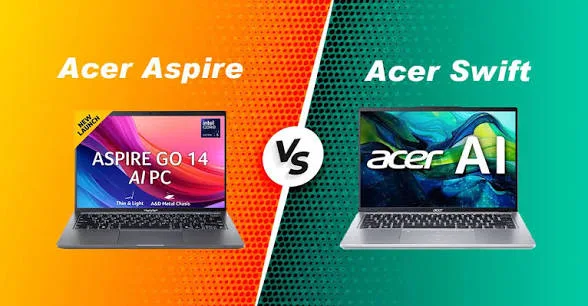
Acer is one of the world’s leading laptop brands. Its products are popular among students, professionals, entrepreneurs, and home users in Nigeria. Two of its best-known laptop families are the Acer Aspire and Acer Swift series. Although both are designed for productivity, they target different types of buyers.
If you’re planning to buy an Acer laptop in Nigeria, this comparison will help you understand the differences between the Aspire and Swift series. You’ll also learn which one offers the best value for your budget and daily workload.
What Is the Acer Aspire Series?
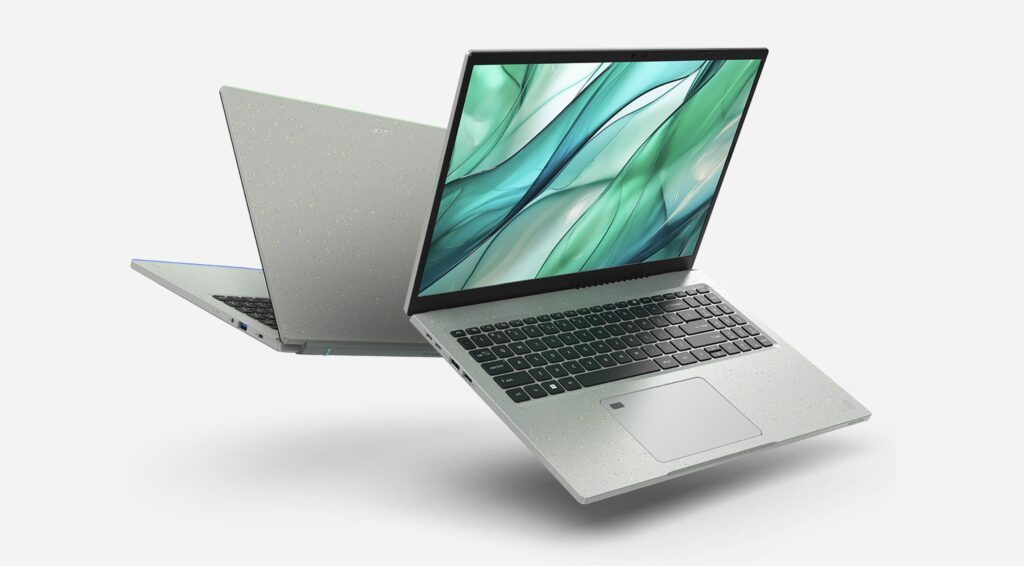
The Acer Aspire series is designed for everyday computing. It is suitable for students, office workers, freelancers, and families. Aspire laptops are commonly used for browsing the web, preparing documents, attending online classes, streaming videos, and handling routine office work.
These laptops are available in different screen sizes and hardware configurations. They are also among Acer’s most affordable laptop options.
What Is the Acer Swift Series?
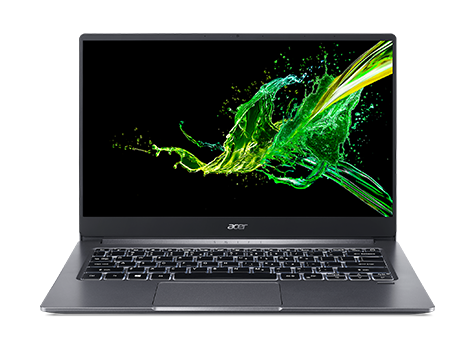
The Acer Swift series is Acer’s premium ultrabook lineup. Swift laptops are thinner, lighter, and more portable than most Aspire models. They often include better displays, longer battery life, and more powerful hardware.
They are ideal for professionals, business travellers, software developers, content creators, and users who need a lightweight laptop without compromising performance.
Acer Aspire vs Acer Swift: Comparison Table
| Feature | Acer Aspire | Acer Swift |
|---|---|---|
| Target Users | Students and everyday users | Professionals and business users |
| Build Quality | Good | Premium |
| Weight | Standard | Lightweight and portable |
| Battery Life | Good | Excellent |
| Display | Full HD | Higher-quality Full HD or OLED options |
| Price | More affordable | Higher |
Performance Comparison
Performance depends on the processor, RAM, and storage configuration. Both Aspire and Swift laptops are available with Intel Core i5, Core i7, Intel Core Ultra, and AMD Ryzen processors. Premium Swift models usually include faster SSDs, additional RAM, and improved cooling systems.
No matter which model you choose, make sure it has SSD storage. SSDs start faster, load applications more quickly, and improve overall responsiveness. If you’re still comparing storage options, read our guide on why SSD laptops outperform HDD laptops.
Which Laptop Is Better for Students?
Most students will find the Acer Aspire more than adequate. It handles Microsoft Office, online research, web browsing, assignments, and virtual learning with ease. It also costs less than many premium laptops.
Students studying engineering, architecture, programming, video editing, or graphic design may benefit from an Acer Swift. These courses often require more powerful hardware for demanding applications.
Which Laptop Is Better for Professionals?
Professionals who work remotely or travel frequently may prefer the Acer Swift. It offers better portability, longer battery life, and a more premium design.
If you own a business, you may also enjoy reading our guide on the best laptops for Nigerian business owners and entrepreneurs before making your final decision.
Battery Life and Portability
Battery performance varies depending on the processor, display, and workload. However, Acer Swift laptops generally last longer on a single charge. They are also lighter, making them easier to carry to work, school, or meetings.
Should You Buy a UK Used Acer Laptop?
UK-used Acer laptops are less common than HP, Dell, or Lenovo models. Even so, they can still offer excellent value when purchased from a trusted seller.
Always inspect the battery, SSD, keyboard, display, webcam, hinges, charging port, and overall condition before buying. Our guide on how to inspect a UK-used laptop before buying explains everything you should check.
How Much RAM Do You Need?
- 8GB RAM is suitable for web browsing, Microsoft Office, and everyday productivity.
- 16GB RAM is recommended for professionals and users who multitask regularly.
- 32GB RAM is ideal for software development, engineering software, video editing, and other demanding workloads.
If you’re unsure which option to choose, read our article on how much RAM you really need in a laptop.
Where Can You Download Acer Drivers?
Download BIOS updates, drivers, and software only from the official Acer Support website. Installing official updates improves compatibility, stability, performance, and security.
Final Verdict
The Acer Aspire is an excellent choice for students, office workers, freelancers, and home users. It delivers dependable performance at an affordable price.
The Acer Swift is better suited for professionals and users who need premium build quality, excellent battery life, lighter weight, and stronger performance.
Whichever model you choose, focus on the specifications instead of the name. A modern processor, SSD storage, and enough RAM will have a greater impact on your experience than simply choosing between the Aspire and Swift series.