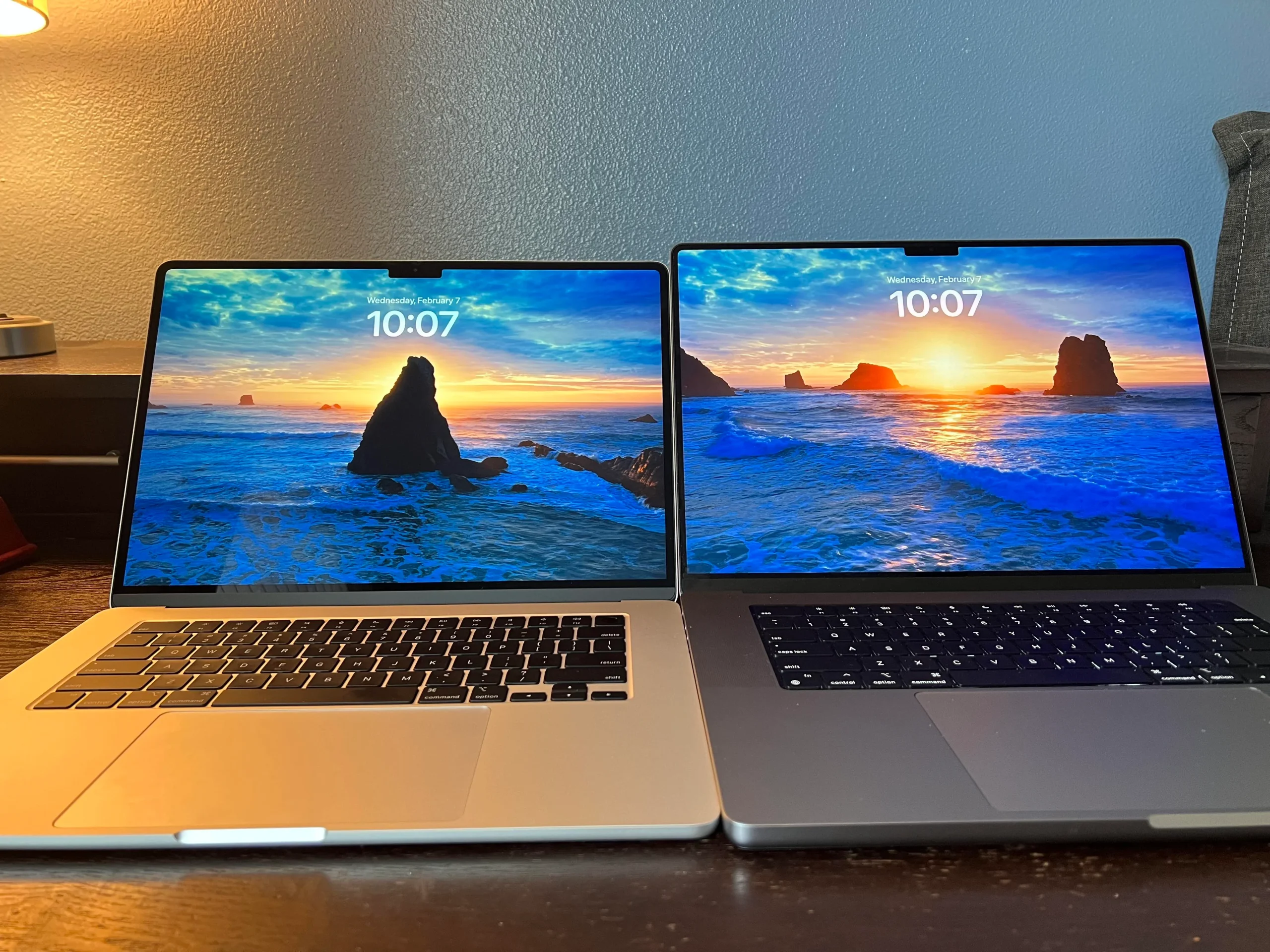
Many laptop buyers in Nigeria assume that gaming laptops are the best option because they come with powerful hardware. However, more power does not always mean a better laptop. Business laptops and gaming laptops serve different purposes, and choosing the wrong one could leave you paying for features you may never use.
This guide compares business laptops and gaming laptops to help you decide which one matches your budget, profession, and daily workload.
What Is a Business Laptop?

Manufacturers build business laptops for reliability, security, portability, and long working hours. Companies often buy them for employees because they offer excellent keyboards, durable designs, and dependable performance.
Popular business laptop series include the HP EliteBook, HP ProBook, Dell Latitude, Lenovo ThinkPad, and Lenovo ThinkBook.
What Is a Gaming Laptop?
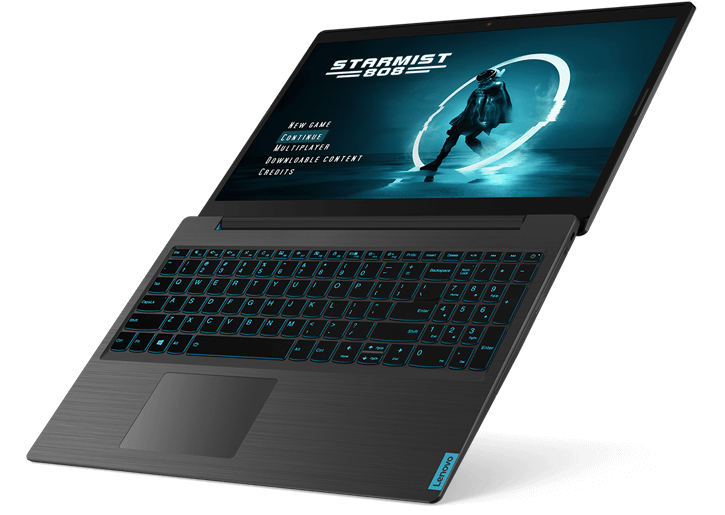
Manufacturers design gaming laptops for users who play modern games or run demanding software. These laptops include dedicated graphics cards, powerful processors, advanced cooling systems, and high-refresh-rate displays.
Many content creators, architects, engineers, and video editors also use gaming laptops because graphics-intensive applications benefit from dedicated GPUs.
Business Laptop vs Gaming Laptop: Comparison Table
| Feature | Business Laptop | Gaming Laptop |
|---|---|---|
| Primary Purpose | Office work and productivity | Gaming and graphics-intensive tasks |
| Graphics | Integrated graphics | Dedicated graphics card |
| Battery Life | Longer | Usually shorter |
| Weight | Lighter | Heavier |
| Cooling | Standard cooling | Advanced cooling systems |
| Price | Usually lower | Often higher |
Performance Comparison
Both laptop categories offer models with Intel Core i5, Core i7, Intel Core Ultra, AMD Ryzen 5, and Ryzen 7 processors. The biggest difference is graphics performance. Gaming laptops include dedicated GPUs from NVIDIA or AMD, while most business laptops rely on integrated graphics.
For office work, web browsing, Microsoft Office, accounting software, and online meetings, integrated graphics provide more than enough performance.
If you work with video editing, 3D rendering, animation, engineering software, or modern games, a dedicated graphics card will deliver much better results.
Which Laptop Is Better for Students?
Most students should buy a business laptop. It offers longer battery life, weighs less, and usually costs less than a gaming laptop.
Students studying architecture, engineering, game development, animation, or video production may benefit from a gaming laptop because their software often relies on dedicated graphics.
Which Laptop Is Better for Business Owners?
Entrepreneurs, accountants, consultants, teachers, bankers, and office workers should choose a business laptop. These laptops focus on reliability, portability, and productivity instead of gaming performance.
If you’re shopping for work, read our guide on the best laptops for Nigerian business owners and entrepreneurs for more recommendations.
Battery Life
Business laptops usually last longer on battery power because manufacturers optimise them for efficiency. Many models easily support a full working day.
Gaming laptops consume more power because they use dedicated graphics cards and powerful cooling systems. Heavy gaming also drains the battery much faster.
Portability
Business laptops are generally thinner and lighter. They fit easily into backpacks and laptop bags, making them ideal for students and professionals who travel regularly.
Gaming laptops often weigh more because they include larger cooling systems and high-performance components.
Should You Buy a UK Used Business or Gaming Laptop?
Many Nigerians buy UK-used laptops because they offer excellent value for money. Both business and gaming laptops can be good purchases when bought from a trusted seller.
Before buying any UK-used laptop, inspect the battery, SSD, display, keyboard, cooling system, webcam, charging port, and overall condition. Our guide on how to inspect a UK-used laptop before buying explains the most important checks.
How Much RAM Do You Need?
- 8GB RAM works well for office work and general computing.
- 16GB RAM suits professionals, students, and gamers.
- 32GB RAM or more supports video editing, software development, engineering applications, and high-end gaming.
If you’re unsure which option fits your needs, read our guide on how much RAM you really need in a laptop.
Where Can You Learn More About PC Hardware?
You can learn more about Windows gaming features on the official Xbox for Windows page. You can also explore the latest graphics technologies on the official NVIDIA website and AMD website.
Final Verdict
Choose a business laptop if your daily work involves Microsoft Office, accounting, web browsing, online meetings, programming, or general productivity. You’ll enjoy better battery life, lighter weight, and lower operating costs.
Choose a gaming laptop if you play modern games or use graphics-intensive software such as Adobe Premiere Pro, Blender, AutoCAD, or other creative applications. The dedicated graphics card will significantly improve performance.
Before making your decision, think about how you will actually use the laptop. Buying the right type of laptop will save money and provide a better experience for many years.