Intel processors are the central processing units (CPUs) used in computers. They handle computing tasks, from basic browsing to gaming and professional workloads.
➡️ “Buy all kinds of computer accessories at very cheap affordable price in Nigeria! Check out our latest collection here: Psero accessories – Feature-Packed Models.”
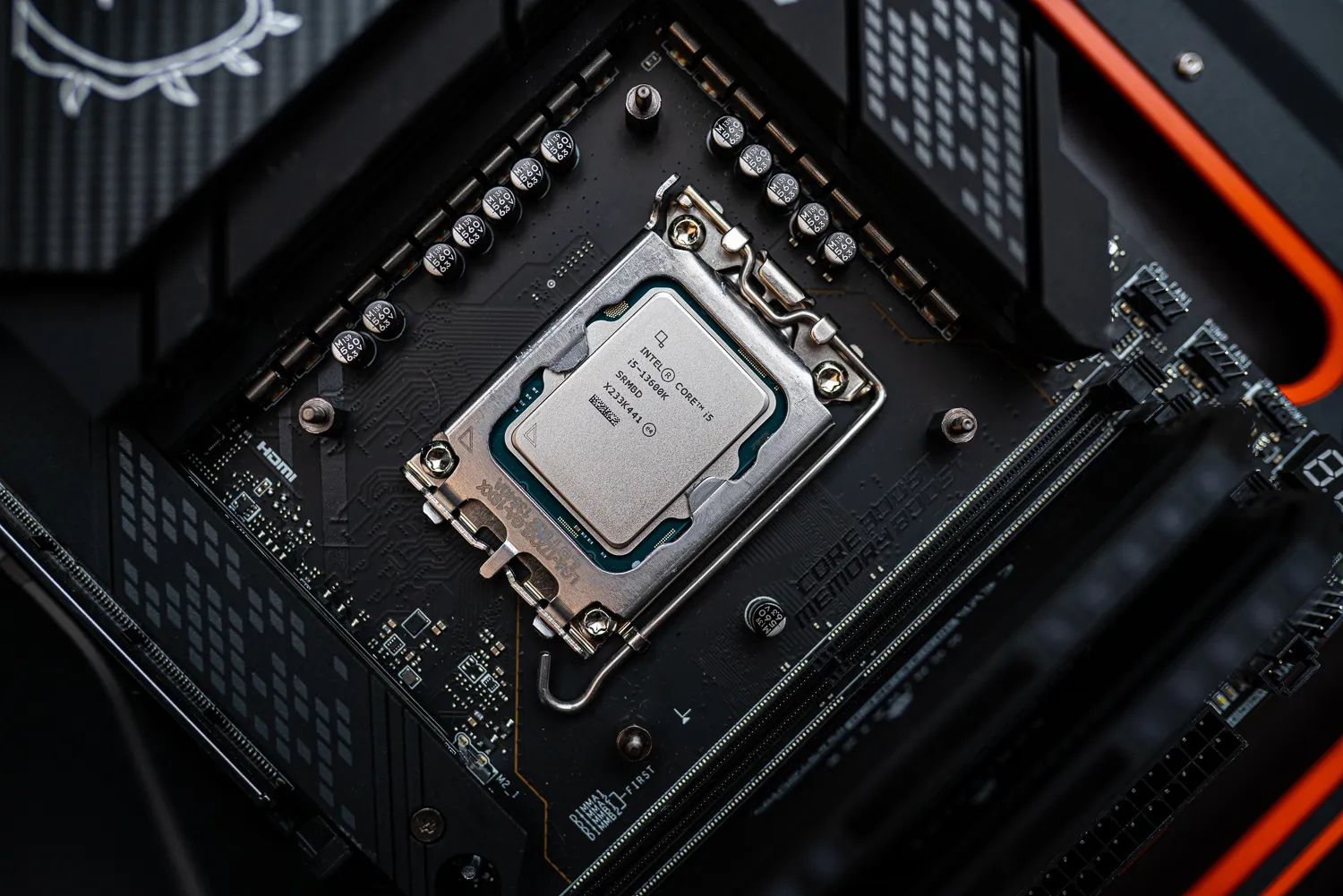
What Are the Different Intel Processor Series?
Intel offers various processor series, each designed for different performance needs:
- Intel Core i3 – Budget-friendly, good for basic tasks like browsing and office work.
- Intel Core i5 – A balance of performance and price, ideal for students and casual gamers.
- Intel Core i7 – More powerful, suitable for multitasking, gaming, and content creation.
- Intel Core i9 – High-end performance for heavy gaming, video editing, and professional workloads.
- Intel Xeon – Designed for servers and workstations, used in high-performance computing environments.
Each series has different generations (e.g., 10th Gen, 11th Gen, 12th Gen, etc.), with newer generations offering better speed and efficiency.
What’s the Difference Between Intel Generations?
Each new Intel generation improves performance, power efficiency, and features.
| Generation | Performance Upgrade |
|---|---|
| 6th to 8th Gen | Faster speeds, better battery life. |
| 9th to 10th Gen | Improved gaming and multitasking. |
| 11th Gen | AI-enhanced performance, better graphics. |
| 12th Gen (Alder Lake) | Hybrid architecture (Performance & Efficiency cores). |
| 13th Gen (Raptor Lake) | Enhanced multitasking and gaming. |
| 14th Gen | Latest improvements with power efficiency. |
Each newer generation runs faster and consumes less power than the previous one.
Which Intel Processor is Best for Gaming?
- Intel Core i5 (11th Gen and above) – Best for budget gaming.
- Intel Core i7 (10th Gen and above) – Great for high-frame-rate gaming.
- Intel Core i9 (11th Gen and above) – Best for gaming and streaming at the same time.
For serious gaming, pairing a Core i7 or i9 with a dedicated GPU (e.g., NVIDIA RTX) is recommended.
➡️ “Discover Clean Uk Used Desktops! Check out our latest collection here: Psero desktops – Feature-Packed Models.”
What Do “K,” “F,” and “U” Mean in Intel Processors?
Intel CPUs often have letters at the end that indicate their features:
- K-series (e.g., i7-12700K) – Unlocked for overclocking (for advanced users).
- F-series (e.g., i5-12400F) – No integrated graphics (requires a dedicated GPU).
- U-series (e.g., i5-1135G7) – Ultra-low power, used in thin laptops for battery efficiency.
- H-series (e.g., i7-12700H) – High performance, used in gaming laptops.
If you don’t plan to overclock, a non-K processor is usually more affordable and power-efficient.
How Does Intel Compare to AMD?
Intel and AMD are the two leading CPU manufacturers.
| Feature | Intel | AMD |
|---|---|---|
| Single-core speed | Faster in most applications | Good, but slightly slower |
| Multitasking (multi-core) | High-end i7 & i9 are great | Ryzen processors excel in this area |
| Integrated Graphics | Better for non-gaming tasks | Weaker than Intel’s integrated graphics |
| Power Efficiency | More efficient on newer models | More power-hungry in older models |
| Best for Gaming | Core i7/i9 (12th Gen and above) | Ryzen 7/9 (good alternative) |
For general users, both brands offer great performance, but Intel processors often have better single-core speed and power efficiency.
How Do I Check My Laptop’s Intel Processor?
- On Windows – Right-click This PC > Properties to see processor details.
- On Mac (for Intel-based Macs) – Click Apple Menu > About This Mac.
- Task Manager (Windows) – Press Ctrl + Shift + Esc > Performance > CPU to view full details.
Can I Upgrade My Intel Processor?
- For desktops – Yes, you can upgrade if your motherboard supports it.
- For laptops – Most laptops do not allow CPU upgrades because the processor is soldered onto the motherboard.
If you need better performance on a laptop, consider upgrading RAM or switching to an SSD instead.
Does a Higher Intel Core Number Always Mean Better Performance?
Not always. An i7 from an older generation (e.g., 7th Gen) can be slower than a newer i5 (e.g., 12th Gen). Always compare generations, clock speeds, and core counts instead of just the series number.
Which Intel Processor is Best for Work and Productivity?
- Intel Core i5 – Good for office tasks, emails, and light multitasking.
- Intel Core i7 – Great for programming, video editing, and design work.
- Intel Core i9 – Best for professionals using heavy software like Adobe Premiere Pro, AutoCAD, and 3D rendering tools.
For everyday use, an i5 or i7 is usually enough.
Final Thoughts
Choosing the right Intel processor depends on your needs. Whether you need a laptop for work, gaming, or business, selecting the right generation and series is key to optimal performance.
Need an affordable Intel-powered laptop in Nigeria? Check out Psero.com for great deals on new and UK-used laptops!