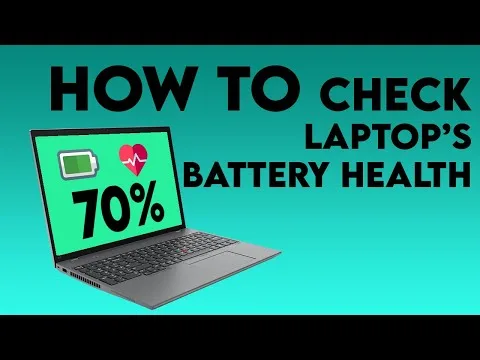
Battery health is one of the most important things to check before buying a laptop — especially if you are buying a UK-used device.
A laptop may look clean and powerful, but if the battery is weak, you may end up spending extra money on replacement.
This guide explains how to properly check laptop battery health before paying.
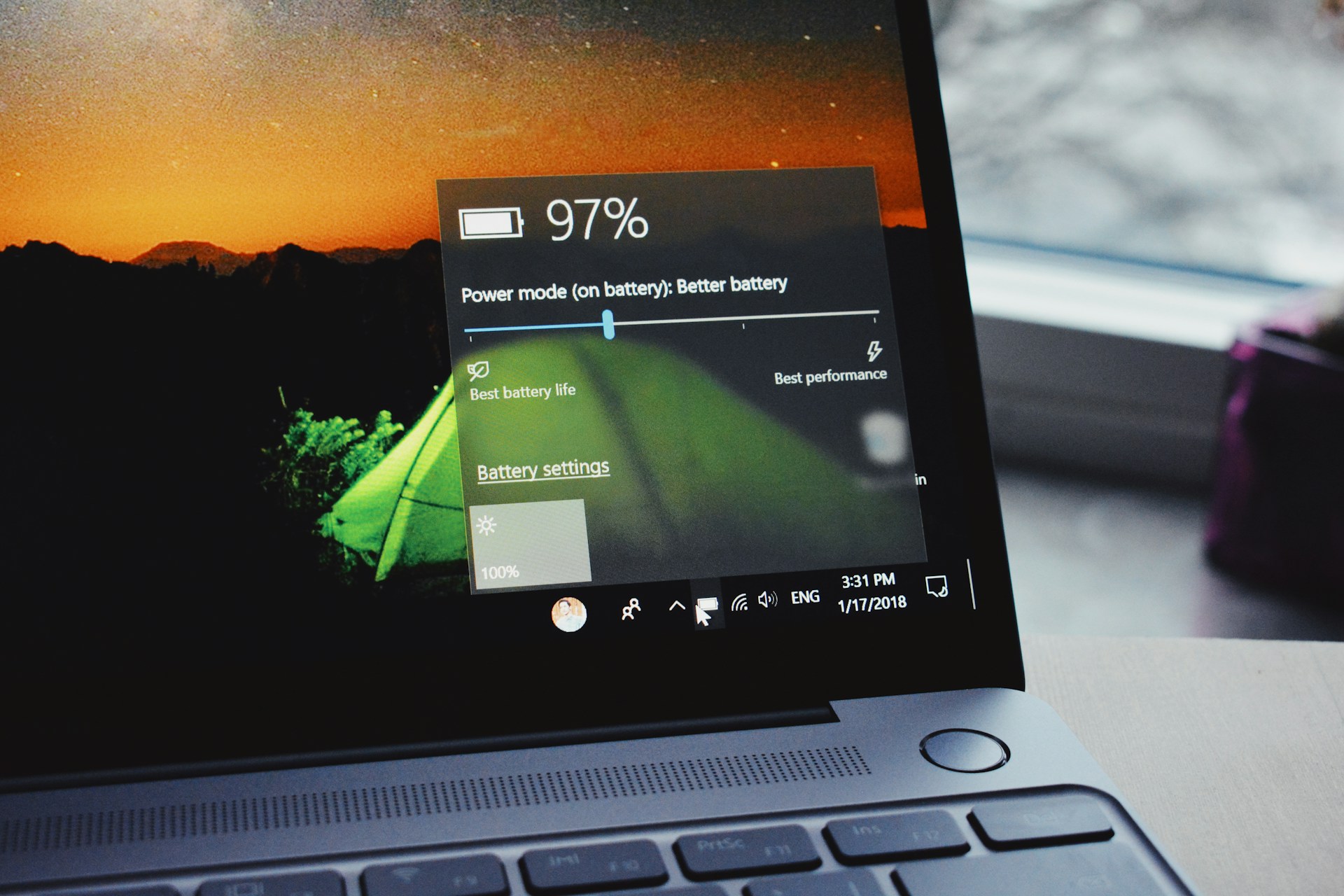
Why Battery Health Matters
A weak battery can cause:
Short usage time (less than 1–2 hours)
Sudden shutdowns
Overheating
Extra replacement costs
For students, remote workers, and business users in Nigeria — where power supply can be unstable — battery performance is critical.
1. Ask for Battery Backup Duration
The simplest test is to ask:
“How long does it last without charging?”
For UK-used business laptops, a healthy battery should last:
3–5 hours for normal usage
2–3 hours for older models
If it lasts less than 1 hour, the battery may be weak.
2. Check Battery Health Report (Windows)
If you have physical access to the laptop:
Step 1:
Press Windows + R
Step 2:
Type:
Step 3:
In Command Prompt, type:
Press Enter.
Windows will generate a battery report file.
Step 4:
Open the report and check:
Design Capacity
Full Charge Capacity
If the Full Charge Capacity is much lower than Design Capacity (for example, 30%–50%), the battery is worn out.
3. Check Battery Cycles (For MacBooks)
For Mac:
Click the Apple logo
Go to System Settings
Click Battery
View Battery Health
Battery condition should show:
Normal (Good)
Avoid devices showing Service Recommended.
4. Physically Inspect the Laptop
Look for:
Battery swelling (bulging bottom panel)
Overheating
Laptop shutting down when unplugged
Battery percentage dropping very fast
These are red flags.
5. Test Without Charger
Before paying:
Remove the charger
Use the laptop for 10–15 minutes
Open a browser and a few applications
If the battery drops unusually fast, it may be weak.
6. Ask If Battery Has Been Replaced
Sometimes sellers replace batteries.
Ask:
Is it original or replacement?
How long ago was it replaced?
Original batteries usually last longer than low-quality replacements.
7. Understand Age vs. Performance
Older laptops (5–7 years old) may not have “100% health,” and that is normal.
What matters is:
Real backup time
Stability
No sudden shutdown
When to Avoid the Laptop
Do not buy if:
It only works when plugged in
Battery health is below 40%
It shuts down at 20–30%
Seller refuses to test it properly
Cost of Battery Replacement in Nigeria
Battery replacement cost varies depending on model:
Business laptops: Moderate range
Premium ultrabooks: Higher range
MacBooks: More expensive
Always factor battery condition into your buying decision.
Final Advice
Before paying for any laptop:
Check real backup time
Generate a battery report (Windows)
Confirm battery condition (Mac)
Test unplugged
Battery health can save you from unexpected expenses after purchase.