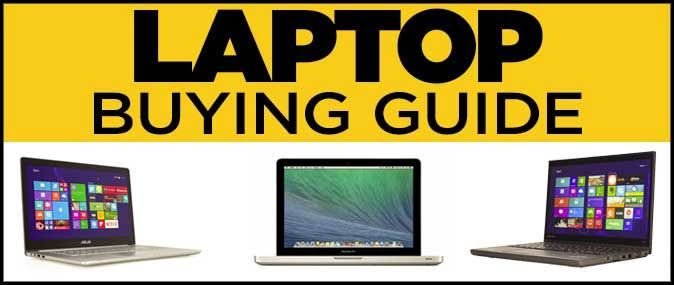
Are you contemplating the purchase of a new laptop but feeling overwhelmed by the multitude of options available? Navigating through the sea of features and specifications can be a daunting task. Fear not! In Psero blog, this comprehensive guide, we’ll walk you through List of Options for Buying a New Laptop.

From prioritizing portability and screen quality to understanding RAM and CPU specifications, we’ll provide practical insights to help you make an informed decision. Whether you’re a casual user seeking basic functionality or a power user requiring high-performance capabilities, this article will equip you with the knowledge to select the perfect laptop to suit your needs.
As you embark on your laptop purchasing journey, we recommend considering Psero laptop store. As a reputable online store known for selling quality laptops in Nigeria, Psero offers a wide selection of laptops to meet various requirements and budgets. With their commitment to customer satisfaction and reliable products, Psero provides an excellent option for individuals seeking top-notch laptops in Nigeria.
So, sit back, relax, and let’s unravel the intricacies of laptop purchasing together. By the end of this guide, you’ll feel confident in your ability to List of Options for Buying a New Laptop that seamlessly integrates into your lifestyle and enhances your computing experience.
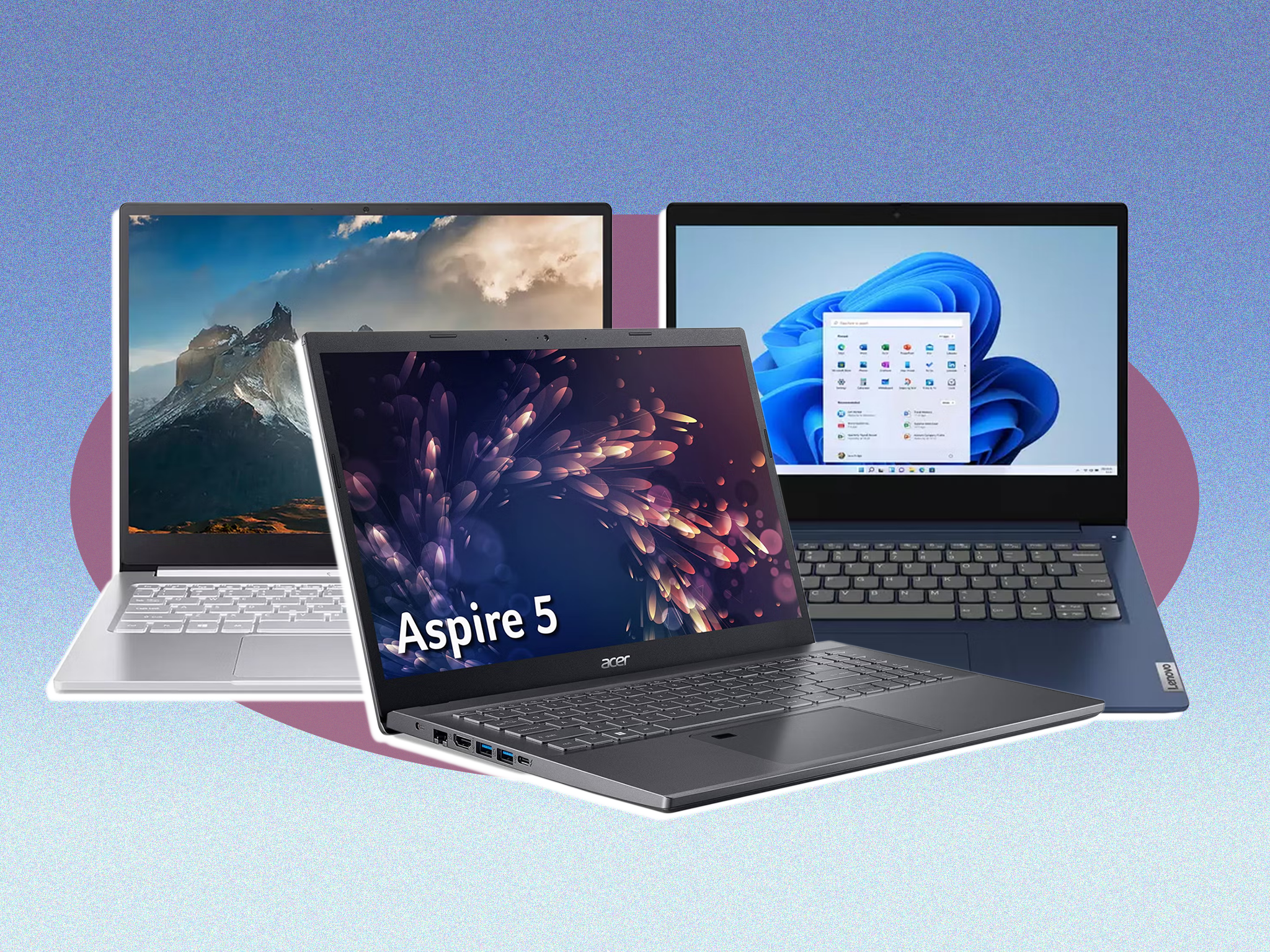
With a plethora of options flooding the market each month, it can be daunting to discern what truly matters from mere gimmicks.
Seven essential factors to consider when selecting your next laptop.
- Size Portability is one of the laptop’s greatest advantages. If mobility is a priority, opt for a smaller screen size and a thin, lightweight design. Look out for Ultrabooks, typically featuring screens between 12 and 13.3 inches and weighing less than 1.5kg.
- RAM Random Access Memory (RAM) is pivotal for smooth multitasking. Aim for a minimum of 4GB of RAM, or consider 8GB or more if you frequently engage in resource-intensive tasks like photo editing or web browsing alongside other applications.
- Screen Quality Given the significant time spent staring at your laptop screen, prioritize a display that’s easy on the eyes. Glossy screens may reflect surrounding light, so factor in your environment. Additionally, screen resolution matters; aim for 1920×1080 for crisp image quality and ample workspace.
- Battery Life Battery longevity is crucial for on-the-go usage. Rather than relying solely on manufacturer claims, assess the battery’s Watt-hour (Wh) or milliamp-hour (mAh) rating for a more accurate estimate of usage duration.
- CPU The CPU serves as the laptop’s heart. Intel’s Core-based processors, including Core i3, i5, and i7, offer varying levels of performance. While Core i7 provides top-tier speed, be mindful of potential heat emissions, particularly if using the laptop on your lap.
- Storage Consider both the storage capacity and type. Solid-state drives (SSDs) are increasingly favored over traditional hard disk drives (HDDs) for their speed and durability, albeit at a higher cost.
- USB 3.0 Ports USB 3.0 ports are indispensable for connecting peripheral devices. Ensure your chosen laptop includes these ports, especially if you rely on external hard drives, mice, or keyboards.
For personalized assistance in selecting the perfect laptop or addressing any technical concerns, don’t hesitate to reach out. Whether it’s laptop repair, setup, or IT support, we’re here to help. Contact us at +234 803 259 2918.