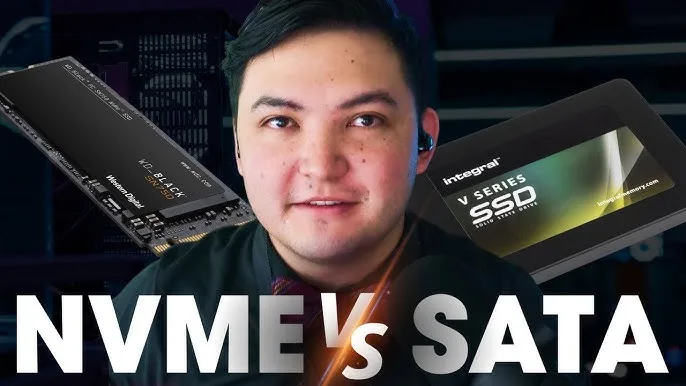
Storage technology has changed significantly over the years. Modern laptops no longer rely only on traditional hard drives. Today, most buyers choose between SATA SSD and NVMe SSD because both provide faster performance than HDD storage.
Although they look similar, NVMe SSDs and SATA SSDs use different technologies and offer different levels of speed. This guide explains the differences and helps you choose the right option for your laptop.
What Is an SSD?
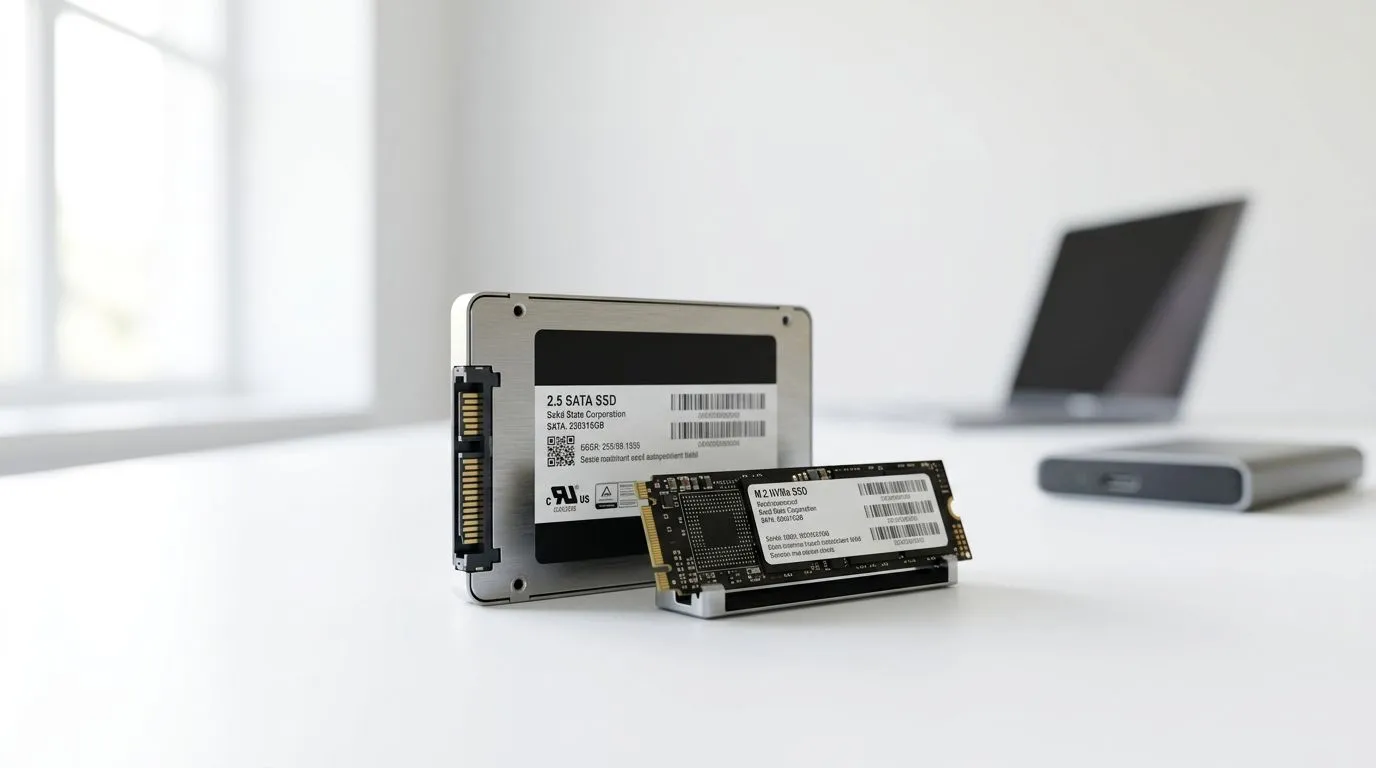
An SSD (Solid State Drive) is a storage device that uses flash memory instead of moving mechanical parts. This makes SSDs faster, quieter, more reliable, and more energy-efficient than traditional hard drives.
Both SATA SSDs and NVMe SSDs are types of SSD storage, but their connection technology and performance are different.
What Is a SATA SSD?
A SATA SSD uses the same connection interface that older hard drives use. It connects through the Serial ATA interface and provides a major improvement over HDD performance.
SATA SSDs are commonly found in budget and mid-range laptops because they offer good speed at an affordable price.
What Is an NVMe SSD?
NVMe (Non-Volatile Memory Express) SSDs use the PCIe interface to communicate directly with the laptop’s motherboard. This allows much higher data transfer speeds compared to SATA SSDs.
Many modern premium laptops now use NVMe SSDs because they provide faster boot times, quicker file transfers, and improved performance.
NVMe SSD vs SATA SSD Comparison
| Feature | SATA SSD | NVMe SSD |
|---|---|---|
| Connection | SATA interface | PCIe interface |
| Speed | Up to about 550MB/s | Can exceed 3,000MB/s depending on model |
| Price | Usually cheaper | Usually more expensive |
| Performance | Excellent for everyday use | Better for demanding tasks |
| Power Efficiency | Good | Very good on modern models |
Which SSD Is Better for Everyday Laptop Users?
For browsing, Microsoft Office, online learning, and basic business work, a SATA SSD already provides a huge improvement compared to an HDD.
However, if you frequently edit videos, transfer large files, use professional software, or want a faster laptop experience, an NVMe SSD is the better choice.
Benefits of NVMe SSD Laptops
- Faster Windows startup
- Quick application loading
- Faster video editing and file transfers
- Better performance for heavy multitasking
- Improved gaming loading times
Benefits of SATA SSD Laptops
- More affordable
- Much faster than HDD
- Suitable for students and office users
- Easy to find in many older laptops
- Good upgrade option for old computers
Can You Upgrade From HDD to SSD?
Yes. Many older laptops can be upgraded from HDD to SSD. This upgrade can make an old laptop feel much faster without replacing the entire device.
Before upgrading, check whether your laptop supports SATA SSD, NVMe SSD, or both.
Read our guide on how to add an SSD to your old laptop and make it fast again.
Which SSD Should Nigerians Buy?
The best choice depends on your budget and usage:
- Students: SATA SSD or entry-level NVMe SSD
- Office workers: SATA SSD or NVMe SSD
- Content creators: NVMe SSD recommended
- Gamers: NVMe SSD recommended
- Professionals: NVMe SSD with larger storage capacity
Things to Check Before Buying
- Confirm the SSD type supported by the laptop
- Choose at least 256GB storage for basic use
- Choose 512GB or more for professional work
- Check whether the laptop has an upgrade slot
- Buy from a trusted laptop seller
If you are buying a UK-used laptop, read our guide on how to inspect a UK-used laptop before buying in Nigeria.
Useful Official Resources
You can learn more about NVMe technology from the official NVM Express organization. Storage manufacturers also provide technical information through their official websites.
Final Verdict
NVMe SSDs are the faster and more modern option, but SATA SSDs still provide excellent performance for many laptop users. If your budget allows, choosing an NVMe SSD laptop in 2026 gives you better speed and longer usefulness.
For Nigerian buyers, upgrading from HDD to any SSD is already a major improvement. The right choice depends on your workload, budget, and future needs.