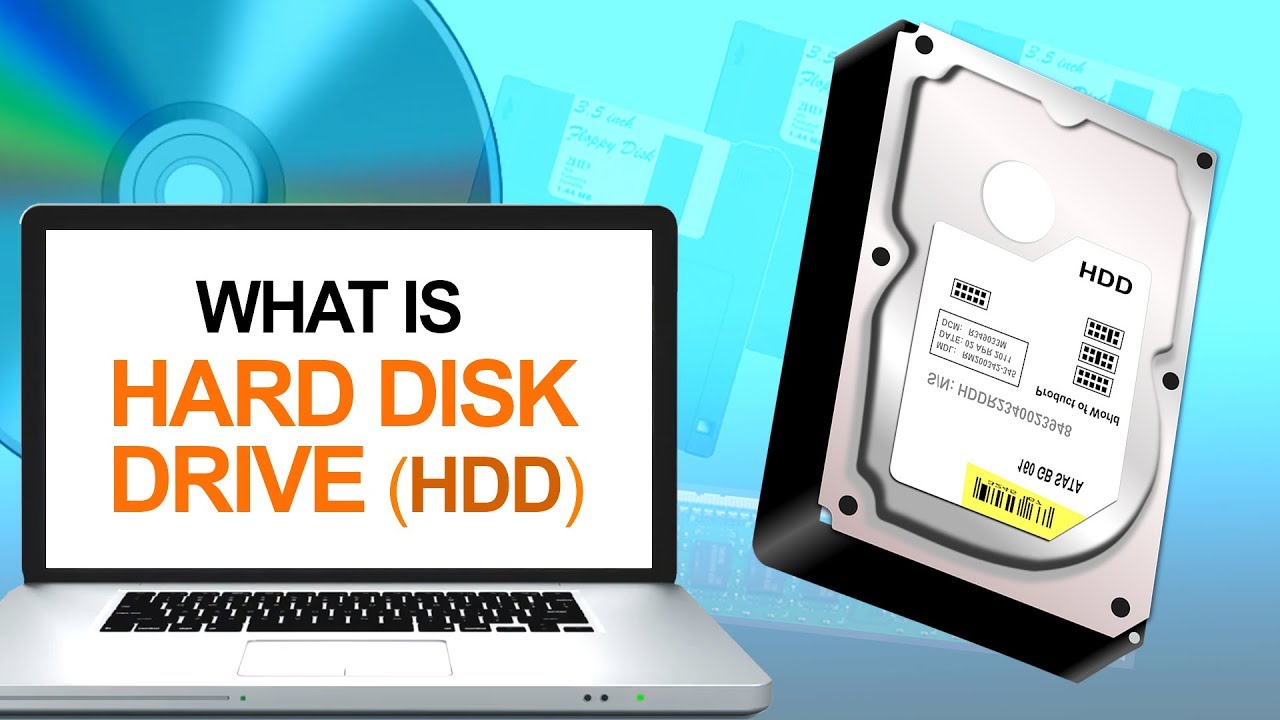
When buying a laptop, one of the most important components to consider is the storage drive. Traditionally, laptops come with a Hard Disk Drive (HDD) or a Solid State Drive (SSD). This post will focus on the HDD, its benefits, limitations, and whether it’s the right choice for your laptop needs. Here’s Understanding HDD in Laptops.
Understanding HDD in Laptops

1. What is an HDD?
A Hard Disk Drive (HDD) is a data storage device that uses spinning magnetic disks to store and retrieve digital information. It has been the primary storage option in laptops for many years, although SSDs are becoming more popular. The data in an HDD is written and read by a mechanical arm, making it different from the flash-based storage of SSDs.
2. Key Features of HDDs in Laptops
- Storage Capacity: HDDs offer large storage capacities at lower costs compared to SSDs. You can find HDDs in laptops with capacities ranging from 500GB to 2TB or more, making them ideal for users who need to store large amounts of data such as videos, photos, or games.
- Cost: HDDs are more affordable than SSDs, making them a popular choice in budget laptops. If you’re looking for a cost-effective way to get more storage space, an HDD-equipped laptop might be the right option.
- Durability: Since HDDs have moving parts, they are more prone to damage from drops or impacts. Laptop users who travel frequently might find SSDs more reliable due to their lack of mechanical components.
3. Benefits of HDDs in Laptops
- Cost-effective storage: HDDs provide more gigabytes per dollar, making them an excellent choice for users who need lots of space without breaking the bank.
- High capacity: Laptops with HDDs often come with large storage capacities, making them ideal for users who need to store media files, large software applications, or work files.
- Long-term storage: HDDs are known for being reliable for long-term storage, provided they are well-maintained.
4. Drawbacks of HDDs
- Speed: One of the main drawbacks of HDDs is their slower read and write speeds compared to SSDs. As a result, laptops with HDDs may take longer to boot up, open applications, or transfer files.
- Durability concerns: Because HDDs have moving parts, they are more likely to suffer from wear and tear or damage from physical shock.
- Noise and Heat: HDDs can generate more noise and heat than SSDs due to their mechanical components. This can affect the overall laptop experience for users who prioritize a quiet and cool operation.
5. When to Choose an HDD in a Laptop
An HDD might be the right choice for your laptop if:
- You need large storage capacity for files such as media, videos, and applications.
- You are on a budget and can’t afford the higher price of SSD-equipped laptops.
- You don’t mind longer boot times and slightly slower performance in exchange for more storage space.
6. Conclusion
HDDs are a good option for users who prioritize large storage capacity and affordability in a laptop. However, they are slower and less durable compared to SSDs. If speed and durability are important to you, an SSD might be a better choice.
Looking for laptops with large storage options? Check out the latest deals at Psero.com, where you can find a wide range of laptops featuring both HDD and SSD storage to fit your needs and budget.