Released in 2016, macOS 10.12 Sierra marked a significant turning point in Apple’s macOS lineup. With the introduction of key features that improved usability and integrated even deeper with Apple’s ecosystem, it became a crucial update for Mac users worldwide. Whether you were a casual user or a professional relying on your Mac for work, Sierra offered something for everyone.
Key Features of macOS Sierra
1. Siri Integration
The most notable addition in Sierra was the arrival of Siri, Apple’s virtual assistant. This was the first time macOS users could experience voice commands to search files, answer questions, send messages, and even play music. Siri on Mac helped improve productivity, as tasks could be done hands-free while focusing on other activities.
2. Universal Clipboard
Another handy feature introduced was Universal Clipboard. This allowed users to copy and paste across Apple devices seamlessly. For instance, you could copy a text on your iPhone and paste it on your Mac without any hassle. This feature strengthened the integration between macOS and iOS, offering a truly connected Apple experience.
3. Optimized Storage
Optimized Storage was another major feature designed to help Mac users with limited storage. It automatically moved rarely-used files to iCloud, keeping only the most important ones on the local drive. This helped users free up space while still ensuring easy access to files stored in the cloud.
4. Picture-in-Picture Mode
macOS Sierra introduced Picture-in-Picture mode, a feature allowing users to float a video window over their desktop while multitasking. Whether you were watching a YouTube tutorial or a TV show, this feature enhanced productivity by letting you keep the video in view while working on other tasks.
5. Auto Unlock
In a move to improve security and convenience, Apple included Auto Unlock in Sierra. This feature allowed users to unlock their Mac with an Apple Watch, eliminating the need to enter a password every time the Mac woke from sleep. This addition was perfect for users who valued seamless and quick access to their devices.
6. Tabs for All Apps
Taking inspiration from web browsers, Sierra introduced Tabs across most Mac apps, including Maps, Mail, and more. This feature made multitasking easier, especially for those who frequently needed to work with multiple windows simultaneously.
Performance and Security Enhancements
Aside from the feature additions, macOS Sierra also improved performance and security. Apple continued to build on the foundations of the Unix-based system, ensuring that Macs remained fast and secure. The security features of macOS Sierra were designed to protect against malware and unauthorized access, making it a reliable system for both personal and professional use.
The Impact of macOS Sierra on Productivity
macOS Sierra wasn’t just an upgrade in features, but also in how users could get things done. The integration of Siri and the Universal Clipboard, in particular, meant that tasks became smoother and faster. Whether you were working on creative projects, coding, or general office tasks, Sierra provided tools that helped users stay organized, improve workflow, and maximize efficiency.
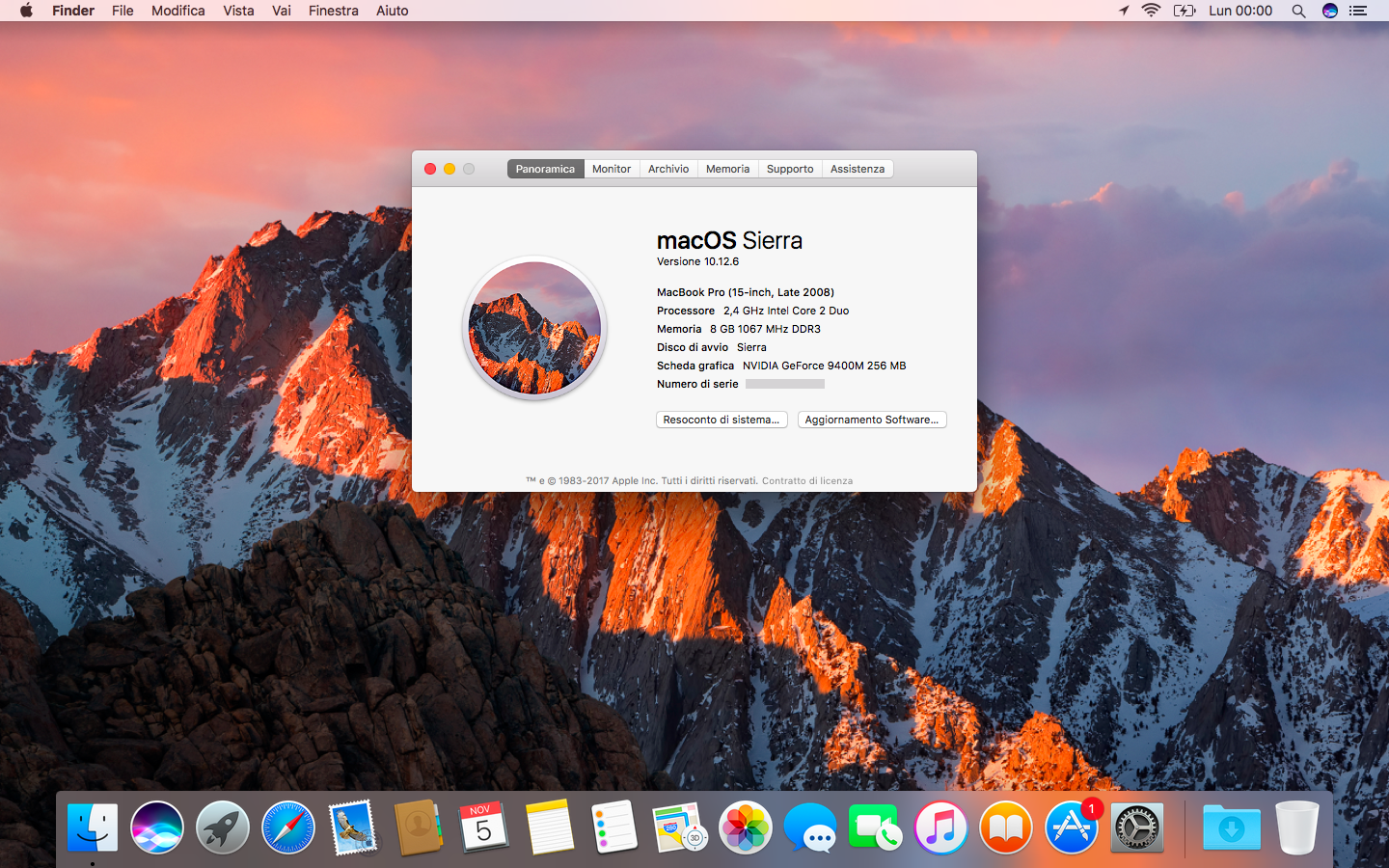
Why Upgrade to macOS Sierra?
If you were using an older version of macOS and hadn’t upgraded to Sierra yet, there were many reasons to make the switch:
- Voice command convenience with Siri.
- Easier multitasking with Picture-in-Picture and Tabs for all apps.
- Better storage management with Optimized Storage.
macOS Sierra was the ideal operating system for users who wanted more out of their Mac experience, particularly for those deeply integrated into the Apple ecosystem.
Final Thoughts on macOS Sierra (2016)
The release of macOS 10.12 Sierra in 2016 was a big leap in Apple’s quest to improve both functionality and seamless integration across its devices. From Siri integration to enhanced storage management, Sierra was designed to meet the needs of modern Mac users. It may no longer be the latest version of macOS, but its legacy of efficiency and connected features continues to influence Apple’s desktop operating systems to this day.
For more updates on Apple products, visit psero.com.