
However, one major challenge many churches face is choosing the right laptop—especially on a budget.
While it may be tempting to go for the cheapest option available, not every laptop can handle projection software, video playback, and multitasking effectively.
Therefore, selecting the right budget laptop is essential for smooth church operations.
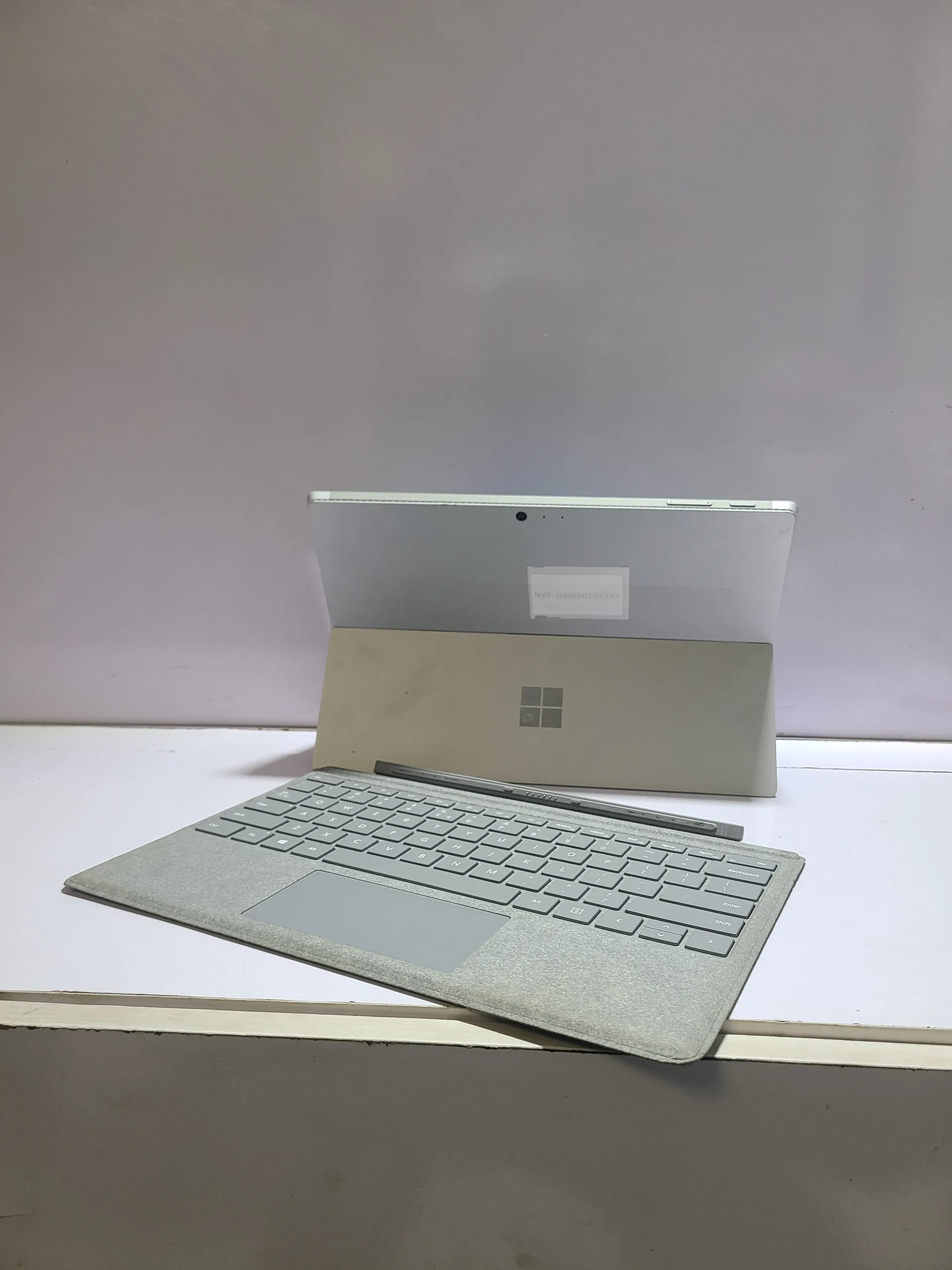
Why Church Media Teams Need Reliable Laptops
Church media work is not as simple as it looks. During a typical service, the laptop may be used for:
- Displaying song lyrics
- Running presentation slides
- Playing videos
- Managing live streams
As a result, the system must be fast, stable, and responsive.
If the laptop lags or freezes during service, it can disrupt the entire experience.
Minimum Laptop Requirements for Church Use
Before choosing a laptop, it is important to understand the minimum specifications needed.
- Processor: Intel Core i5 (recommended)
- RAM: 8GB minimum (16GB preferred)
- Storage: SSD (256GB or higher)
- Display: Full HD
These specifications ensure smooth performance during services.
For example, reliable systems like the
Dell Latitude 3320
can handle presentations and media tasks efficiently.
Key Features to Look for in a Church Laptop
1. Strong Performance for Multitasking
Church services often require running multiple applications at once.
For instance, you may need to open:
- PowerPoint or ProPresenter
- Media players
- Streaming software
Therefore, a laptop with sufficient RAM and processing power is essential.
2. HDMI or Display Port Support
Projection systems usually connect via HDMI or VGA.
Make sure your laptop supports these connections or has adapters available.
This ensures easy integration with projectors and screens.
3. Good Battery Backup
Power supply in Nigeria can be unpredictable.
Because of this, a laptop with strong battery life is important.
Even if power goes out, the service can continue without interruption.
4. Durable Build Quality
Church equipment is often handled by multiple people.
As a result, durability matters.
Business-class laptops like the
HP EliteBook 830 G6
are known for their strong build quality.
Best Budget Laptop Options for Church Media Teams
Below are some reliable and budget-friendly options suitable for church use in Nigeria.
1. Lenovo IdeaPad Series
The Lenovo IdeaPad series is popular for affordability and performance.
For example, the
Lenovo IdeaPad 3
offers a balance between price and functionality.
Why It’s Good:
- Affordable pricing
- Decent performance
- Large screen for projections
2. Dell Latitude Series
Dell Latitude laptops are designed for business use.
They are stable, durable, and reliable.
These systems are ideal for churches that want long-term performance.
3. HP EliteBook Series
HP EliteBook laptops are premium business machines.
Although slightly higher in price, they offer:
- Excellent build quality
- Strong performance
- Long lifespan
Because of this, they are a smart investment for serious media teams.
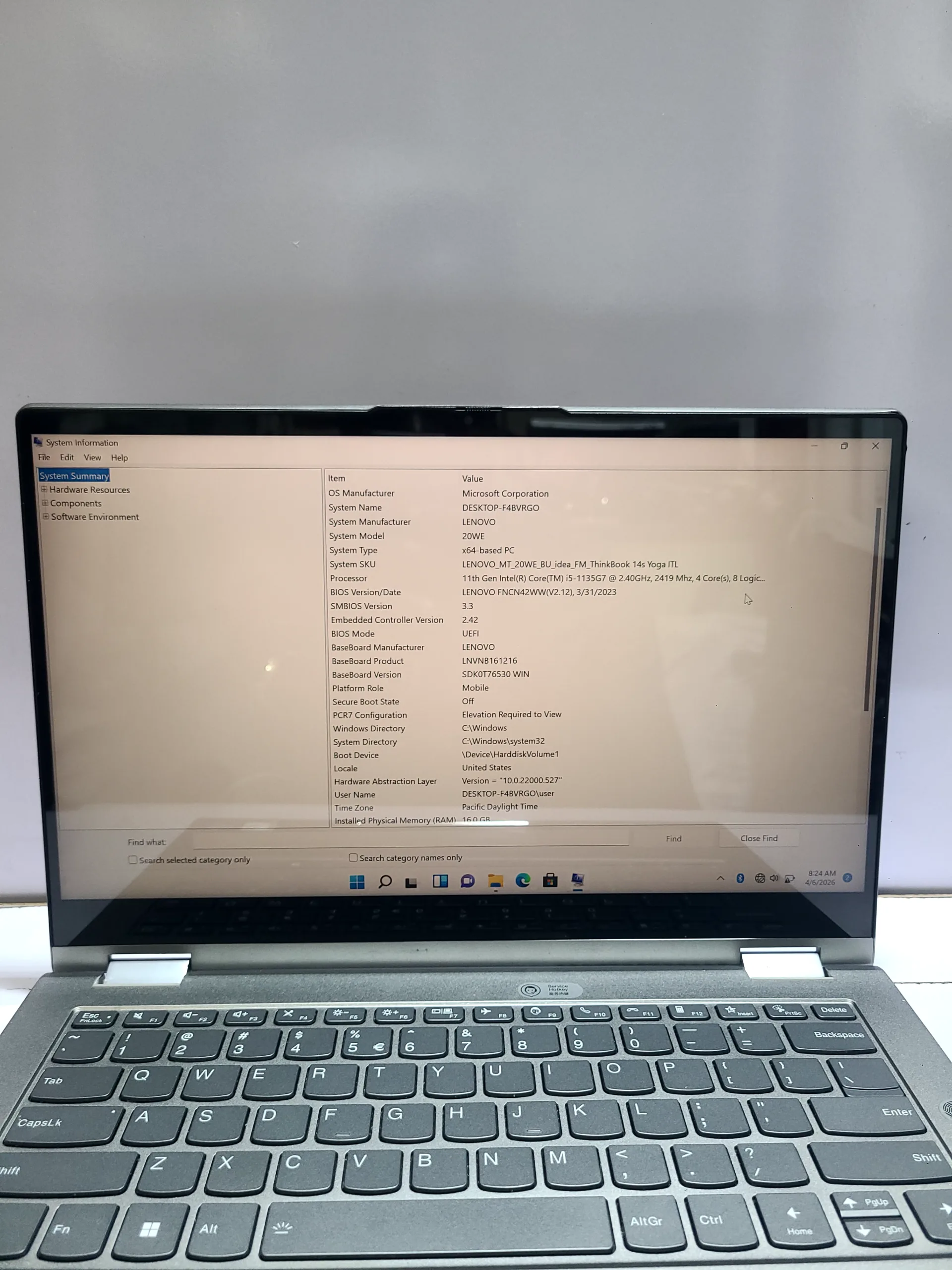
4. Budget Entry-Level Laptops (Use with Caution)
Some churches may consider very cheap laptops due to budget constraints.
Examples include:
- Celeron-based systems
- 4GB RAM laptops
While options like
this HP 14 Celeron model
can handle basic tasks, they may struggle with multitasking.
Therefore, they are not ideal for heavy media use.
Software Commonly Used in Church Media
The laptop you choose must support commonly used media software.
Examples include:
- Microsoft PowerPoint
- EasyWorship
- ProPresenter
- OBS Studio (for streaming)
These applications require stable performance to run smoothly.
Importance of Screen Size for Projection Work
Screen size affects how easily operators can manage content.
Recommended sizes:
- 14-inch (portable and balanced)
- 15.6-inch (best for visibility)
Larger screens make it easier to navigate slides and media.
Common Mistakes Churches Make When Buying Laptops
Many churches make avoidable mistakes when purchasing laptops.
These include:
- Choosing the cheapest option without considering performance
- Ignoring SSD storage
- Buying outdated systems
As a result, they face performance issues during services.
Why SSD Storage Is Essential
Speed is critical during live services.
SSD storage ensures:
- Fast boot times
- Quick file access
- Smooth software operation
Without SSD, delays can disrupt presentations.
Backup and Reliability Tips
To avoid unexpected issues during services, follow these tips:
- Always carry a backup laptop
- Keep files on external storage
- Test equipment before service
Preparation reduces the risk of failure.
Long-Term Investment Strategy
Instead of replacing laptops frequently, it is better to invest in quality once.
Reliable laptops last longer and perform better over time.
For example, upgrading to systems like the
Lenovo ThinkPad L13 Gen 3
can support growing media needs.
Final Thoughts
Church media teams need reliable laptops to deliver smooth and professional services.
While budget is important, performance and durability should not be ignored.
By choosing the right laptop, churches can improve efficiency and enhance the worship experience.
Ultimately, the goal is to support the message—not struggle with technology.
Get Reliable Laptops for Church Use
Explore trusted laptops here:
Pay on delivery available in Lagos
Call or WhatsApp: 08032592918