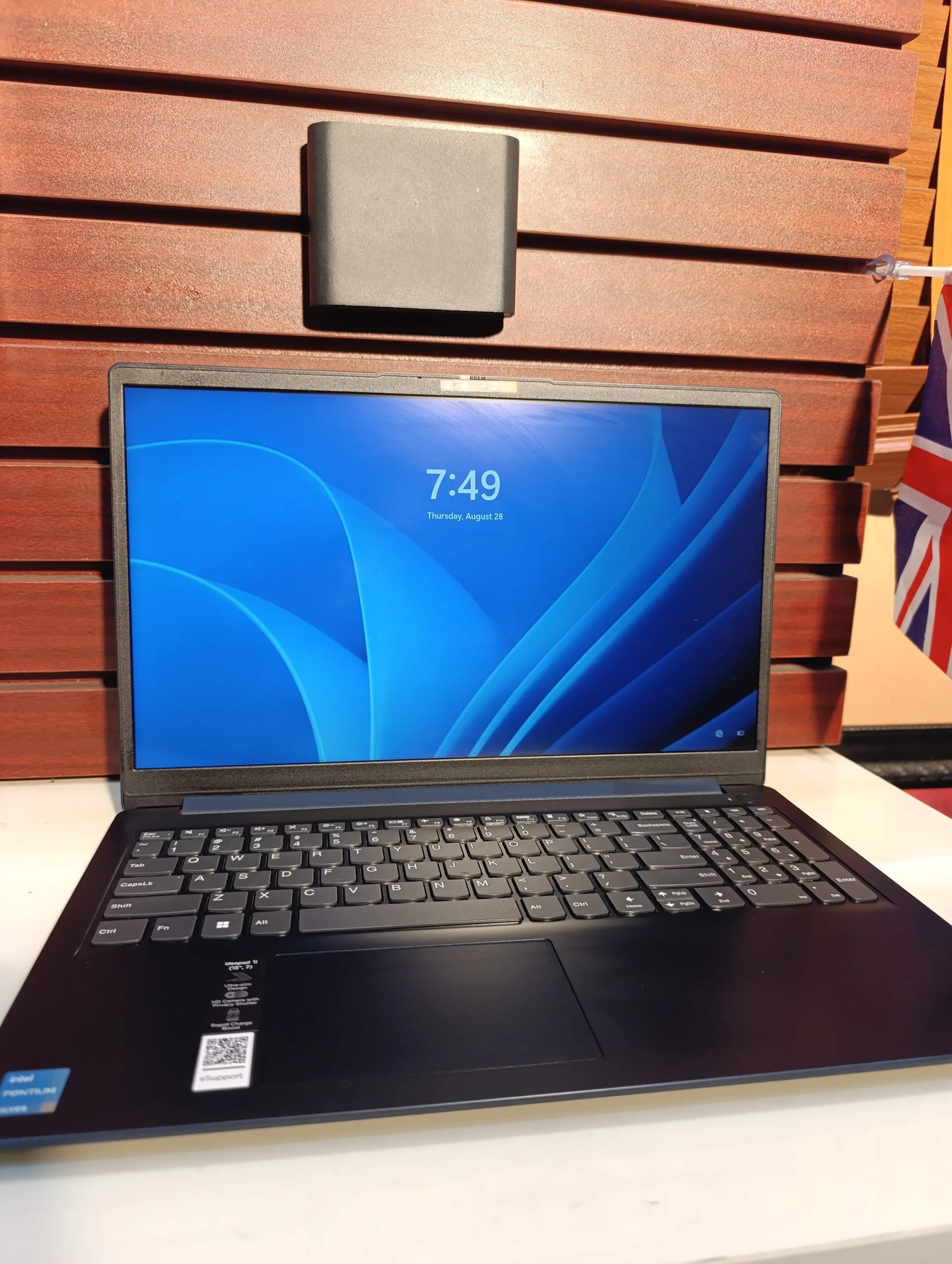
If you are looking for an affordable laptop that can handle everyday student tasks, then the Lenovo IdeaPad 3-15IML05 is a solid option to consider. However, before making your decision, it is important to understand how it performs in real-world usage.
Check it here:
Lenovo IdeaPad 3-15IML05 on Psero
Key Specifications
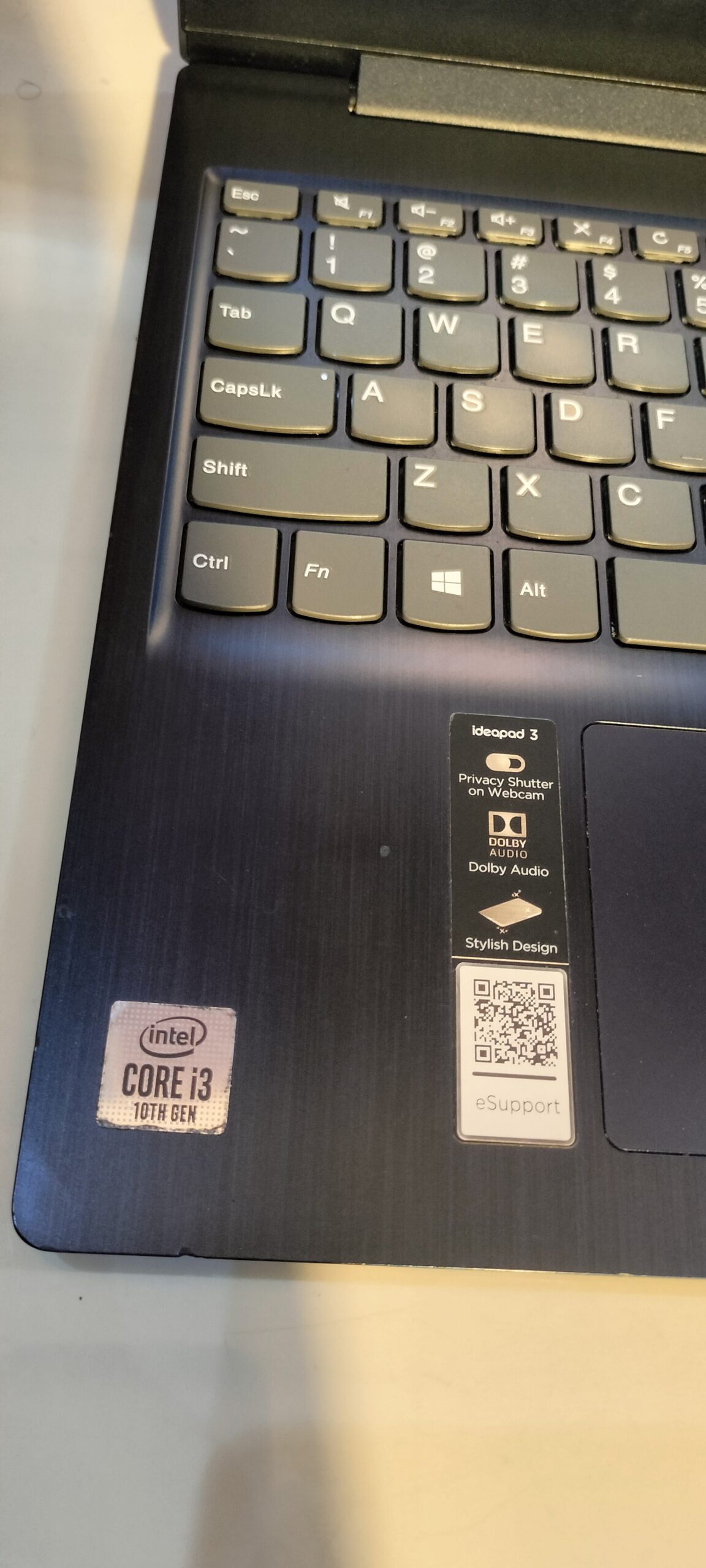
- Processor: Intel Core i3 / i5 / i7 (10th Gen)
- RAM: 4GB / 8GB (expandable)
- Storage: 256GB SSD or 1TB HDD (varies by model)
- Display: 15.6-inch HD or Full HD
- Graphics: Intel UHD Graphics (some models have NVIDIA MX)
- Battery: 35Wh or 45Wh
Overall, this laptop is designed for everyday computing, with flexible configurations depending on your budget. :contentReference[oaicite:0]{index=0}
Design and Build Quality
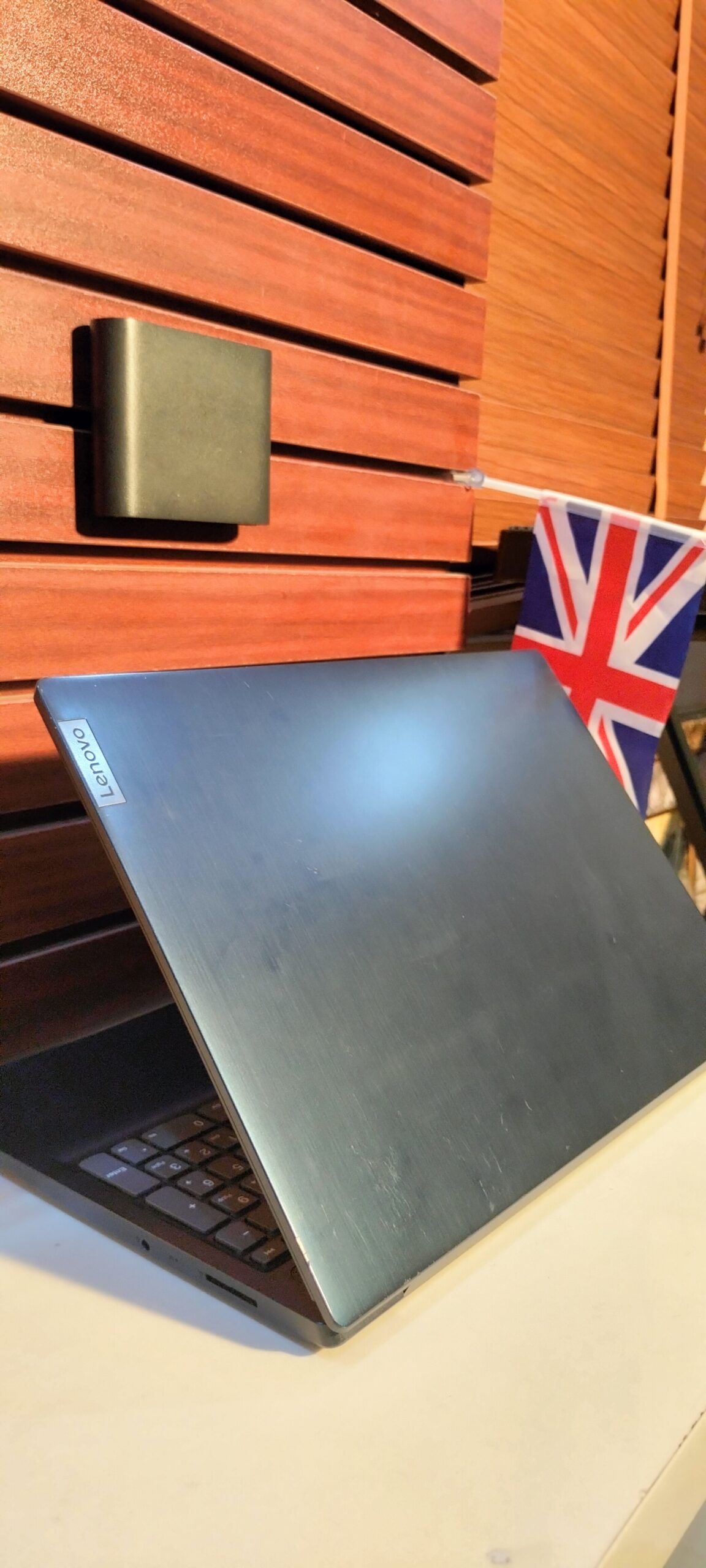
First of all, the IdeaPad 3 features a simple and practical design. While it is mostly made of plastic, it still feels solid enough for daily use.
In addition, the 15.6-inch size gives you more screen space for studying, typing, and multitasking. Therefore, it is a good option for students who prefer a bigger display.
Performance for Students
When it comes to performance, this laptop handles everyday student tasks quite well. For example, it can run:
- Microsoft Office and assignments
- Online classes (Zoom, Google Meet)
- Browsing with multiple tabs
- Light programming and basic editing
However, performance depends on the version you choose. For instance, Core i5 models with 8GB RAM perform much better than entry-level 4GB versions.
As a result, choosing the right configuration is very important.
Storage and Upgrade Options
One major advantage of this laptop is its upgrade flexibility. It supports both SSD and HDD storage, and some models allow dual-drive setups.
For example, you can combine an SSD for speed with an HDD for storage. :contentReference[oaicite:1]{index=1}
In addition, the RAM can be upgraded (partly), although some memory is soldered to the motherboard.
Display and User Experience
The display quality depends on the version. While Full HD models provide a better experience, HD versions are less sharp.
Unfortunately, many versions use TN panels, which means average brightness and color quality. Therefore, it is not ideal for design work.
Battery Life
The IdeaPad 3 offers moderate battery life. In most cases, it can last a few hours for basic tasks.
Additionally, some models support fast charging, which helps reduce downtime. :contentReference[oaicite:2]{index=2}
Real-World Experience
In real-world usage, the laptop performs well for general tasks. However, heavy multitasking can slow it down.
“RAM 8GB… running on the edge… affecting work”
:contentReference[oaicite:3]{index=3}
This shows that upgrading RAM can significantly improve performance.
Pros and Cons
Pros
- Affordable and widely available
- Large 15.6-inch display
- Upgradeable storage options
- Good for everyday student use
Cons
- Display quality is average (TN panel)
- Performance depends on configuration
- Partly soldered RAM limits upgrades
- Not suitable for heavy tasks
Who Should Buy This Laptop?
This laptop is ideal for students who:
- Need a budget-friendly laptop
- Prefer a large screen for studying
- Use their laptop mainly for school work and browsing
Who Should Avoid It?
On the other hand, you should consider other options if you:
- Do heavy programming or video editing
- Need a high-quality display
- Want long-term high performance
Better Buying Advice
Before buying, it is highly recommended to go for at least 8GB RAM and SSD storage. This will make a huge difference in speed and usability.
Additionally, if your budget allows, business laptops like Dell Latitude or HP EliteBook may offer better durability.
Final Verdict
Overall, the Lenovo IdeaPad 3-15IML05 is a reliable budget laptop. While it is not the most powerful, it gets the job done for everyday student needs.
Therefore, it is a good choice for students who want affordability and flexibility.
Rating: 7.5/10
Where to Buy
Buy here:
Lenovo IdeaPad 3-15IML05 on Psero