- Lightweight
- Portable
- Modern in design
- Energy efficient
However, there is one major limitation many users face.
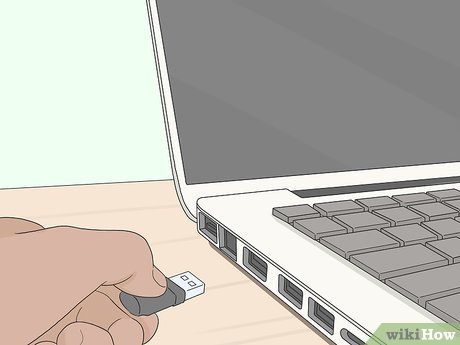
Most slim laptops do not have enough ports.
As a result, users struggle to connect multiple devices such as:
- Flash drives
- External hard drives
- Mouse and keyboard
- Printers
- Phones
- Projectors
This is where a USB hub becomes extremely useful.
What Is a USB Hub?
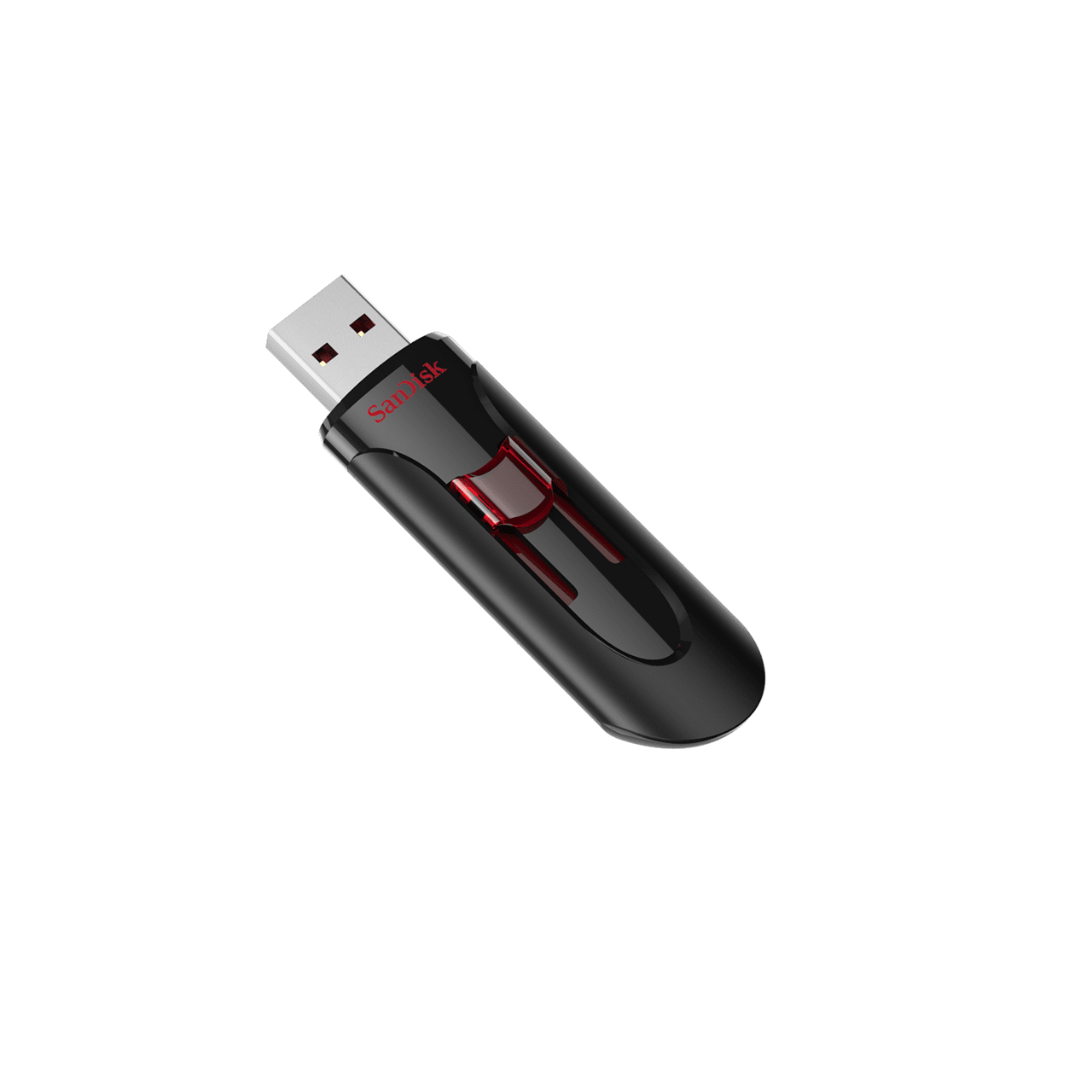
A USB hub is a small device that expands a single USB port into multiple ports.
In simple terms, it allows you to connect many devices to your laptop at the same time.
Why USB Hubs Are Important for Slim Laptops
Because many modern laptops are designed with fewer ports, USB hubs help users:
- Increase connectivity options
- Improve workflow efficiency
- Reduce constant plugging and unplugging
As a result, productivity becomes smoother and more organized.
Common Problems Without a USB Hub
Without a hub, users often experience:
- Constant switching of devices
- Limited workspace setup
- Difficulty during presentations
- Slower file transfers
Therefore, a USB hub solves many everyday frustrations.
Types of USB Hubs
1. Basic USB Hub
These provide extra USB ports for simple devices like flash drives and mice.
2. Powered USB Hub
These come with external power support, making them suitable for high-power devices.
3. USB-C Hub
Modern laptops often use USB-C hubs that include HDMI, card readers, and multiple ports.
How USB Hubs Improve Productivity
With a USB hub, you can:
- Connect multiple devices at once
- Transfer files faster
- Use external monitors
- Work more efficiently in offices or schools
As a result, your laptop becomes more powerful and flexible.
Best Use Cases in Nigeria
USB hubs are especially useful for:
- Students in universities
- Office workers
- Graphic designers
- Cyber café users
- Remote workers
Why SSD Laptops Work Best With USB Hubs
When combined with SSD storage, USB hubs make laptops even more efficient.
SSD improves:
- File transfer speed
- System responsiveness
- Multitasking performance
You can also browse SSD-powered business laptops on
Psero Nigeria.
Best Laptop Types for USB Hub Users
Business laptops are ideal because they often have limited ports but strong performance.
Popular models include:
- Dell Latitude series
- Lenovo ThinkPad series
- HP ProBook series
Recommended Business Laptops in Nigeria
Dell Latitude 3320
The Dell Latitude 3320 works perfectly with USB-C hubs for expanded connectivity.
Lenovo ThinkPad L13 Gen 3
The Lenovo ThinkPad L13 Gen 3 supports multiple accessories for professional setups.
HP ProBook 440 G8
The HP ProBook 440 G8 provides reliable performance for office and business use.
Common Mistakes When Buying USB Hubs
Many users buy cheap hubs that:
- Heat up quickly
- Transfer data slowly
- Stop working after a short time
Therefore, quality matters when choosing a USB hub.
Final Thoughts
USB hubs are essential accessories for slim laptop users in Nigeria.
They help expand connectivity, improve productivity, and make modern laptops more functional.
When combined with SSD-powered laptops, users enjoy a smoother and more efficient workflow.
Looking for Reliable Laptops in Nigeria?
Explore trusted SSD business laptops here:
Call or WhatsApp: 08032592918