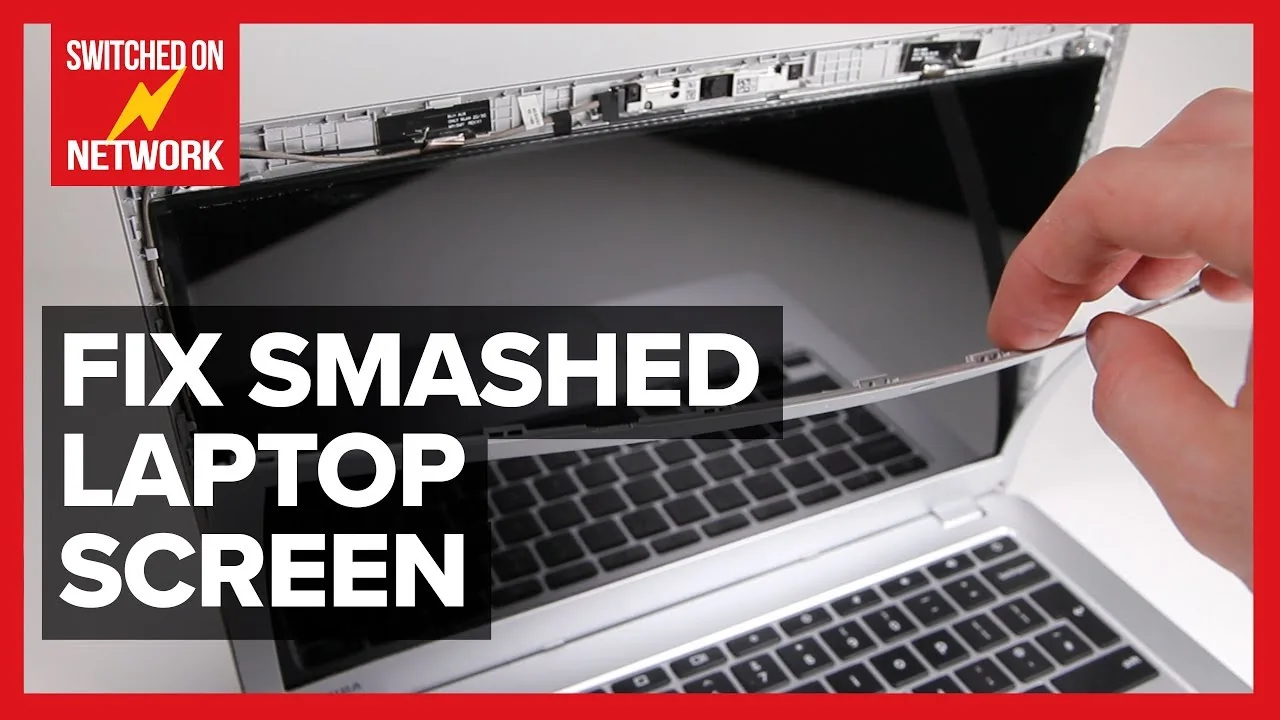
A cracked laptop screen can instantly turn a productive day into a frustrating experience. Whether the damage happened because the laptop fell from a table, was squeezed inside a backpack, or suffered pressure from a heavy object, a damaged screen makes it difficult—or sometimes impossible—to use your device effectively.
Many Nigerians panic when they see cracks on their laptop display because they assume they must buy a completely new laptop. Fortunately, that is rarely necessary. In most cases, replacing the screen is significantly cheaper than replacing the entire laptop.
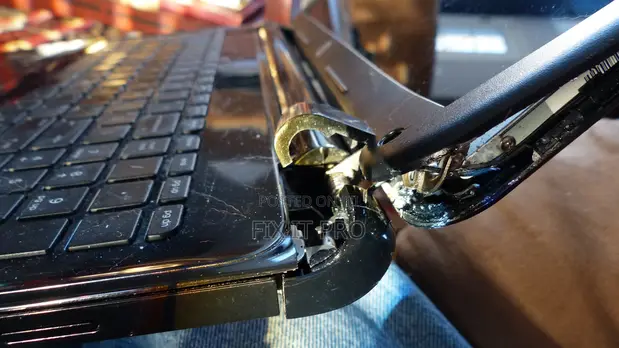
This guide explains how much laptop screen replacement costs in Nigeria in 2026, factors affecting pricing, how to identify genuine replacement screens, and how to avoid repair scams.
Can a Cracked Laptop Screen Be Fixed?
The answer depends on the type of damage.
Unlike smartphones, laptop screens cannot usually be repaired once the display panel itself is cracked. Instead, the damaged screen is replaced with a new compatible display panel.
Therefore, when technicians say they are “fixing” a screen, they are typically replacing the entire LCD or LED display assembly.
Common Signs of a Damaged Laptop Screen
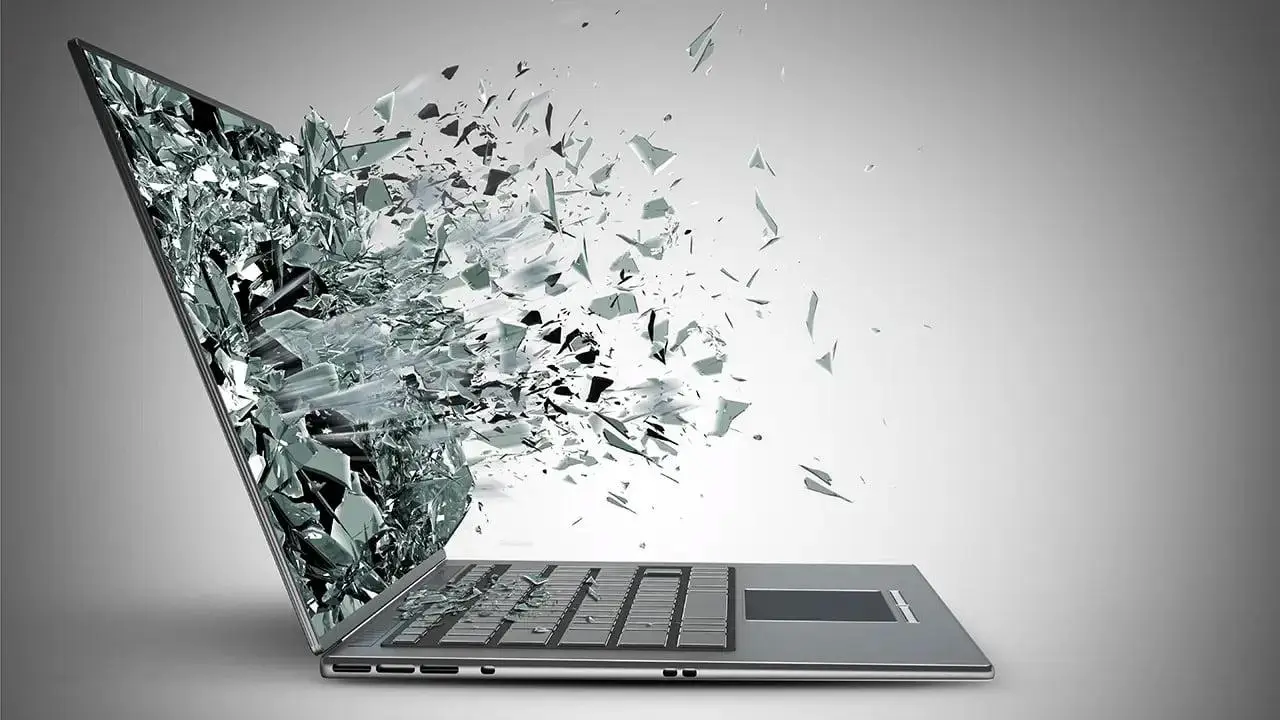
Not every screen problem is caused by a crack. However, these signs usually indicate screen damage:
- Visible cracks on the display
- Black ink-like spots spreading across the screen
- Horizontal or vertical lines
- Flickering display
- Dead pixels
- Blank white screen
- Partial display visibility
- Display works only at certain angles
If your laptop shows any of these symptoms after a fall or impact, a screen replacement may be required.
How Much Does Laptop Screen Replacement Cost in Nigeria in 2026?
The cost depends on several factors including screen size, resolution, laptop brand, and availability of replacement parts.
| Laptop Type | Estimated Screen Replacement Cost |
|---|---|
| Basic HP/Dell 14-inch | ₦35,000 – ₦70,000 |
| 15.6-inch Standard Laptop | ₦45,000 – ₦85,000 |
| Business Laptops (EliteBook, ThinkPad, Latitude) | ₦60,000 – ₦120,000 |
| Touchscreen Laptops | ₦100,000 – ₦250,000+ |
| Gaming Laptops | ₦120,000 – ₦350,000+ |
| MacBook Air | ₦150,000 – ₦400,000+ |
| MacBook Pro Retina | ₦250,000 – ₦700,000+ |
These prices may vary depending on exchange rates, part availability, and repair location.
Factors That Affect Screen Repair Cost
1. Laptop Brand
Premium brands generally cost more to repair because replacement parts are more expensive.
For example:
- HP and Dell screens are usually easier to source.
- Lenovo ThinkPad screens often cost slightly more.
- MacBook screens are among the most expensive.
2. Screen Resolution
Higher-resolution screens cost significantly more.
- HD (1366×768)
- Full HD (1920×1080)
- QHD
- 4K UHD
A Full HD screen replacement generally costs more than a basic HD panel.
3. Touchscreen vs Non-Touchscreen
Touchscreen displays require specialized components and digitizers.
Consequently, touchscreen repairs are usually much more expensive than standard screen replacements.
4. Availability of Spare Parts
Popular laptop models have readily available replacement screens. Rare or discontinued models may require imported parts, increasing repair costs.
Should You Repair or Replace the Laptop?
This depends on the laptop’s value.
For example:
- A ₦400,000 laptop with a ₦60,000 screen repair is worth fixing.
- A very old ₦100,000 laptop needing a ₦90,000 screen replacement may not be worth the investment.
Always compare repair costs with the laptop’s current market value before making a decision.
How to Confirm the Screen Is Actually Damaged
Sometimes the screen is not the problem.
Before replacing the display:
- Connect the laptop to an external monitor.
- Check whether the external display works normally.
- If the external monitor displays correctly, the issue is likely the laptop screen.
- If both displays fail, the motherboard or graphics chip may be responsible.
This simple test can save you from unnecessary expenses.
Can You Replace a Laptop Screen Yourself?
Technically, yes.
Many laptop screens are connected using simple ribbon cables and mounting screws.
However, beginners should proceed carefully because:
- Screens are fragile.
- Ribbon connectors can break.
- Wrong installation can damage the motherboard.
If you have no experience working with laptop hardware, professional assistance may be safer.
How to Avoid Repair Scams in Nigeria
Unfortunately, some repair shops take advantage of customers who are unfamiliar with laptop components.
To protect yourself:
- Ask for the exact screen model number.
- Request to see the replacement part before installation.
- Get a repair quote before work begins.
- Use reputable repair centers.
- Ask whether the replacement is new or used.
Additionally, avoid repair shops that refuse to explain what is being replaced.
How to Prevent Future Screen Damage
Preventing damage is much cheaper than replacing a screen.
Here are some practical tips:
- Use a padded laptop bag.
- Avoid placing heavy objects on the laptop.
- Do not close the lid with items on the keyboard.
- Handle the screen gently when opening.
- Keep children away from unattended laptops.
- Store laptops safely during travel.
Related Psero Guides
- Core i3 vs Core i5 vs Core i7: Which Should You Buy?
- 8GB vs 16GB RAM: Which Is Better?
- How to Inspect a UK Used Laptop Before Buying
- How to Add an SSD to an Old Laptop
- How to Upgrade Laptop RAM Yourself
- How to Replace Your Laptop Battery in Nigeria
- How to Fix Laptop Overheating Without a Technician
Final Thoughts
A cracked laptop screen does not automatically mean you need a new laptop. In most situations, replacing the display is a cost-effective solution that restores your device to full functionality.
Furthermore, understanding the factors that affect repair pricing can help you avoid overpaying and make smarter decisions when choosing a repair service.
Whether you own an HP, Dell, Lenovo, Acer, ASUS, or MacBook, taking time to compare repair options can save you a significant amount of money in Nigeria in 2026.
Most importantly, protecting your laptop with a quality bag, careful handling, and regular maintenance can help you avoid screen replacement costs altogether.