
For millions of Nigerians, generators remain a daily necessity. Whether you are a student, remote worker, business owner, freelancer, or content creator, there is a good chance that your laptop has been charged using a generator at some point.
However, one question continues to worry many laptop users:
Can generator power damage your laptop?
The short answer is yes—but not in the way most people think.
A generator does not usually damage a laptop directly. Instead, poor-quality power output, voltage fluctuations, faulty wiring, and low-quality chargers are often responsible for laptop charging problems and hardware failures.
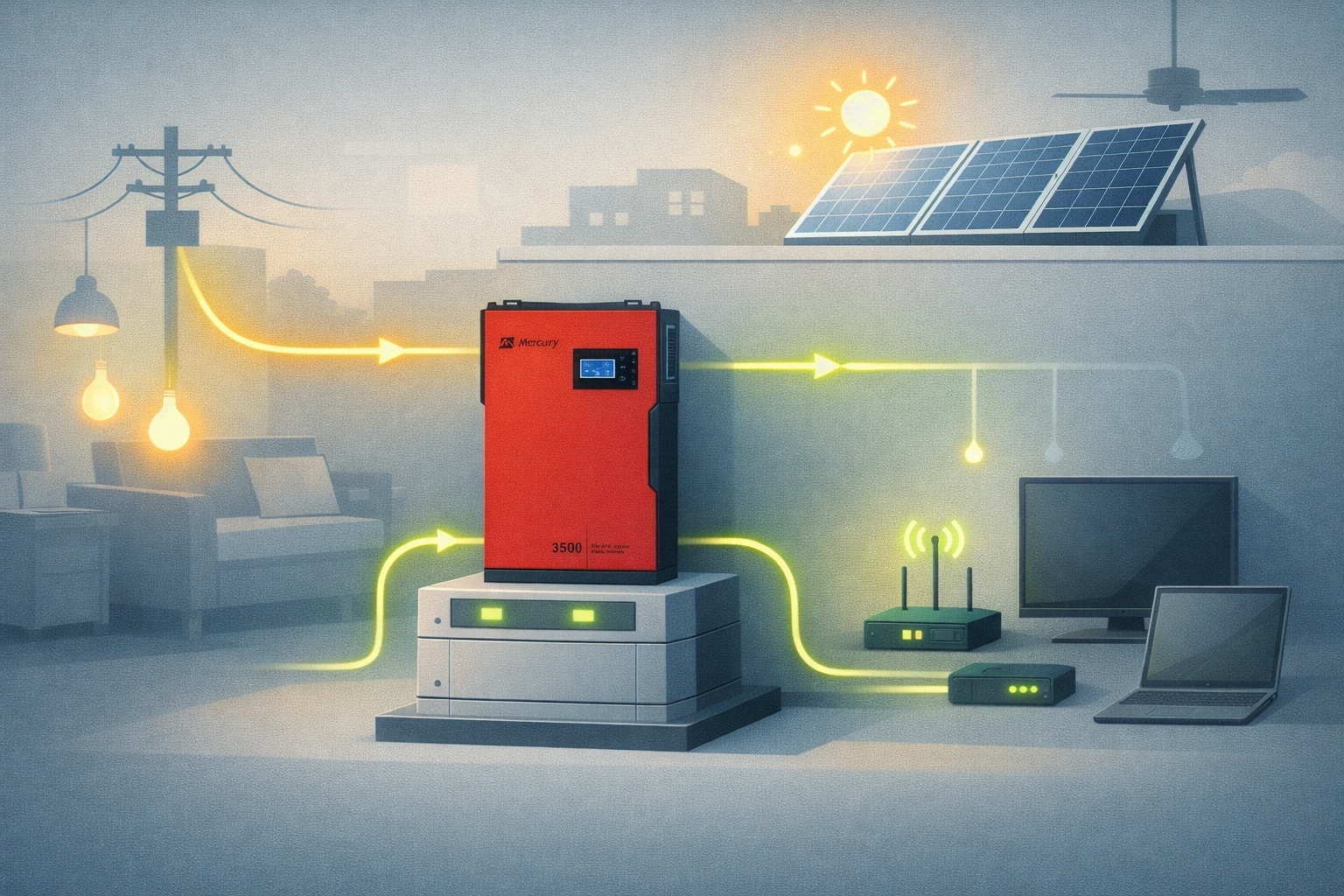
In this comprehensive guide, you’ll learn how generators affect laptops, what risks exist, how to protect your device, and the best practices every Nigerian laptop owner should follow in 2026.
Why This Question Matters More Than Ever
Nigeria’s electricity challenges continue to force homes and businesses to rely on alternative power sources. As a result, generators remain one of the most common ways people power their laptops.
At the same time, laptops have become essential tools for:
- Remote work
- Online classes
- Freelancing
- Programming
- Graphic design
- Digital marketing
- Content creation
- Business operations
Because laptops are valuable investments, understanding how generators affect them can save you significant repair costs.
The Truth: Generators Rarely Damage the Laptop Itself
Many Nigerians believe generators immediately destroy laptops. Fortunately, that is not entirely accurate.
Modern laptops are designed with sophisticated power management systems. Before electricity reaches sensitive internal components, it passes through the laptop charger.
The charger converts AC power from the generator into stable DC power that the laptop can safely use.
Therefore, under normal conditions, your laptop is somewhat protected from irregular generator output.
However, this protection has limits.
What Actually Gets Damaged First?
In most situations, the first victim of unstable generator power is not the laptop itself.
Instead, these components usually suffer first:
- Laptop charger
- Charging adapter
- Power brick
- Battery charging circuit
- Extension sockets
When these components fail repeatedly, damage can eventually spread to the laptop motherboard.
How Generator Power Can Harm Your Laptop Setup
1. Voltage Fluctuations
One of the biggest dangers is unstable voltage.
Many generators produce inconsistent voltage output, especially:
- Small petrol generators
- Poorly maintained generators
- Overloaded generators
- Low-quality generators
If voltage suddenly spikes above safe levels, your charger must work harder to regulate the power.
Over time, this extra stress can reduce charger lifespan.
2. Power Surges
Power surges occur when voltage suddenly increases for a brief moment.
These surges often happen:
- When generators start
- When generators stop
- When heavy appliances switch on
- When fuel levels become low
Repeated exposure to surges can weaken electronic components.
3. Low Voltage Problems
Many people focus on high voltage, but low voltage can be equally dangerous.
When voltage drops too low:
- Chargers overwork themselves
- Heat increases significantly
- Charging becomes inefficient
- Internal components wear out faster
Consequently, charger failure becomes more likely.
4. Frequency Instability
Good electricity should maintain a stable frequency.
Unfortunately, older generators sometimes struggle to maintain consistent frequency output.
Although modern laptop chargers can handle minor variations, large fluctuations may shorten charger lifespan over time.
Warning Signs Your Generator Is Affecting Your Laptop
Pay attention to these warning signs:
- Charger becomes unusually hot
- Battery charges very slowly
- Charging repeatedly disconnects and reconnects
- Laptop charger fails frequently
- Battery health drops rapidly
- You hear electrical buzzing sounds
- Lights flicker while charging
If multiple symptoms appear regularly, your power source may be the problem.
Can Generator Power Damage Laptop Batteries?
Indirectly, yes.
The battery itself does not receive raw generator power. Instead, it receives power regulated through the charger and charging circuitry.
However, unstable power can cause:
- Irregular charging cycles
- Excessive heat generation
- Stress on charging components
- Reduced battery lifespan
As a result, batteries may wear out faster than expected.
Are Inverter Generators Safer?
Yes.
Inverter generators generally produce cleaner and more stable electricity than traditional generators.
Advantages include:
- Stable voltage output
- Reduced power fluctuations
- Lower risk of surges
- Better fuel efficiency
- Safer for electronics
For professionals who depend heavily on laptops, inverter generators are usually a better investment.
How to Protect Your Laptop When Using a Generator
Use a Surge Protector
A quality surge protector provides an extra layer of defense against sudden voltage spikes.
This simple device can save you thousands of naira in potential repairs.
Use the Original Charger
Many laptop problems occur because users replace original chargers with cheap alternatives.
Original chargers generally offer:
- Better voltage regulation
- Improved safety protection
- More reliable performance
- Longer lifespan
Allow the Generator to Stabilize First
Do not immediately plug in your laptop after starting a generator.
Instead:
- Start the generator
- Allow it to run for a few minutes
- Wait for stable operation
- Then connect sensitive electronics
This reduces exposure to startup surges.
Avoid Charging During Fuel Refills
Generator behavior can become unstable when fuel levels are extremely low or during refueling.
Therefore, disconnect sensitive devices before maintenance activities.
What Is Better Than a Generator for Laptop Charging?
Although generators are common, other options may be safer:
- Solar power systems
- Pure sine wave inverters
- UPS systems
- Laptop power banks
- Hybrid solar-inverter setups
These alternatives often provide cleaner electricity than conventional generators.
Related Psero Guides
- How to Upgrade Your Laptop RAM in Nigeria
- How to Add an SSD to Your Old Laptop
- How to Replace Your Laptop Battery in Nigeria
- How to Fix Laptop Overheating Without a Technician
- Best Surge Protectors for Laptop Users
- Best Laptops for Areas With Constant Power Outages
Final Verdict
Generator power does not automatically destroy laptops. In reality, most modern laptops are designed to handle a reasonable range of power conditions through their chargers and internal protection systems.
Nevertheless, unstable generator output can gradually damage chargers, charging circuits, and batteries if proper precautions are ignored.
Therefore, the smartest approach is prevention. Use original chargers, invest in a quality surge protector, maintain your generator properly, and avoid exposing your laptop to unnecessary voltage fluctuations.
By following these simple practices, you can safely use your laptop with generator power throughout 2026 and beyond while avoiding expensive repairs and unexpected downtime.