Storage is one of the most important things to consider when buying a laptop. The type of storage inside a laptop affects startup speed, application performance, file transfers, and overall user experience.
![eMMC vs SSD [Detailed Comparison]](https://i.ytimg.com/vi/RMB4JiJVh0M/maxresdefault.jpg)
Many Nigerian buyers see terms like HDD, SSD, and eMMC but do not understand the differences. This guide explains each storage type and helps you choose the best option for your needs.
What Is HDD Storage?
HDD (Hard Disk Drive) is an older storage technology that uses spinning magnetic disks to store data. It has been used in computers for many years because it offers large storage capacity at a lower price.
However, HDDs are slower than modern storage options because they depend on mechanical moving parts.
Advantages of HDD
- Affordable storage option
- Available in large capacities
- Suitable for storing large files
- Common in older laptops
Disadvantages of HDD
- Slower startup speed
- Makes noise during operation
- Consumes more power
- More sensitive to physical damage
What Is SSD Storage?
SSD (Solid State Drive) is a modern storage technology that uses flash memory instead of moving parts. SSDs provide much faster performance compared to HDDs.
Most modern laptops use SSD storage because it improves speed, reliability, and battery efficiency.
Advantages of SSD
- Very fast performance
- Quick Windows startup
- Faster application loading
- Silent operation
- Uses less power
Disadvantages of SSD
- Costs more than HDD
- Large capacities can be expensive
What Is eMMC Storage?
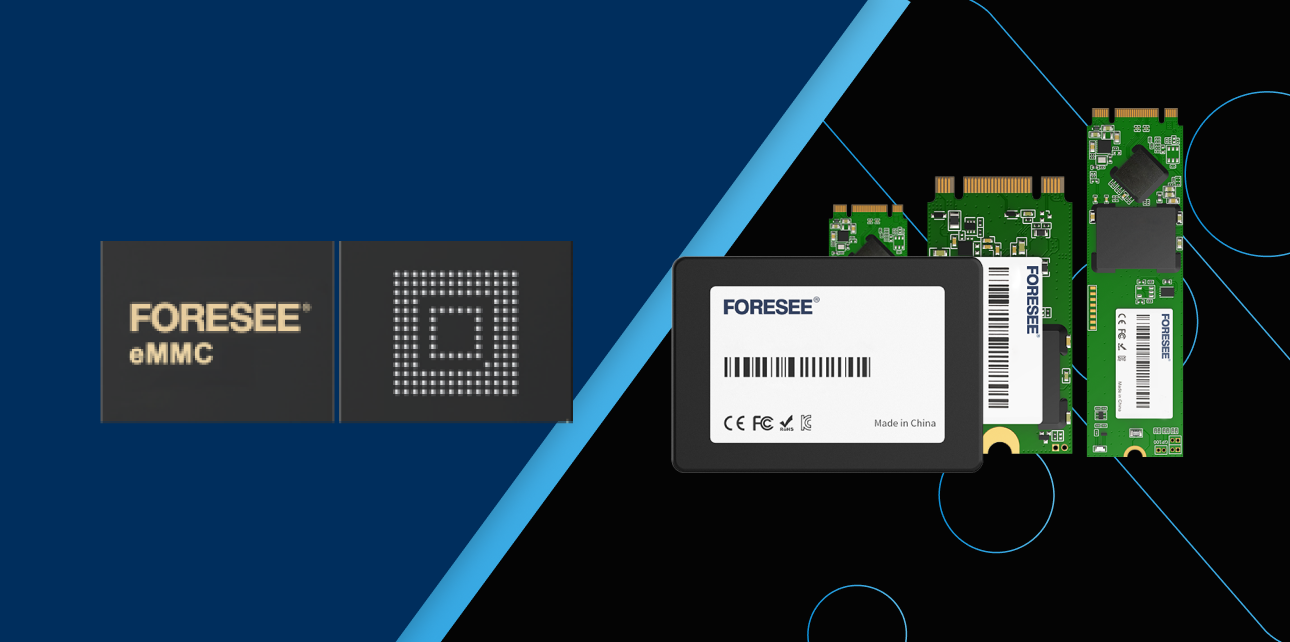
eMMC (embedded MultiMediaCard) is a type of flash storage commonly found in affordable laptops, Chromebooks, and lightweight devices.
Unlike SSDs, eMMC storage is usually built directly into the motherboard and cannot easily be replaced or upgraded.
Advantages of eMMC
- Affordable
- Uses little power
- Good for basic tasks
- Makes laptops lightweight
Disadvantages of eMMC
- Lower performance than SSD
- Limited storage capacity
- Usually cannot be upgraded
- Not ideal for demanding software
eMMC vs SSD vs HDD Comparison
| Feature | HDD | SSD | eMMC |
|---|---|---|---|
| Speed | Slow | Very fast | Moderate |
| Technology | Mechanical disk | Flash memory | Embedded flash memory |
| Upgrade Ability | Usually possible | Usually possible | Usually not possible |
| Battery Usage | Higher power consumption | Low power consumption | Very low power consumption |
| Best For | Storage needs | Most users | Basic computing |
Which Storage Is Best for Students?
Students should choose SSD laptops whenever possible. An SSD laptop provides faster boot times, smoother browsing, and better performance during online classes, research, and assignments.
eMMC laptops can work for basic learning tasks, but they may become limiting as storage needs increase.
Which Storage Is Best for Business Users?
Business users should choose SSD storage because speed and reliability are important when working with documents, accounting software, online meetings, and business applications.
Which Storage Is Best for Gaming and Creative Work?
Gamers, video editors, and designers should choose SSD storage, especially NVMe SSD, because professional applications require faster data access.
Can You Upgrade HDD to SSD?
Yes. Upgrading an old laptop from HDD to SSD is one of the best ways to improve performance without buying a new computer.
A laptop that takes several minutes to start with an HDD can become much faster after installing an SSD.
Read our guide on how to add an SSD to your old laptop and make it fast again.
What Storage Size Should You Buy?
| User Type | Recommended Storage |
|---|---|
| Basic users | 128GB – 256GB SSD/eMMC |
| Students | 256GB SSD |
| Business users | 512GB SSD |
| Creators and professionals | 512GB – 1TB SSD |
Things to Check Before Buying a Laptop
- Check the storage type, not only storage size
- Choose SSD over HDD when possible
- Avoid very small storage unless your needs are basic
- Check if storage can be upgraded
- Consider RAM and processor alongside storage
If you are buying a used laptop, read our guide on how to inspect a UK-used laptop before buying in Nigeria.
Useful Official Resources
You can learn more about storage technology from the official Kingston SSD resources and manufacturer documentation.
Final Verdict
SSD is the best storage choice for most laptop buyers in 2026 because it provides the best combination of speed, reliability, and efficiency.
HDD remains useful for cheap large storage, while eMMC is suitable for basic tasks such as browsing and online learning. For Nigerian buyers who want a laptop that will remain useful for years, choosing an SSD model is the smarter investment.