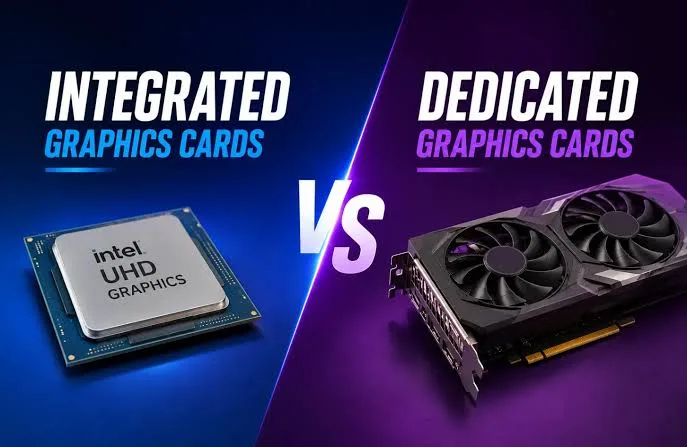
When buying a laptop, many people focus only on the processor, RAM, and storage. However, the graphics system is also important because it determines how well your laptop handles visual tasks such as gaming, video editing, graphic design, and professional software.
Laptops usually come with either integrated graphics or dedicated graphics. Understanding the difference will help you choose a device that matches your needs and budget.
What Are Integrated Graphics?
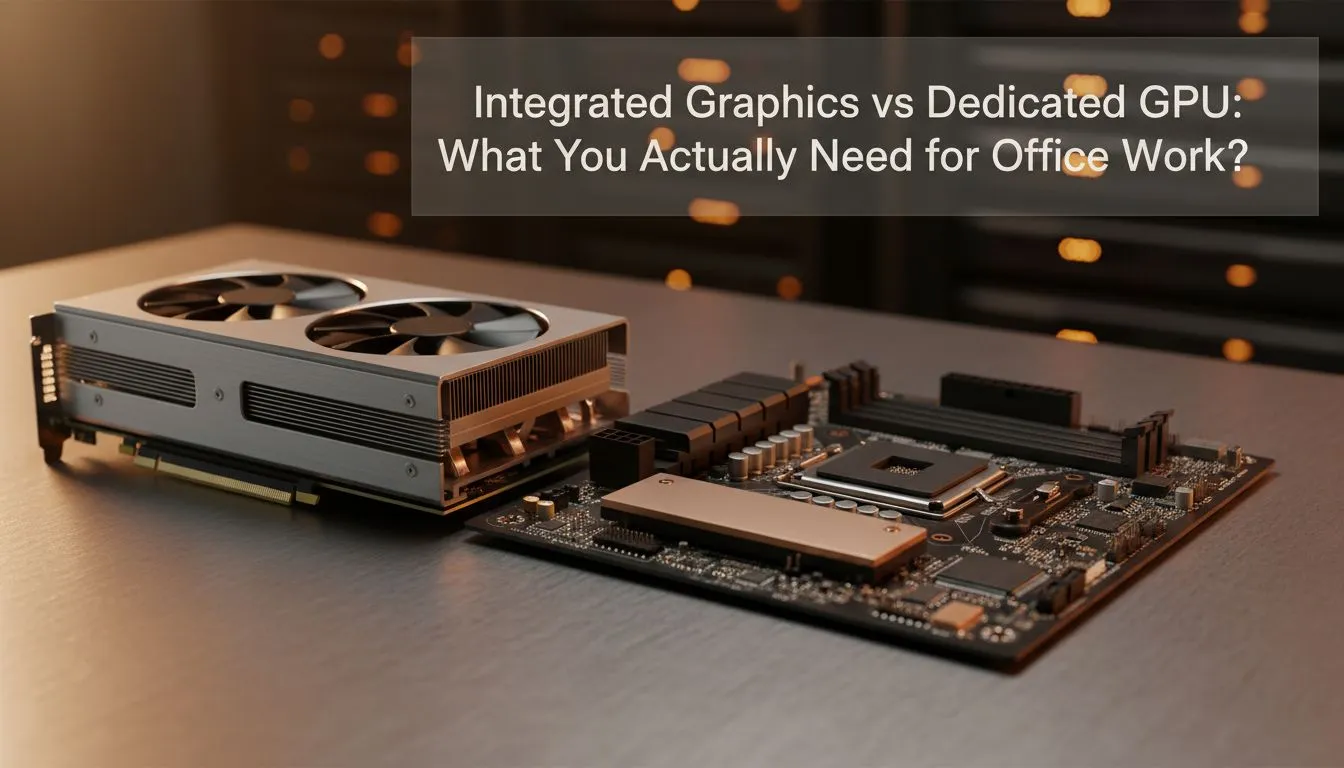
Integrated graphics are built into the laptop’s processor. They share the computer’s memory (RAM) instead of having their own dedicated video memory.
Modern integrated graphics from Intel and AMD have improved significantly and can handle many everyday tasks without problems.
Examples of Integrated Graphics
- Intel Iris Xe Graphics
- Intel UHD Graphics
- Intel Arc Integrated Graphics
- AMD Radeon Integrated Graphics
Advantages of Integrated Graphics
- Lower laptop cost
- Uses less power
- Provides longer battery life
- Produces less heat
- Allows thinner laptop designs
Disadvantages of Integrated Graphics
- Not suitable for heavy gaming
- Limited performance for advanced video editing
- Shares RAM with the system
- Less powerful for 3D applications
What Are Dedicated Graphics?
Dedicated graphics, also called discrete graphics, are separate graphics processors installed inside a laptop. They have their own video memory called VRAM, which allows them to handle demanding visual workloads.
Dedicated graphics are commonly found in gaming laptops, workstation laptops, and professional creative machines.
Examples of Dedicated Graphics
- NVIDIA GeForce RTX Series
- NVIDIA GeForce GTX Series
- AMD Radeon RX Series
- NVIDIA RTX Professional GPUs
Advantages of Dedicated Graphics
- Better gaming performance
- Faster video rendering
- Improved 3D design performance
- Handles demanding software better
- Has dedicated VRAM
Disadvantages of Dedicated Graphics
- Higher laptop prices
- Consumes more battery power
- Produces more heat
- Makes laptops heavier
Integrated Graphics vs Dedicated Graphics Comparison
| Feature | Integrated Graphics | Dedicated Graphics |
|---|---|---|
| Location | Built into processor | Separate graphics chip |
| Memory | Uses system RAM | Uses dedicated VRAM |
| Performance | Good for everyday tasks | Better for demanding tasks |
| Battery Life | Usually longer | Usually shorter |
| Price | More affordable | More expensive |
Who Should Buy an Integrated Graphics Laptop?
Integrated graphics are enough for many laptop users, including:
- Students
- Office workers
- Business owners
- Online learners
- Remote workers
- People who browse and stream videos
Tasks like Microsoft Office, web browsing, video calls, programming, and basic design work can run smoothly on modern integrated graphics.
Who Needs Dedicated Graphics?
Dedicated graphics are recommended for users who perform graphics-intensive tasks such as:
- Gaming
- Professional video editing
- 3D modelling
- Architecture software
- Animation
- Advanced graphic design
- Machine learning applications
Do Content Creators Need Dedicated Graphics?
Not every content creator needs a dedicated GPU. Simple photo editing, Canva designs, and basic video editing can work well with modern integrated graphics.
However, professionals editing 4K videos or creating advanced animations will benefit from dedicated graphics.
Best Choice for Nigerian Laptop Buyers
| User | Recommended Graphics |
|---|---|
| Students | Integrated Graphics |
| Office Workers | Integrated Graphics |
| Business Users | Integrated Graphics |
| Graphic Designers | Integrated or Dedicated Graphics depending on workload |
| Gamers | Dedicated Graphics |
| Video Editors | Dedicated Graphics recommended |
Things to Check Before Buying
- Check the exact graphics model
- Consider the software you will use
- Check VRAM size on dedicated GPUs
- Balance graphics power with battery needs
- Do not pay extra for a GPU you will not use
Before buying a laptop, also compare other important features such as processor performance and storage speed.
Useful Official Resources
You can learn more about graphics technology from the official NVIDIA GeForce website and the official AMD Graphics page.
Final Verdict
Integrated graphics are the best choice for most laptop users because they provide good performance, lower cost, and better battery life.
Dedicated graphics are worth buying if you play modern games, edit professional videos, create 3D designs, or use demanding creative software.
The best laptop is not always the one with the most powerful graphics card. It is the one that matches your actual needs and budget.