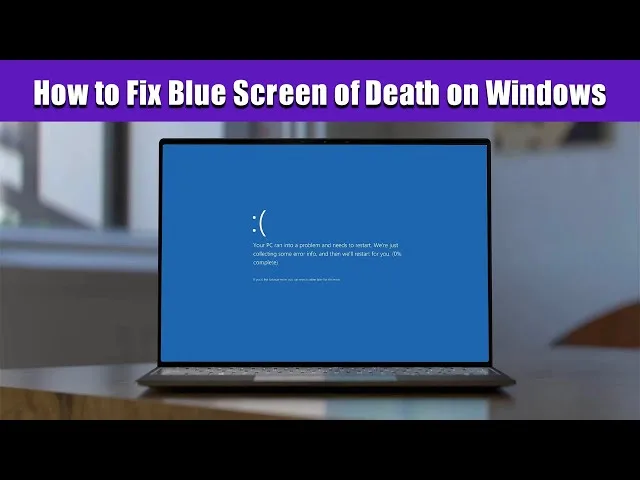
Blue Screen of Death (BSOD) is one of the most frustrating laptop problems. It can happen suddenly and stop your work instantly. This guide explains how to fix it safely in Nigeria without expensive repairs.

What is Blue Screen of Death (BSOD)?
BSOD is a critical Windows error that forces your laptop to shut down to prevent damage. It usually happens due to driver issues, overheating, corrupted system files, or hardware failure.
- Faulty drivers
- Overheating
- Corrupt Windows updates
- RAM or SSD failure
- Virus infection
Step 1: Restart and Check Error Code
When BSOD appears, restart your laptop and check the error code shown on the screen. This helps you identify the exact cause of the problem.
For official Windows support, visit:
Microsoft Windows Support
Step 2: Boot Into Safe Mode
Safe Mode helps you troubleshoot without interference from unnecessary drivers or apps.
To enter Safe Mode:
- Turn on your laptop
- Press F8 or Shift + F8
- Select “Safe Mode with Networking”
Step 3: Remove Recent Updates or Drivers
Recent updates or driver installations can trigger BSOD. Uninstall them to restore stability.
Step 4: Check for Overheating
Overheating is a major cause of BSOD in Nigeria due to heat and unstable power supply.
Make sure your laptop is properly ventilated and not blocked by dust or heat.
Step 5: Run Memory Diagnostic Tool
Faulty RAM can cause repeated crashes. Use Windows Memory Diagnostic tool:
- Press Windows + R
- Type
mdsched.exe - Restart and scan memory
Step 6: Scan for System File Errors
Use Command Prompt to repair corrupted files:
sfc /scannow
Step 7: Check Hard Drive Health
A failing hard drive or SSD can repeatedly trigger BSOD errors.
Step 8: Restore or Reset Windows
If all else fails, reset or restore Windows to a previous working state.
Official guide:
Windows Recovery Options
Prevent Future BSOD Issues
- Use surge protectors or inverter
- Keep drivers updated
- Avoid overheating
- Install trusted software only
- Clean your laptop regularly
When to Visit a Technician
If BSOD continues after reinstalling Windows or your laptop shuts down instantly, visit a professional repair technician.
Helpful Internal Resources from Psero