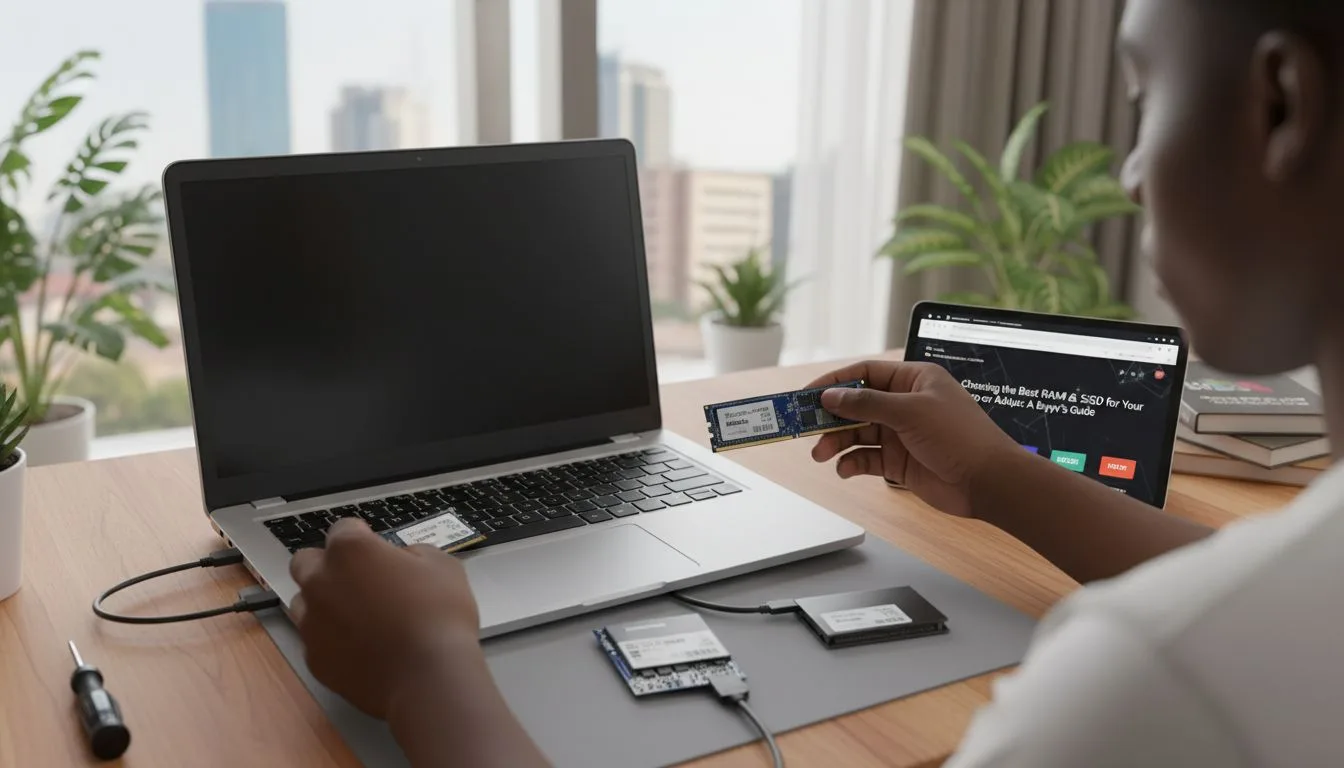
As a result, projects that should take weeks often stretch into months.
Fortunately, with the right laptop and proper strategy, you can complete your final year project faster, more efficiently, and with less stress.
This guide explains exactly how to use your laptop to speed up your entire project process.
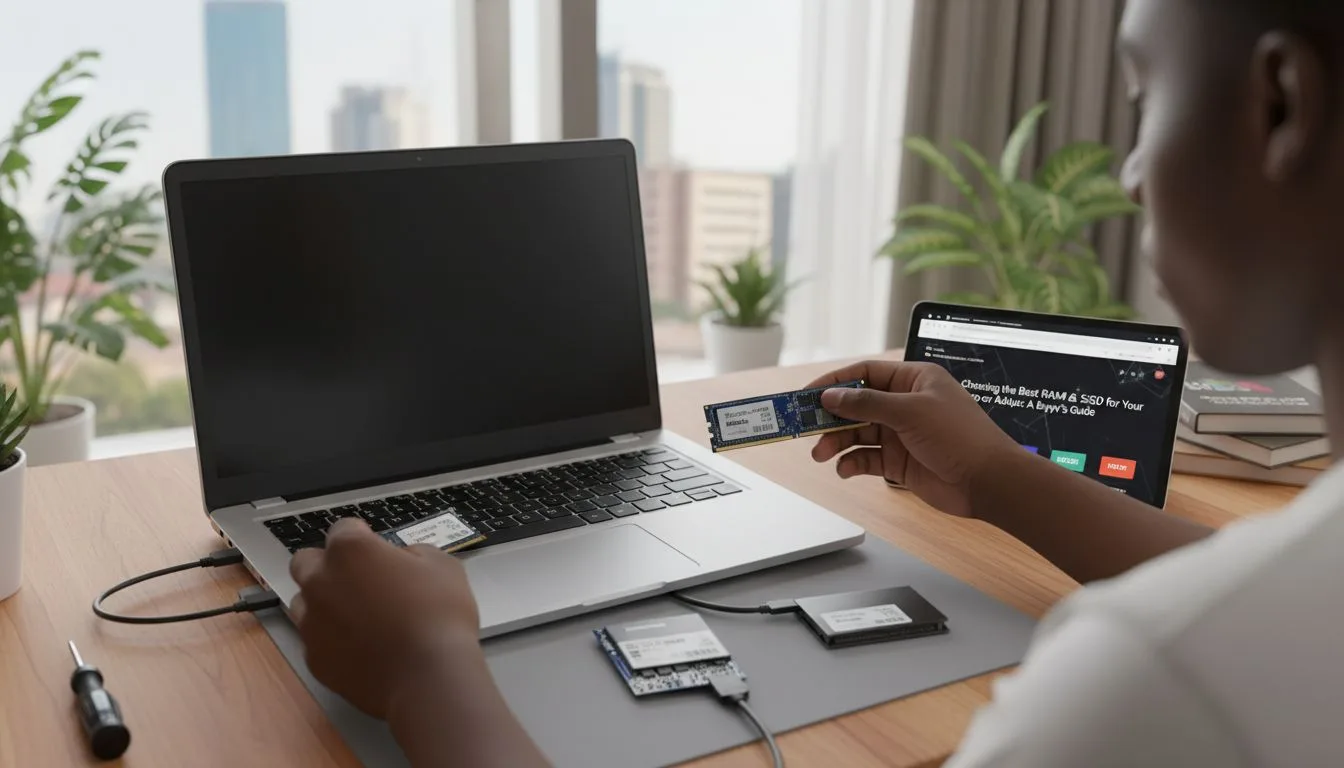
Why Your Laptop Matters for Academic Success
Your laptop is more than just a device. It is your primary academic tool.
A slow or outdated laptop can:
- Delay your work
- Cause file crashes
- Reduce productivity
On the other hand, a reliable system like the
Dell Latitude 3320
helps you work faster and more efficiently.
Step 1: Choose the Right Laptop Setup
Before starting your project, ensure your laptop meets basic requirements.
- Minimum 8GB RAM
- SSD storage for speed
- Stable battery life
For example, laptops like the
Lenovo ThinkPad L13 Gen 3
offer excellent performance for academic tasks.
Step 2: Organize Your Project Files Properly
File organization is critical for speed.
Create folders such as:
- Chapter drafts
- Research materials
- References
- Final submission
This prevents confusion and saves time.
Step 3: Use the Right Software Tools
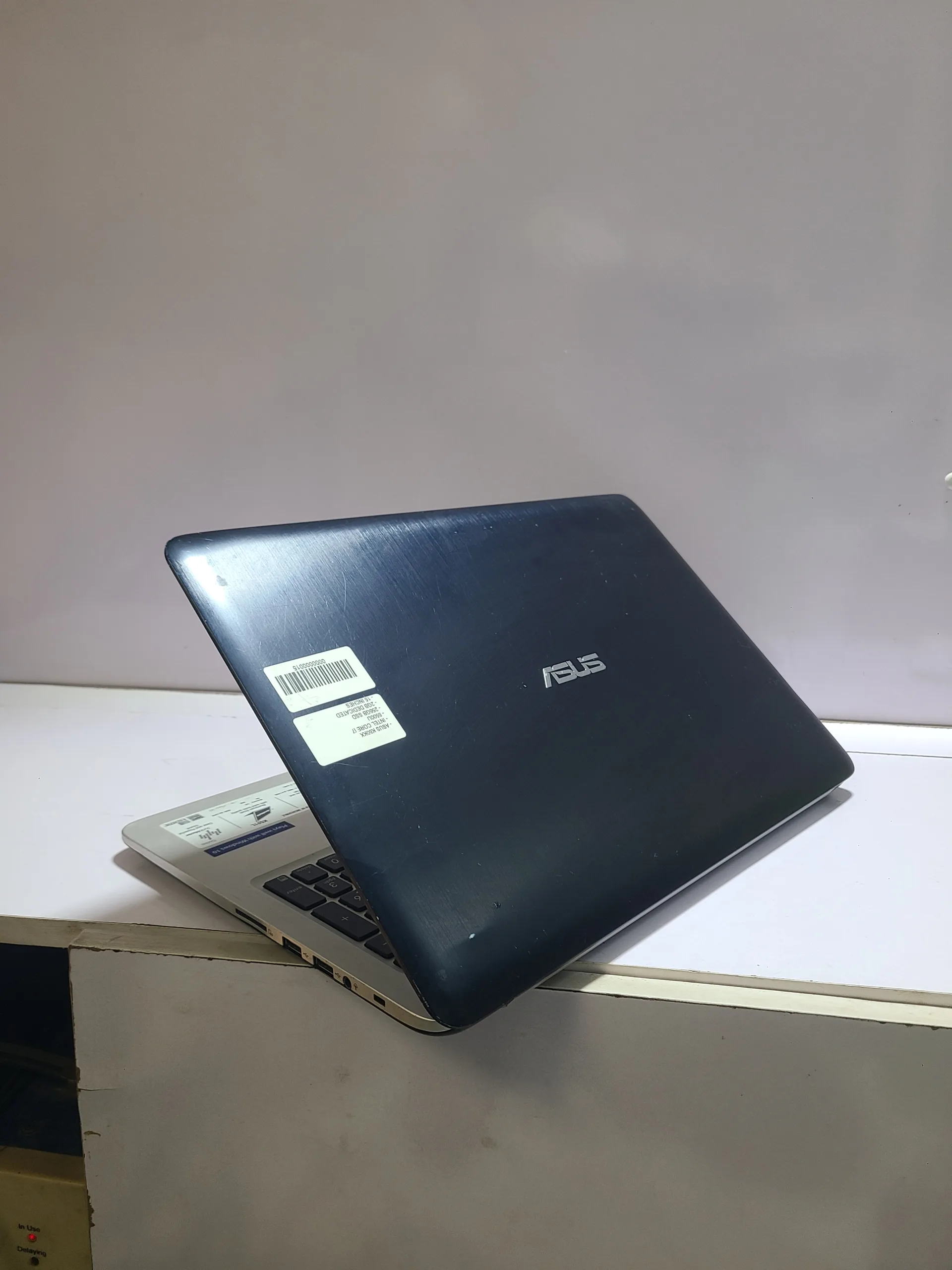
Your laptop becomes powerful when combined with the right tools.
Essential tools include:
- Microsoft Word for writing
- Google Docs for backups
- Zotero or Mendeley for referencing
These tools improve speed and accuracy.
Step 4: Take Advantage of Templates
Many students waste time formatting documents manually.
Instead, use pre-designed templates.
Templates help you:
- Maintain consistency
- Save formatting time
- Meet academic standards
Step 5: Use Keyboard Shortcuts
Keyboard shortcuts significantly increase productivity.
Examples include:
- Ctrl + C (Copy)
- Ctrl + V (Paste)
- Ctrl + S (Save)
These small actions save hours over time.
Step 6: Back Up Your Work Regularly
Data loss is one of the biggest risks students face.
Always back up your work using:
- Cloud storage
- External drives
This ensures your project is safe.
Step 7: Use Your Laptop for Research Efficiently
Your laptop gives you access to unlimited information.
However, you must research efficiently.
Tips include:
- Use academic sources
- Avoid distractions
- Take organized notes
Step 8: Avoid Distractions While Working
Many students lose time due to distractions.
Common distractions include:
- Social media
- Movies
- Unnecessary browsing
To stay focused:
- Turn off notifications
- Use focus apps
- Set daily goals
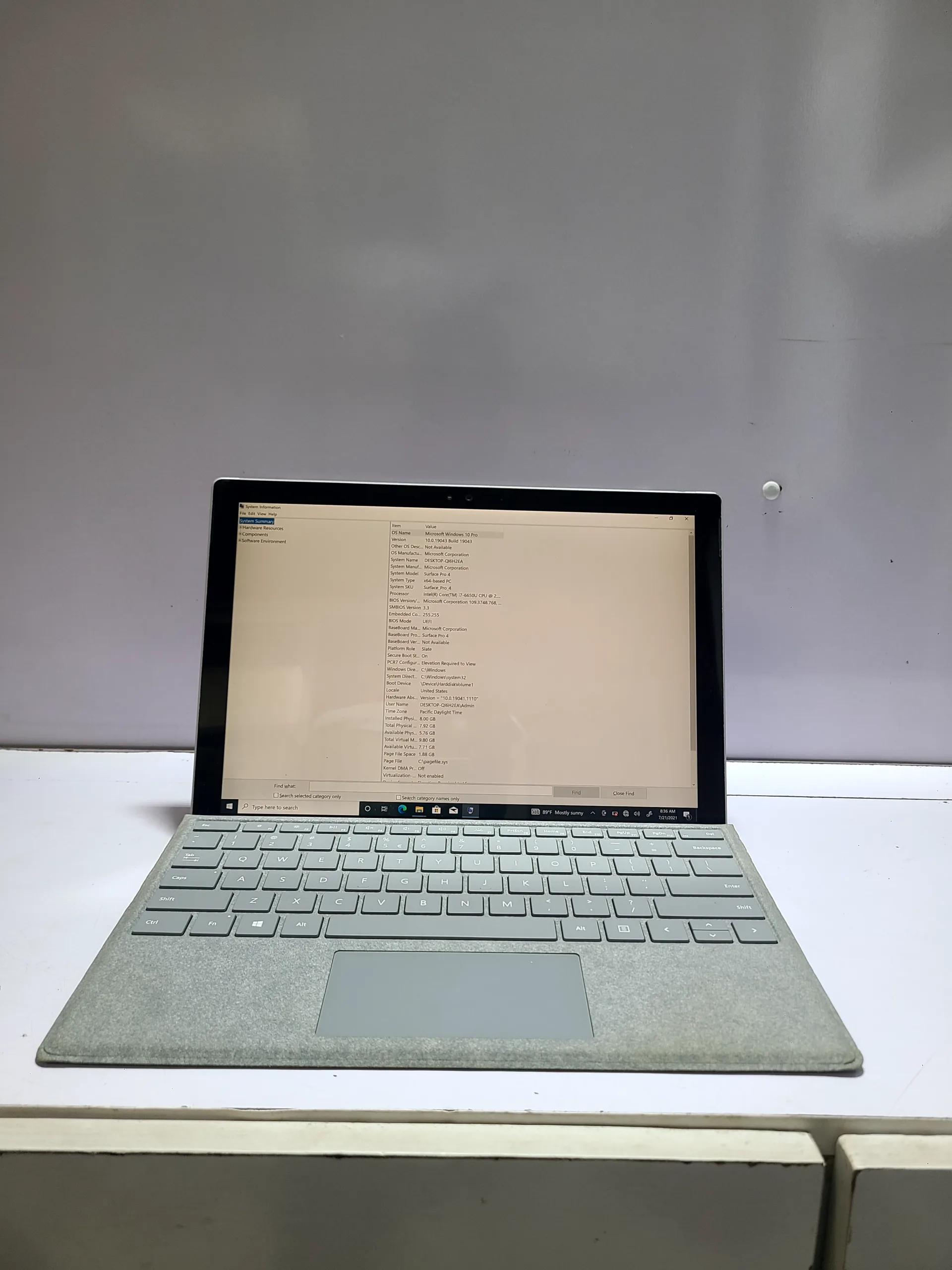
Step 9: Upgrade Your Laptop If Necessary
If your laptop is slow, consider upgrading.
Simple upgrades include:
- Increasing RAM
- Switching to SSD
Alternatively, you can invest in a better system like the
HP EliteBook 830 G6.
Step 10: Use Offline Work Strategy
Internet issues are common in Nigeria.
Therefore, always have offline access to your files.
This allows you to work without interruptions.
Common Mistakes Students Make
Many students delay their projects due to poor habits.
These include:
- Starting late
- Poor file management
- Using slow laptops
Avoiding these mistakes improves your speed.
Why Laptop Speed Directly Affects Project Completion
A fast laptop improves:
- Typing speed
- File loading time
- Multitasking ability
For instance, older budget systems like
this HP 14 Celeron
may struggle with heavy academic work.
How to Maintain Productivity Daily
Consistency is key.
To maintain productivity:
- Set daily writing targets
- Work in quiet environments
- Review your progress regularly
These habits ensure steady progress.
Long-Term Benefits of Using a Laptop Properly
Learning how to use your laptop efficiently benefits you beyond your project.
It helps with:
- Future academic work
- Career opportunities
- Digital skills development
Final Thoughts
Writing a final year project does not have to be stressful or time-consuming.
With the right laptop and proper strategies, you can complete your project faster and more efficiently.
Ultimately, your success depends on how well you use your tools.
Therefore, invest in a good system and develop productive habits.
Get Reliable Laptops for Academic Success
Explore trusted laptops here:
Pay on delivery available in Lagos
Call or WhatsApp: 08032592918