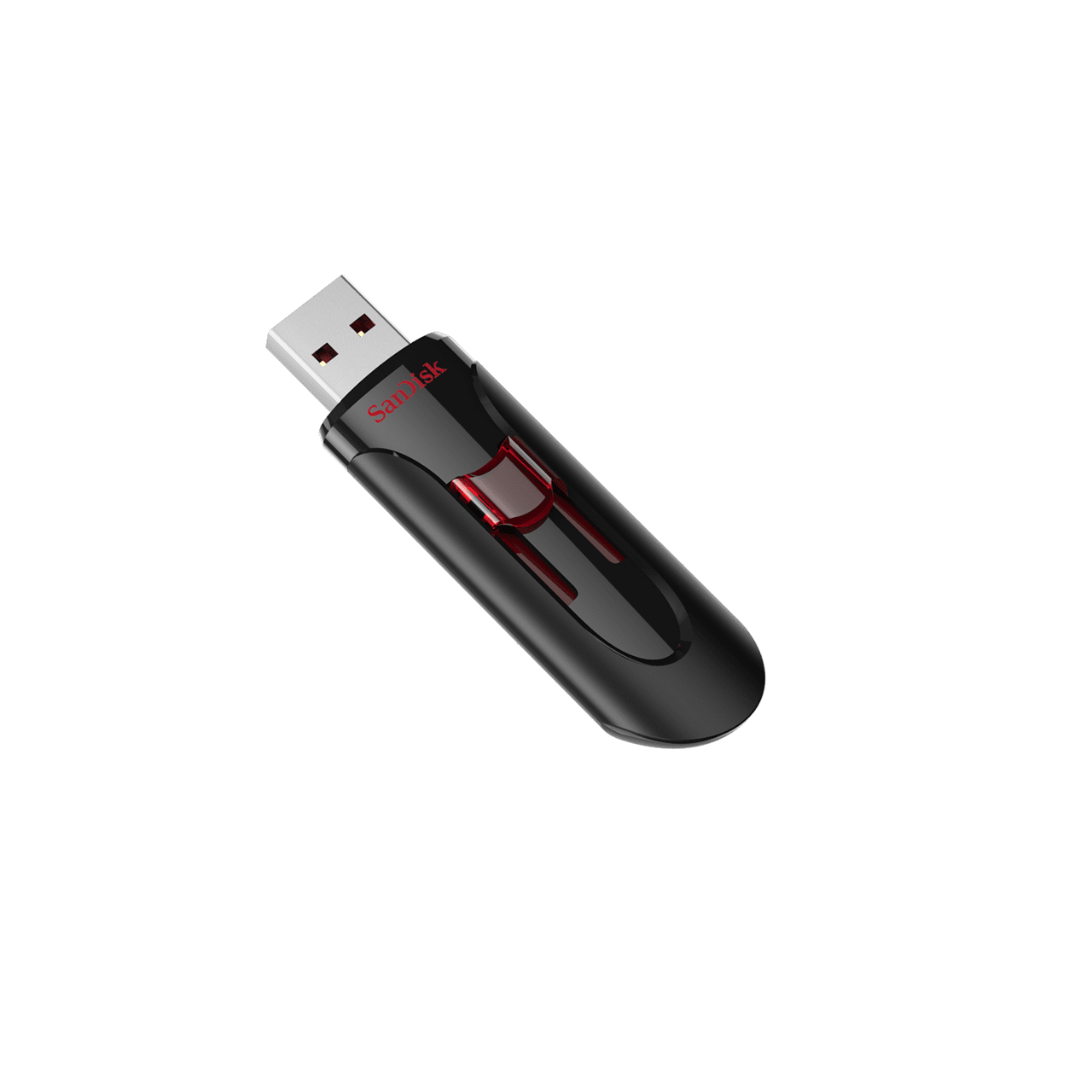
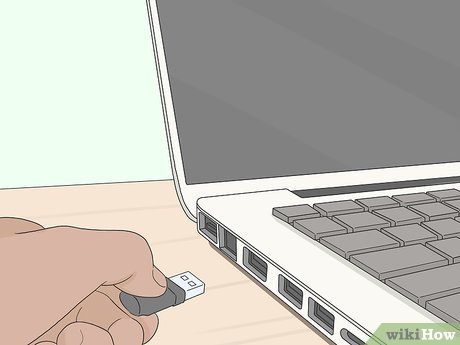
Many slim laptops today come with only two or three USB ports. Some ultrabooks even remove traditional USB-A ports completely.
As a result, Nigerian users often struggle to connect multiple devices at the same time.
For example, students, remote workers, gamers, and business owners may need to connect:
- Mouse and keyboard
- Flash drives
- External hard drives
- Phone chargers
- HDMI displays
- Printers
Fortunately, USB hubs provide a simple solution.
Therefore, this guide explains how USB hubs work, the different types available, how to choose the right one, and why they are extremely useful for laptop users in Nigeria.
What Is a USB Hub?
A USB hub is a small accessory that expands the number of ports available on your laptop.
Instead of relying on only one or two ports, a USB hub allows you to connect several devices simultaneously.
For example, one hub may include:
- Multiple USB-A ports
- USB-C ports
- HDMI output
- SD card readers
- Ethernet ports
As a result, slim laptops become much more flexible and productive.
Why USB Hubs Are Important in Nigeria
Many Nigerian laptop users depend on external accessories for work, school, and entertainment.
For example:
- Students connect flash drives and projectors
- Business owners connect printers and scanners
- Gamers connect external keyboards and controllers
- Remote workers use multiple monitors
However, modern ultrabooks often lack enough ports for these accessories.
Therefore, USB hubs have become increasingly essential.
Types of USB Hubs
Before buying a USB hub, it is important to understand the different categories available.
1. Basic USB Hubs
These are simple expansion hubs that mainly provide extra USB ports.
They are useful for:
- Mouse connections
- Flash drives
- Phone charging
- Basic office accessories
As a result, they are affordable and suitable for casual users.
2. Multiport USB-C Hubs
These advanced hubs support several connection types.
Features may include:
- HDMI output
- Ethernet support
- Memory card readers
- USB-C charging passthrough
Therefore, they are ideal for remote workers and professionals.
You can also learn more about USB-C technology from Intel:
https://www.intel.com/content/www/us/en/architecture-and-technology/thunderbolt/overview.html
3. Powered USB Hubs
Powered hubs include external power adapters.
Unlike regular hubs, they provide additional electrical power for demanding devices such as:
- External hard drives
- Large storage devices
- High-power accessories
As a result, they improve connection stability for professional setups.
Most Important Features to Consider
Not every USB hub offers the same performance or compatibility.
Therefore, choosing the right features is very important.
1. USB Version
USB speed affects file transfer performance.
Common standards include:
- USB 2.0
- USB 3.0
- USB 3.1
- USB-C
USB 3.0 and newer versions provide much faster data transfer speeds.
Therefore, they are better for large file transfers and external drives.
2. HDMI Support
Many Nigerian remote workers use external displays for productivity.
Therefore, HDMI-enabled hubs are extremely useful.
Benefits include:
- Connecting external monitors
- Projector compatibility
- Dual-screen productivity
3. Build Quality
Cheap low-quality hubs often fail quickly.
As a result, connection interruptions and overheating may occur.
Therefore, choosing durable accessories is important for long-term reliability.
Common Devices Nigerians Connect Using USB Hubs
USB hubs support many everyday accessories.
Popular examples include:
- Wireless mouse receivers
- External SSD drives
- Gaming controllers
- Phone charging cables
- Printers
- External keyboards
As a result, users can work more efficiently without constantly unplugging devices.
Best Laptops That Benefit From USB Hubs
Modern slim laptops benefit the most from USB hubs because they usually have fewer ports.
Popular options include:
These laptops are popular because they combine:
- Portability
- SSD performance
- Business reliability
Why USB-C Is Becoming More Popular
USB-C technology is growing rapidly because it combines multiple functions into one port.
USB-C can handle:
- Charging
- Data transfer
- Video output
- External displays
As a result, many newer laptops now prioritize USB-C connectivity.
You can also explore USB-C compatible laptops on
Psero Nigeria.
Common Mistakes Nigerians Make When Buying USB Hubs
Many buyers focus only on price without checking compatibility.
Common mistakes include:
- Buying unsupported USB versions
- Ignoring HDMI requirements
- Choosing low-quality hubs
- Overloading cheap hubs with high-power devices
As a result, devices may disconnect unexpectedly or fail to work properly.
Should You Buy a Docking Station Instead?
Docking stations are larger and more advanced than standard USB hubs.
They often include:
- Multiple monitor support
- Ethernet connections
- Additional power delivery
- Advanced office connectivity
Therefore, docking stations are ideal for professional office setups.
However, standard USB hubs are usually cheaper and more portable.
How to Protect USB Hubs From Damage
Proper handling improves the lifespan of your accessories.
Helpful practices include:
- Avoid excessive cable bending
- Keep hubs away from liquids
- Disconnect carefully
- Store in protective pouches during travel
As a result, your hub remains reliable for longer periods.
Final Thoughts
USB hubs have become essential accessories for modern laptop users in Nigeria, especially as slim laptops continue removing traditional ports.
Therefore, choosing the right hub improves productivity, simplifies device connections, and creates a more flexible workspace.
Whether you are a student, gamer, remote worker, or entrepreneur, a quality USB hub can significantly improve your laptop experience.
Looking for Reliable Business Laptops in Nigeria?
Explore trusted laptop options here:
Pay on delivery available in Lagos.
Call or WhatsApp: 08032592918