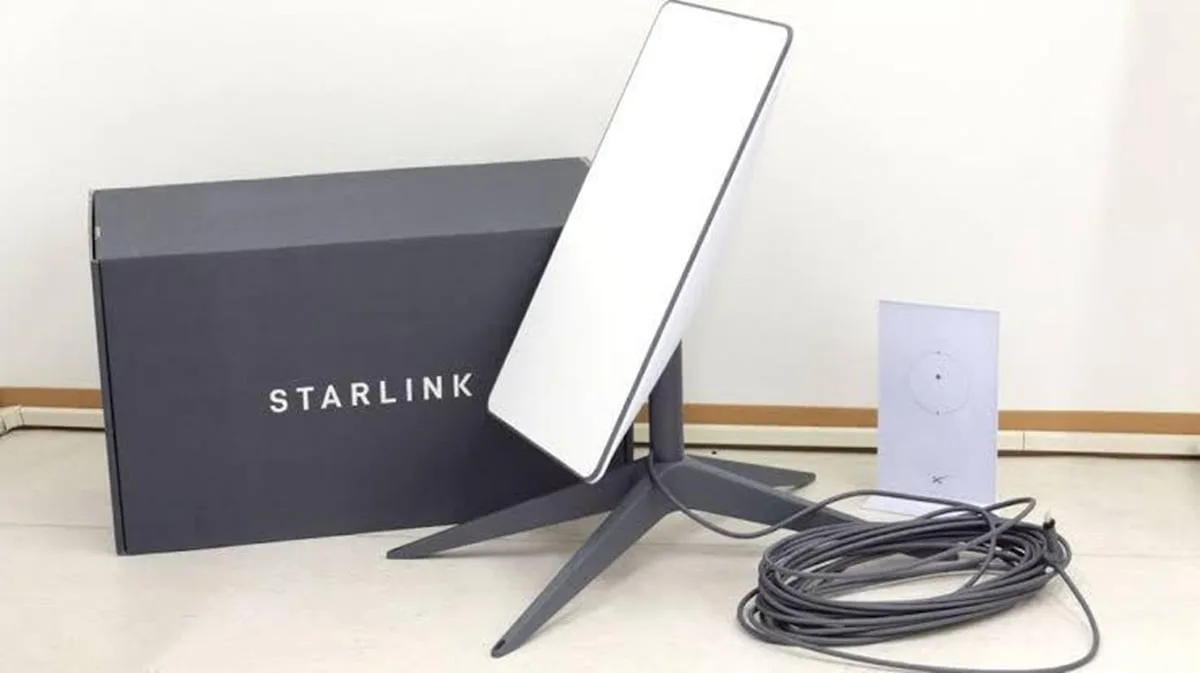
Internet access has become a necessity for students, remote workers, freelancers, content creators, online business owners, and professionals across Nigeria. While mobile networks such as MTN, Airtel, Glo, and 9mobile remain popular, many users continue to struggle with slow speeds, poor coverage, and network congestion.
As a result, Starlink has emerged as one of the most talked-about internet solutions in Nigeria. Powered by satellites instead of traditional mobile towers, Starlink offers high-speed internet access in many locations where conventional broadband services may be unreliable.
However, many Nigerians still have questions about how Starlink works, how to connect it to a laptop, how much it costs, and whether it is worth the investment in 2026.
This guide answers those questions and explains everything you need to know before subscribing.
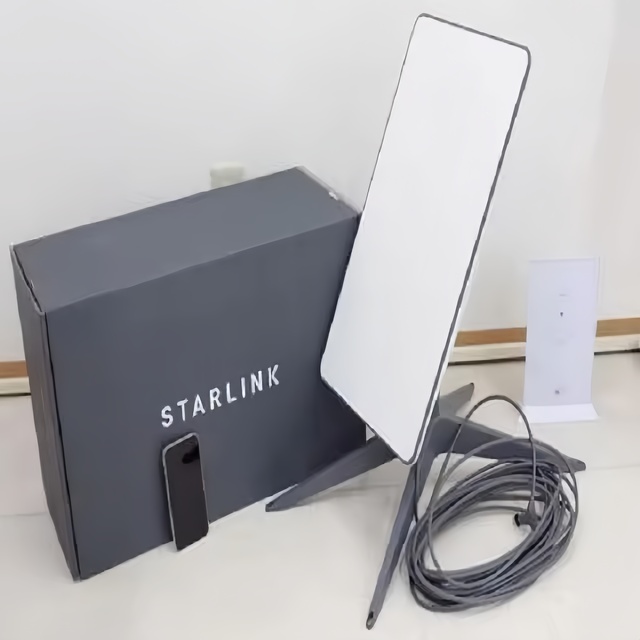
What Is Starlink?
Starlink is a satellite internet service that provides broadband connectivity using thousands of low-Earth-orbit satellites.
Unlike traditional internet providers that rely on cell towers or fiber cables, Starlink connects users directly to satellites in space.
Consequently, users can access high-speed internet even in areas where network coverage is weak.
Why Nigerians Are Interested in Starlink
- Fast internet speeds
- Coverage in remote locations
- Low latency compared to older satellite services
- Suitable for remote work
- Supports online learning
- Reliable video conferencing
- Ideal for content creators and businesses
Furthermore, many Nigerians see Starlink as a solution to network congestion that often affects traditional mobile internet providers.
What You Need to Use Starlink With Your Laptop
To connect your laptop to Starlink, you will need:
- Starlink hardware kit
- Starlink router
- Power source
- Clear view of the sky
- Laptop with Wi-Fi capability
Once installed, your laptop connects to the Starlink Wi-Fi network just like any other wireless internet connection.
How to Set Up Starlink in Nigeria
Step 1: Install the Dish
Place the Starlink dish in an open location with a clear view of the sky.
Avoid:
- Trees
- Tall buildings
- Walls
- Large structures that may block signals
Step 2: Connect the Equipment
Connect the dish to the Starlink router using the supplied cables.
Step 3: Power On the System
Plug the equipment into a stable power source.
Step 4: Configure the Network
Follow the setup instructions provided with the equipment and create your Wi-Fi network.
Step 5: Connect Your Laptop
Open your laptop’s Wi-Fi settings and connect to the Starlink network.
After entering the password, you can begin browsing immediately.
Starlink Internet Speed in Nigeria
Actual speeds vary depending on location, weather conditions, and network demand.
However, many users experience:
- Fast downloads
- Smooth video streaming
- Reliable video conferencing
- Quick file uploads
- Stable cloud application performance
Therefore, Starlink is suitable for both personal and professional use.
Can Starlink Handle Remote Work?
Yes.
Starlink is particularly useful for:
- Zoom meetings
- Google Meet sessions
- Microsoft Teams
- Remote customer support
- Freelancing
- Cloud-based work
- Software development
Consequently, many remote workers consider it one of the best internet options available in Nigeria.
Can Students Use Starlink?
Absolutely.
Students can use Starlink for:
- Online classes
- Research
- Assignments
- Professional certification courses
- Scholarship applications
- Educational videos
Real Cost of Starlink in Nigeria in 2026
The total cost typically includes:
- Hardware purchase
- Monthly subscription fees
- Installation expenses (if applicable)
- Backup power solutions during outages
Because pricing may change over time, always verify current costs before purchasing.
Advantages of Starlink
- High-speed internet
- Wide coverage
- Reliable performance
- Suitable for businesses
- Supports multiple devices
- Excellent for remote locations
Disadvantages of Starlink
- Higher setup cost than MiFi devices
- Requires electricity
- Performance can be affected by obstructions
- Not as portable as mobile hotspots
Starlink vs MiFi Routers
| Feature | Starlink | MiFi Router |
|---|---|---|
| Speed | Higher | Moderate |
| Coverage | Very Wide | Depends on Network Provider |
| Setup Cost | Higher | Lower |
| Portability | Limited | Excellent |
| Multiple Devices | Excellent | Good |
Who Should Buy Starlink?
Starlink is ideal for:
- Remote workers
- Business owners
- Freelancers
- Content creators
- Students in underserved areas
- Families requiring reliable internet
Related Psero Guides
- Best MiFi Routers to Use With Your Laptop in Nigeria
- Best Laptops Under ₦200,000 in Nigeria
- How to Use Your Laptop to Earn on Fiverr
- How to Use Your Laptop to Get Clients on Upwork
- Best Free Software Every Nigerian Student Should Install
- How to Use ChatGPT on Your Laptop to Work Faster
Final Verdict
Starlink has transformed internet access for many Nigerians by providing fast, reliable connectivity beyond the limitations of traditional mobile networks.
Although the initial investment is higher than purchasing a MiFi router, the improved speed, stability, and coverage can make it worthwhile for professionals, businesses, students, and remote workers.
Ultimately, if reliable internet is critical to your work, studies, or business activities, Starlink remains one of the most powerful connectivity solutions available in Nigeria in 2026.