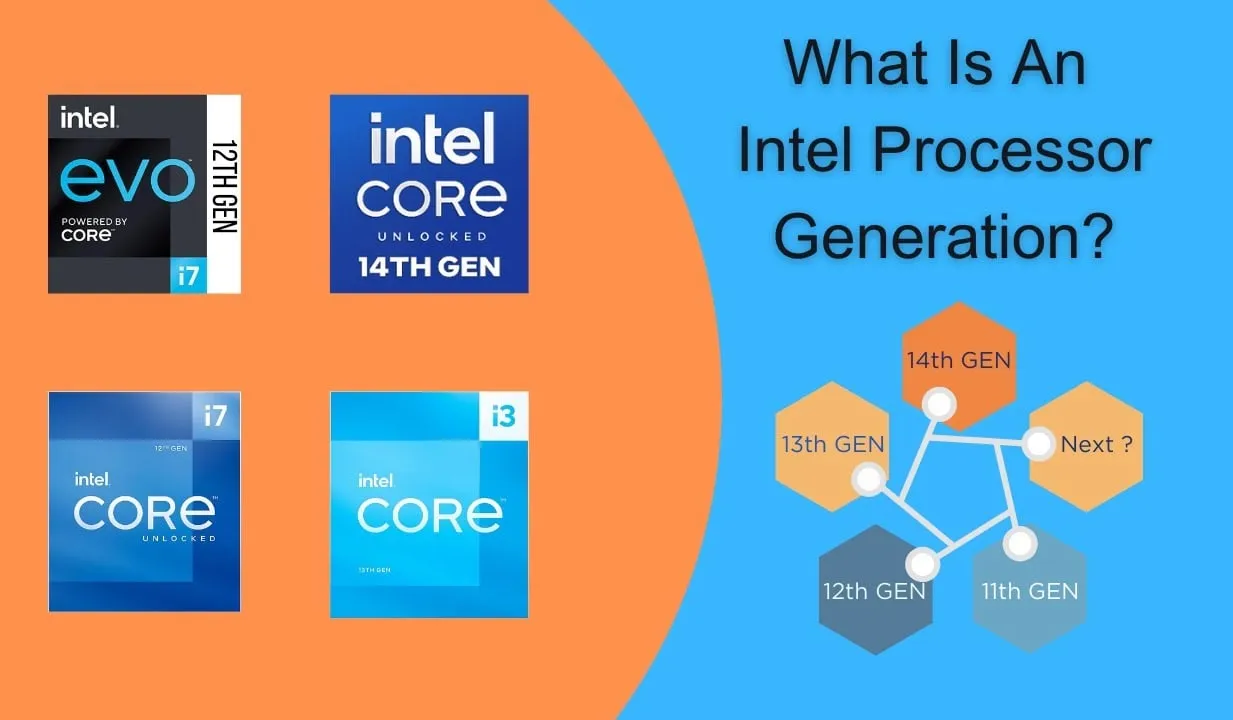
Two laptops can both carry an Intel Core i5 label and still offer very different performance. The reason is simple: processor generation matters. An older Core i5 is not automatically equivalent to a newer Core i5.
This difference is especially important when comparing UK used laptops with newer models in Nigeria. Understanding processor generations can help you choose better performance without spending more than necessary.
What Is a Processor Generation?
A processor generation identifies the technology family to which a CPU belongs. Manufacturers introduce new generations to improve performance, power efficiency, graphics, connectivity, and support for newer technologies.
For example, an 8th-generation Intel Core i5 and a 13th-generation Core i5 belong to different processor generations. The newer chip may offer significant improvements, even though both carry the Core i5 name.
Why Does Processor Generation Matter?
Processor generations can affect several areas of your laptop’s performance.
- Processing speed
- Power efficiency
- Integrated graphics performance
- Multitasking capability
- Battery efficiency
- Support for newer memory and connectivity standards
- Compatibility with newer software and operating systems
How Intel Core Naming Can Be Misleading
The words Core i3, Core i5, and Core i7 only tell you part of the story. You should also check the processor’s generation and exact model number.
For example, a newer Core i5 may outperform an older Core i7 in certain workloads. Therefore, never choose a laptop simply because the seller advertises it as an i7.
What About AMD Ryzen?
The same principle applies to AMD Ryzen processors. Ryzen 3, Ryzen 5, Ryzen 7, and Ryzen 9 represent different performance classes, but the generation and exact model also matter.
When comparing AMD laptops, check the full processor model instead of relying only on the Ryzen number.
Older Processors Are Not Always Bad
An older processor can still be a good choice when the laptop has sufficient RAM, an SSD, and a healthy battery.
For example, a well-maintained business laptop with an older Core i5 can handle browsing, Microsoft Office, research, online classes, and many everyday tasks without problems.
However, older processors may struggle with demanding modern applications. They may also offer shorter battery life and weaker integrated graphics than newer alternatives.
Processor Generation vs Other Specifications
| Specification | Why It Matters |
|---|---|
| Processor Generation | Shows the CPU technology and performance class |
| RAM | Determines how well the laptop handles multitasking |
| SSD | Improves boot and application loading times |
| Graphics | Important for gaming, editing, and design |
| Battery | Determines how long you can work away from electricity |
Which Generation Should You Buy?
There is no single processor generation that is perfect for everyone. Your budget and workload should determine your choice.
- Basic users can consider affordable older business laptops.
- Students should prioritise a good balance between generation, RAM, and SSD storage.
- Professionals should consider newer processors for demanding workloads.
- Creators and developers may benefit from newer high-performance CPUs.
How to Check Your Laptop’s Processor Generation
Press Windows + R, type msinfo32, and press Enter.
Look for the processor information. You can then search for the exact model on the manufacturer’s official website to confirm its generation and specifications.
Do Not Ignore RAM and SSD
A processor is only one part of the laptop. An older CPU paired with 8GB or 16GB RAM and a fast SSD can feel much more responsive than an otherwise similar system using a traditional hard drive.
Therefore, compare the complete configuration rather than judging a laptop by its processor alone.
Related PSERO Guides
- Core i3 vs Core i5 vs Core i7: Which Should You Buy?
- What Laptop Specifications Matter Most?
- How to Compare Two Laptops Before Buying
- How to Verify Laptop Specifications Before Paying
- How to Choose the Right Laptop for Your Budget
Shop Laptops at PSERO
- Browse All Laptops
- Shop Core i5 Laptops
- Shop Core i7 Laptops
- View All Laptop Products
- HP ProBook 650 G3
Useful Official Resources
For accurate processor specifications, check the official information from Intel and AMD Ryzen.
Final Verdict
Processor generation is one of the most important details to check before buying a laptop. A Core i5 or Core i7 label alone does not tell you how modern or capable the processor is.
Always check the exact CPU model, generation, RAM, SSD, battery, and graphics before making your decision. That approach will help you find a laptop that delivers genuine value for your money.