Microsoft Word, Excel, PowerPoint, and other productivity applications have become essential tools for students, office workers, business owners, freelancers, and professionals. Whether you are preparing a school assignment, managing business accounts, creating presentations, writing reports, or organising customer information, having reliable office software on your laptop can make everyday work easier.
However, choosing the right Microsoft Office package is not always straightforward. Microsoft offers subscription-based plans under the Microsoft 365 name, as well as a one-time-purchase version called Office 2024. Both options provide familiar applications, but they differ in pricing, licensing, features, cloud storage, updates, and the way you access your files.
For laptop buyers and users in Nigeria, the decision deserves careful consideration. You may want to pay once and use the applications for several years, or you may prefer a subscription that includes cloud storage and access to newer features. Your internet access, budget, number of devices, and work requirements can all influence which option makes more sense.
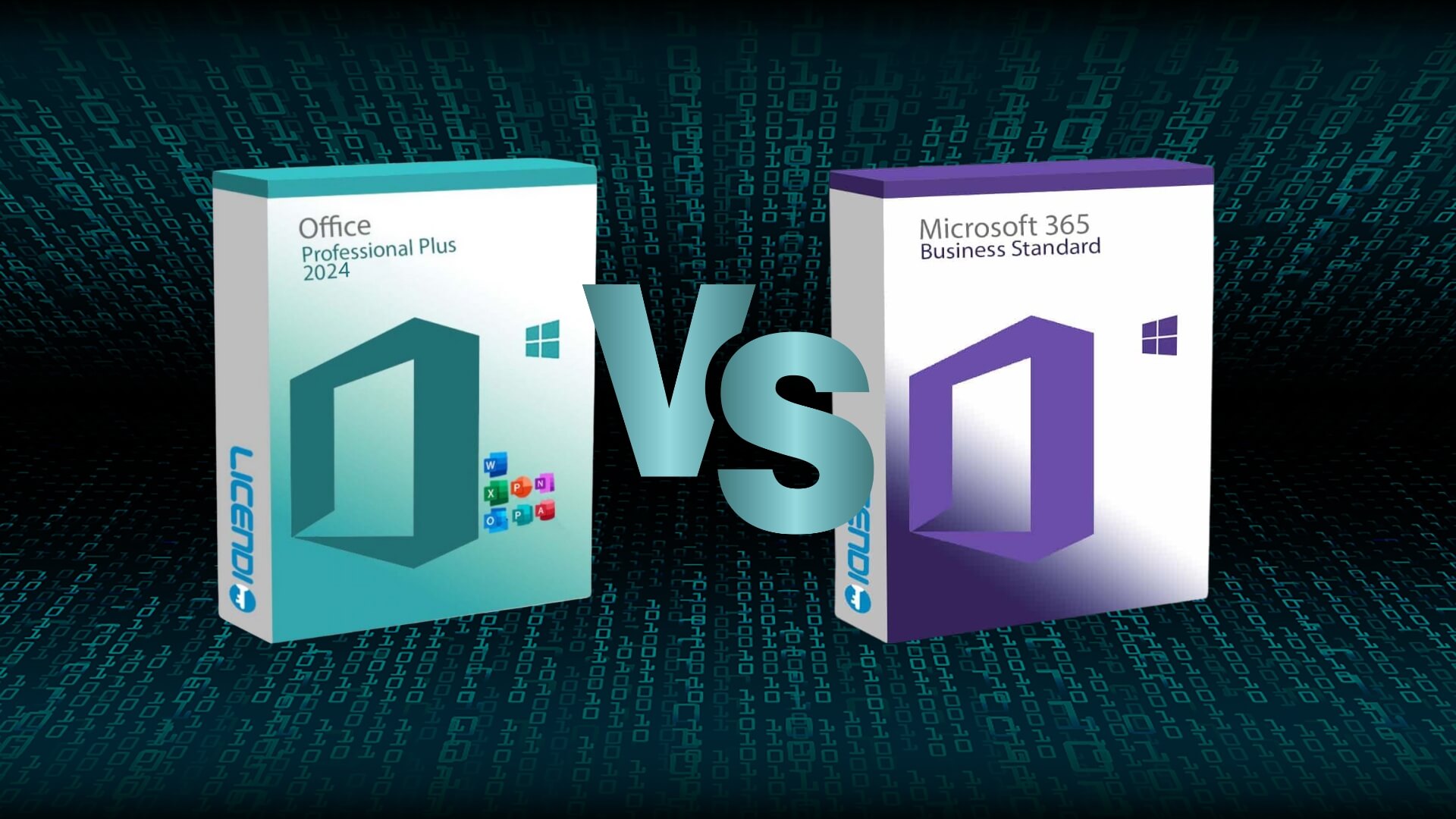
This guide explains the differences between Microsoft 365 and Office 2024, the applications included in each option, how their licences work, what to consider before buying, and which package may suit students, professionals, freelancers, and businesses in Nigeria.
1. What Is Microsoft 365?
Microsoft 365 is Microsoft’s subscription-based productivity service. It provides access to familiar applications such as Word, Excel, and PowerPoint, depending on the plan you select. Some plans also include Outlook, OneNote, Access on supported Windows plans, cloud storage, collaboration features, and additional services.
Instead of purchasing a perpetual licence for one particular Office version, you pay for a subscription that remains active while payments continue. Depending on the plan, you may receive access to the applications on multiple devices and additional online services.
How Microsoft 365 works
After choosing a suitable plan, you sign in with your Microsoft account and install the available desktop applications on supported devices. You can also use supported applications through a web browser.
Your subscription determines which applications and services you can access. Some plans are designed for individual users, while others support families, students, or organisations.
When your subscription remains active, eligible applications receive feature updates and improvements. Microsoft can introduce new capabilities without requiring you to purchase an entirely new numbered Office release.
Popular Microsoft 365 applications
The exact applications depend on your subscription, but common tools include:
- Microsoft Word: Create letters, reports, assignments, proposals, and other documents.
- Microsoft Excel: Work with spreadsheets, calculations, budgets, financial records, and data analysis.
- Microsoft PowerPoint: Prepare presentations for school, business, training, and meetings.
- Microsoft Outlook: Manage email, calendars, contacts, and appointments where included.
- Microsoft OneNote: Organise notes, research, meeting information, and study materials.
- Microsoft Access: Create and manage certain desktop databases on supported Windows plans.
- OneDrive: Store and synchronise files in Microsoft’s cloud storage service, subject to the plan’s storage allowance.
Not every Microsoft 365 plan includes every application. Always inspect the plan details before subscribing.
2. What Is Office 2024?
Office 2024 is a version of Microsoft’s traditional desktop productivity software available through a one-time purchase. Unlike Microsoft 365, you generally pay once for the licence rather than paying a recurring monthly or annual subscription.
Office 2024 is designed for people who prefer a fixed software version and do not need the continuous feature additions associated with Microsoft 365.
Once you purchase and activate a valid licence, you can continue using the applications covered by that licence on the permitted device or devices, subject to Microsoft’s licence terms.
What applications does Office 2024 include?
The applications depend on the edition you purchase. Common editions include:
- Office Home 2024: Includes core applications such as Word, Excel, PowerPoint, and OneNote for eligible personal or home use.
- Office Home and Business 2024: Includes the core Office applications and Outlook, with licensing that supports commercial use under Microsoft’s terms.
Availability, application bundles, and licensing conditions can vary by market and product edition. Check the official product description before purchasing.
How Office 2024 works
You purchase an eligible licence, redeem or activate it according to Microsoft’s instructions, and install the software on a supported computer. The applications are installed locally, allowing you to work with documents without maintaining a Microsoft 365 subscription.
Office 2024 still receives security updates during its supported lifecycle. However, it does not receive the same continuous feature upgrades as an active Microsoft 365 subscription. If Microsoft introduces new features in a later Office release, Office 2024 users may need to purchase another version to access them.
3. Microsoft 365 vs Office 2024: The Main Differences
Both products provide tools for everyday productivity, but their business models and included services are different.
| Feature | Microsoft 365 | Office 2024 |
|---|---|---|
| Payment model | Monthly or annual subscription, depending on the plan | One-time purchase |
| Desktop applications | Included in eligible plans | Included according to the edition |
| Feature upgrades | Ongoing feature updates while subscribed | Fixed version with security and other supported updates |
| Cloud storage | OneDrive storage included in eligible plans | No equivalent subscription storage allowance included with the perpetual licence |
| Multiple devices | Depends on the plan; eligible plans support multiple devices | Generally licensed for one computer, subject to the edition’s terms |
| Subscription required | Yes, for continued access to paid subscription benefits | No recurring Office subscription required |
| Offline work | Supported desktop apps can work offline, subject to periodic licence checks and activation requirements | Installed desktop applications can work offline after activation, subject to licence requirements |
| Best suited for | Users who want cloud services, ongoing features, and eligible multi-device access | Users who prefer a fixed version and one-time payment |
The most important difference is not simply the number of applications. It is how you pay, how long you receive updates, which services are included, and how you are permitted to use the software.
4. Which One Is Cheaper in Nigeria?
Cost is an important consideration for Nigerian laptop users. Exchange rates, payment methods, international pricing, and local retailer pricing can affect the amount you eventually pay.
Microsoft 365 uses recurring payments, while Office 2024 requires a one-time purchase. However, the cheaper option depends on how long you intend to use the software and which features you need.
Understanding the cost of a subscription
Suppose you subscribe to Microsoft 365 using an annual payment option. You pay for the service each year to maintain access to its subscription benefits.
Over several years, those payments accumulate. If you continue using the service for five years, for example, you will have paid for five years of subscription access. This does not mean the subscription is automatically poor value. You may also receive cloud storage, multi-device access, and continuing feature improvements.
Understanding the cost of Office 2024
Office 2024 requires a larger initial payment than a single monthly subscription payment, but there is no recurring Office subscription charge for the perpetual licence.
If you only need the included applications and are comfortable using the same version for several years, a one-time purchase may be financially attractive.
Calculate the long-term cost
Before deciding, compare the actual prices available to you.
For example, use this simple calculation:
- Find the current annual price of the Microsoft 365 plan you want.
- Multiply it by the number of years you expect to use it.
- Find the legitimate Office 2024 purchase price for the edition you need.
- Compare the total subscription cost with the one-time purchase price.
- Consider the value of OneDrive storage, multi-device access, and other included services.
Do not compare a Microsoft 365 Family subscription with Office Home 2024 as though both offer the same number of users and services. Choose equivalent usage requirements before comparing prices.
Be careful with unusually cheap Office licences
In Nigeria, you may encounter online advertisements offering Microsoft Office licences at prices that appear far below official pricing. Some sellers may provide legitimate promotions, but others may offer volume licences, education licences, region-restricted products, shared accounts, or activation methods that do not provide the rights advertised.
A product that activates successfully is not necessarily a licence that gives you the right to use it in the way you expect.
Buy from Microsoft or an authorised retailer, request clear licence information, and avoid purchasing accounts or activation arrangements that require you to share passwords or use someone else’s Microsoft account.
5. Does Microsoft 365 Require an Internet Connection?
This is one of the most important questions for people who use laptops in areas where internet access is unreliable or expensive.
Microsoft 365 desktop applications can work offline after installation and activation. You can open Word, write documents, edit spreadsheets, and prepare presentations without maintaining a continuous internet connection.
However, the subscription needs to be verified periodically. Microsoft also requires an internet connection for activities such as downloading the software, signing in, receiving online services, and synchronising cloud files.
Working offline with Word
You can create and edit documents using the installed desktop version of Word while offline. Save your work locally on the laptop or another connected storage device.
If the document is stored in OneDrive, changes may synchronise when you reconnect to the internet, depending on your application and synchronisation settings.
Working offline with Excel
Excel’s installed desktop application supports many common spreadsheet operations without an internet connection. You can enter information, create formulas, format cells, and work with saved workbooks.
Some connected data sources, online collaboration features, and cloud services require internet access.
Working offline with PowerPoint
You can create and edit presentations offline using the installed desktop application. This is useful for students, trainers, and professionals who prepare presentations before travelling or attending meetings.
Which is better for users with limited internet access?
Office 2024 may be attractive if you prefer a one-time purchase and do not need ongoing cloud services. However, Microsoft 365 desktop applications also support offline work. The difference is that your subscription needs periodic verification and its paid benefits depend on the subscription remaining active.
6. What Happens When a Microsoft 365 Subscription Expires?
Microsoft 365 is not a permanent licence. If your subscription expires or you cancel it, the applications and services eventually enter a reduced-functionality state, subject to Microsoft’s policies and the applicable grace period.
You may still be able to open and view documents, but editing and creating new files in the paid desktop applications can become restricted. Subscription benefits such as additional cloud storage may also change.
Your existing documents do not automatically disappear simply because a subscription ends. However, you should make sure you can access and back up important files independently of a subscription.
What should you do before cancelling?
- Save important documents to a location you control.
- Download important files from OneDrive if necessary.
- Check whether your cloud storage usage exceeds the allowance available without the subscription.
- Confirm that you have another application capable of opening your documents.
- Review the subscription renewal date and cancellation conditions.
Keeping a separate backup is sensible regardless of which Office package you use.
7. What Happens When Office 2024 Reaches the End of Its Support Period?
Office 2024 is a fixed software release with a defined support lifecycle. Microsoft provides security updates and other supported maintenance during the applicable support period.
When support ends, the software may continue to work, but it will no longer receive the same security maintenance from Microsoft. This can increase security risks over time, particularly if the laptop connects to the internet and handles sensitive information.
Before purchasing Office 2024, check its published support dates on Microsoft’s official lifecycle website. This helps you understand how long the version is expected to receive support.
Office 2024 is therefore not a promise that the software will receive every future Office feature indefinitely. It is a licence for a particular release with a defined support period.
8. Which Option Is Better for Students in Nigeria?
Students use Microsoft Office for assignments, research, presentations, spreadsheets, examination preparation, and group projects. Both Microsoft 365 and Office 2024 can support these activities.
Why a student may prefer Microsoft 365
Microsoft 365 may suit students who:
- Use more than one device for schoolwork.
- Need cloud storage for documents and assignments.
- Collaborate with classmates on shared documents.
- Want access to the latest eligible application features.
- Have a reliable payment arrangement for the subscription.
Cloud storage can be particularly useful