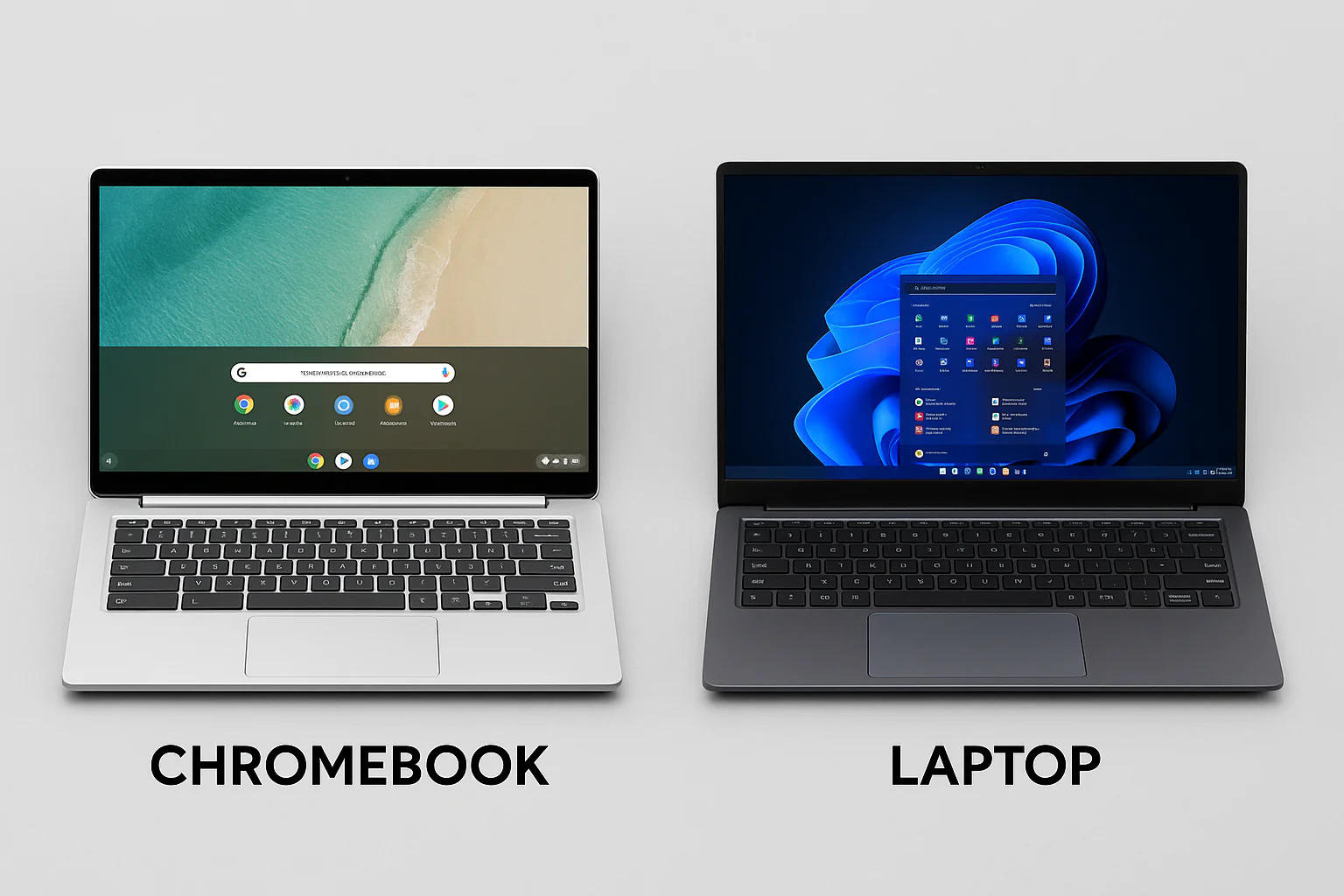
If you’re shopping for a budget laptop, you’ve probably seen both Windows laptops and Chromebooks. Although they look similar, they run different operating systems and are designed for different types of users.
This guide explains the differences between Windows laptops and Chromebooks so you can choose the right device for your needs and budget.
What Is a Windows Laptop?
A Windows laptop runs Microsoft’s Windows operating system. It supports thousands of desktop applications, including Microsoft Office, Adobe Photoshop, AutoCAD, accounting software, programming tools, and many professional applications.
Windows laptops are available in almost every price range, from affordable student models to powerful business and gaming laptops.
What Is a Chromebook?
A Chromebook runs Google’s ChromeOS, which focuses mainly on web-based applications and cloud computing. Most tasks are performed using the Google Chrome browser and Android apps from the Google Play Store.
Modern Chromebooks also support many Linux applications, making them more versatile than earlier models.
Windows Laptop vs Chromebook: Comparison Table
| Feature | Windows Laptop | Chromebook |
|---|---|---|
| Operating System | Windows 11 | ChromeOS |
| Desktop Software | Excellent support | Limited support |
| Offline Use | Excellent | Good |
| Battery Life | Good | Usually excellent |
| Gaming | Excellent on supported hardware | Limited |
| Price | Wide range | Usually more affordable |
Which Is Better for Students?
Students who mainly browse the web, attend online classes, write assignments, and use Google Workspace may find a Chromebook sufficient.
However, students who need specialised software for engineering, medicine, architecture, programming, graphic design, or accounting should choose a Windows laptop.
Which Is Better for Business Owners?
Most Nigerian businesses use Windows applications for accounting, inventory management, payroll, Microsoft Office, and business management. For this reason, a Windows laptop remains the better choice for most entrepreneurs and professionals.
If you need a business laptop, our guide on the best laptops for Nigerian business owners and entrepreneurs offers helpful recommendations.
Performance and Storage
Windows laptops are available with a wide variety of processors, RAM capacities, and SSD storage options. Chromebooks generally have lighter hardware requirements because ChromeOS is designed to run efficiently on modest specifications.
If you are buying a Windows laptop, choose one with an SSD for better speed. Our guide on why SSD laptops outperform HDD laptops explains why SSD storage is worth the investment.
You should also choose enough memory for your workload. Read our guide on how much RAM you really need in a laptop before making your purchase.
Should You Buy a UK Used Chromebook?
UK-used Chromebooks are often very affordable. However, you should verify that the device still receives ChromeOS updates and supports the applications you need.
Before buying any used laptop, inspect the battery, keyboard, display, webcam, charging port, SSD or eMMC storage, and overall condition. Our guide on how to inspect a UK-used laptop before buying explains what to check.
Useful Official Resources
Learn more about Windows features on the official Microsoft Windows website. You can also explore ChromeOS features on the official Google Chromebook website.
Final Verdict
A Chromebook is an excellent choice if your work revolves around web browsing, online classes, email, and cloud-based applications. It offers good battery life, simple maintenance, and an affordable price.
A Windows laptop is the better option if you need professional software, advanced multitasking, gaming, programming tools, or greater flexibility. For most Nigerian students, professionals, and business owners, a Windows laptop remains the more practical long-term investment.