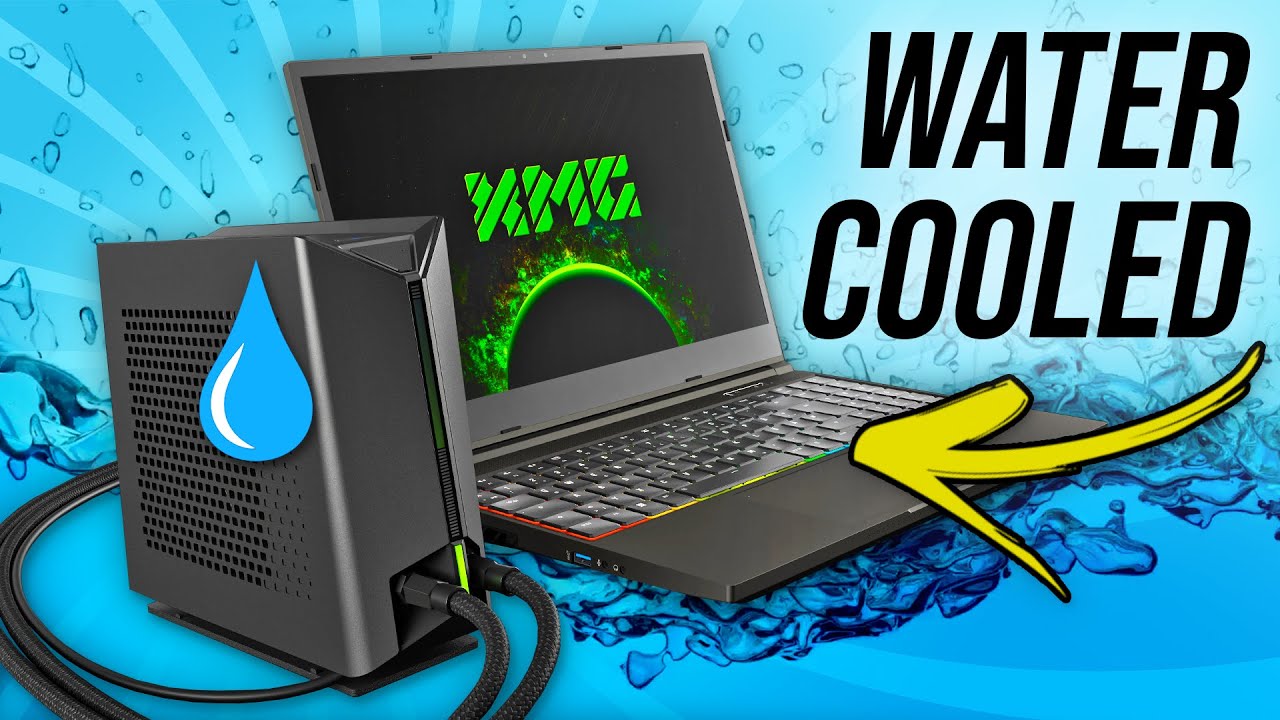
In recent years, laptops with liquid cooling systems have emerged as a game-changer in the realm of portable computing. As processors and GPUs become more powerful, heat management has become a critical issue, especially for gaming and high-performance laptops. Traditional air-cooling methods sometimes struggle to keep up, leading to throttling or reduced performance. Liquid cooling offers a solution by efficiently dissipating heat, ensuring optimal performance under heavy workloads.

What Is Liquid Cooling in Laptops?
Liquid cooling uses a liquid, usually water or a coolant, to transfer heat away from high-temperature components like CPUs or GPUs. The process involves:
- Coolant Circulation: The liquid absorbs heat from the components.
- Radiators or Heat Exchangers: The heat is transferred to a radiator, where it is dissipated into the air.
- Pumps: These ensure the liquid circulates continuously through the system.
Compared to air cooling, liquid cooling is quieter, more efficient, and better suited for compact laptop designs.
Advantages of Liquid Cooling Systems in Laptops
- Superior Heat Management:
- Reduces thermal throttling, ensuring consistent performance during intensive tasks like gaming, video editing, or 3D rendering.
- Silent Operation:
- Fans can run at lower speeds since the liquid efficiently absorbs heat, leading to quieter operation.
- Compact Design:
- Allows manufacturers to pack powerful hardware into thinner laptops without overheating concerns.
- Longer Hardware Lifespan:
- Keeps internal components at safer temperatures, reducing wear and tear.
Notable Laptops with Liquid Cooling
- Asus ROG GX700:
- Among the pioneers, this gaming laptop introduced a detachable liquid cooling dock.
- Features an Intel Core i7 processor and NVIDIA GTX graphics.
- Acer Predator 21X:
- Known for its massive size and curved display, it incorporates liquid cooling for its dual GPU setup.
- MSI GT75 Titan:
- A gaming powerhouse with advanced cooling to manage its high-performance internals.
- Alienware Area-51m R2:
- Combines liquid cooling with modular components, making it a favorite among enthusiasts.
Challenges of Liquid Cooling in Laptops
While revolutionary, liquid cooling in laptops has its challenges:
- Cost: Laptops with liquid cooling systems are generally more expensive due to their complex engineering.
- Maintenance: The liquid needs to be checked periodically for leaks or degradation.
- Portability: Some designs, like the Asus ROG GX700, rely on external cooling docks, which can compromise portability.
Future of Liquid Cooling in Laptops
With advances in nanotechnology and AI-powered thermal management, liquid cooling systems in laptops are expected to become more compact, efficient, and user-friendly. Innovations like self-sealing coolant tubes and hybrid cooling methods may further bridge the gap between portability and performance.
Conclusion
Liquid cooling systems represent a leap forward in thermal management for laptops, catering to gamers, creators, and professionals seeking top-tier performance. While still a niche market due to costs and maintenance needs, it is likely that this technology will become more mainstream as laptops continue to evolve.
For a closer look at laptops with cutting-edge cooling systems and other innovative designs, visit Psero.com to explore their latest recommendations and reviews.