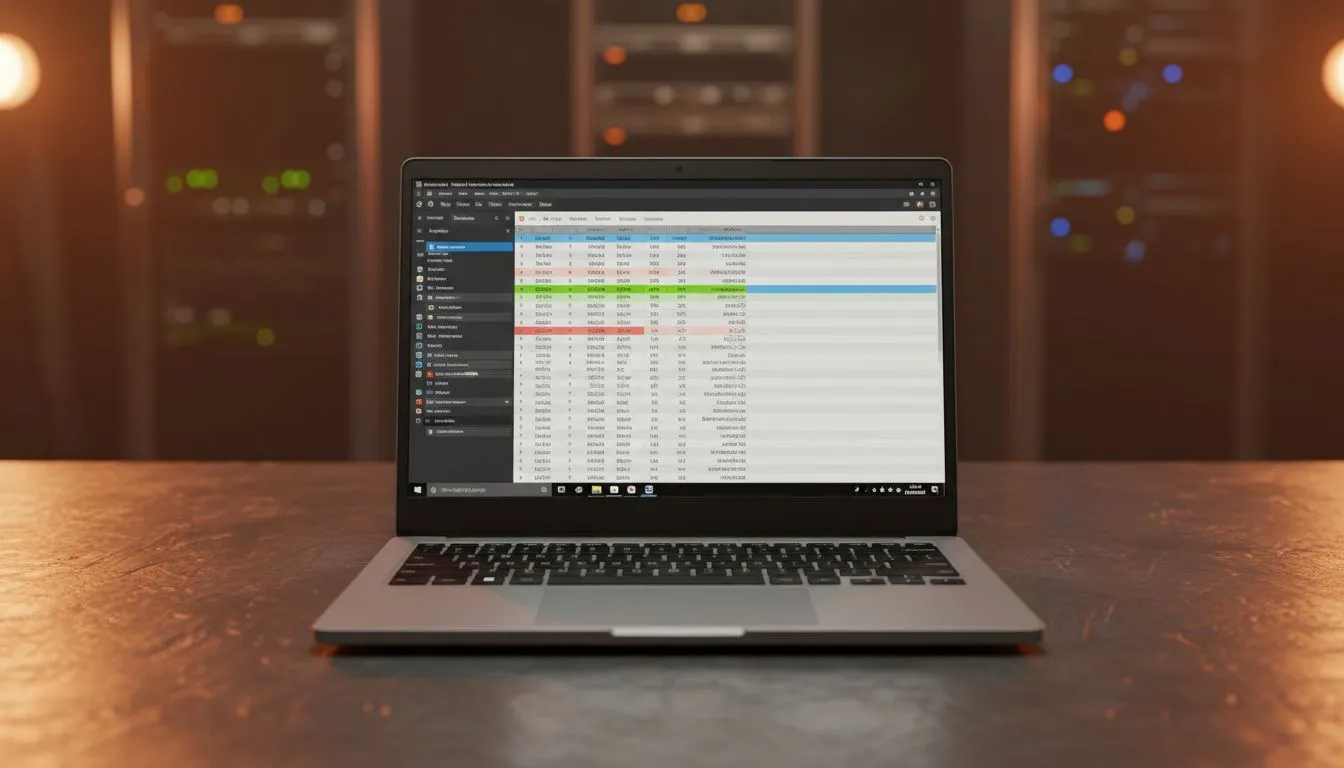
However, one factor that is often ignored when buying a laptop is screen size. While processor speed and RAM are important, screen size plays a major role in comfort, accuracy, and efficiency.
Therefore, choosing the right screen size can significantly improve your workflow and reduce stress during long working hours.

Why Screen Size Matters for Data Entry Work
Data entry and Excel work require constant focus. Users often deal with rows, columns, formulas, and multiple tabs.
As a result, a small or cramped screen can slow you down and increase errors.
On the other hand, a well-sized screen allows you to:
- View more data at once
- Reduce scrolling
- Work faster and more accurately
- Minimize eye strain
Because of this, screen size should never be an afterthought.
Common Screen Sizes in Nigeria
Before choosing, it is important to understand the common laptop screen sizes available in Nigeria:
- 12.5-inch to 13.3-inch (compact and portable)
- 14-inch (balanced option)
- 15.6-inch (larger workspace)
- 17-inch (desktop replacement)
Each size serves different needs. Therefore, selecting the right one depends on your work style.
Best Screen Size for Heavy Excel Work
For users who spend long hours on spreadsheets, larger screens are generally better.
Below is a breakdown of the best options.
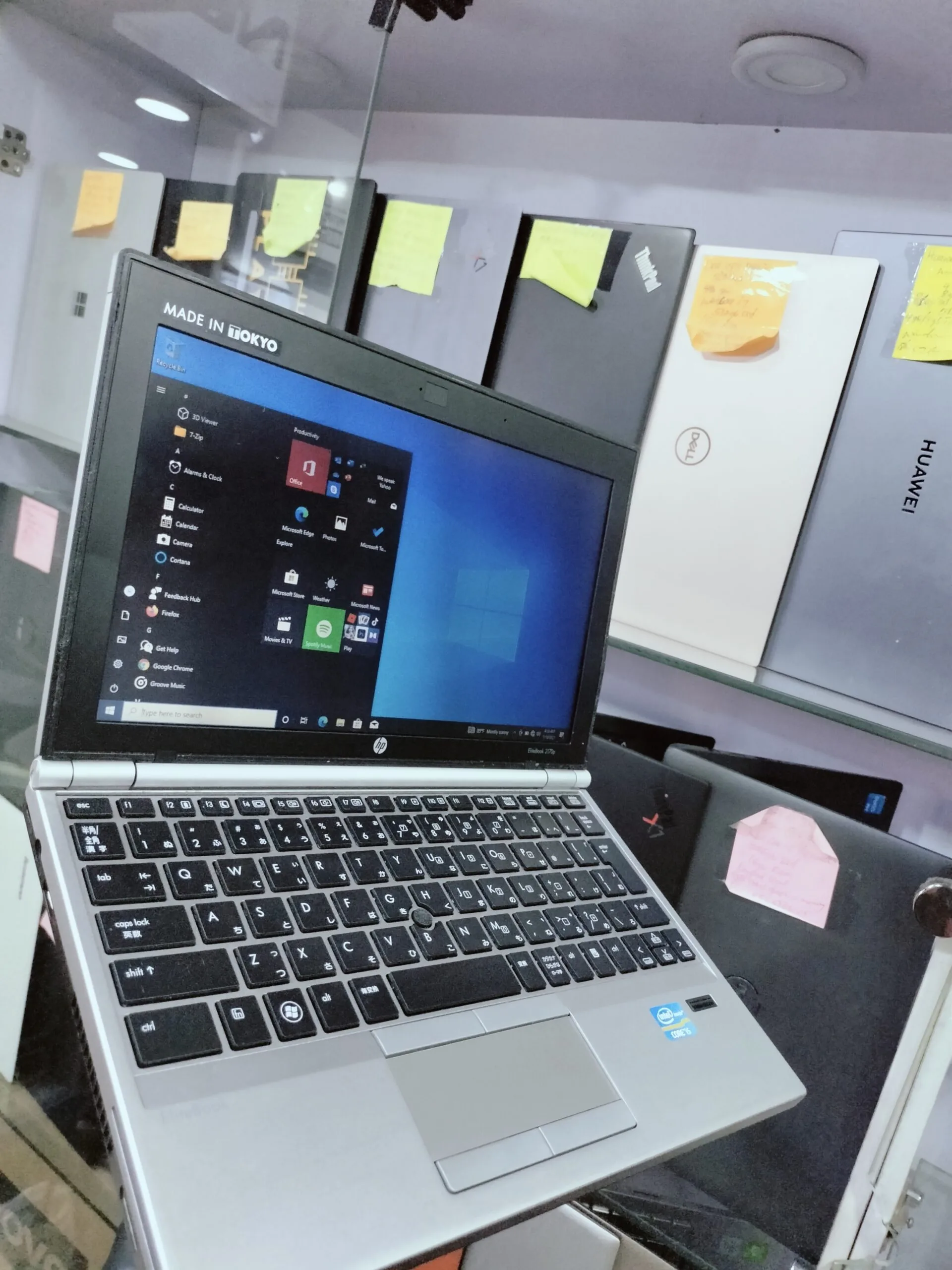
1. 14-Inch Screens – The Balanced Choice
A 14-inch laptop offers a good balance between portability and workspace.
It is suitable for users who move around frequently but still need decent screen space.
For example, laptops like the
Dell Latitude 3320
provide a comfortable viewing experience without being bulky.
Best For:
- Students
- Mobile professionals
- Light to moderate Excel users
Although it is not the largest option, it remains very practical.
2. 15.6-Inch Screens – The Productivity Standard
For most professionals in Nigeria, a 15.6-inch screen is the ideal choice.
This size offers enough space to work comfortably without constantly zooming in and out.
Laptops such as the
Lenovo IdeaPad 3
are popular in this category.
Why It Works:
- More visible rows and columns
- Better multitasking
- Improved readability
As a result, it is the most recommended option for heavy data entry work.
3. 17-Inch Screens – Maximum Workspace
If you rarely move your laptop and need maximum screen space, a 17-inch laptop is ideal.
This size provides a near-desktop experience.
Advantages:
- Very large display area
- Minimal scrolling
- Best for advanced spreadsheet work
However, portability becomes a challenge. Therefore, it is best suited for fixed work environments.
Why Small Screens Can Be a Problem
Compact laptops (12-inch to 13-inch) are easy to carry. However, they are not ideal for heavy Excel work.
Common issues include:
- Limited workspace
- Frequent scrolling
- Eye strain over time
Even premium compact devices like the
HP EliteBook Folio 1020
may feel restrictive for data-heavy tasks.
Therefore, they are better suited for light work.
Screen Resolution Also Matters
Screen size alone is not enough. Resolution plays a key role in clarity.
Always aim for:
- Full HD (1920×1080) or higher
With higher resolution, you get:
- Sharper text
- Better visibility
- More content on screen
This improves both comfort and productivity.
Importance of Keyboard Layout for Data Entry
In addition to screen size, keyboard layout affects efficiency.
Laptops with a numeric keypad (NumPad) are highly recommended.
These are usually found on 15.6-inch laptops.
For example, models like the
Asus X415FA
often include full keyboards, making data entry faster.
Without a NumPad, typing numbers becomes slower and less efficient.
External Monitor Option
If you already own a smaller laptop, you can still improve your setup.
Connecting to an external monitor provides:
- Larger workspace
- Better visibility
- Improved multitasking
This is a cost-effective way to upgrade your experience without buying a new laptop.
Common Mistakes Buyers Make
Many people choose laptops without considering screen size.
Common mistakes include:
- Buying small screens for heavy work
- Ignoring resolution quality
- Choosing portability over comfort
Although budget options like
this HP 14 Celeron model
may be affordable, they may not provide the best experience for intensive tasks.
Best Laptop Strategy for Nigerian Professionals
Instead of focusing only on price, it is better to think long-term.
A smart strategy includes:
- Choosing at least a 15.6-inch screen
- Ensuring Full HD resolution
- Getting a laptop with SSD storage
- Prioritizing comfort and usability
In many cases, UK-used laptops offer better value with higher specifications.
How Screen Size Affects Productivity
The right screen size directly impacts how fast and accurately you work.
With a larger screen, you can:
- Complete tasks faster
- Reduce errors
- Work longer without discomfort
On the other hand, a poor setup can slow you down significantly.
Final Thoughts
Choosing the right laptop screen size is essential for anyone doing heavy data entry or Excel work in Nigeria.
While smaller laptops may be easier to carry, larger screens provide better comfort and efficiency.
For most users, a 15.6-inch Full HD laptop offers the best balance between performance and usability.
Ultimately, investing in the right screen size will improve your productivity and reduce stress over time.
Upgrade Your Work Setup Today
Explore reliable laptops here:
Pay on delivery available in Lagos
Call or WhatsApp: 08032592918