Therefore, many Nigerians now rely on power inverters to keep their laptops running during electricity outages.
However, using a power inverter incorrectly can damage your laptop battery, charger, or even the inverter itself. As a result, understanding how to safely use an inverter for laptop charging is extremely important.
In this guide, you will learn how power inverters work, the best inverter setups for laptops, common mistakes to avoid, and practical safety tips for Nigerian users.
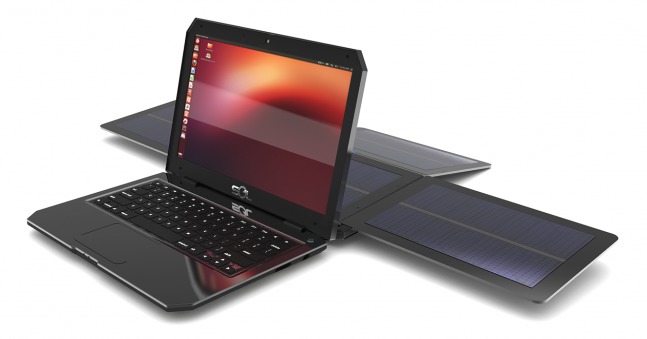
What Is a Power Inverter?
A power inverter is a device that converts battery power (DC electricity) into regular household electricity (AC power). In simple terms, it allows you to power or charge devices during blackouts.
In Nigeria, power inverters are commonly used with:
- Solar systems
- Deep-cycle batteries
- Backup power setups
As a result, users can continue working even when public electricity fails.
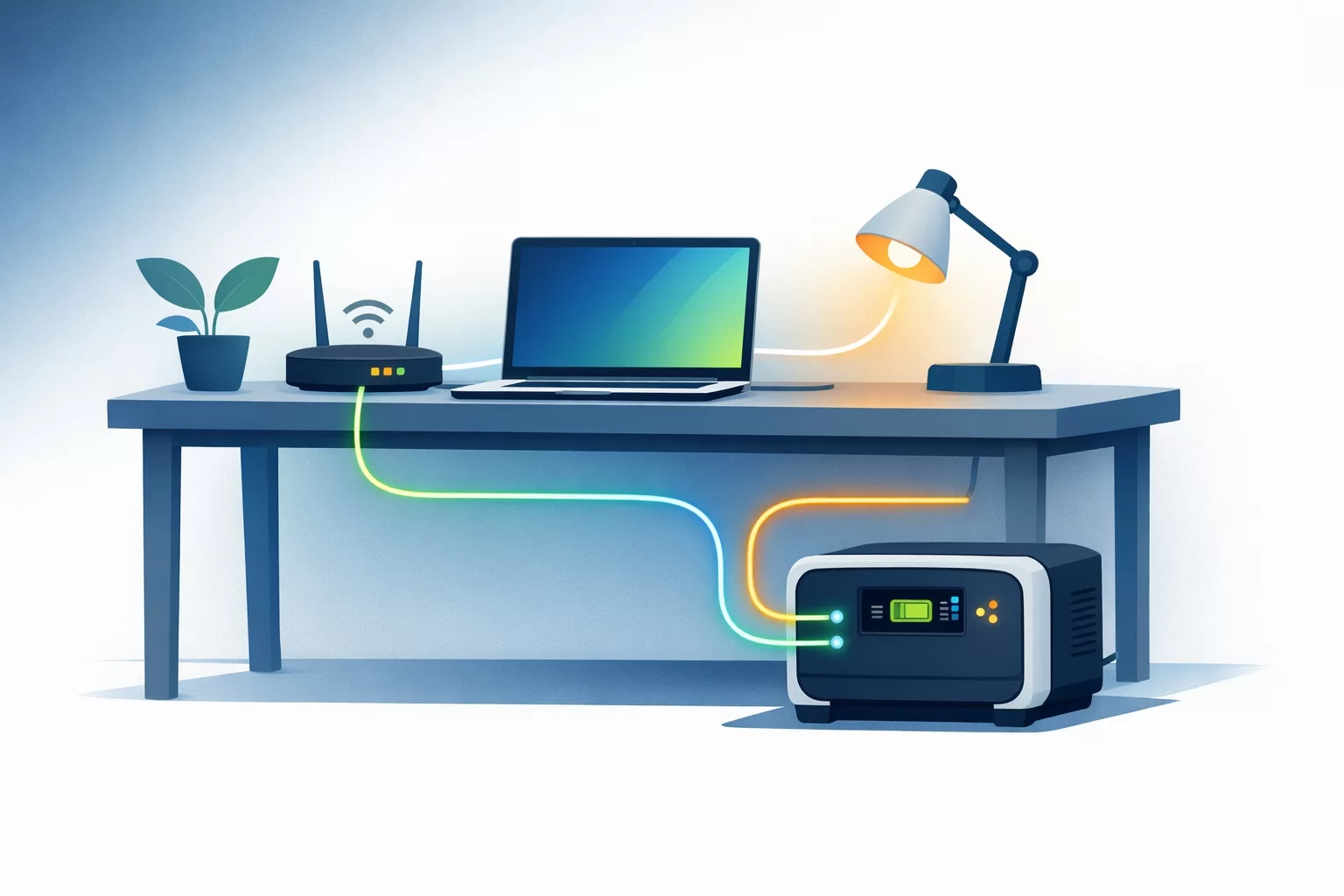
You can also learn more about how inverters work from Schneider Electric:
https://www.se.com/ww/en/work/products/explore/solar-and-energy-storage/
Why Inverters Are Popular Among Laptop Users in Nigeria
Unlike generators, power inverters are quieter, cleaner, and more convenient for indoor use.
Therefore, they have become increasingly popular among:
- Remote workers
- Students
- Content creators
- Freelancers
- Business owners
In addition, many Nigerians now work online and depend heavily on uninterrupted internet and laptop access.
Can You Charge a Laptop Directly from an Inverter?
Yes, you can safely charge a laptop using a power inverter if the setup is correct.
However, the inverter must provide stable power output compatible with your laptop charger.
As a result, choosing the right inverter type becomes very important.
Best Type of Inverter for Laptop Charging
Not all inverters are equally safe for electronics.
For laptops, experts generally recommend:
- Pure sine wave inverters
This is because pure sine wave inverters provide cleaner and more stable electricity similar to regular public power supply.
On the other hand, modified sine wave inverters may sometimes cause:
- Charging instability
- Overheating
- Buzzing sounds from chargers
Therefore, pure sine wave systems are safer for long-term laptop use.
You can also read APC’s official explanation about power backup systems:
https://www.apc.com/us/en/faqs/FA158939/
How to Set Up Your Laptop with an Inverter
Setting up your laptop properly is important for both safety and performance.
Step 1: Connect the Inverter to the Battery
The inverter must first connect properly to a charged battery system.
Most Nigerian users use:
- 12V batteries
- 24V inverter setups
Step 2: Turn On the Inverter
After connecting the battery, switch on the inverter and confirm that the output is stable.
Most modern inverters include indicators showing:
- Battery level
- Power output
- Error warnings
Step 3: Plug in Your Laptop Charger
Next, connect your laptop charger to the inverter’s AC outlet exactly as you would with regular wall power.
At this stage, your laptop should begin charging normally.
However, avoid connecting too many high-power devices simultaneously.
How Long Can an Inverter Power a Laptop?
The runtime depends on several factors.
For example:
- Battery capacity
- Laptop power consumption
- Number of connected devices
In general, a standard laptop consumes far less power than appliances like televisions or refrigerators.
Therefore, laptops are among the best devices to run on inverter systems.
Why Business Laptops Are Better for Inverter Use
Business laptops are usually more power-efficient and optimized for long battery life.
As a result, they perform better during inverter usage.
Reliable business laptop options include:
You can also browse more professional laptop options on
Psero Nigeria.
Common Mistakes Nigerians Make When Using Inverters
Although inverters are useful, many users unknowingly damage their equipment through poor practices.
Common mistakes include:
- Using fake or low-quality chargers
- Overloading the inverter system
- Using weak batteries
- Ignoring overheating signs
Therefore, proper maintenance and quality equipment are extremely important.
Can Inverters Damage Laptop Batteries?
If used properly, a quality inverter should not damage your laptop battery.
However, unstable or poorly regulated power systems can affect charging performance over time.
As a result, using reliable equipment is essential.
You can also learn more about battery charging best practices from Lenovo:
https://support.lenovo.com/
Benefits of Combining Solar Power with Inverters
Many Nigerians now combine solar panels with inverter systems.
Benefits include:
- Reduced fuel costs
- Cleaner energy usage
- Longer backup power duration
- Lower dependence on public electricity
Therefore, solar inverter setups are becoming increasingly popular among remote workers and entrepreneurs.
Extra Tips for Safe Laptop Charging During Blackouts
To improve safety and efficiency, follow these tips:
- Use original laptop chargers whenever possible
- Avoid exposing inverter systems to heat
- Monitor battery levels regularly
- Disconnect unnecessary appliances
In addition, regular inverter maintenance improves long-term reliability.
Final Thoughts
Power inverters have become essential tools for laptop users in Nigeria. Whether you work remotely, study online, or run a business, they help maintain productivity during blackouts.
However, using the correct inverter type, proper setup, and quality equipment is very important for safety and long-term laptop performance.
Therefore, always prioritize stable power systems and reliable business-grade laptops for the best experience.
Looking for Reliable Laptops With Excellent Battery Efficiency?
Explore trusted laptop options here:
Pay on delivery available in Lagos.
Call or WhatsApp: 08032592918