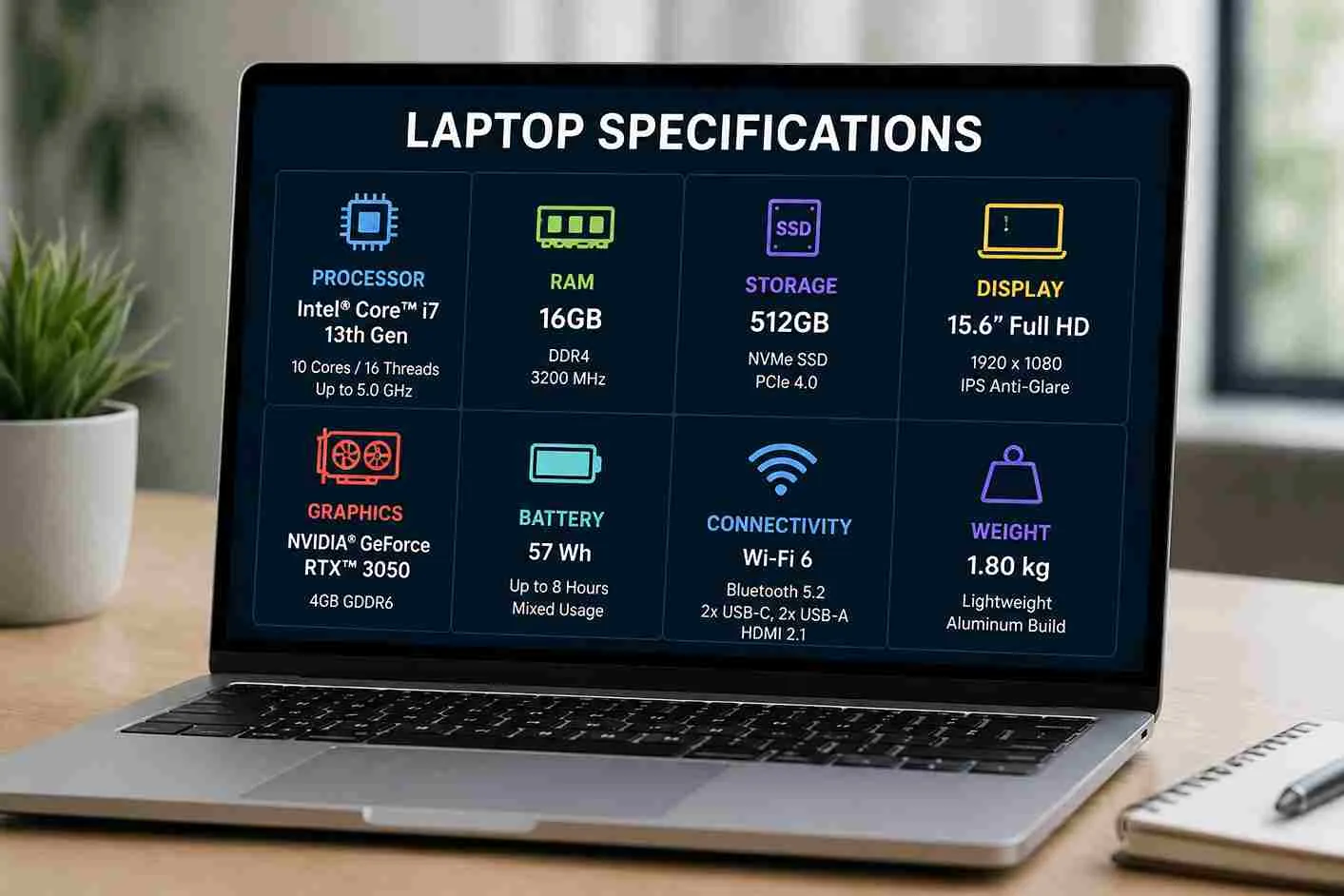
Many laptop buyers get confused by technical specifications. Manufacturers advertise processors, RAM, SSDs, graphics cards, and display features, but not every specification is equally important.
Understanding which features have the greatest impact on performance helps you spend your money wisely and avoid paying for hardware you may never use.
1. Processor (CPU)
The processor is often called the brain of the laptop. It handles calculations, runs applications, and affects how quickly your system responds.
For most users, a modern Intel Core i5 or AMD Ryzen 5 processor provides an excellent balance between performance and affordability.
Recommended Processors
- Basic tasks: Intel Core i3 or AMD Ryzen 3
- Students and office users: Intel Core i5 or AMD Ryzen 5
- Professionals: Intel Core i7 or AMD Ryzen 7
- Heavy creators: Intel Core i9 or AMD Ryzen 9
2. RAM (Memory)
RAM determines how many applications your laptop can run smoothly at the same time. More RAM improves multitasking and overall responsiveness.
| RAM | Best For |
|---|---|
| 8GB | Students and everyday users |
| 16GB | Business, programming, multitasking |
| 32GB+ | Professional editing and heavy workloads |
3. Storage (SSD)
Storage affects how quickly your laptop starts and loads programs. SSDs are far faster than traditional hard drives.
If possible, choose an NVMe SSD for the best performance.
4. Display Quality
A good display improves your viewing experience, especially if you spend many hours using your laptop.
- Full HD (1920 × 1080) is recommended.
- IPS panels provide better colours and viewing angles.
- Higher brightness improves outdoor visibility.
5. Battery Life
Battery life is particularly important in areas with unstable electricity. A laptop that lasts several hours on battery power offers greater flexibility.
Business laptops usually provide longer battery life than gaming laptops.
6. Build Quality
A durable chassis protects your investment. Business laptops often feature stronger materials than many budget consumer models.
Choose a laptop that feels sturdy and has a reliable keyboard and hinge design.
7. Ports and Connectivity
Make sure your laptop includes the ports you need.
- USB-A
- USB-C
- HDMI
- Headphone jack
- Wi-Fi 6 or newer
- Bluetooth 5.2 or newer
Which Specifications Matter Most?
| Specification | Importance |
|---|---|
| Processor | ★★★★★ |
| RAM | ★★★★★ |
| SSD Storage | ★★★★★ |
| Battery Life | ★★★★☆ |
| Display | ★★★★☆ |
| Graphics Card | ★★★☆☆ (depends on user) |
Recommended Specifications by User
| User | Recommended Laptop |
|---|---|
| Student | Core i5, 8GB RAM, 256GB SSD |
| Office Worker | Core i5, 16GB RAM, 512GB SSD |
| Business Owner | Core i5/i7, 16GB RAM, SSD |
| Designer | Core i7, 16GB+, Dedicated Graphics |
| Video Editor | Core i7/i9, 32GB RAM, NVMe SSD |
Related PSERO Guides
- 8GB vs 16GB RAM
- DDR4 vs DDR5 RAM
- NVMe SSD vs SATA SSD
- How to Choose the Right Laptop for Your Budget
- How Long Should a Good Laptop Last?
Recommended PSERO Laptops
Useful Official Resources
For detailed hardware specifications, visit the official websites of Intel, AMD, HP, and Dell.
Final Verdict
The best laptop combines a capable processor, enough RAM, fast SSD storage, and a dependable battery. While other specifications also matter, these four components have the greatest impact on everyday performance.
Before buying, compare the complete specification sheet rather than focusing on a single feature. Doing so will help you choose a laptop that offers the best value and meets your needs both now and in the future.