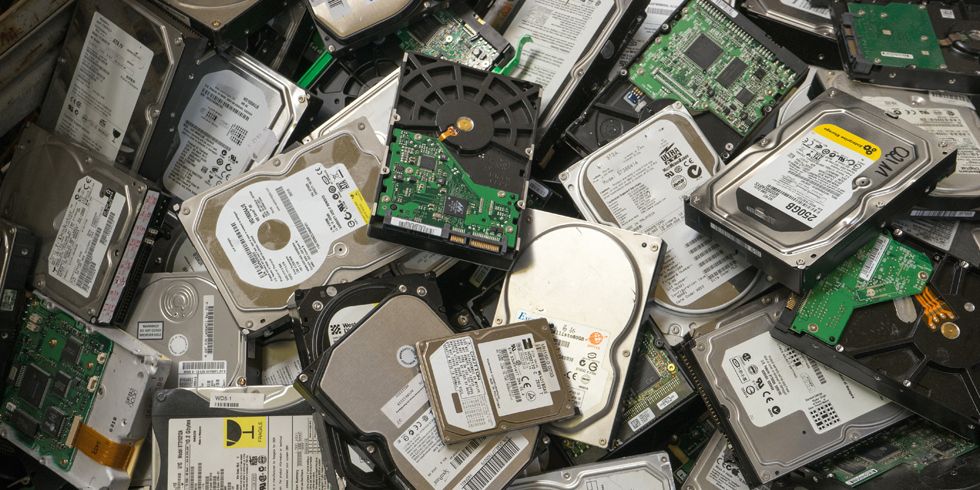
In Nigeria, where power interruptions and system failures are common, relying on a laptop alone is risky. Therefore, having a reliable external hard drive is no longer optional—it is a basic business requirement.
This guide explains how to choose the right external hard drive based on real usage needs, not just brand names.
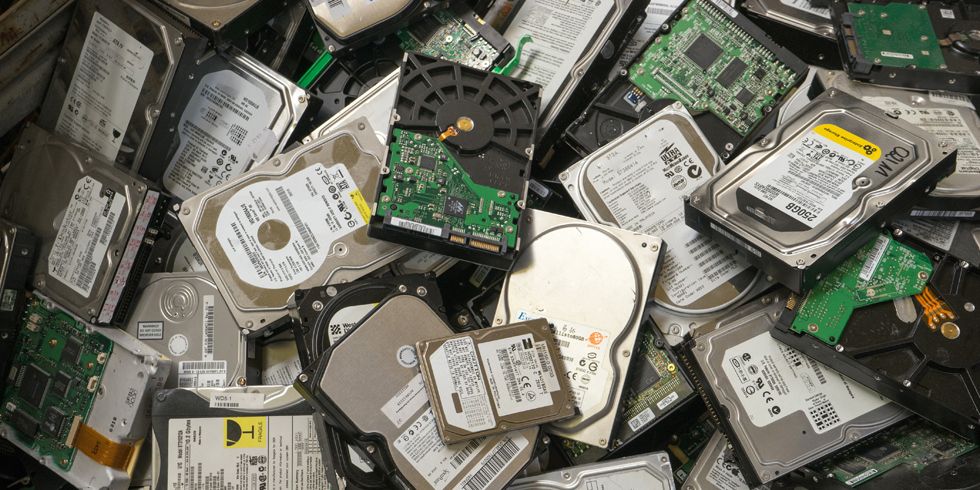
Start with Your Actual Storage Needs
Before looking at different products, you need to understand what you want to store.
For example:
- Documents and spreadsheets require less space
- Videos and design files require much more space
- Business backups grow over time
If you underestimate your needs, you may run out of space quickly. Therefore, it is better to choose slightly higher capacity than your current requirement.
Understanding the Three Most Reliable Options
Instead of listing random products, it is better to focus on proven and widely used options.
1. Western Digital (WD My Passport)
The WD My Passport series is known for its reliability and ease of use.
Best for:
- General business backups
- Office documents and files
Why it works:
- Stable performance
- Compact design
- Easy compatibility with most laptops
2. Seagate Backup Plus
Seagate drives are widely used in Nigeria and offer strong storage capacity.
Best for:
- Large file storage
- Video and media backups
Key advantage:
- Higher storage options at competitive pricing
3. Toshiba Canvio Series
Toshiba external drives provide a balance between performance and affordability.
Best for:
- Small businesses
- Budget-conscious users
Why consider it:
- Reliable for everyday use
- Cost-effective option
HDD vs SSD: What Should You Choose?
This is one of the most important decisions.
HDD (Hard Disk Drive):
- Cheaper
- Higher storage capacity
- Slightly slower
SSD (Solid State Drive):
- Faster performance
- More durable (no moving parts)
- More expensive
For most Nigerian businesses, HDD is sufficient. However, if speed and durability are critical, SSD is a better choice.
How Nigerian Conditions Affect Your Choice
Unlike some other countries, local conditions matter here.
For example:
- Power fluctuations can damage devices
- Heat and dust can affect long-term performance
- Frequent movement increases risk of drops
Because of this, durability should be part of your decision.
How to Use Your External Drive Properly
Buying the drive is only the first step. How you use it also matters.
To protect your data:
- Always eject the drive properly before unplugging
- Avoid using it on unstable power sources
- Keep it in a protective case
These habits extend the life of your device.
Combine External Storage with Cloud Backup
Relying on one backup method is risky.
For extra safety, combine your external drive with cloud storage platforms such as:
This way, even if one system fails, your data remains safe.
Common Buying Mistakes to Avoid
Many buyers make simple mistakes that lead to problems later.
For example:
- Choosing the cheapest option without checking quality
- Buying fake or unverified brands
- Ignoring warranty or seller credibility
Making an informed decision prevents future losses.
Does Your Laptop Matter?
Yes, it does.
If your laptop is slow or unreliable, backing up large files becomes difficult.
For smooth performance, consider systems like:
Reliable laptops make backup processes faster and more efficient.
Final Thoughts
Data is one of the most valuable assets in any business. Therefore, protecting it should be a priority.
Choosing the right external hard drive is not just about storage size. It is about reliability, durability, and how well it fits your daily operations.
When combined with good backup habits, the right storage solution can save your business from serious setbacks.
Need a Reliable Laptop for Your Business?
Explore trusted options here:
Pay on delivery available in Lagos
Call or WhatsApp: 08032592918