
This guide explains how to identify warning signs and protect yourself before making a purchase.
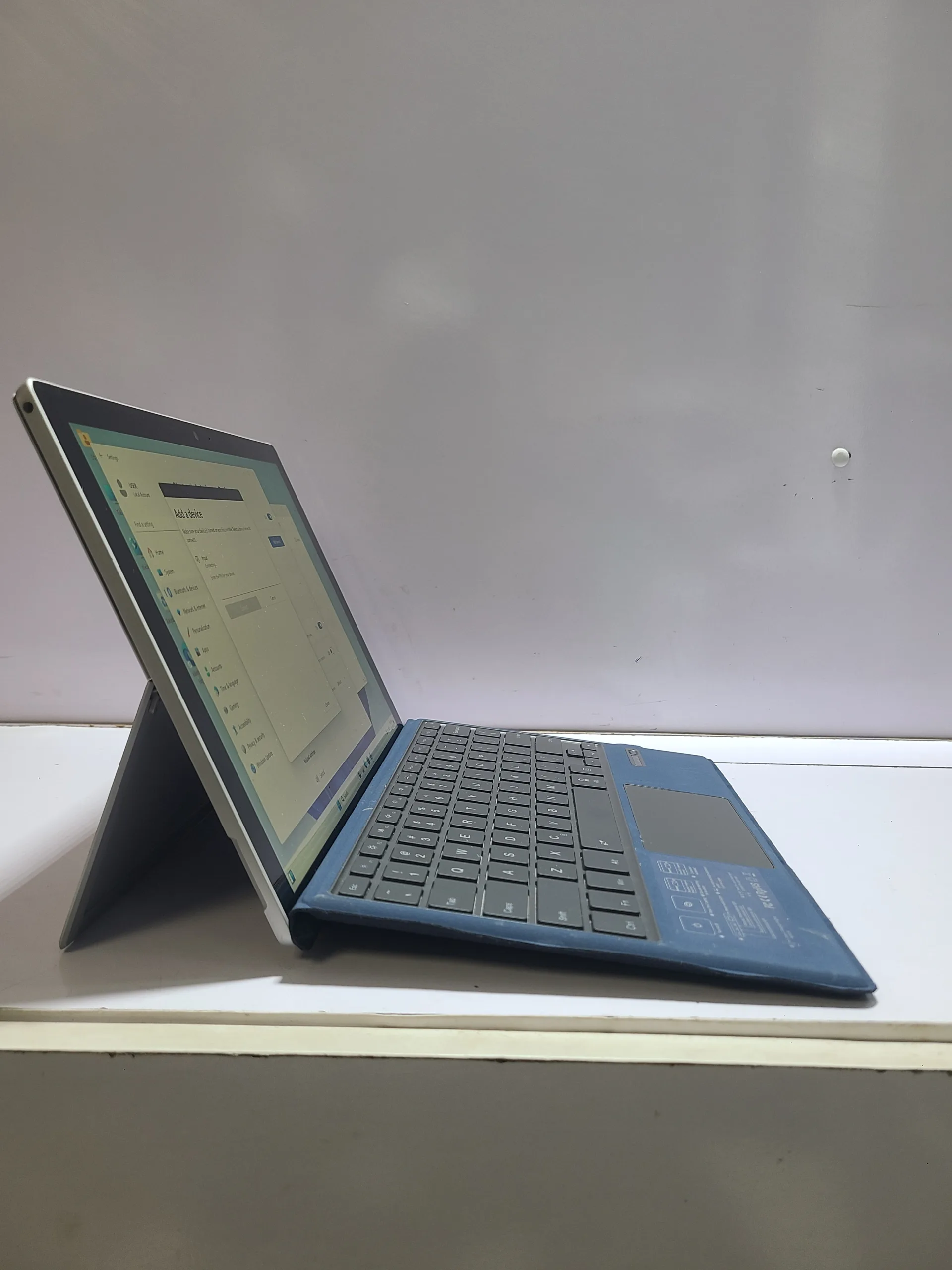
Why Stolen Laptops Are a Real Issue in Nigeria
In markets like Computer Village and online platforms, both legitimate and questionable devices are sold daily.
Because laptops are portable and valuable, they are common targets for theft. As a result, some stolen devices eventually end up in resale markets.
Therefore, buyers must be cautious and informed.
Red Flag #1: The Price Is Too Good to Be True
Everyone likes a good deal. However, extremely low prices should raise concern.
If a laptop is significantly cheaper than similar models, there is usually a reason.
Instead of rushing, compare prices with known sources. For example, check listings on:
This gives you a realistic price range.
Red Flag #2: No Original Charger or Accessories
Most genuine laptop owners keep their original charger.
If a seller cannot provide one, or offers a random replacement, it could indicate that the device was not originally theirs.
While this alone is not proof, it should make you more cautious.
Red Flag #3: Seller Avoids Questions
A legitimate seller should be able to answer basic questions about the laptop.
For example:
- Where was it purchased?
- How long has it been used?
- Why is it being sold?
If the seller becomes defensive or gives inconsistent answers, take it as a warning sign.
Red Flag #4: Locked or Restricted System
Always turn on the laptop before buying.
If the device:
- Requests unknown passwords
- Has restricted access
- Cannot be fully tested
it may not be safe to purchase.
In some cases, stolen laptops are locked by previous owners or companies.
Red Flag #5: Missing or Altered Serial Numbers
Every laptop has a unique serial number.
You should check:
- The sticker under the laptop
- The BIOS system information
If the serial number is missing, scratched off, or does not match, avoid the purchase immediately.
Practical Steps to Protect Yourself
Instead of relying on luck, follow these safety steps:
- Meet the seller in a public location
- Test the laptop thoroughly
- Ask for proof of purchase if available
- Verify system details before payment
Taking these precautions reduces your risk significantly.
Why Buying from Trusted Sources Is Safer
While individual sellers may offer lower prices, trusted vendors provide more security.
For example, verified sellers usually:
- Test