
Remote work is no longer a foreign concept in Nigeria. From Lagos to Abuja, Port Harcourt to Enugu, thousands of Nigerian entrepreneurs, startup founders, social media managers, software developers, designers, virtual assistants, and customer service teams now work remotely every day. Businesses are hiring freelancers from different states, and many Nigerians are also working for international companies without leaving their homes.
However, remote work comes with one major challenge: managing people effectively when everyone is in different locations. Communication problems, missed deadlines, confusion over responsibilities, and poor teamwork can reduce productivity quickly if there is no proper system in place.
This is why platforms like Trello and Slack have become extremely important for businesses in Nigeria. With just a laptop and internet connection, Nigerian business owners can coordinate projects, assign tasks, monitor progress, hold team discussions, and manage remote workers professionally.

If you are running a remote business, freelancing agency, online store, media company, or startup in Nigeria, this guide will show you how to use Trello and Slack effectively on your laptop.
Before setting up your remote work tools, ensure your laptop can handle multitasking properly. You can also read our guides on best laptops for social media managers handling multiple accounts, how to manage a large WhatsApp Business catalog, and why 16GB RAM is now important for professionals in Nigeria.
What is Trello?
Trello is a project management platform that helps teams organize tasks visually. It uses boards, lists, and cards to help businesses track projects easily.
For example:
- A digital marketing agency can track client campaigns.
- A YouTube content creator can organize video schedules.
- A software company can monitor coding projects.
- An online store can manage customer orders.
- A remote customer service team can organize support tickets.
Trello is simple to use, lightweight, and works well even on budget laptops commonly used in Nigeria.
Official Website: https://trello.com/
What is Slack?
Slack is a communication platform designed for professional teams. Instead of using regular WhatsApp groups that can become messy, Slack allows businesses to create organized channels for different departments and projects.
For example:
- #marketing
- #design-team
- #customer-support
- #announcements
- #content-team
Slack also supports voice calls, video calls, file sharing, integrations, and automation tools.
Official Website: https://slack.com/
Why Remote Team Management is Growing Fast in Nigeria
Nigeria has experienced a major rise in remote work opportunities because:
- More Nigerians now work for foreign companies.
- Freelancing has become popular.
- Many startups operate online.
- Remote customer service jobs are increasing.
- Businesses want to reduce office rent costs.
- Young Nigerians prefer flexible work.
This is why having a reliable laptop is extremely important. If your laptop struggles with multiple tabs, Slack calls, Trello boards, Zoom meetings, and Chrome extensions simultaneously, productivity will drop.
You should also read:
- How hybrid work is driving demand for long battery life laptops
- The shift towards lightweight laptops
- How to boost your laptop Wi-Fi signal
- Why modern laptops now feature webcam privacy tools
Minimum Laptop Requirements for Remote Team Management in Nigeria
If you plan to manage remote teams professionally, your laptop should meet certain minimum standards.
Recommended Specifications
- Intel Core i5 or Ryzen 5 processor
- At least 16GB RAM
- 256GB SSD or higher
- Stable Wi-Fi connectivity
- Good webcam and microphone
- Strong battery life
- Windows 11 Pro or macOS
Related reading:
- 128GB SSD vs 500GB HDD
- Dell Latitude series for professionals
- HP ZBook workstation guide
- M1 vs M2 MacBooks
How to Set Up Trello for Remote Team Management
Step 1: Create a Trello Account
Visit the official Trello website and create an account using your email address.
You can sign up here:
Step 2: Create a Workspace
Your workspace acts like your company headquarters inside Trello. You can invite team members and organize projects under one dashboard.
Step 3: Create Boards
Each project should have its own board.
Examples:
- Website Redesign
- Social Media Campaign
- Customer Support Tasks
- YouTube Content Calendar
- Graphic Design Requests
Step 4: Create Lists
Inside each board, create lists such as:
- To Do
- In Progress
- Review
- Completed
Step 5: Add Cards
Each card represents a task. You can assign team members, set deadlines, attach files, and add comments.
How Slack Improves Team Communication
Many Nigerian businesses still rely entirely on WhatsApp for business communication. While WhatsApp is useful, it becomes difficult to manage large teams effectively.
Slack solves this problem by organizing communication professionally.
Benefits of Slack
- Organized channels
- Easy file sharing
- Voice and video meetings
- Searchable conversations
- Third-party integrations
- Professional communication environment
How to Use Slack Effectively in Nigeria
Create Department Channels
Separate discussions properly.
Examples:
- #sales
- #developers
- #content
- #graphics
- #finance
Reduce Unnecessary Calls
Slack allows quick updates without long phone calls that consume airtime and data.
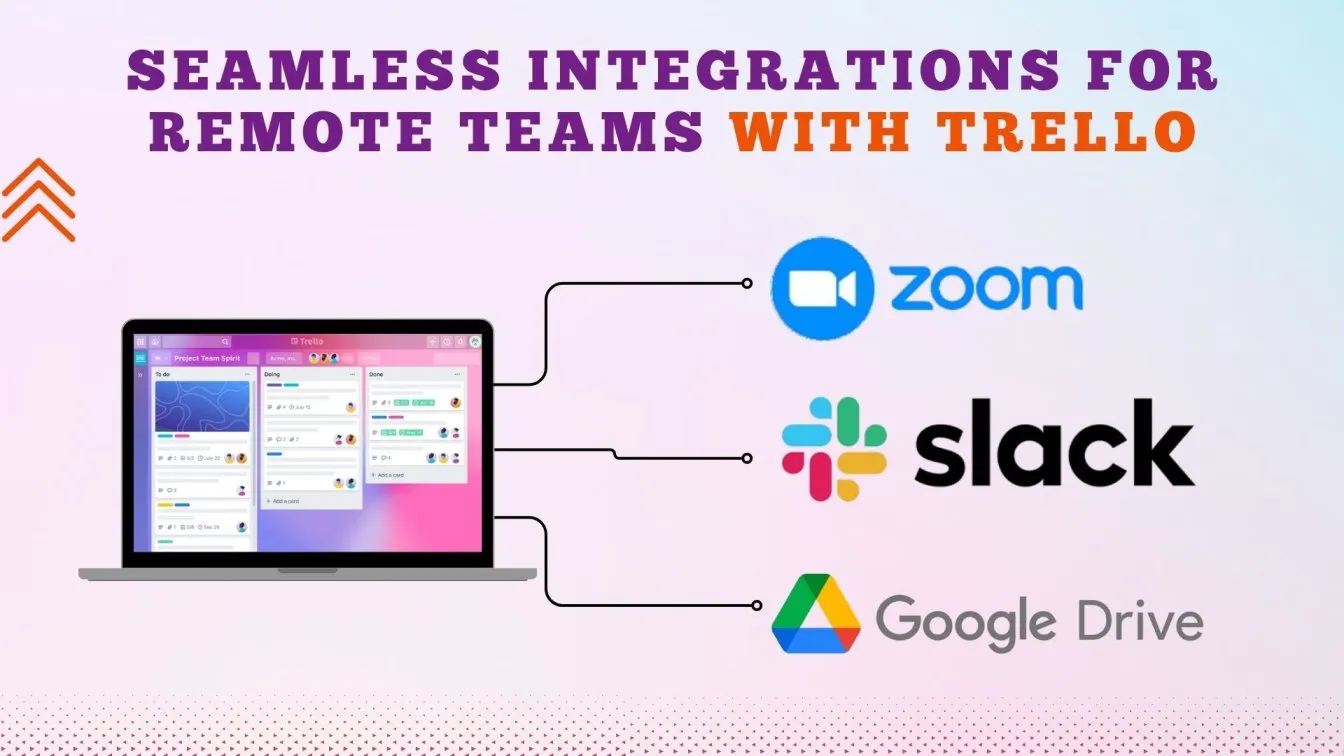
Use Slack Integrations
You can connect Slack with:
- Trello
- Google Drive
- Zoom
- Dropbox
- GitHub
- Asana
Why Nigerian Entrepreneurs Need SSD Laptops for Remote Work
Remote work requires speed. Slow laptops can affect meetings, project delivery, and communication.
This is why SSD laptops are extremely important.
Read:
Best Laptop Brands for Remote Team Managers in Nigeria
1. Lenovo ThinkPad
ThinkPads are reliable, durable, and excellent for multitasking.
2. Dell Latitude
Perfect for business users who need stability and strong keyboards.
3. HP EliteBook
Professional design with excellent security features.
4. MacBook Air M1
Excellent battery life and performance for remote professionals.
Related guides:
Best Internet Practices for Remote Teams in Nigeria
Internet problems are common in Nigeria, so remote workers must optimize connectivity.
Tips
- Use fiber internet where possible
- Keep MTN or Airtel backup hotspots
- Use Wi-Fi extenders
- Avoid heavy downloads during meetings
- Use Ethernet when possible
Helpful resources:
How to Secure Remote Team Data in Nigeria
Cybersecurity is extremely important for remote businesses.
Business owners should:
- Use strong passwords
- Enable two-factor authentication
- Use cloud backups
- Install antivirus software
- Avoid public Wi-Fi without VPNs
Read more:
Best Accessories for Managing Remote Teams
1. Noise-Canceling Headphones
Useful for Zoom calls in noisy Nigerian environments.
2. Laptop Cooling Pad
Helps prevent overheating during long meetings.
3. Webcam Cover
Improves privacy and security.
4. External SSD
Useful for backups and file transfers.
Related guides:
Why Nigerian Businesses are Moving Fully Remote
Remote work reduces:
- Office rent costs
- Transportation expenses
- Electricity bills
- Daily commuting stress
At the same time, businesses gain access to talent from anywhere in Nigeria.
Challenges of Managing Remote Teams in Nigeria
1. Internet Instability
Some team members may struggle with unstable networks.
2. Electricity Problems
Power outages remain a major issue.
3. Communication Delays
Poor communication can affect productivity.
4. Device Quality
Cheap laptops can reduce efficiency significantly.
You can also read:
Best Practices for Remote Team Productivity
- Set clear deadlines
- Use daily check-ins
- Track tasks using Trello
- Communicate consistently on Slack
- Hold weekly meetings
- Encourage accountability
- Use cloud storage systems
Cloud Storage Platforms Nigerian Teams Should Use
- Google Drive
- Dropbox
- OneDrive
- Box
Useful links:
Final Thoughts
Managing remote teams in Nigeria is now easier than ever, thanks to tools like Trello and Slack. Whether you run a startup, YouTube business, software company, online store, digital agency, or remote customer support team, your laptop can become the center of your entire operation.
However, success depends heavily on using the right tools, maintaining good communication, and having a reliable laptop capable of handling modern workloads.
If you are planning to upgrade your current system, ensure you choose a laptop with strong performance, good battery life, SSD storage, and enough RAM for multitasking.
You can explore more professional laptop guides here:
- Psero Official Website
- Psero Laptop Blog
- How to manage a YouTube channel with your laptop
- Best laptops for data analysts
- Best laptops for software engineers
“`