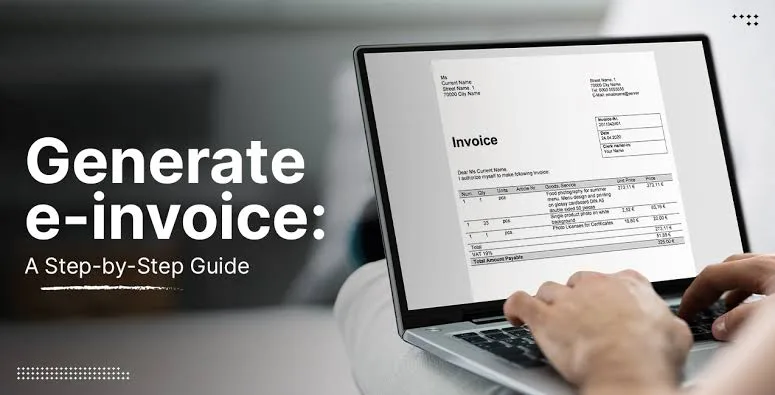
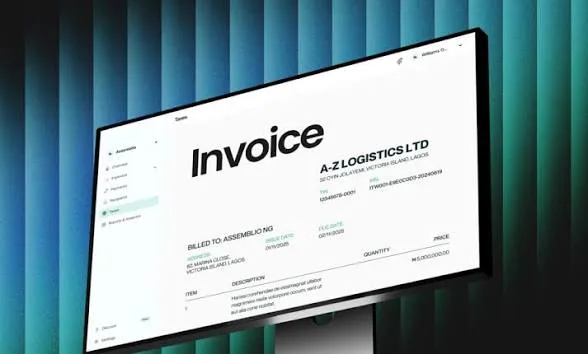
This guide explains how to use your laptop to create professional invoices and manage your billing process efficiently.
Why Professional Invoices Matter
Invoices are more than just payment requests. They represent your business image.
For example, a well-designed invoice:
- Builds trust with clients
- Makes your business look organized
- Reduces payment delays
Therefore, investing time in creating proper invoices is very important.
What a Good Invoice Should Include
Before creating invoices, you need to understand what information to include.
A standard invoice should contain:
- Your business name and contact details
- Client name and information
- Description of products or services
- Total amount due
- Payment deadline
Including these details ensures clarity and professionalism.
Best Tools for Creating Invoices on Your Laptop
1. Microsoft Excel
Microsoft Excel is one of the easiest tools for creating invoices.
Benefits:
- Simple templates available
- Easy customization
- Works offline
2. Microsoft Word
Microsoft Word can also be used to design clean invoices.
Advantages:
- Easy formatting
- Professional layouts
- Quick editing
3. Wave Accounting
Wave is a free online tool for invoicing and accounting.
Why it stands out:
- Automated invoicing
- Payment tracking
- Cloud-based access
Step-by-Step: How to Create an Invoice
Step 1: Choose a Template
Select a simple and clean invoice template from your preferred tool.
Step 2: Add Business Details
Include your name, contact information, and logo if available.
Step 3: Enter Client Information
Clearly state the client’s name and contact details.
Step 4: List Services or Products
Break down the items or services provided.
Step 5: Set Payment Terms
Include due dates and payment methods.
This structured approach ensures professionalism.
Best Laptops for Business Tasks in Nigeria
To create and manage invoices efficiently, you need a reliable laptop.
For example:
These laptops offer strong performance for business and productivity tasks.
Common Mistakes to Avoid
Many business owners make errors that affect their professionalism.
For example:
- Sending incomplete invoices
- Using unclear descriptions
- Not setting payment deadlines
Avoiding these mistakes helps you get paid faster.
How Invoicing Improves Cash Flow
Proper invoicing directly impacts your income.
For instance:
- Clear invoices reduce disputes
- Professional design builds trust
- Timely billing improves cash flow
As a result, your business becomes more stable.
Why a Laptop Is Better Than a Phone for Invoicing
While phones can create invoices, laptops offer more flexibility.
For example:
- Larger screen for better editing
- Faster typing and formatting
- Ability to manage multiple files at once
Therefore, laptops improve both speed and accuracy.
Final Thoughts
Creating professional invoices is essential for any serious business in Nigeria.
Therefore, using your laptop to manage invoicing ensures better organization, faster payments, and improved credibility.
Ultimately, small improvements like proper invoicing can lead to significant business growth.
Get a Reliable Business Laptop
Explore trusted options here:
Pay on delivery available in Lagos
Call or WhatsApp: 08032592918