
This guide explains the real reasons behind this issue and how to manage it effectively.
The Science Behind Battery Performance
Laptop batteries are sensitive to temperature changes. Most modern laptops use lithium-ion batteries, which perform best within a specific temperature range.
When the temperature drops too low or becomes unstable, battery efficiency reduces.
This leads to faster discharge and reduced backup time.
Cause #1: Low Temperature Reduces Chemical Activity
Inside every battery, chemical reactions produce energy.
When the environment becomes cold, these reactions slow down.
Effect:
- Battery drains faster
- Power output becomes less stable
This is why your laptop may not last as long during rainy or cool weather.
Cause #2: Increased Background Usage During Indoor Work
During rainy seasons, people tend to work indoors more often.
This leads to:
- More continuous laptop usage
- Multiple applications running simultaneously
- Higher screen brightness in darker environments
Effect:
Battery drains faster due to increased workload.
Cause #3: Charging Patterns Change
Weather conditions also affect how often and how long you charge your laptop.
For example:
- Frequent power outages during rain
- Unstable electricity supply
Effect:
- Incomplete charging cycles
- Battery health reduces over time
Cause #4: Aging Batteries React More to Weather
Older batteries are more sensitive to environmental changes.
If your laptop has been used for a long time:
- Capacity may already be reduced
- Weather changes will have a stronger impact
Effect:
Battery drains significantly faster compared to newer devices.
How to Improve Battery Life During Rainy Season
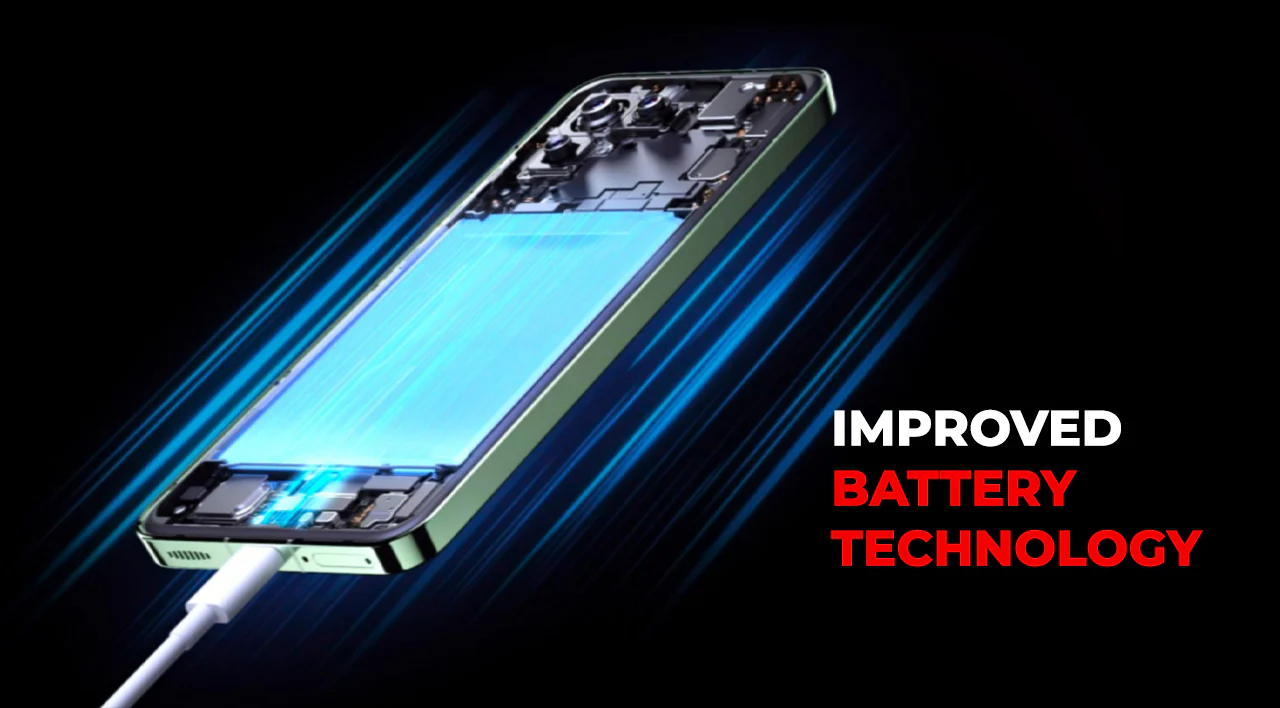
While you cannot control the weather, you can manage how your laptop responds to it.
Here are practical steps:
- Reduce screen brightness when possible
- Close unused applications
- Use battery saver mode
- Avoid overcharging
These habits help maintain battery efficiency.
Best Charging Practices for Nigerian Conditions
Due to power instability, charging habits matter a lot.
To protect your battery:
- Charge between 20% and 80% when possible
- Avoid leaving the laptop plugged in all day
- Use a surge protector if available
This improves long-term battery health.
When to Consider Replacing Your Battery
Sometimes, the issue is not just weather—it is battery wear.
Signs you need a replacement include:
- Battery drains within a short time
- Laptop shuts down unexpectedly
- Battery percentage drops suddenly
In such cases, replacing the battery is the best option.
Recommended Laptops with Strong Battery Performance
If you are upgrading, consider laptops known for good battery life:
These models offer reliable performance under varying conditions.
How to Extend Battery Lifespan Long-Term
Beyond seasonal fixes, long-term care is important.
Best practices include:
- Avoid extreme temperatures
- Keep your laptop well ventilated
- Update your system regularly
These steps help maintain battery health over time.
Final Thoughts
Battery performance is affected by more than just usage—environmental conditions also play a major role.
In Nigeria, rainy and cooler weather can reduce battery efficiency, especially in older devices.
By understanding the causes and applying simple fixes, you can improve performance and extend your laptop’s lifespan.
Need a Laptop with Strong Battery Life?
Explore trusted options here:
Pay on delivery available in Lagos
Call or WhatsApp: 08032592918