
However, what most people do not realize is that Chromebooks come with serious limitations. In fact, these limitations can affect your academic work, reduce productivity, and even cost you more money in the long run.
This guide explains why Chromebooks are often a bad choice for university students in Nigeria and what better alternatives you should consider.
What Is a Chromebook?
A Chromebook is a laptop that runs on Chrome OS instead of Windows or macOS. It is designed mainly for web-based tasks such as browsing, email, and light document editing.
Unlike traditional laptops, Chromebooks rely heavily on internet connectivity and cloud-based applications.
To understand how Chrome OS works, you can explore the official overview here:
Google Chromebook.
Why Chromebooks Seem Attractive
There are reasons why students are drawn to Chromebooks.
- Lower price compared to standard laptops
- Lightweight and portable
- Fast startup times
- Simple interface
For basic browsing, they perform well. However, university work in Nigeria goes far beyond browsing.
The Real Problem: Limited Software Support
The biggest issue with Chromebooks is software compatibility.
Most Nigerian universities require students to use:
- Microsoft Word and Excel
- Specialized academic software
- Offline applications for assignments
Unfortunately, many of these do not run properly on Chrome OS.
Although web versions exist, they are often limited. For example, advanced features in Microsoft Office are only available on full desktop versions.
You can learn more about Microsoft Office tools here:
Microsoft 365.
Poor Offline Functionality
Internet access in Nigeria is not always reliable. Therefore, a laptop must function well offline.
Chromebooks struggle in this area because:
- Most apps require internet access
- Offline tools are limited
- File management is restricted
As a result, students may find themselves unable to work during network issues.
Compatibility Issues with School Software
Many departments require specific software such as:
- SPSS for statistics
- AutoCAD for engineering
- Accounting tools like QuickBooks
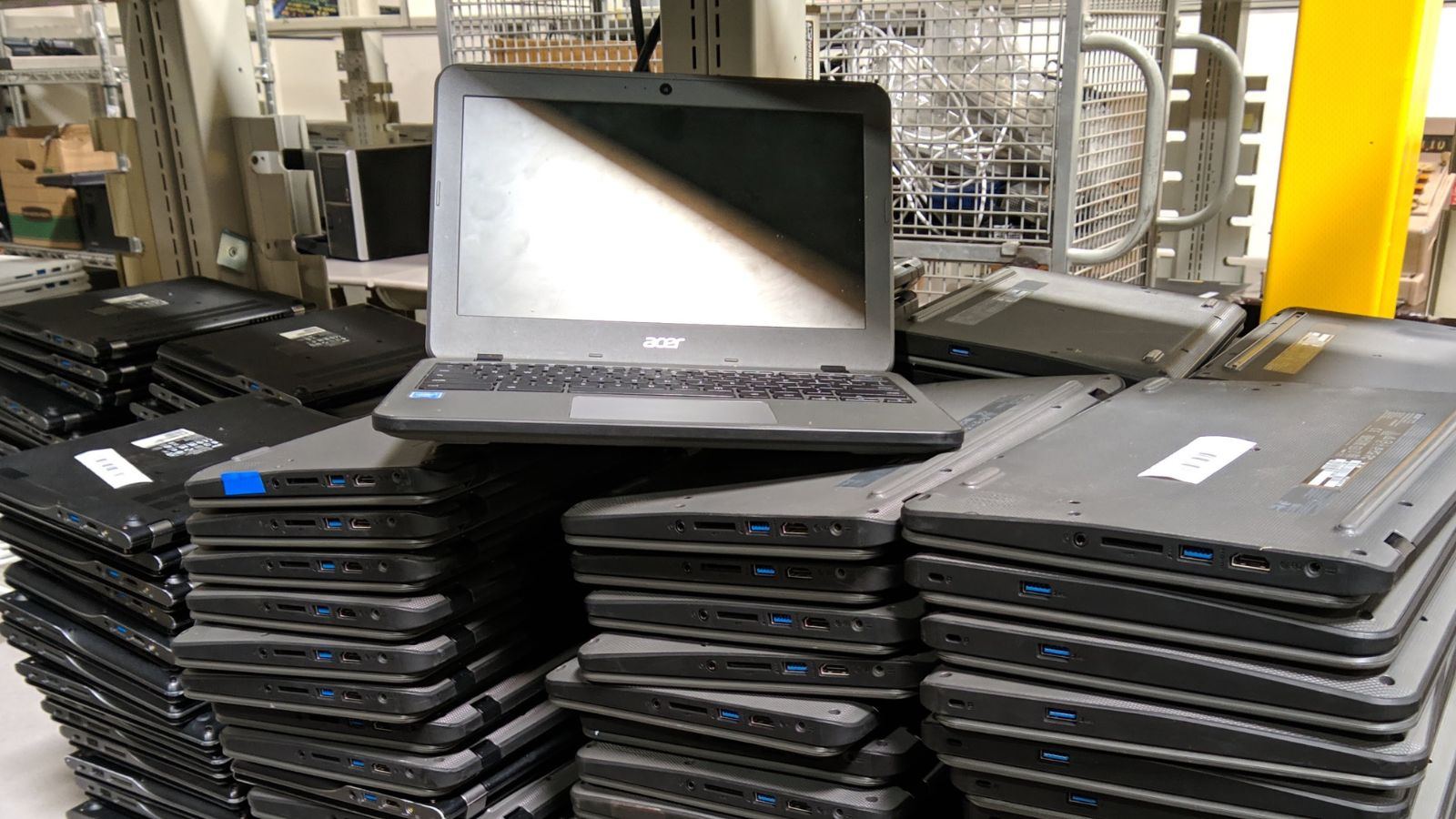
Chromebooks cannot run most of these programs effectively.
In contrast, Windows laptops like the
Lenovo IdeaPad 3
support a wide range of academic tools.
Storage Limitations
Most Chromebooks come with low internal storage.
This creates problems when you need to:
- Store lecture materials
- Download videos
- Save large project files
On the other hand, laptops with SSD storage provide both speed and sufficient space. For example, the
Asus Vivobook Go 15
offers better storage flexibility.
Limited Upgrade Options
Another major drawback is upgradeability.
Most Chromebooks:
- Do not allow RAM upgrades
- Have fixed storage
- Offer limited hardware customization
This means you cannot improve performance over time.
In comparison, business-class laptops like the
Lenovo ThinkPad X230
allow upgrades, making them more flexible.
Performance Limitations
While Chromebooks are fast for browsing, they struggle with multitasking.
For example:
- Running multiple tabs slows performance
- Video conferencing may lag
- Heavy files cause system delays
For students attending webinars or online classes, this can be frustrating.
You can compare this with more capable systems like the
Huawei Ryzen 5 laptop,
which handles multitasking better.
Challenges with Online Exams
Many universities now conduct exams online.
These platforms often require:
- Secure browsers
- Webcam monitoring
- Specific system compatibility
Chromebooks may not support all exam systems, which can create serious problems during tests.
For a better setup, read:
Dell Latitude 3320 Review for Students.
Better Alternatives for Nigerian Students
If you are considering a Chromebook, you should instead look at affordable Windows laptops.
Good alternatives include:
These laptops offer:
- Full software compatibility
- Better performance
- Upgrade flexibility
When Is a Chromebook Actually Useful?
To be fair, Chromebooks are not completely useless.
They can work well for:
- Basic browsing
- Streaming videos
- Simple document editing
However, for university-level work in Nigeria, they are often too limited.
Long-Term Value Matters
Buying a laptop is an investment.
If you choose a Chromebook, you may eventually need to replace it. This leads to double spending.
Instead, investing in a proper laptop once saves money in the long run.
You can explore more options here:
Best UK-Used Laptops Under ₦200,000.
Final Thoughts
Chromebooks may look attractive due to their low price, but they come with serious limitations that can affect academic success in Nigeria.
From software restrictions to poor offline performance, they are often not suitable for university students.
Choosing a reliable Windows laptop gives you flexibility, better performance, and long-term value.
Get a Reliable Laptop for School
Explore trusted options here:
Pay on delivery available in Lagos
Call or WhatsApp: 08032592918