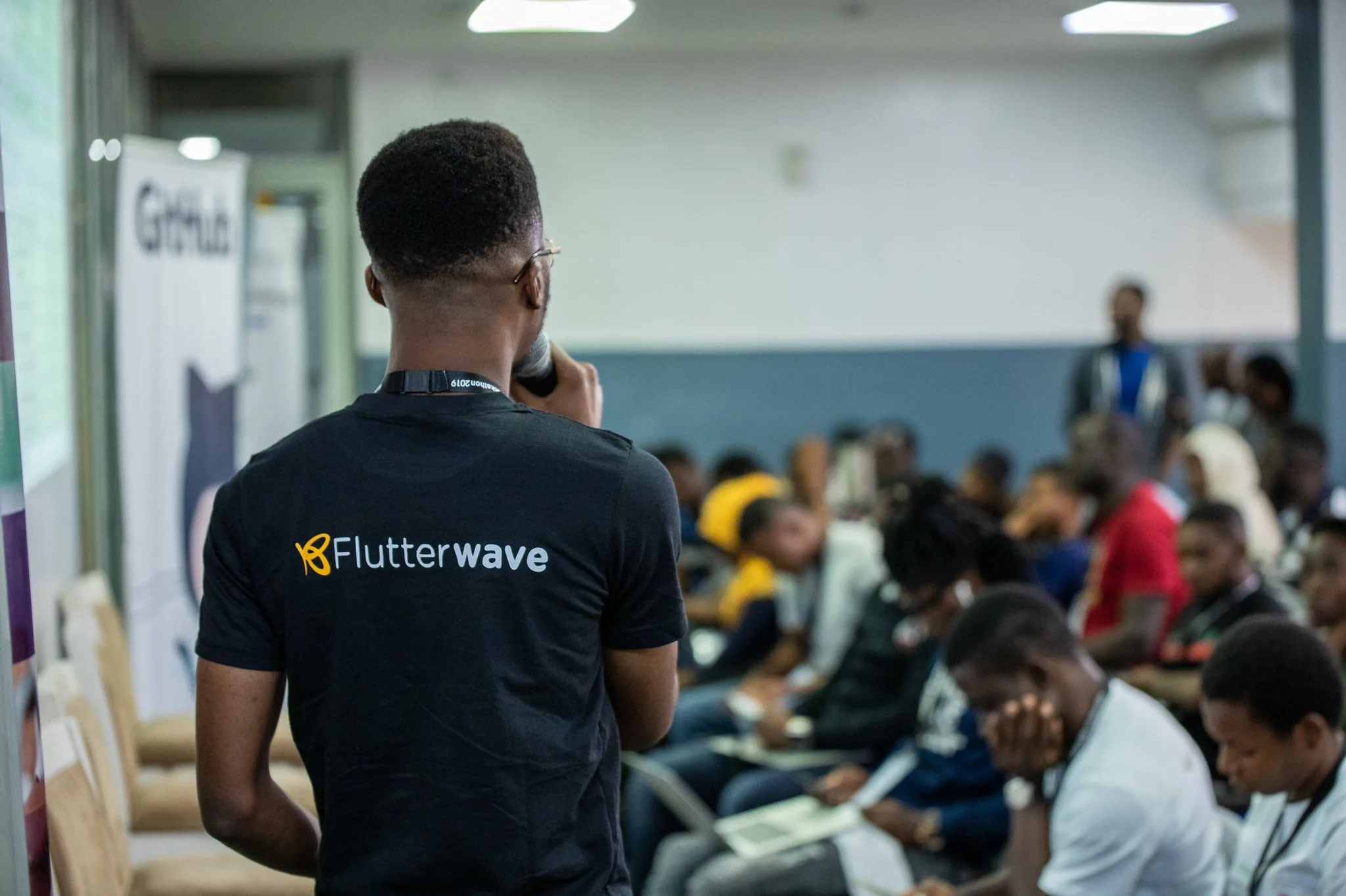
In 2026, one of the biggest challenges Nigerian freelancers and online business owners face is not just getting customers, but also receiving payments smoothly. Thankfully, modern payment gateways like Flutterwave and Paystack have made it extremely easy to accept payments locally and internationally using just a laptop.
Whether you are a freelancer, digital marketer, tutor, designer, or small business owner, learning how to integrate and use these payment systems can transform your income flow. Instead of struggling with manual transfers or unreliable payment methods, you can accept card payments, bank transfers, and even international payments in dollars.
In this guide, you will learn how to use your laptop to set up payment systems with Flutterwave and Paystack, how they work, and how you can use them to grow your online business in Nigeria.

Related Business Guides:
- How to Build a WordPress Website for Clients in Nigeria
- How to Do SEO for Nigerian Businesses
- How to Earn on Fiverr as a Nigerian
- How to Get Clients on Upwork
- How to Earn From Amazon KDP
What Are Flutterwave and Paystack?
Flutterwave and Paystack are payment processing platforms that allow businesses to accept payments online. They act as a bridge between customers and business owners, ensuring secure and fast transactions.
With these platforms, you can accept:
- Debit and credit card payments
- Bank transfers
- USSD payments
- Mobile money (in supported countries)
- International payments in USD, GBP, and EUR
Both platforms are widely trusted across Africa and are used by thousands of businesses daily.
As a result, they are essential tools for anyone doing online business in Nigeria.
Why You Need Payment Gateways in 2026
Without a proper payment system, many online businesses lose customers. People want fast, secure, and flexible ways to pay.
Therefore, using Flutterwave or Paystack gives you a professional advantage.
Some key benefits include:
- Faster payment collection
- Increased customer trust
- Ability to accept international payments
- Automated payment tracking
- Reduced dependency on manual transfers
- Professional business setup
Additionally, these tools help you scale your business beyond Nigeria.
Requirements to Get Started
Before setting up Flutterwave or Paystack, you need a few basic things:
- A laptop or desktop computer
- Stable internet connection
- A valid email address
- A bank account
- Business information (optional for advanced accounts)
Fortunately, you do not need advanced technical skills to get started.
Recommended Laptop Specs:
- Intel Core i3 or higher
- 8GB RAM minimum
- SSD storage for faster browsing
- Stable battery performance
Related Reading:
Step 1: Choose Between Flutterwave and Paystack
Although both platforms offer similar services, there are slight differences.
Paystack
Paystack is known for its simplicity and ease of use. It is widely used by small and medium businesses in Nigeria.
Flutterwave
Flutterwave offers broader international coverage and supports more African countries and currencies.
In many cases, businesses use both platforms to maximize payment options.
Step 2: Create Your Account Using a Laptop
To get started, visit the official websites:
Click on “Sign Up” and fill in your details, including:
- Email address
- Business name
- Phone number
- Password
After registration, verify your email to activate your account.
Once completed, you will gain access to your dashboard.
Step 3: Complete Your Business Verification
To unlock full payment features, you may need to verify your business.
This process may require:
- Bank account details
- Valid ID (NIN, passport, or driver’s license)
- Business registration (optional but recommended)
Verification increases your transaction limits and builds trust with customers.
Step 4: Set Up Payment Links on Your Laptop
One of the easiest ways to start accepting payments is through payment links.
Payment links allow you to send a direct link to customers where they can pay you instantly.
To create a payment link:
- Log in to your dashboard
- Click “Payment Links” or “Invoices”
- Enter amount and description
- Generate link
- Share with your customer
This method is perfect for freelancers, tutors, and service providers.
Step 5: Integrate Payment Gateway Into Your Website
If you have a website, you can integrate Paystack or Flutterwave directly into it.
This allows customers to pay you automatically without manual steps.
Integration options include:
- WordPress plugins
- WooCommerce integration
- API integration for developers
- Custom checkout pages
As a result, your business becomes fully automated.
Step 6: Accept International Payments
One of the biggest advantages of these platforms is global payment support.
You can receive payments from:
- United States
- United Kingdom
- Canada
- Europe
- Other supported countries
This is especially useful for freelancers working on platforms like Upwork, Fiverr, or private clients.
Step 7: Track Your Payments on Your Laptop
Both platforms provide dashboards where you can track transactions in real time.
You can monitor:
- Successful payments
- Failed transactions
- Refunds
- Revenue reports
- Customer data
This helps you manage your business efficiently.
How to Use Payment Systems to Grow Your Business
Once your payment system is active, you can scale your business in several ways.
For example:
- Sell digital products like eBooks or courses
- Offer freelance services
- Run online coaching programs
- Accept deposits for physical products
- Manage subscription-based services
Furthermore, automated payments reduce stress and improve customer experience.
Common Mistakes to Avoid
Many beginners make mistakes when setting up payment gateways.
These include:
- Using fake business information
- Ignoring verification steps
- Not testing payment links
- Failing to secure accounts
- Mixing personal and business transactions
Therefore, always follow proper setup guidelines.
Best Laptops for Managing Online Payments
Since you will frequently use dashboards, spreadsheets, and browsers, you need a reliable laptop.
Recommended options include:
- HP ProBook Series
- Dell Latitude Series
- Lenovo ThinkPad Series
- MacBook Air M1
- HP EliteBook Series
These laptops are ideal for business operations and long hours of work.
Final Thoughts
Using Flutterwave and Paystack with your laptop is one of the smartest ways to build a professional online business in Nigeria in 2026. These tools make it easy to receive payments, manage customers, and scale your income globally.
When combined with skills like freelancing, digital marketing, or content creation, payment gateways become powerful tools for financial independence.
If you are serious about building an online business, investing in a good laptop from Psero will give you the stability and performance you need to succeed.