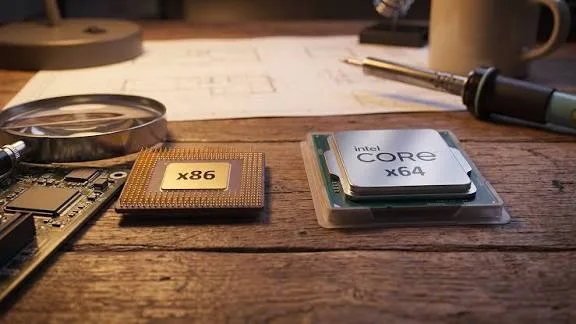
One may run nearly every Windows application without much thought. Another may use an ARM processor and depend on compatibility layers or specially designed versions of applications.
That difference matters more than many buyers realise.
If you use Microsoft Office, Adobe applications, development tools, engineering software, accounting programs, older business applications or specialist Windows software, processor architecture can affect what you can install and how well it runs.
Before buying a laptop, it is worth understanding the basic difference between x86, x64 and ARM.

What Does Laptop Architecture Mean?
Architecture describes the fundamental design and instruction set used by a processor.
For ordinary buyers, three terms are particularly useful: x86, x64 and ARM.
- x86: The traditional 32-bit Intel-compatible architecture.
- x64: The 64-bit extension of the x86 architecture, commonly used by modern Intel and AMD Windows laptops.
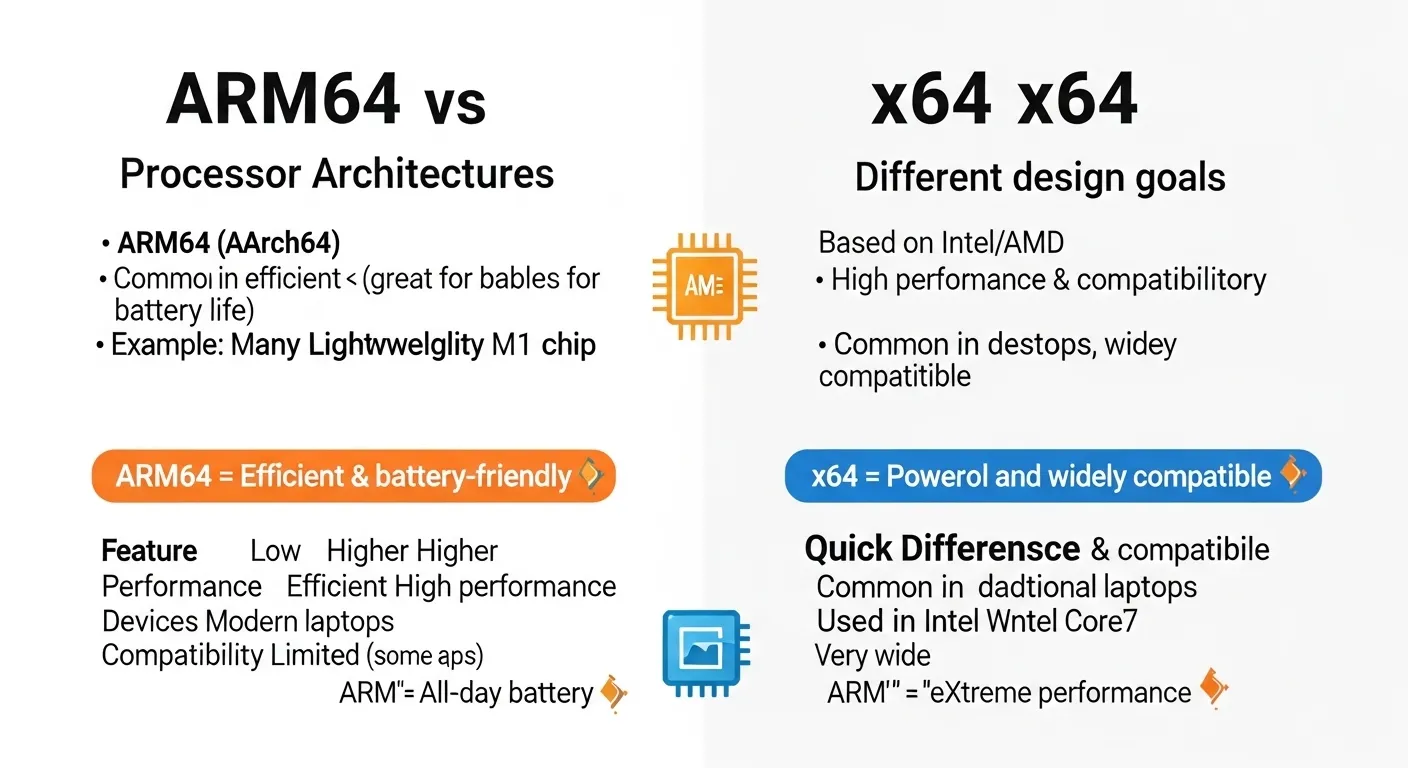
- ARM: A different processor architecture used in many phones, tablets and increasingly in laptops.
The architecture affects operating-system support, application compatibility, drivers and sometimes performance.
What Is x86?
x86 is a long-established processor architecture associated with Intel-compatible computing.
The term originally relates to the 8086 family and later processors whose model numbers ended in “86.”
Modern Windows computers are generally associated with the x86 family, although most current machines use the 64-bit x64 version rather than the older 32-bit form.
You may still encounter x86 terminology when downloading Windows applications.
What Is x64?
x64 refers to the 64-bit version of the x86 instruction-set family.
Most modern Intel and AMD Windows laptops use x64 processors and 64-bit operating systems.
A 64-bit system can address much more memory than a traditional 32-bit system and is designed for modern applications and operating systems.
For most people buying a current Intel or AMD Windows laptop, x64 compatibility is the normal expectation.
What Is ARM?
ARM is a different processor architecture from x86.
ARM processors are widely used in smartphones and tablets because they can deliver strong efficiency for many workloads.
ARM-based laptops have also become more common, including Windows laptops built around Snapdragon processors.
The experience can be excellent, but buyers should pay closer attention to application and driver compatibility.
Why Does ARM Compatibility Matter on Windows?
Windows can run on ARM hardware, but not every traditional Windows application was originally compiled specifically for ARM.
Windows can use emulation for many applications designed for x86 or x64 processors.
That compatibility can make an ARM laptop useful even when an application does not have a native ARM version.
Native ARM applications can still provide a more direct experience because they are specifically designed for the processor architecture.
Microsoft provides documentation about Windows on Arm and application compatibility through Microsoft Learn.
32-Bit vs 64-Bit Software
Another compatibility issue involves 32-bit and 64-bit applications.
A 32-bit application is designed around a 32-bit environment, while a 64-bit application is built for a 64-bit environment.
Modern 64-bit versions of Windows can generally run many older 32-bit applications.
That does not mean every old application will work perfectly. Very old software may depend on outdated components, drivers or installation methods.
Can a 64-Bit Laptop Run 32-Bit Programs?
In many cases, yes.
Modern 64-bit Windows systems include compatibility support for many 32-bit applications.
There are exceptions, especially when old software depends on 16-bit components, obsolete drivers or hardware-specific technology.
That is why an old accounting, engineering or business application should be tested before purchasing a laptop specifically for that software.
Can a 32-Bit Laptop Run 64-Bit Software?
No.
A 32-bit operating environment cannot simply run ordinary 64-bit applications as if they were 32-bit programs.
This is one reason modern laptop buyers should avoid machines limited to old 32-bit operating systems.
For a modern Windows laptop, 64-bit Windows is the practical standard.
How Do You Check Whether Windows Is 64-Bit?
Windows provides this information in its system settings.
On Windows 11, open Settings → System → About and look for the system type information.
You can also use Windows system information tools to identify the processor and operating-system architecture.
Checking this before installing important software can save unnecessary troubleshooting.
Why Does Software Architecture Matter to Developers?
Developers have additional compatibility concerns.
Programming languages themselves may work across architectures, but development tools, compilers, libraries, virtual machines, containers and extensions can have architecture-specific components.
Developers working with Android Studio, Docker, virtual machines or low-level development tools should check architecture support before choosing an ARM-based laptop.
Our guide to laptop virtualization, Hyper-V, virtual machines and WSL explains another area where hardware and software compatibility can become important.
What About Adobe and Creative Software?
Creative software is another category where architecture matters.
Many major applications now have versions designed for different processor platforms, but support can vary between applications, plugins and older tools.
For professional users, checking the exact software and plugin requirements is safer than assuming that a laptop will run everything simply because Windows is installed.
The same principle applies to video editing, music production, graphic design and 3D applications.
If music production is part of your work, you can also compare hardware requirements in our guide to laptops for FL Studio and Logic users in Nigeria.
Drivers Are Just as Important
Application compatibility is only one part of the equation.
Drivers allow Windows to communicate with hardware such as graphics cards, printers, Wi-Fi adapters, audio devices and specialist equipment.
An application might technically support an ARM processor while a required hardware driver does not.
This is particularly important for older printers, scanners, industrial equipment and specialised accessories.
Why Older Business Software Can Be a Problem
Some companies continue using applications that were created many years ago.
Those programs may depend on old Windows components, outdated drivers or software that was never designed for modern architectures.
A cheap laptop is not necessarily a good replacement if it cannot run the company’s existing software.
Business buyers should identify the exact applications used by their staff before changing hardware.
What About Browser-Based Software?
Web applications usually reduce architecture concerns because much of the software runs through a browser.
Services such as webmail, online documents, cloud dashboards and many business platforms can work across different processor architectures.
That makes an ARM laptop more practical for people whose daily work happens primarily inside a browser.
Offline applications, specialised software and hardware-dependent programs require more careful checking.
How to Check Software Compatibility Before Buying
Do not start with the laptop. Start with the software you actually need.
- Write down your essential applications.
- Check whether each application supports Windows.
- Check whether it supports ARM if you are considering an ARM laptop.
- Check required drivers and plugins.
- Check whether your peripherals need special drivers.
- Look for minimum RAM and storage requirements.
- Confirm support for your version of Windows.
Software vendors often publish system requirements on their official websites.
ARM vs Intel and AMD for Different Users
| User | What to consider |
|---|---|
| Student | Check school software, browsers and examination applications. |
| Office worker | Check Office applications, company software and peripherals. |
| Developer | Check development tools, containers, virtual machines and extensions. |
| Creative professional | Check editing software, plugins and hardware acceleration. |
| Business user | Check legacy applications and specialised hardware. |
| Casual user | Browser compatibility may be the main concern. |
Should You Avoid ARM Laptops?
Not automatically.
ARM laptops can be suitable for many users, particularly when their normal applications have good native support or reliable compatibility.
The key issue is matching the machine to your software requirements.
Someone who mainly browses the web and uses standard productivity applications may have very different requirements from a developer running specialised tools or a business using legacy software.
What Should You Check When Buying a UK-Used Laptop?
Architecture is only one part of a used laptop inspection.
Check the processor model, installed Windows version, RAM, storage, ports, wireless connectivity and condition of the machine.
Most importantly, confirm that the software you need can actually run on the computer.
Our UK-used versus refurbished laptop guide explains other differences to consider when comparing used machines.
Common Compatibility Mistakes
Buying based only on processor speed
A fast processor cannot fix software that is incompatible with the operating environment.
Assuming Windows means everything will work
Windows supports many applications, but individual programs and drivers can have their own requirements.
Ignoring peripherals
Your printer, scanner, card reader or specialist device may require a specific driver.
Checking only the main application
Plugins and extensions can have separate compatibility requirements.
Assuming ARM and x64 are identical
They are different processor architectures, even though Windows can provide compatibility support for many applications.
Final Buying Advice
Processor architecture is one of those laptop specifications that most buyers ignore until something refuses to install.
For many traditional Windows laptops using Intel or AMD processors, x64 compatibility remains straightforward.
ARM laptops can also be excellent choices, but they deserve a little more research when your work depends on specialised applications, older software, drivers or development tools.
Before spending money, make a list of the programs you actually use. Check their architecture and driver requirements first. Then choose the laptop.
That simple change in buying strategy can prevent a situation where you own a powerful laptop that cannot properly run the software you bought it for.